
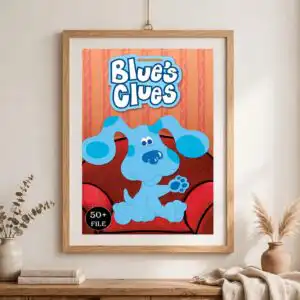
Blue’s Clues Birthday Cut File with Blue the Dog, Paw Prints and Mailbox for
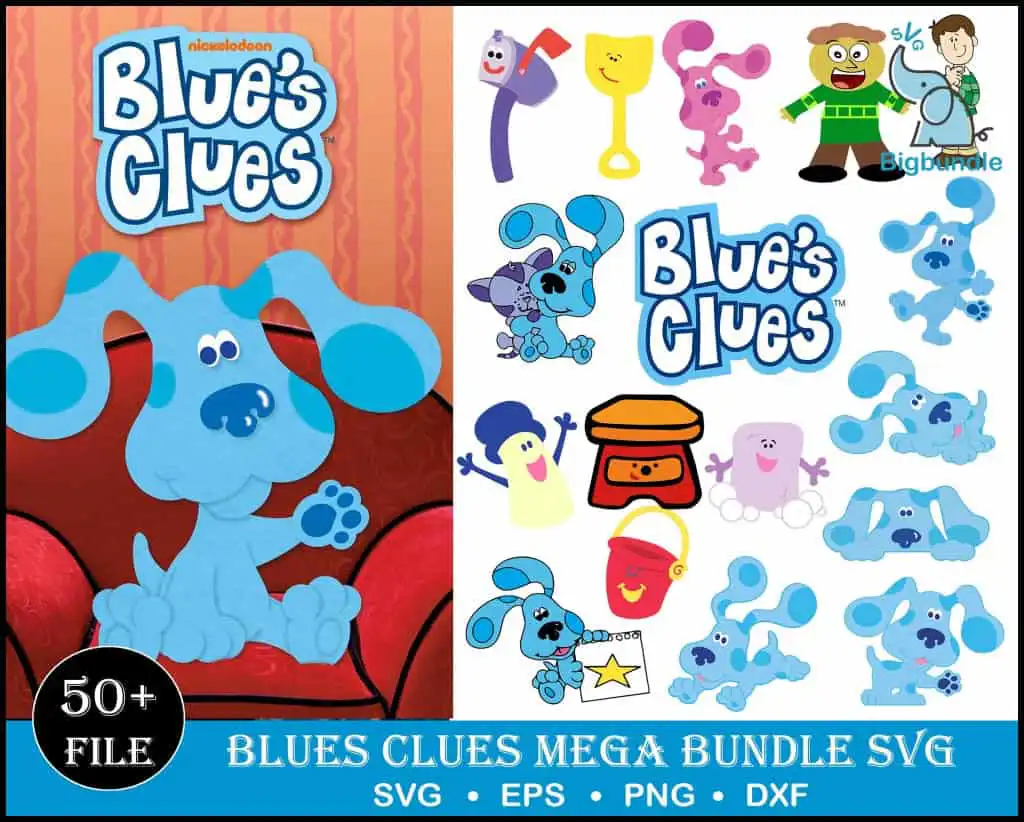
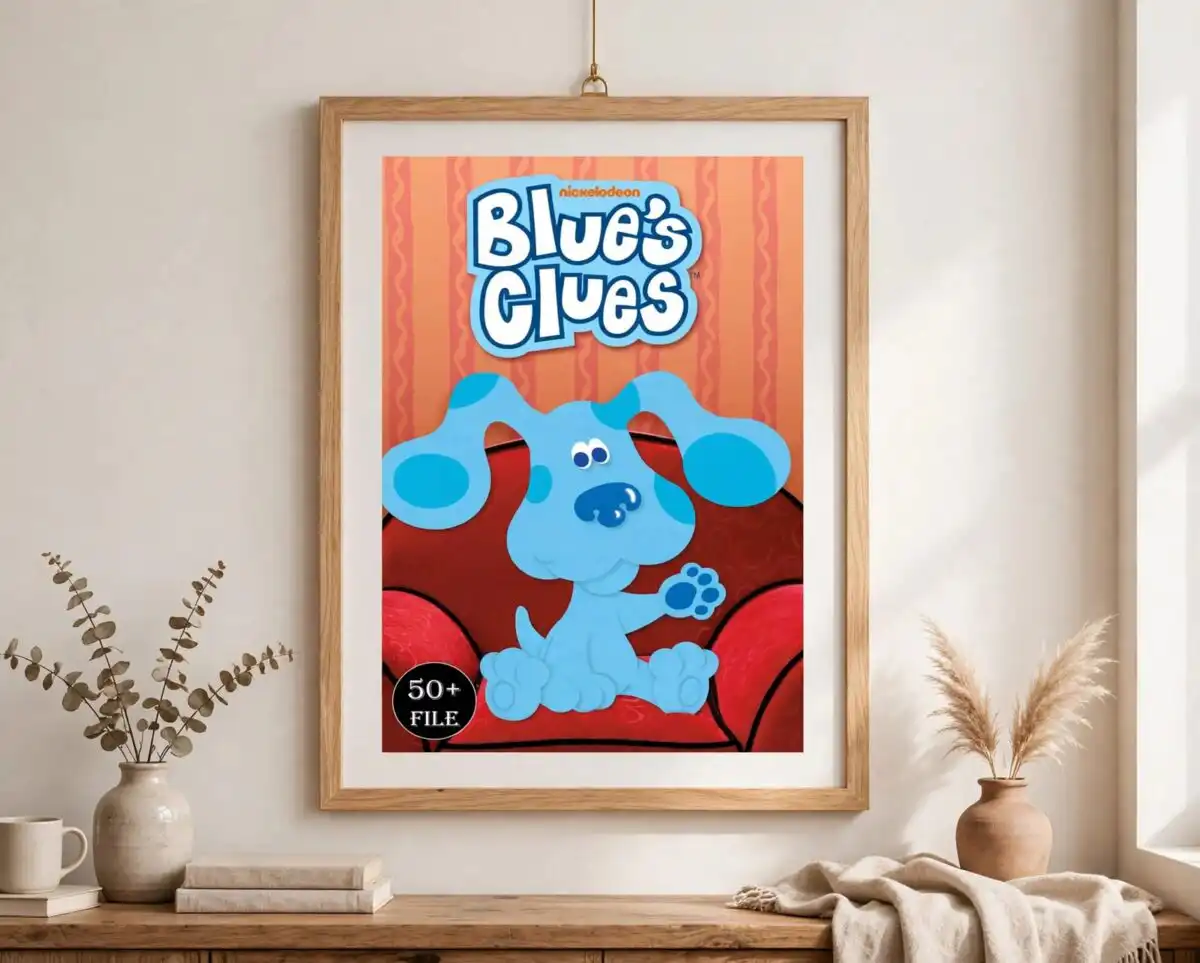
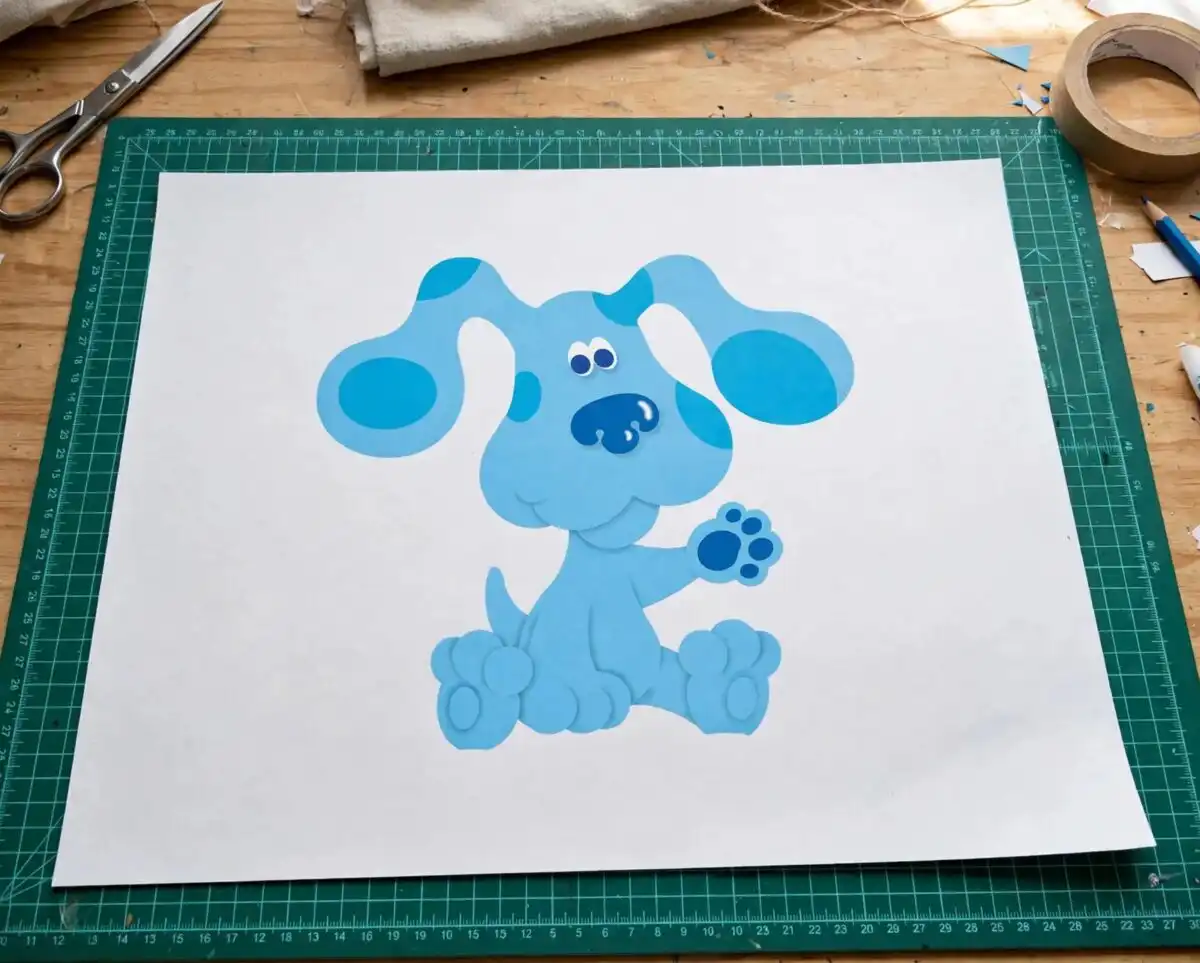
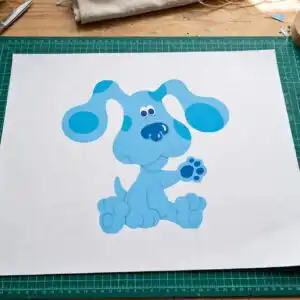
This Blue’s Clues design is a flat cartoon clip art collection of Blue the dog, shown in multiple poses, alongside the show’s paw print, mailbox, shovel, paint bucket and Blue’s Clues logo. You get SVG, PNG (300 dpi, transparent), DXF, EPS and PDF files, made for cutting machines, iron-on shirts, stickers, mugs and tumblers. The artwork uses light blue, medium blue, pink, yellow and red-orange with white, so it works well for a birthday party. Many of the pieces are built for layered cutting, so you can stack colours on a single project. The preview sheet shows a collage of many character pieces, including Steve, the pink dog and a star clipboard. Blue’s Clues lettering appears throughout, so the set reads clearly as a children’s show theme. Use it for party banners, cake toppers, nursery wall decals and kids’ craft projects.
Design breakdown
The artwork is a flat vector collage of cartoon character clip art, cut in 3 layers, with a white background. The colours are light blue, medium blue, pink, yellow, red-orange and white. Among the designs shown in the preview are the blue dog in several poses, the paw print, the mailbox, the shovel and the Steve character. Other pieces include the pink dog, the paint bucket, the star clipboard and the pail. Fine details such as the paw print outlines and small props are best cut at 4 inches or larger. The preview sheet displays 22 distinct designs in total.
| Layers | 3 |
|---|---|
| Colours | 6 — light blue (#4AA8E0), medium blue (#2B7BC4), pink (#E8579B), yellow (#F5C518), red-orange (#E0472B), white (#FFFFFF) |
| Lettering | Blue’s Clues / 50+ FILE / SVG / EPS / PNG / DXF |
| Background | white |
| Cut complexity | high |
| Orientation | portrait |
What’s included
- SVG
- PNG (300 dpi, transparent)
- DXF
- EPS
Works with
- Cricut Design Space
- Silhouette Studio (Designer Edition)
- Brother ScanNCut
- Adobe Illustrator
- Inkscape
- CorelDRAW
How to use
Download the ZIP file and unzip it to a folder on your computer. Open Cricut Design Space, Silhouette Studio or Brother ScanNCut and use the Upload or Import option to select the SVG file. Click the piece you need, resize it to your project, and send it to cut. For iron-on shirts or mugs, mirror the design first if your material requires it. PNG files work well for sublimation and printing.
Licence
Personal and small-business commercial use. Sell finished physical items; do not resell or redistribute the files themselves.
FAQ
What files are included with this Blue’s Clues design?
You get SVG, PNG (300 dpi, transparent), DXF, EPS and PDF files. The PNG files have transparent backgrounds, so they work for printing and sublimation as well as cutting.
Can I put this Blue’s Clues design on a 20oz tumbler?
Yes, the design suits tumblers and mugs. Choose the pieces you want, such as the paw print or Blue the dog, and size them to fit the wrap or decal area on your tumbler.
Which machines and software does this work with?
It works with Cricut Design Space, Silhouette Studio (Designer Edition), Brother ScanNCut, Adobe Illustrator, Inkscape and CorelDRAW. The SVG and DXF files suit most cutting machines.
Can I sell items made with these files?
You can use the files for personal projects and for small-business commercial use, and you may sell finished physical items made with them. You may not resell or redistribute the files themselves.





