
Huggy Wuggy Tall Lanky Purple Cartoon Figure SVG Cut File for Shirts and Stickers
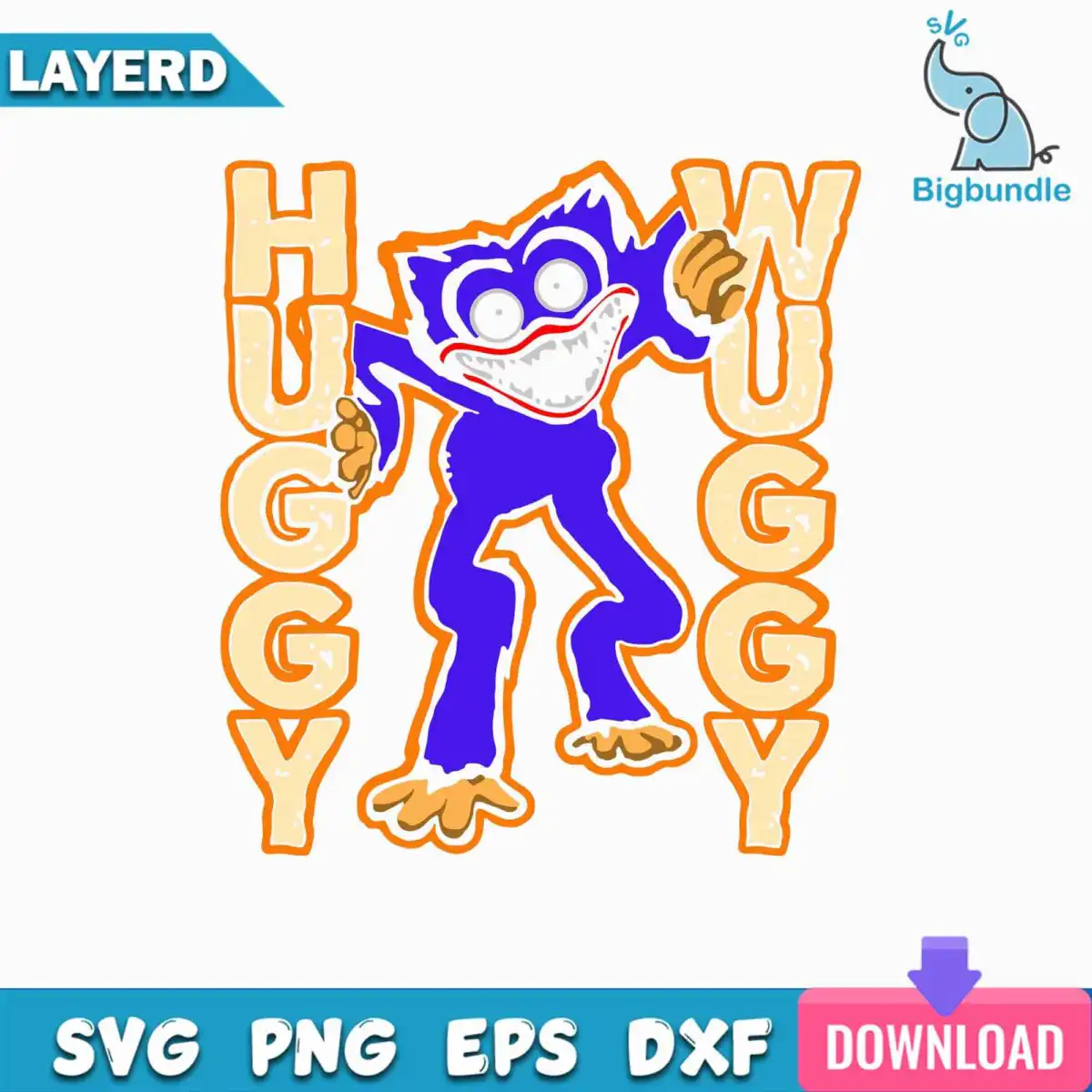
This cartoon figure tall lanky SVG shows a tall, lanky purple creature with large round eyes, a wide toothy grin and orange-tan clawed hands and feet, mid-stride with one arm raised. You get it as one SVG, plus PNG, DXF, EPS and PDF files, made for shirts, vinyl decals, stickers and mugs. The figure is framed by two vertical lettering columns that spell HUGGY and WUGGY, with a bold orange outline, a pink DOWNLOAD button, a teal banner strip and a blue LAYERD label ribbon in the preview. Its main colours are purple, orange, black and pale cream, so it stands out clearly on a light or dark surface. Use it as a playful, spooky-cartoon design for your next project, whether you are cutting vinyl, pressing an iron-on, or printing a sticker sheet. The PNG version is 300 dpi with a transparent background, so it works well for sublimation and print work too.
Design breakdown
The design is cut in 6 layers and uses 10 colours, including purple, orange, pale cream, white, black, tan, red, pink, teal and blue. The main figure is a purple cartoon body with round white eyes with dark pupils, a toothy grin with red lips, tan clawed hands and tan clawed feet, and an orange outline around the figure. The lettering sits in two vertical columns, one on the left and one on the right, with a distressed texture on the letters. The preview also includes a Bigbundle logo with an elephant icon (removed from the cut files), a purple downward arrow, a pink DOWNLOAD button, a teal banner strip and a blue LAYERD label ribbon. The eyes, teeth and claws are fine details, so cut it at 4 inches or larger for the best result.
| Layers | 6 |
|---|---|
| Colours | 10 — purple (#7B2FD6), orange (#F28C1E), pale cream (#F3E3B5), white (#FFFFFF), black (#1B1B1B), tan (#C8875A) |
| Lettering | HUGGY / WUGGY / LAYERD / SVG / PNG / EPS / DXF / DOWNLOAD |
| Background | white |
| Cut complexity | medium |
| Orientation | square |
What’s included
- SVG
- PNG (300 dpi, transparent)
- DXF
- EPS
Works with
- Cricut Design Space
- Silhouette Studio (Designer Edition)
- Brother ScanNCut
- Adobe Illustrator
- Inkscape
- CorelDRAW
How to use
Unzip the download folder to a location on your computer. Open Cricut Design Space, Silhouette Studio (Designer Edition) or Brother ScanNCut, then choose Upload and select the SVG file. Insert it into your canvas, ungroup the layers if you want to colour them separately, and cut. For iron-on or print work, use the PNG file or print the design at full size.
Licence
Personal and small-business commercial use. Sell finished physical items; do not resell or redistribute the files themselves.
FAQ
What files are included with this cartoon figure SVG?
You get SVG, PNG, DXF, EPS and PDF files. The PNG is 300 dpi with a transparent background, so it works for printing and sublimation as well as cutting.
Can I use this Huggy Wuggy design on a 20oz tumbler?
Yes, the PNG file can be printed and applied as a wrap or decal on a 20oz tumbler. Keep the design at the size you need, and check the fine details of the teeth and claws at print size.
Which machines and programs does this file work with?
It works with Cricut Design Space, Silhouette Studio (Designer Edition), Brother ScanNCut, Adobe Illustrator, Inkscape and CorelDRAW. The DXF and EPS files are also available for other cutting and design software.
Can I resize this file and sell the shirts I make with it?
Yes, you can resize the design in your cutting software. The licence covers personal and small-business commercial use for finished physical items, but you may not resell or redistribute the files themselves.


