


Everyday Cartoon Smiley Face Shirt Design with SICKOWORLD Lettering, SVG Cut File for
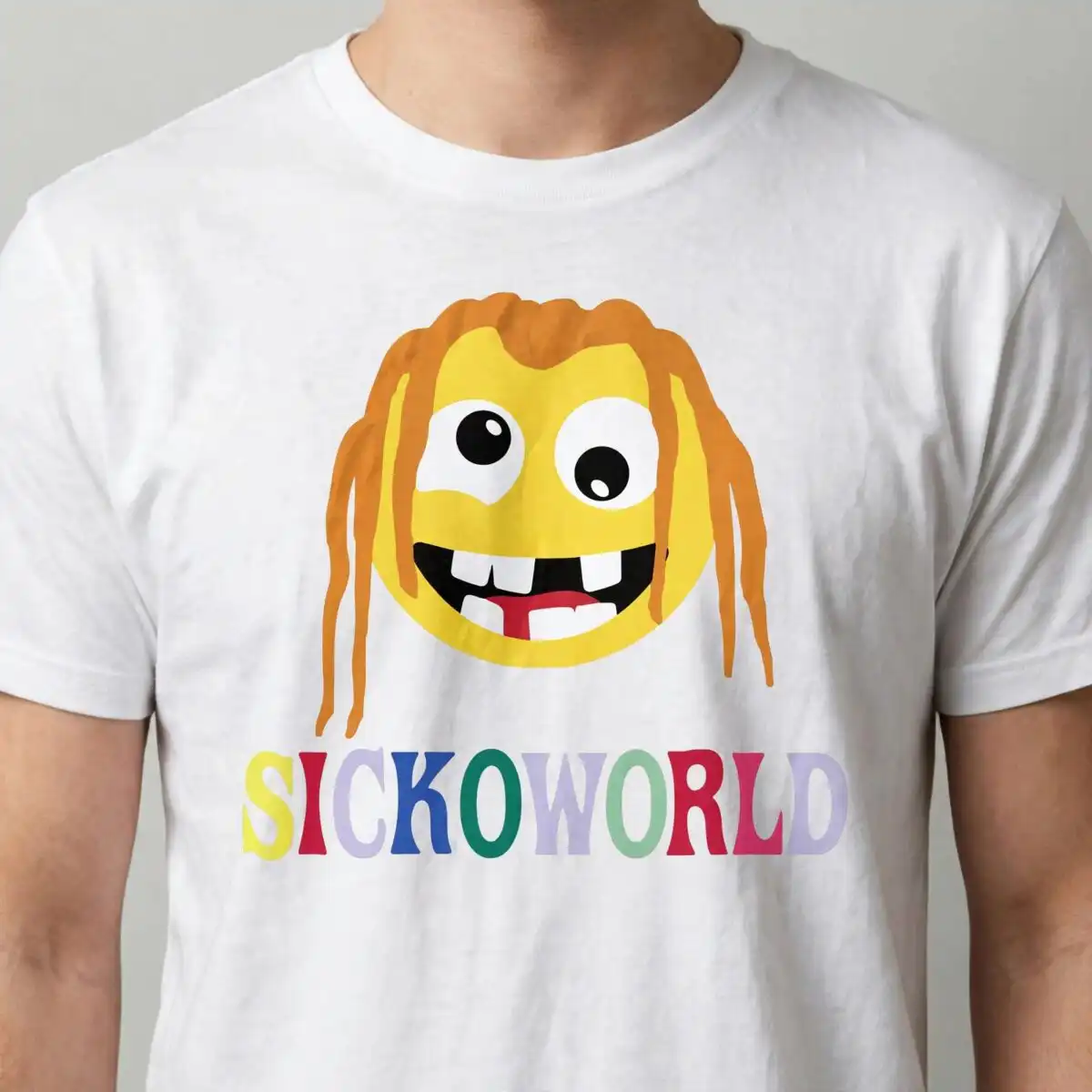
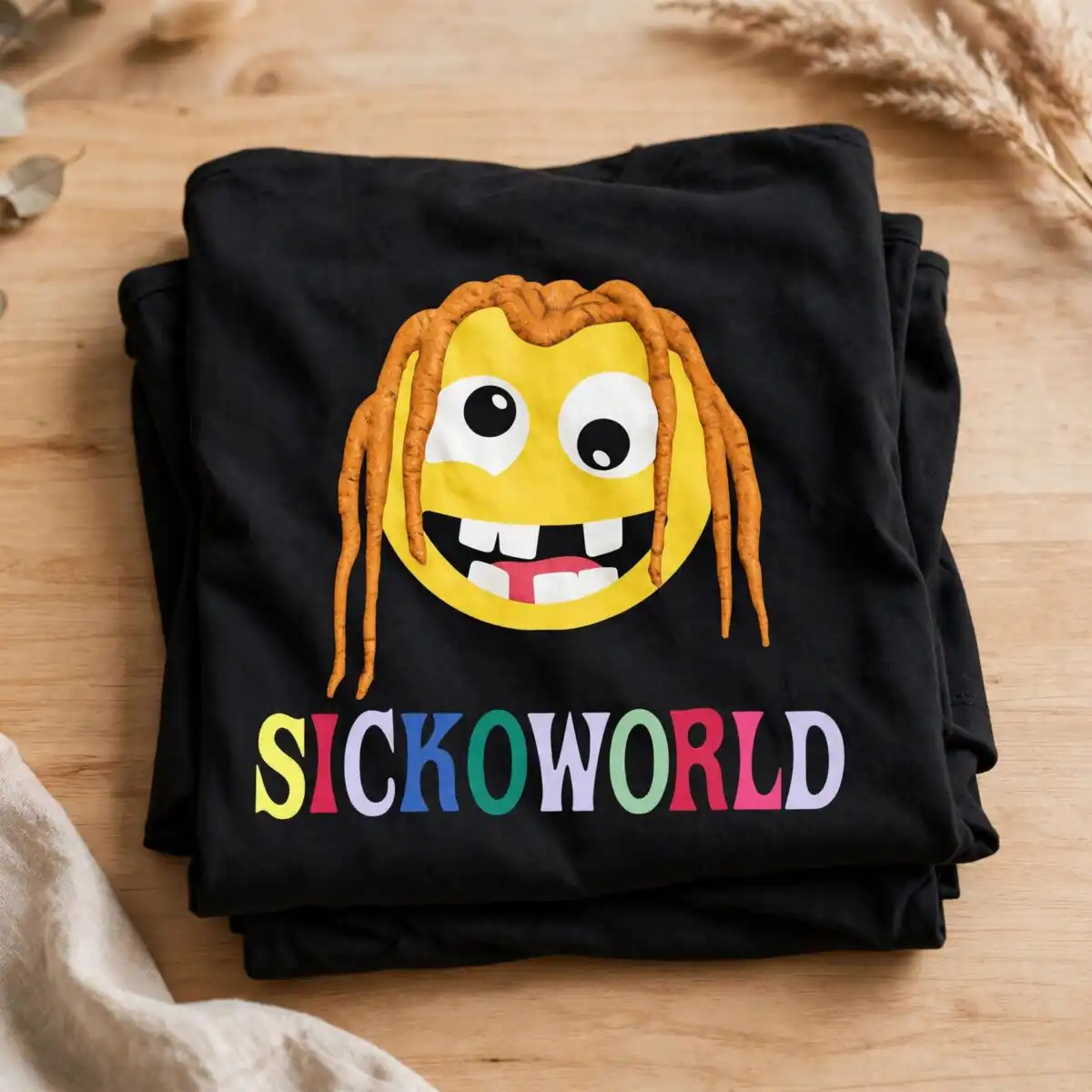
This cartoon smiley face design shows a yellow round face with orange wavy dreadlock-style hair, large white eyes with black pupils, and an open smiling mouth with white teeth and a red tongue, with SICKOWORLD lettering set below it on a black background. You get the SVG, PNG (300 dpi, transparent), DXF, EPS and PDF files, made for iron-on shirts, vinyl decals, stickers and mug wraps. The artwork is a flat vector cartoon in bold orange, yellow, red and white, with black for the background and outlines, so it reads clearly on dark materials. Because the lettering and face are both large and clean, the design suits everyday wear, from teen tees to adult hoodies. Cut it in Cricut Design Space, Silhouette Studio or Brother ScanNCut, or open the files in Illustrator, Inkscape or CorelDRAW to resize or recolour before you cut.
Design breakdown
This is a single square design built from several flat vector shapes: a yellow circular face, white eyes with black pupils, a white-toothed open mouth with a red tongue, orange wavy hair strands, and multicolour SICKOWORLD lettering beneath, set on a black background. The file is cut in 6 layers, which lets you cut each colour separately for vinyl or layer it for iron-on. The palette uses black, yellow, orange, white and red as the main colours, with blue, green, lavender and pink also present in the full set of colours in the artwork. Fine details such as the hair strands and eye pupils are best cut at 4 inches or larger. The design is one image with no extra designs in the file.
| Layers | 6 |
|---|---|
| Colours | 9 — black (#000000), yellow (#FFE600), orange (#E8961E), white (#FFFFFF), red (#D42A2A), blue (#2B4EA8) |
| Lettering | SICKOWORLD |
| Background | dark |
| Cut complexity | medium |
| Orientation | square |
What’s included
- SVG
- PNG (300 dpi, transparent)
- DXF
- EPS
Works with
- Cricut Design Space
- Silhouette Studio (Designer Edition)
- Brother ScanNCut
- Adobe Illustrator
- Inkscape
- CorelDRAW
How to use
Download the zip file from your order and unzip it to a folder on your computer. Open the SVG in Cricut Design Space or Silhouette Studio, then import it as a new project. Check the layers in the layers panel, resize the design to your item, and cut. For a shirt, mirror the design before you cut vinyl or iron-on. For a mug wrap, use the PNG or PDF to print and follow your printer’s guide.
Licence
Personal and small-business commercial use. Sell finished physical items; do not resell or redistribute the files themselves.
FAQ
What files are included with this cartoon smiley face design?
You get SVG, PNG at 300 dpi with a transparent background, DXF, EPS and PDF files. Each one is included in the zip download for the same design.
Can I use this cartoon smiley face on a 20oz tumbler?
Yes, the design works on a 20oz tumbler when you print or cut it as a wrap or decal. Size it to the tumbler’s printable area and check the lettering stays inside the cut edge.
Which machines and software does this SVG work with?
It works with Cricut Design Space, Silhouette Studio (Designer Edition), Brother ScanNCut, Adobe Illustrator, Inkscape and CorelDRAW. The PNG and PDF files also print on standard printers.
Can I resize this design and use it for my small business?
Yes, you can resize the design for your project, and it is licensed for personal and small-business commercial use. You may sell finished physical items, but you may not resell or redistribute the files themselves.


