

Gothic Christmas Holiday Scene Group Design for Shirts, Mugs and Stickers
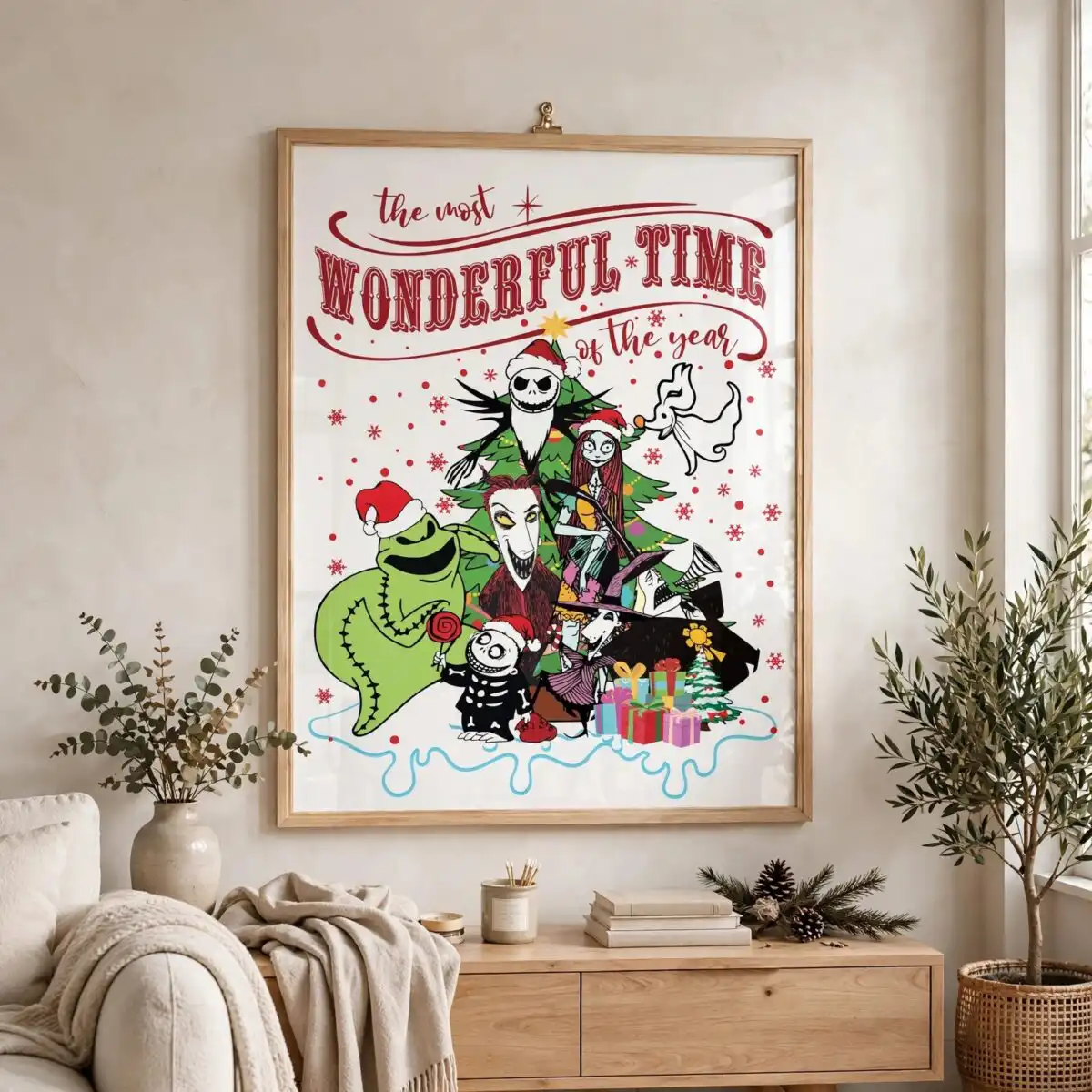
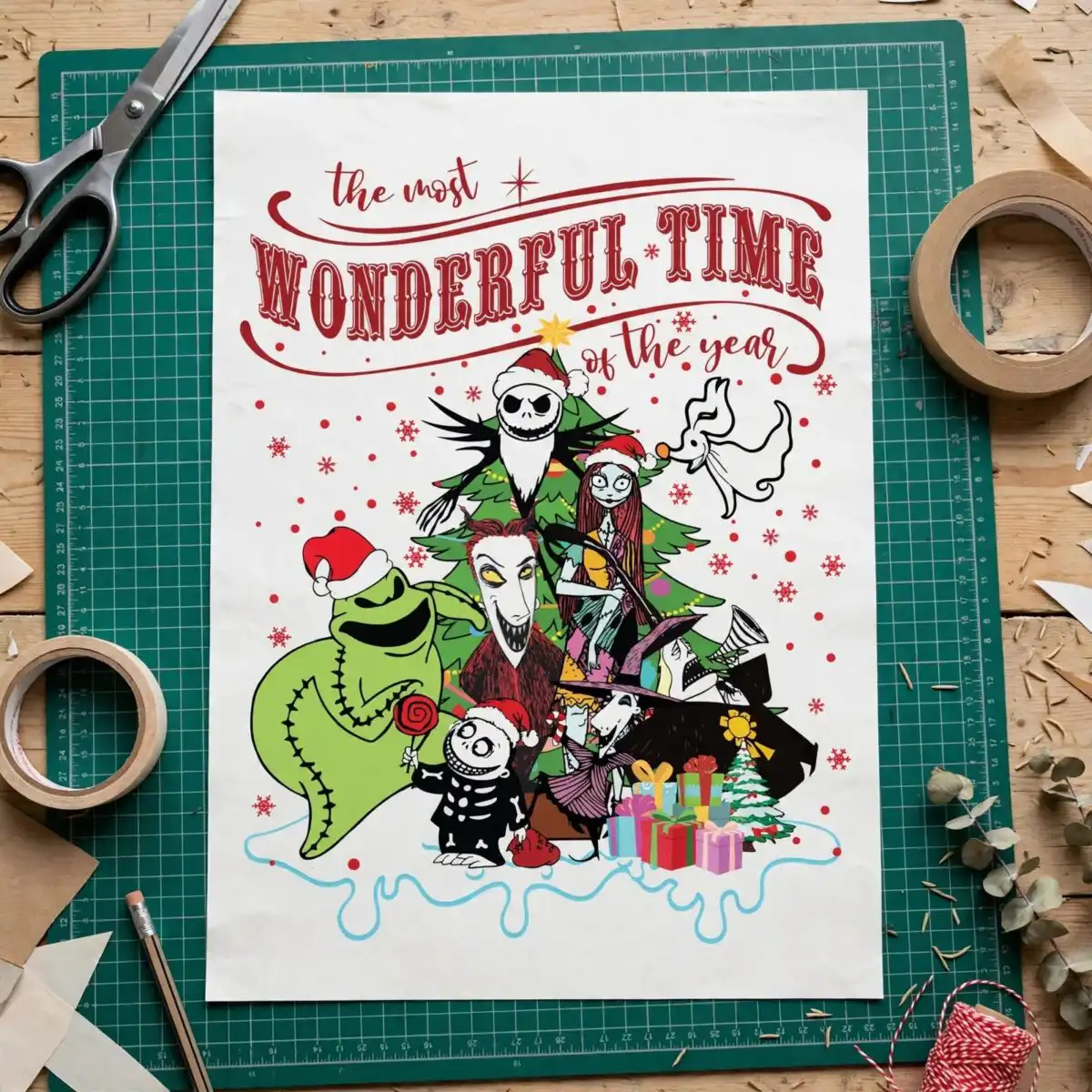
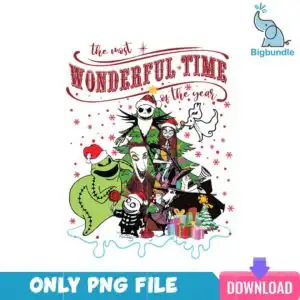
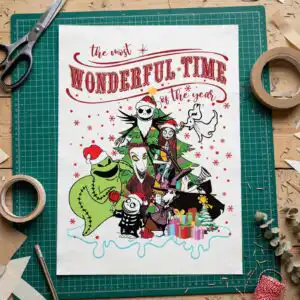
This Christmas holiday scene group is a single cartoon design of gothic-styled figures gathered around a decorated evergreen tree, with “WONDERFUL TIME” set in vintage serif lettering above. You get SVG, PNG (300 dpi, transparent), DXF, EPS and PDF files, made for shirts, sublimation, mugs, stickers and cutting machines. The artwork is a flat-colour vector piece in deep red, evergreen green, lime green, gold yellow, pink and light blue, with a near black bold outline. Its cast includes a skull-faced figure in a Santa hat, a red-haired figure in a striped dress, a skeleton-patterned child holding a swirl lollipop, and a white ghost-like figure. Strings of lights and a star topper sit on the tree, with wrapped gifts and a dripping white snow base below. It suits buyers who love spooky-whimsical holiday art and want something that feels a little different from standard Christmas designs.
Design breakdown
The design is cut in 12 layers and uses 8 flat colours: deep red, evergreen green, lime green, near black, white, gold yellow, pink and light blue. It is a single design on a white background, in portrait orientation. The evergreen tree with string lights and a star topper, the wrapped gift boxes with bows, and the dripping white snow base are all part of the one composition. Fine details such as the snowflakes, dots and the small decorated mini tree are best cut at 4 inches or larger. The bold outline and separate colour areas make it straightforward to weed and layer for vinyl or to print as a sublimation transfer.
| Layers | 12 |
|---|---|
| Colours | 8 — deep red (#B22222), evergreen green (#2E8B57), lime green (#7FD13B), near black (#1A1A1A), white (#FFFFFF), gold yellow (#F5C518) |
| Lettering | the most / WONDERFUL TIME / of the year / ONLY PNG FILE / DOWNLOAD |
| Background | white |
| Cut complexity | high |
| Orientation | portrait |
What’s included
- SVG
- PNG (300 dpi, transparent)
- DXF
- EPS
Works with
- Cricut Design Space
- Silhouette Studio (Designer Edition)
- Brother ScanNCut
- Adobe Illustrator
- Inkscape
- CorelDRAW
How to use
Download the ZIP file and unzip it to a folder on your computer. For a cutting machine, open the SVG in Cricut Design Space or Silhouette Studio (Designer Edition) and import it, then resize it to your project. For printing, use the PNG on a sublimation or heat-transfer sheet, or open the EPS or PDF in Adobe Illustrator, Inkscape or CorelDRAW to scale it.
Licence
Personal and small-business commercial use. Sell finished physical items; do not resell or redistribute the files themselves.
FAQ
What files are included with this Christmas holiday scene group?
You get SVG, PNG (300 dpi with a transparent background), DXF, EPS and PDF files. The PNG is suited to printing and sublimation, while the SVG and DXF are for cutting machines.
Can I use this design on a mug?
Yes, it works on a mug when printed with sublimation. Resize the PNG to fit your mug wrap and keep the fine snowflakes and dots large enough to stay clear on the print.
Which machines and programs work with these files?
The files work with Cricut Design Space, Silhouette Studio (Designer Edition), Brother ScanNCut, Adobe Illustrator, Inkscape and CorelDRAW. The SVG is the best choice for cutting machines, and the PNG works for printers.
Can I resize the design and sell items made with it?
You can resize the design freely for your project. The licence covers personal and small-business commercial use for finished physical items, but you may not resell or redistribute the files themselves.





