
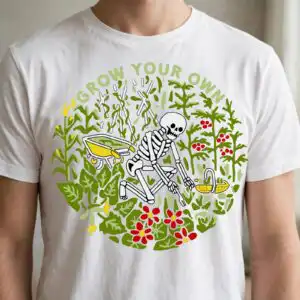
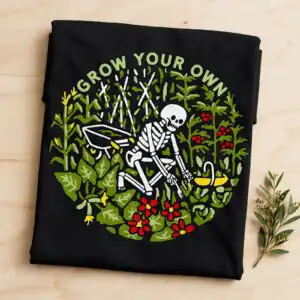
GROW YOUR OWN Skeleton Gardener Circular Badge for Shirts, Mugs and Garden Flags
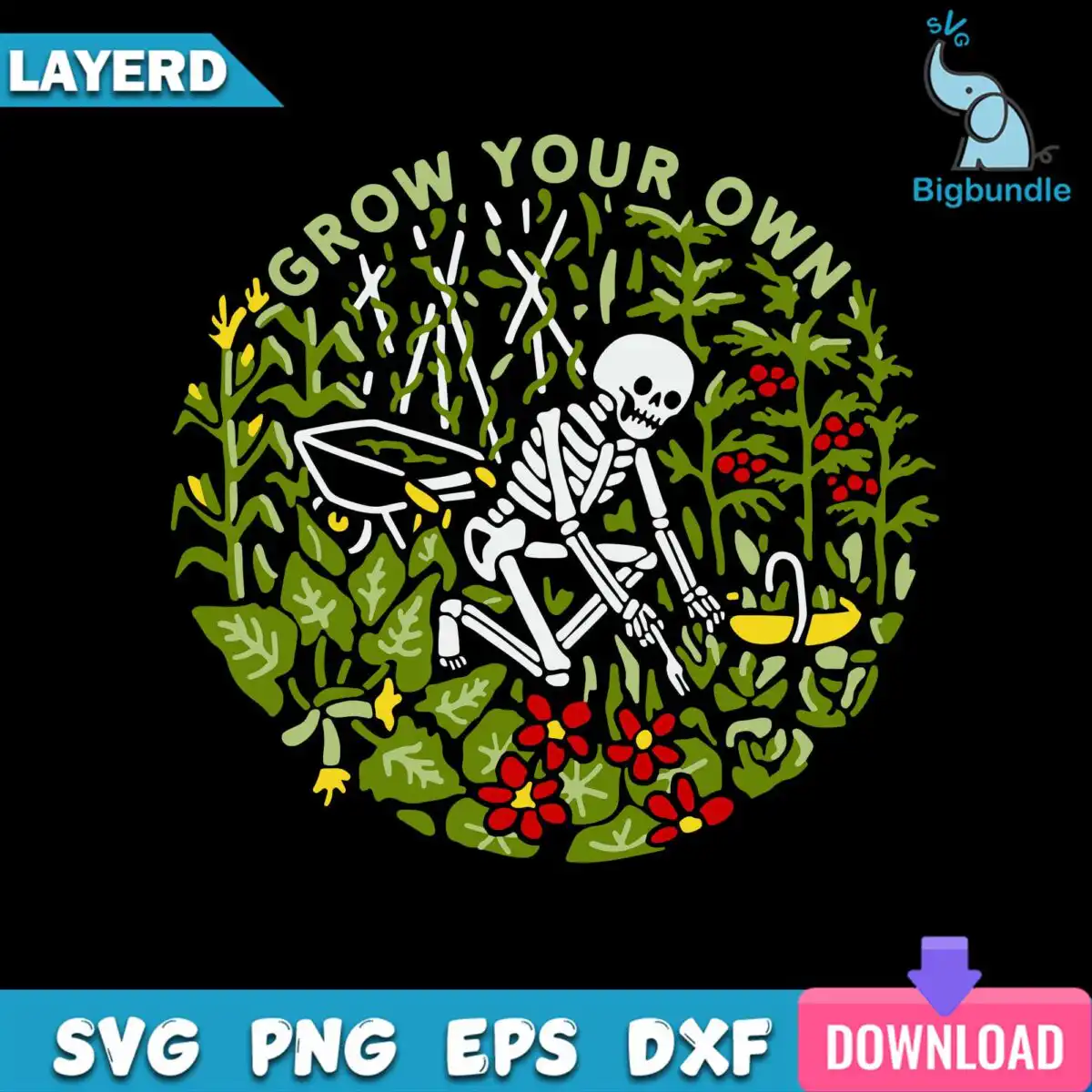
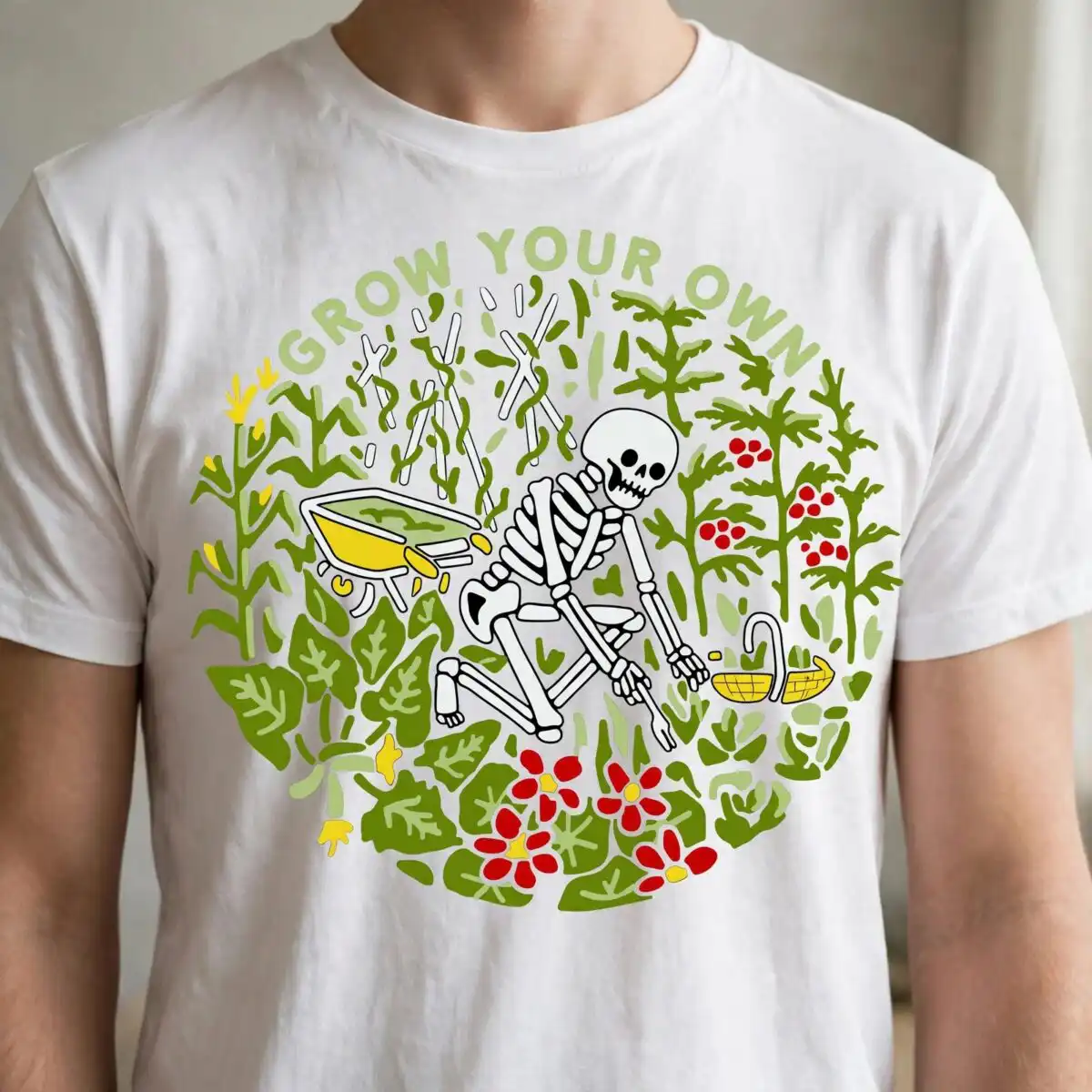
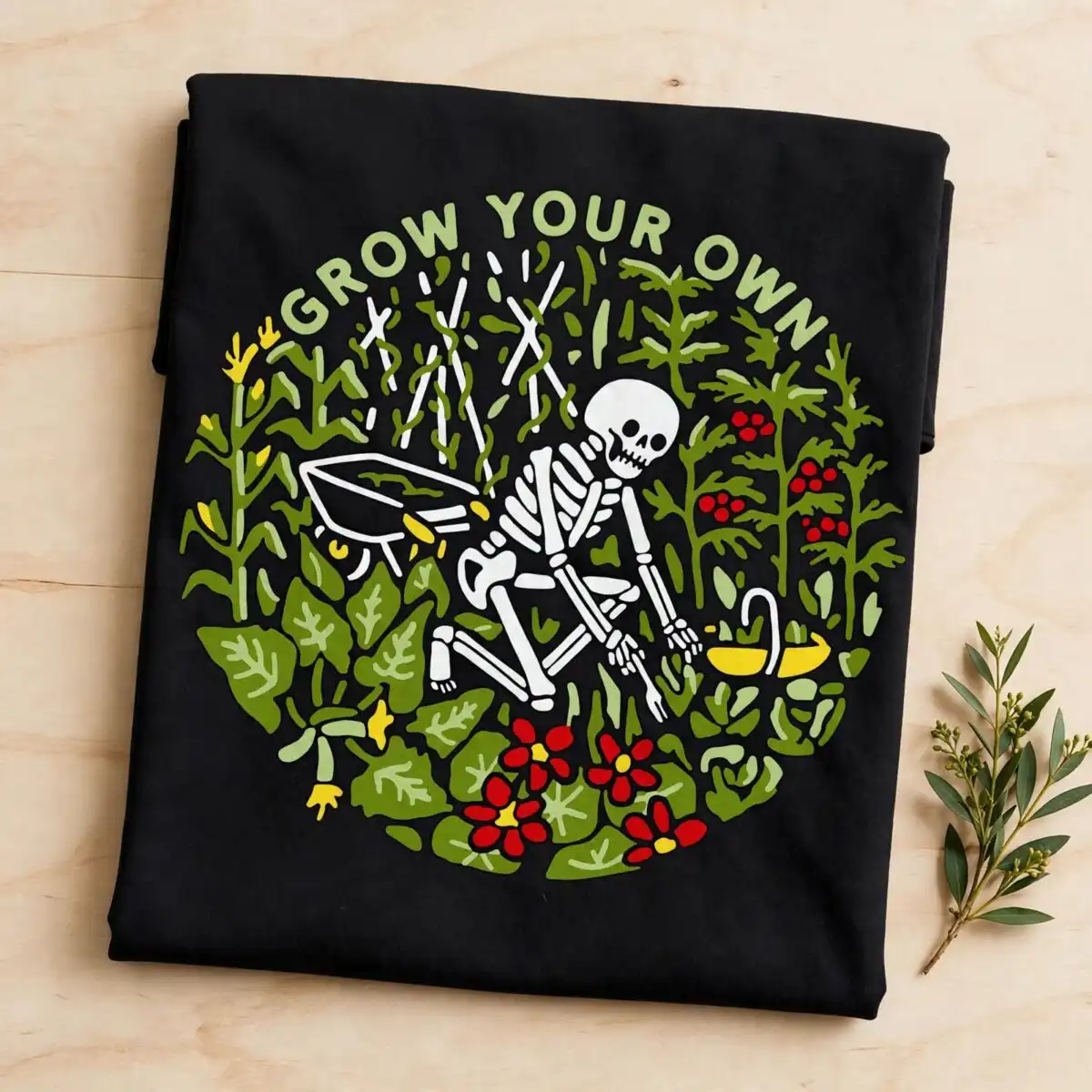
This GROW YOUR OWN circular garden clipart is a single round badge design: a white skeleton figure kneeling to tend plants inside a frame of olive green and sage green foliage. You get SVG, PNG, DXF, EPS and PDF files, made for shirts, tote bags, mugs, stickers, wall decals and garden flags. The badge is built on a dark background and includes a wheelbarrow, a watering can, a garden shovel, red flowers, yellow flowers and tomato-like plants with red fruit. The lettering sits across the top of the ring in plain capitals, so the words stay readable at most sizes. Because the artwork is flat and silhouette-style, it works well for cutting vinyl, printing on fabric, or screen printing a playful gardening design onto a tote.
Design breakdown
This badge uses seven colours: black, white, olive green, sage green, pale green, red and yellow. The skeleton figure is white against the dark background, with the wheelbarrow, watering can, garden shovel and stakes or stalks set around it. The circular frame is made of leafy green plants in two tones of green, and red and yellow flowers are placed through the ring. The words GROW YOUR OWN are the only lettering. The file is cut in 6 layers, and the cut complexity is medium, so the thin stalks and small flower shapes need a careful weeding step on vinyl.
| Layers | 6 |
|---|---|
| Colours | 7 — black (#000000), white (#FFFFFF), olive green (#4A6B2A), sage green (#7A9A4A), pale green (#B8CC8A), red (#C8242B) |
| Lettering | GROW YOUR OWN |
| Background | dark |
| Cut complexity | medium |
| Orientation | square |
What’s included
- SVG
- PNG (300 dpi, transparent)
- DXF
- EPS
Works with
- Cricut Design Space
- Silhouette Studio (Designer Edition)
- Brother ScanNCut
- Adobe Illustrator
- Inkscape
- CorelDRAW
How to use
Download the ZIP file from your order and unzip it to a folder on your computer. Open Cricut Design Space, Silhouette Studio or Brother ScanNCut, then choose Upload and select the SVG file. For a printed item, open the PNG file, which has a transparent background, in your design software. Resize the badge before cutting, and check the layers before you send it to the machine.
Licence
Personal and small-business commercial use. Sell finished physical items; do not resell or redistribute the files themselves.
FAQ
What files come with this GROW YOUR OWN design?
You get SVG, PNG, DXF, EPS and PDF files. The PNG is 300 dpi with a transparent background, which suits printing and sublimation.
Can I use this GROW YOUR OWN badge on a tote bag?
Yes, the badge suits a tote bag, either cut from vinyl or printed on fabric. Its round shape and bold white skeleton figure stand out well on a dark bag.
Which machines and programs does this circular garden SVG work with?
It works with Cricut Design Space, Silhouette Studio (Designer Edition), Brother ScanNCut, Adobe Illustrator, Inkscape and CorelDRAW. The DXF and EPS files also open in most cutting and drawing software.
Can I resell the finished items I make with this design?
Yes, you can sell finished physical items made with it, for personal or small-business use. You may not resell or redistribute the design files themselves.


