


Deadpool: Many Deadpool Birthday Designs for Shirts, Mugs and Tumblers
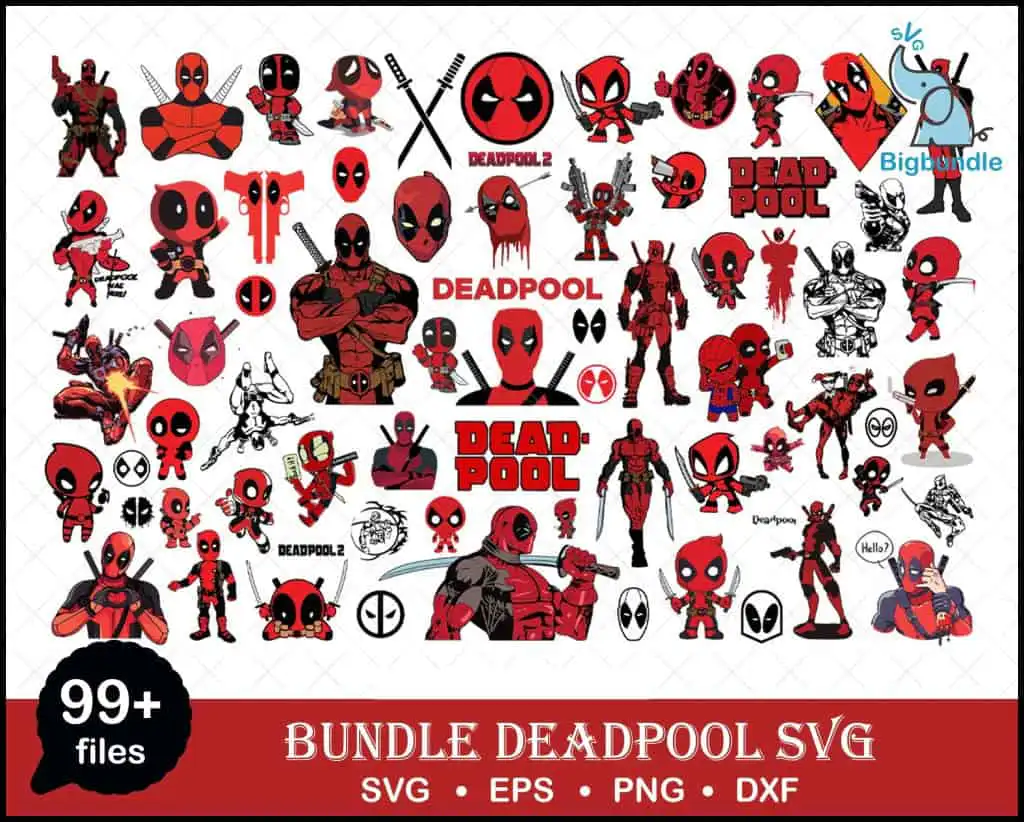
This Deadpool bundle is a single collage sheet of many Deadpool illustrations, chibi figures, masks, logos and weapons, supplied as cut files in SVG, PNG, DXF, EPS and PDF. It is made for shirts, tumblers, mugs, stickers and sublimation, so you can pick the pieces that suit your project. You will find full-body Deadpool figures and chibi versions in bold Deadpool red, dark red, black, grey and white, with light blue accents. The sheet also includes crossed katanas, pistols, circular mask badges, a dripping head graphic and a speech bubble that reads “Hello?”. Several Deadpool text logos appear too, including DEADPOOL, DEAD POOL and DEADPOOL 2. The style is comic book flat vector, playful and bold, which suits birthday parties, fan events and comic-con tables.
Design breakdown
The sheet is a landscape collage of many separate Deadpool pieces on a white background, and the preview shows around 60 distinct designs. Among the designs shown in the preview are a full-body Deadpool figure, a chibi Deadpool figure, crossed katanas, a speech bubble reading “Hello?” and a dripping head graphic. The artwork uses white, Deadpool red, dark red, black, grey and light blue, and the file is cut in 3 layers. Many pieces have fine details such as the mask seams and small weapon parts, so cut them at 4 inches or larger for clean results. Each piece is separate, so you can cut and weed only the figures you need.
| Layers | 3 |
|---|---|
| Colours | 6 — white (#FFFFFF), Deadpool red (#C8102E), dark red (#8B0000), black (#000000), grey (#808080), light blue (#3BB4E5) |
| Lettering | DEADPOOL / DEAD POOL / DEADPOOL 2 / Deadpool / Hello? / 99+ files / SVG • EPS • PNG • DXF |
| Background | white |
| Cut complexity | high |
| Orientation | landscape |
What’s included
- SVG
- PNG (300 dpi, transparent)
- DXF
- EPS
Works with
- Cricut Design Space
- Silhouette Studio (Designer Edition)
- Brother ScanNCut
- Adobe Illustrator
- Inkscape
- CorelDRAW
How to use
Download the bundle and unzip the folder on your computer before you do anything else. Open the SVG in Cricut Design Space or Silhouette Studio (Designer Edition) using the Upload or Open command. Some pieces are small, so resize each one before you cut. For sublimation, use the PNG files, which have transparent backgrounds at 300 dpi.
Licence
Personal and small-business commercial use. Sell finished physical items; do not resell or redistribute the files themselves.
FAQ
What files are included in this Deadpool bundle?
The download includes SVG, PNG at 300 dpi with a transparent background, DXF, EPS and PDF files. You get the full collage sheet with its individual pieces, so you can use each design separately.
Can I use this Deadpool bundle on a 20oz tumbler?
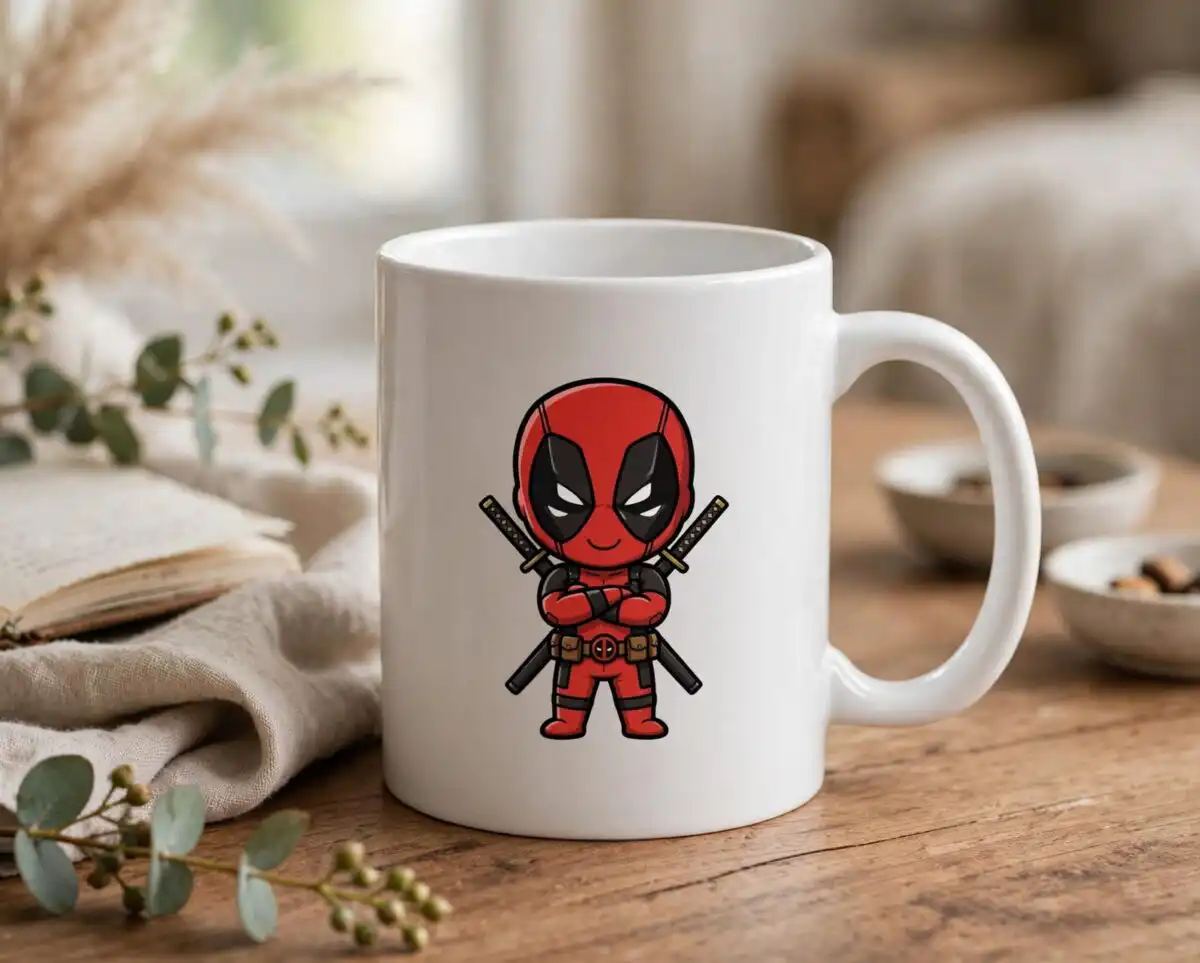
Yes, the chibi figures and mask badges work well on a 20oz tumbler. Choose a single piece and size it to fit the wrap, then use the PNG file for sublimation or the SVG for vinyl.
Which machines and programs does this work with?
It works with Cricut Design Space, Silhouette Studio (Designer Edition), Brother ScanNCut, Adobe Illustrator, Inkscape and CorelDRAW. Any of these will open the SVG or DXF files for cutting or editing.
Can I resize the designs and use them commercially?
Yes, you can resize each piece in your cutting software without losing quality, since the files are vector. The licence covers personal and small-business commercial use, but you must sell finished physical items and may not resell or redistribute the files themselves.


