

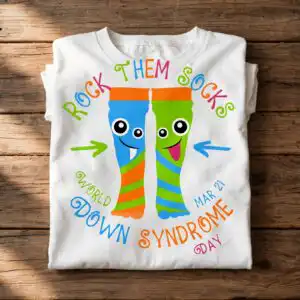
Rock Them Socks Down Syndrome Awareness SVG Design for World Down Syndrome Day Shirts
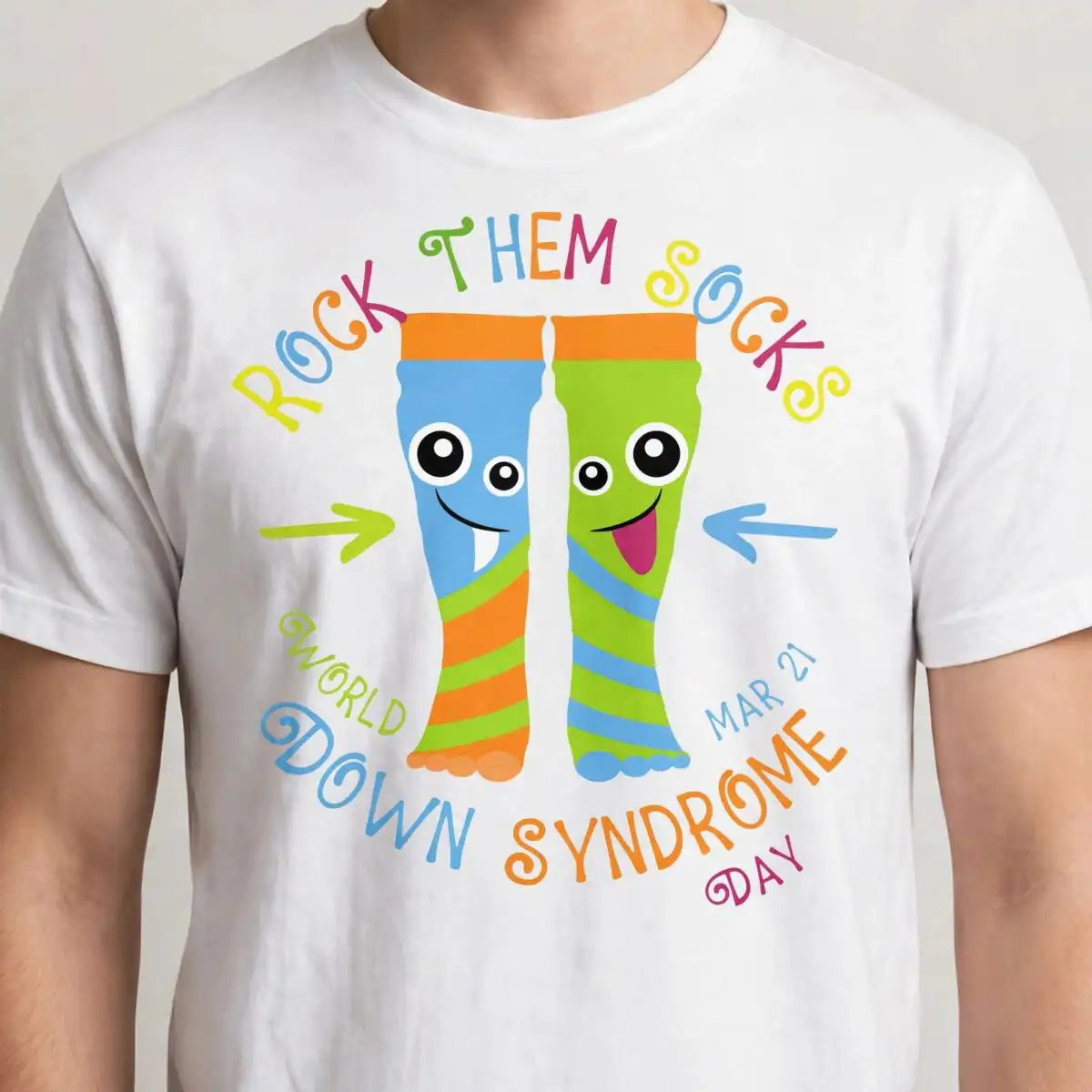
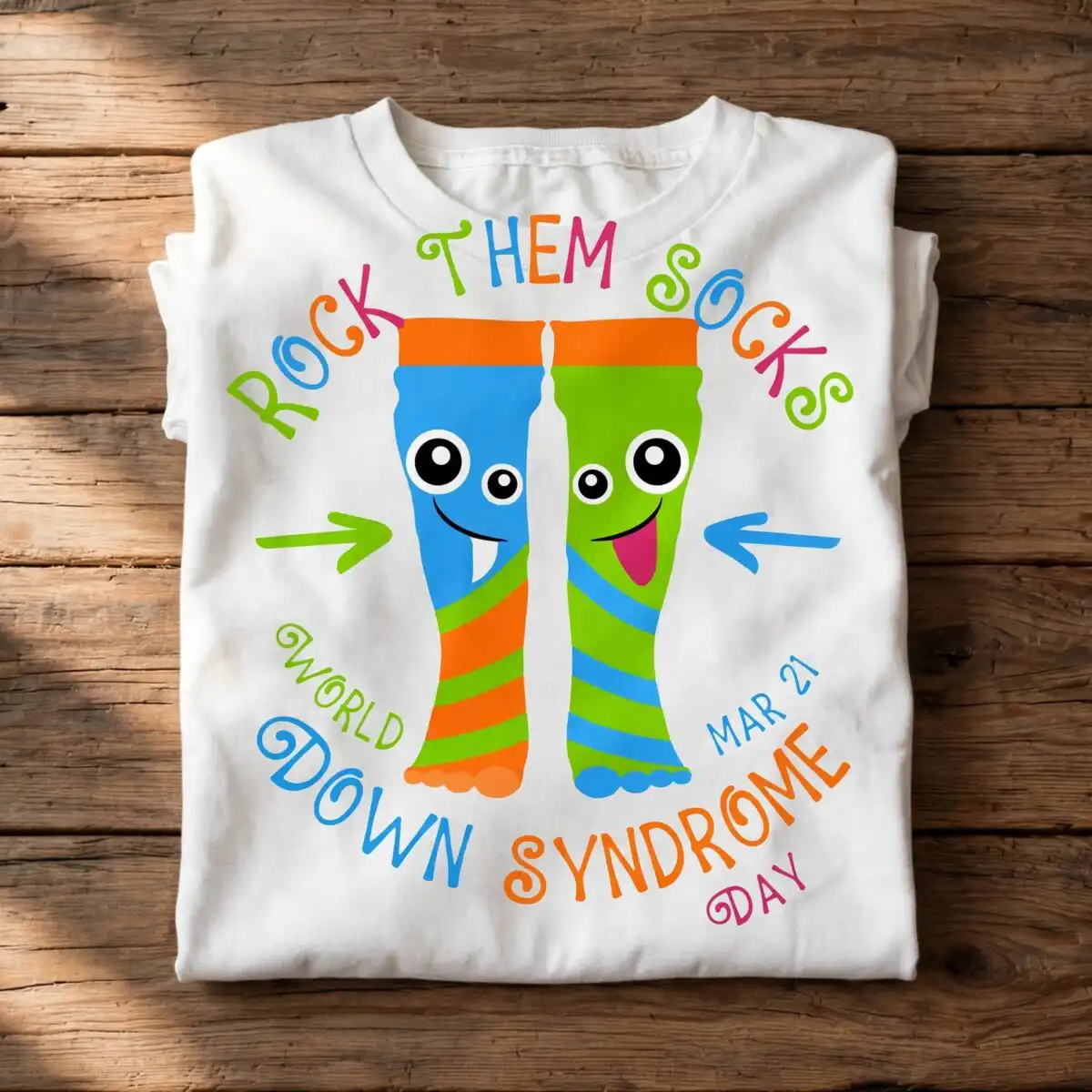
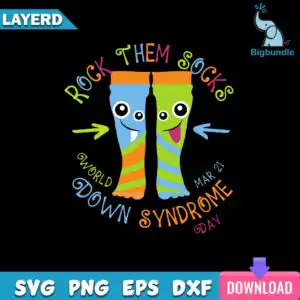
This Down Syndrome Awareness SVG design shows a pair of cartoon socks with smiling faces, one blue and one green, labelled ROCK THEM SOCKS for World Down Syndrome Day on March 21. You get a cut file in SVG, PNG, DXF, EPS and PDF, built for shirts, mugs, awareness event decals and social media graphics. The socks sit on a dark background with bold multicolour lettering. The blue sock has a striped orange and green cuff, and the green sock has a striped blue and green cuff. Above and below the socks you will find a curved text arc reading WORLD DOWN SYNDROME, DAY and MAR 21, plus a green arrow pointing left and a blue arrow pointing right. The palette is sky blue, lime green, orange, pink and purple, with black and white. Use it to make awareness shirts for classrooms, family events or community groups, and adapt the colours to match your project.
Design breakdown
The design is cut in 8 layers across 7 colours: black, sky blue, lime green, orange, white, pink and purple. The two socks, their striped cuffs, the cartoon eyes and smiles, the curved text arc, the arrows, the ROCK THEM SOCKS lettering and the download banner are separate pieces, so you can colour or remove each one. The striped cuffs and the thin lettering strokes are fine details, so cut it at 4 inches or larger for clean results. The file is a single square design on one sheet, with the lettering and sock artwork kept as separate vector shapes.
| Layers | 8 |
|---|---|
| Colours | 7 — black (#000000), sky blue (#5BA8E8), lime green (#8BC53F), orange (#F7941D), white (#FFFFFF), pink (#E84C8A) |
| Lettering | ROCK THEM SOCKS / WORLD DOWN SYNDROME / MAR 21 / DAY / LAYERD / SVG / PNG / EPS / DXF / DOWNLOAD |
| Background | dark |
| Cut complexity | medium |
| Orientation | square |
What’s included
- SVG
- PNG (300 dpi, transparent)
- DXF
- EPS
Works with
- Cricut Design Space
- Silhouette Studio (Designer Edition)
- Brother ScanNCut
- Adobe Illustrator
- Inkscape
- CorelDRAW
How to use
Download the ZIP from your order and unzip it to a folder on your computer. Open Cricut Design Space, Silhouette Studio or Adobe Illustrator, then use Upload or File > Open to import the SVG. For printing, use the PNG, which has a transparent background at 300 dpi. Resize the design in the software before cutting, and check that the thin lettering and cuff stripes are large enough for your vinyl.
Licence
Personal and small-business commercial use. Sell finished physical items; do not resell or redistribute the files themselves.
FAQ
What files are included with this Down Syndrome Awareness SVG?
This design comes as SVG, PNG, DXF, EPS and PDF. The PNG is 300 dpi with a transparent background, so it works for printing and for social media graphics.
Can I use this design on a 20oz tumbler or a mug?
Yes, the design suits mugs and tumblers as well as t-shirts. Use the PNG or SVG for sublimation or vinyl, and resize it to fit the printable area of your wrap.
Which machines and programs does this file work with?
It works with Cricut Design Space, Silhouette Studio (Designer Edition), Brother ScanNCut, Adobe Illustrator, Inkscape and CorelDRAW. The SVG and DXF files open in all of these, and the PNG works with standard printers.
Can I resize the file and sell shirts made with it?
Yes, you can resize the file freely in your software. The licence covers personal and small-business commercial use for finished physical items, but you may not resell or redistribute the files themselves.


