

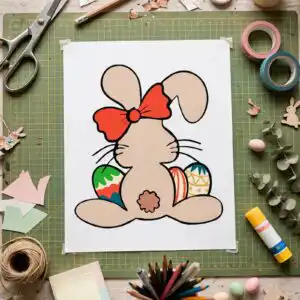
Rear View Seated Cartoon Bunny with Easter Eggs, Easter Bunny Ears and Feet Shirt Design
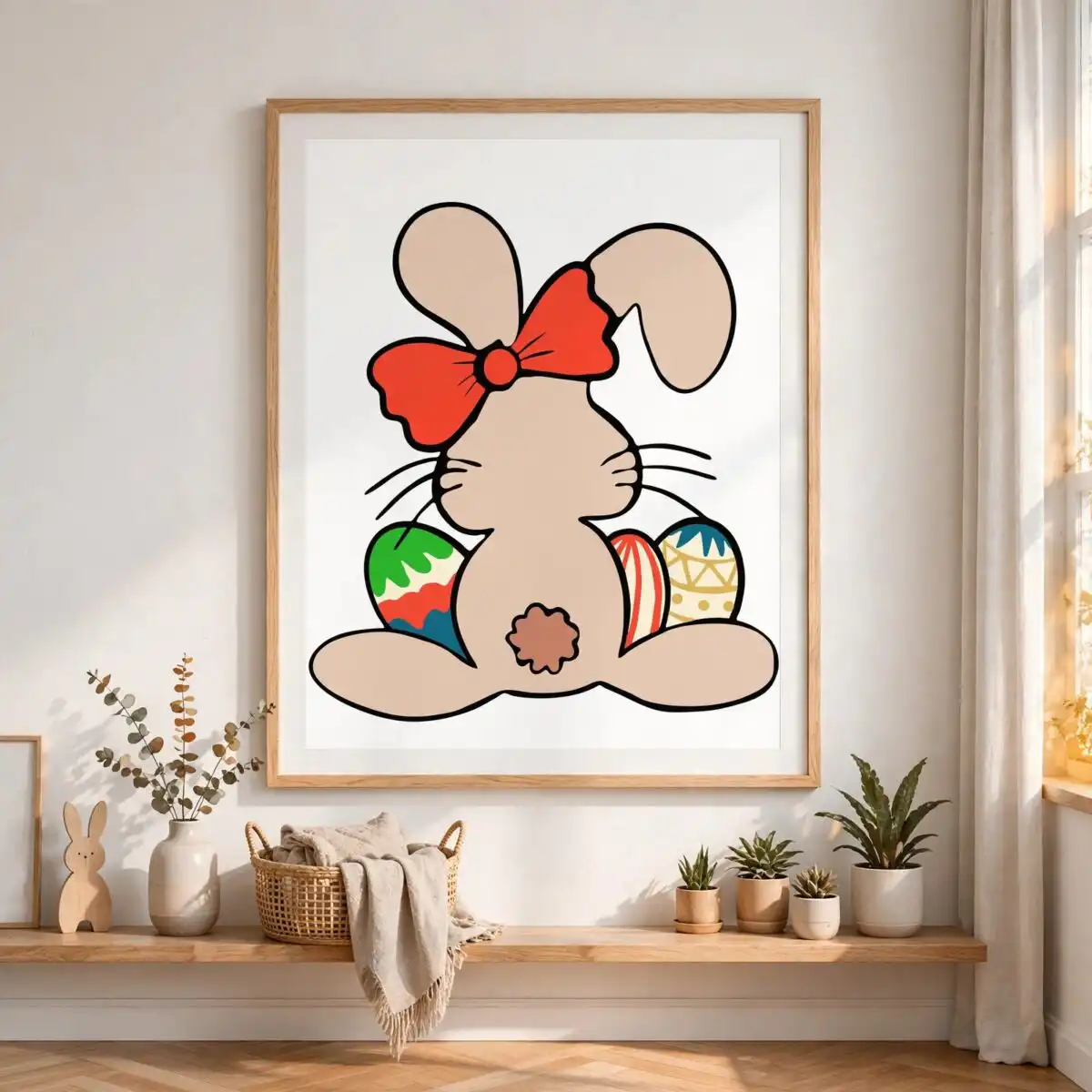
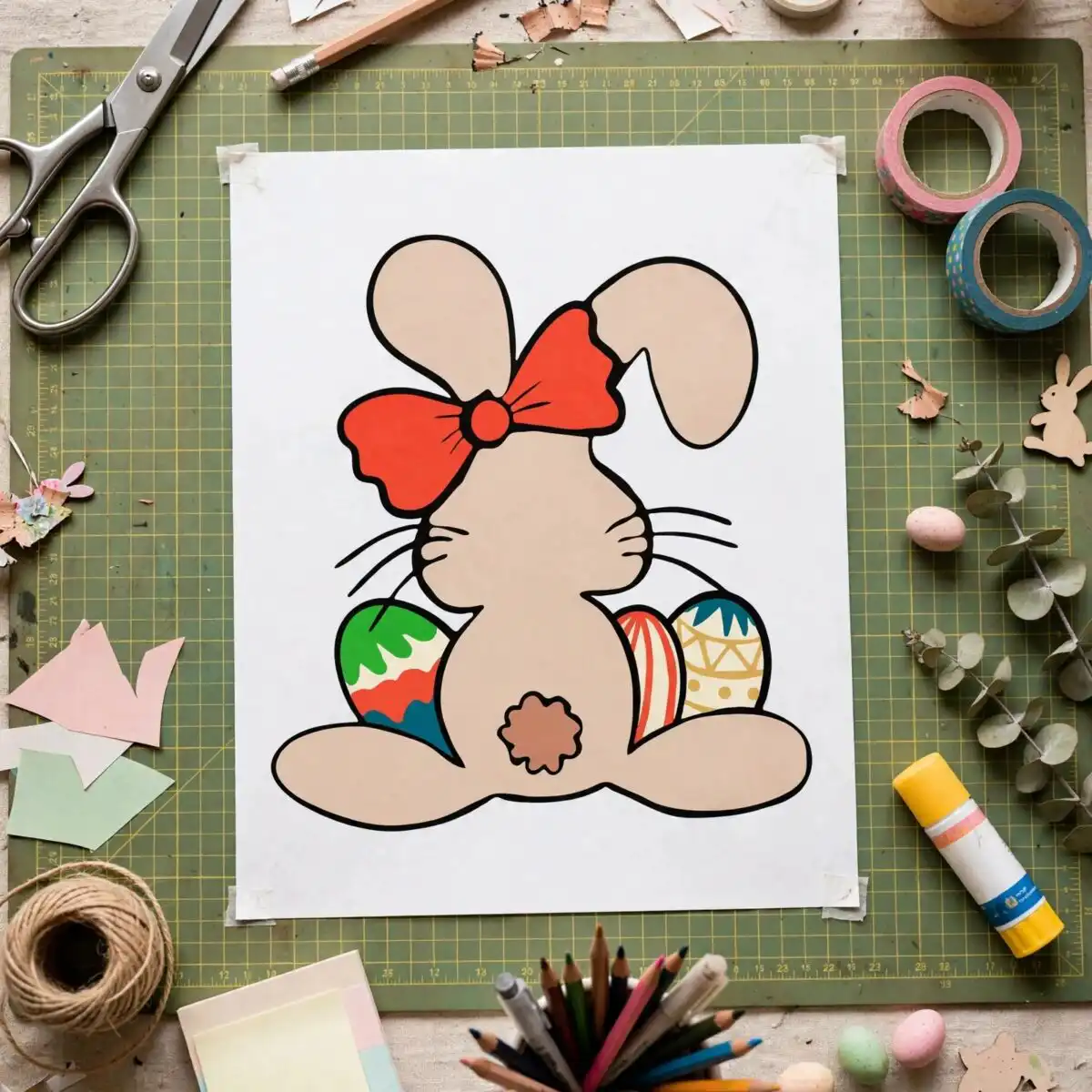
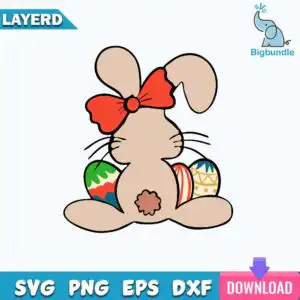
This Easter bunny ears and feet design is a single flat-vector cartoon of a seated bunny seen from behind, with its long ears, round tan tail and small feet pads shown in bold black outline. The bunny wears a red-orange bow headband with a centre knot, and three decorated eggs sit beside it: one with a green zigzag pattern, one red and white striped, and one yellow and white geometric. You receive the artwork as SVG, PNG (300 dpi, transparent), DXF, EPS and PDF files, ready for cutting or printing on shirts, mugs, tumblers and cards. The design is set on white and works well for vinyl decals, scrapbook pages and sublimation. Its cheerful, playful look suits spring gifts for kids and crafters. Because the lettering-free artwork is built from clean shapes, you can cut or print it without rebuilding any of the lines.
Design breakdown
The artwork is cut in 6 layers and uses 8 colours: tan beige for the bunny, red-orange for the bow, black for the outline, teal blue, green, white, yellow and brown for the tail. The bunny’s whiskers, long ears, bow with centre knot and feet pads are separate shapes, so you can weed or colour each part on its own. The green zigzag, red and white striped, and yellow and white geometric eggs are drawn as individual pieces beside the bunny. The file is a single design on a single sheet in portrait orientation, with medium cutting detail. Cut it at a size where the whiskers and egg patterns stay clear, and check the smaller stripes before you cut.
| Layers | 6 |
|---|---|
| Colours | 8 — tan beige (#E5C7AE), red-orange (#F04E30), black outline (#000000), teal blue (#2BA5C9), green (#3BA55C), white (#FFFFFF) |
| Lettering | LAYERD / SVG / PNG / EPS / DXF / DOWNLOAD |
| Background | white |
| Cut complexity | medium |
| Orientation | portrait |
What’s included
- SVG
- PNG (300 dpi, transparent)
- DXF
- EPS
Works with
- Cricut Design Space
- Silhouette Studio (Designer Edition)
- Brother ScanNCut
- Adobe Illustrator
- Inkscape
- CorelDRAW
How to use
Download the zip file and unzip it to a folder on your computer. For Cricut Design Space or Silhouette Studio, open the SVG and import it, then check the layers before you cut. For printing on shirts, mugs or tumblers, use the PNG or EPS file in your design software. Resize the design before you send it to the machine, keeping the proportions locked.
Licence
Personal and small-business commercial use. Sell finished physical items; do not resell or redistribute the files themselves.
FAQ
What files come with this Easter bunny design?
You get SVG, PNG, DXF, EPS and PDF files. The PNG is 300 dpi with a transparent background, so it can be placed on dark or coloured items without a white box around it.
Can I put this bunny design on a 20oz tumbler?
Yes, the design suits a 20oz tumbler when you use the SVG or PNG with a sublimation or vinyl process. Check that the bunny and eggs fit within the printable area of your wrap before you press or apply it.
Which machines and software work with this file?
It works with Cricut Design Space, Silhouette Studio (Designer Edition), Brother ScanNCut, Adobe Illustrator, Inkscape and CorelDRAW. Use the SVG or DXF for cutting machines and the EPS for design software.
Can I resize the design and use it in my business?
Yes, you can resize it freely in your software. The licence covers personal and small-business commercial use for finished physical items, but you may not resell or redistribute the files themselves.


