



Everyday Stylized Woman Voluminous Curly SVG Shirt Design: Winking Quote Art for Tees
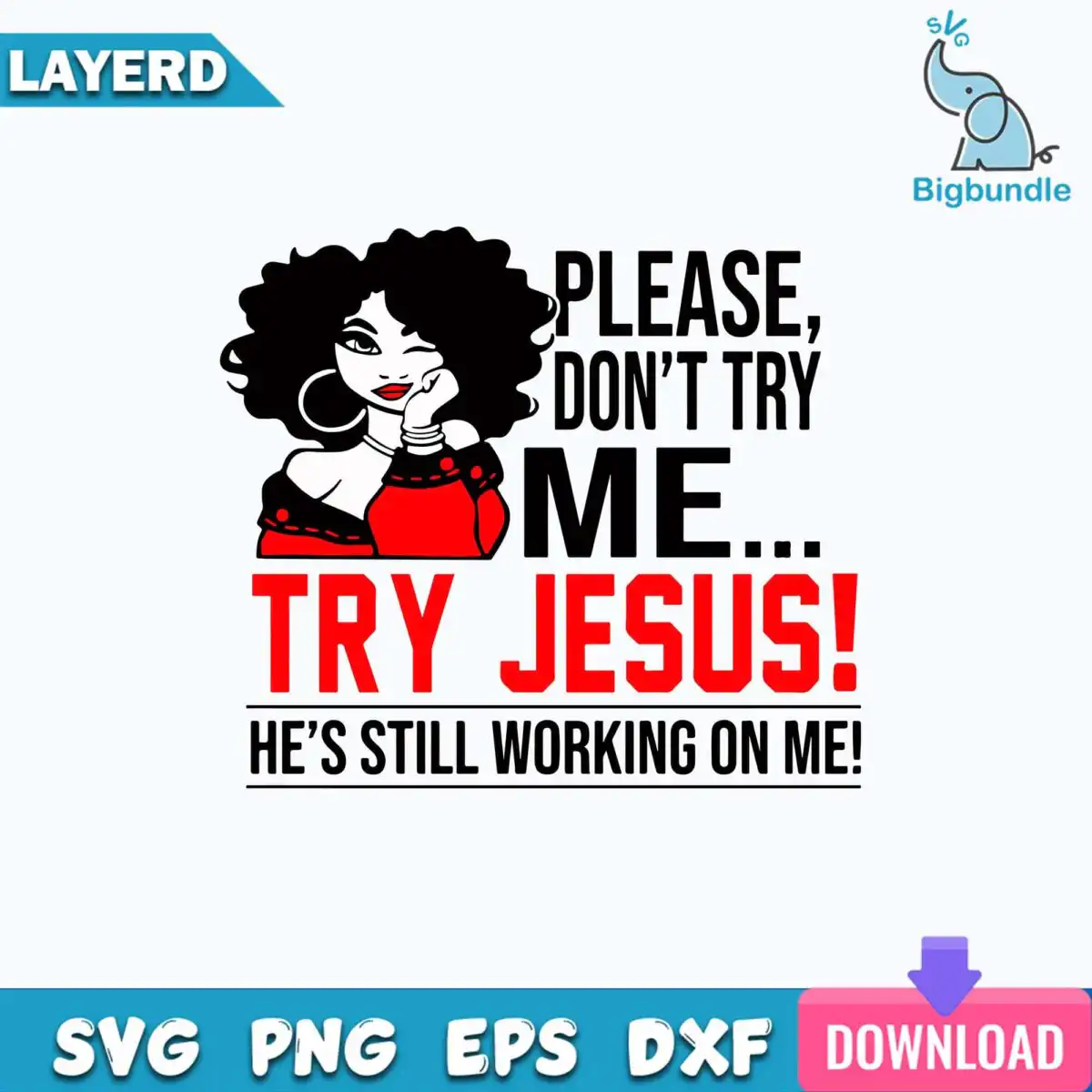
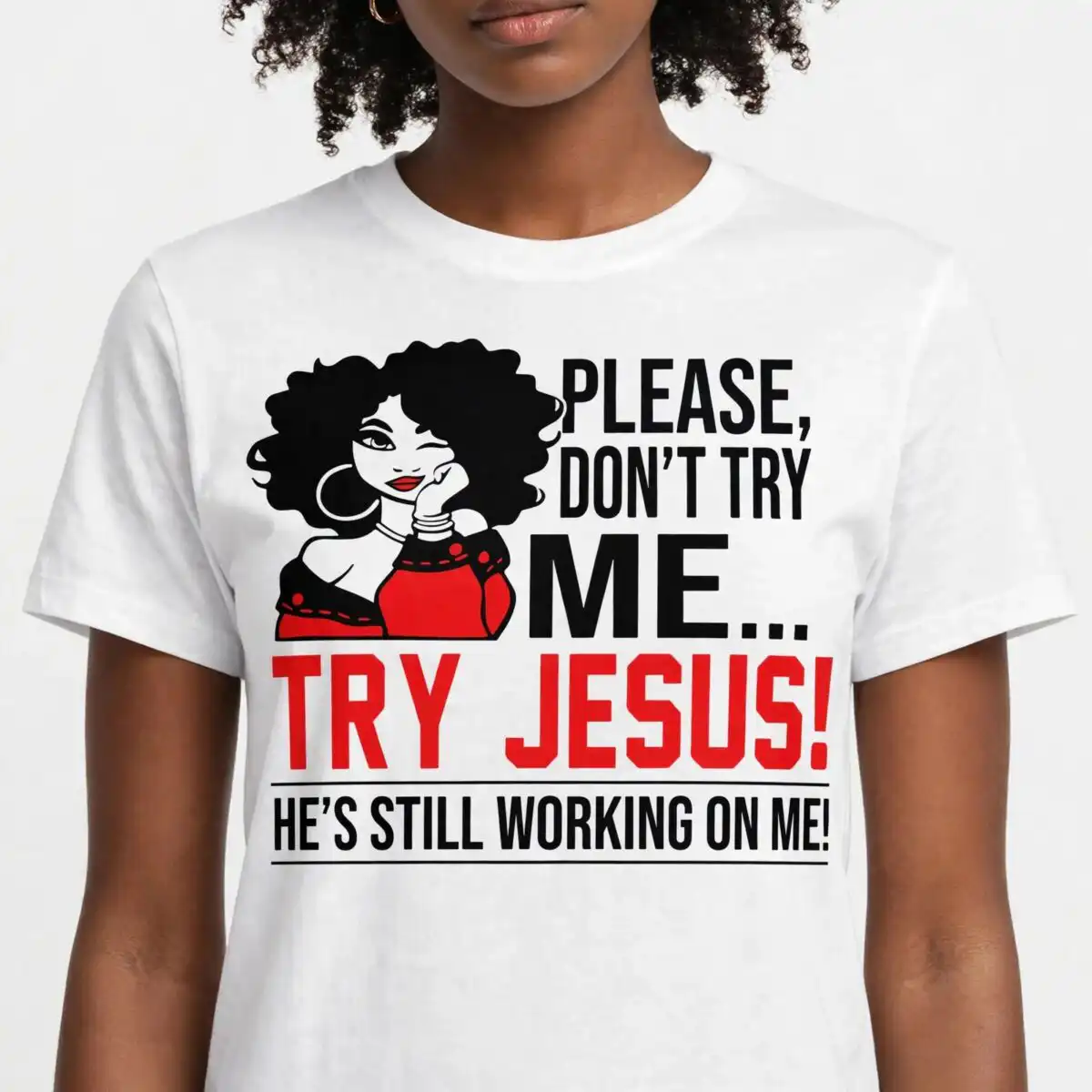
This everyday stylized woman voluminous curly SVG is a single flat vector design: a winking woman with a mass of curly black hair, resting her chin on her hand, beside the bold lettering “PLEASE, DON’T TRY ME… TRY JESUS! HE’S STILL WORKING ON ME!” It comes as one design in SVG, PNG, DXF, EPS and PDF, made for cutting vinyl, printing on t-shirts, or wrapping mugs and tote bags. You get black, red and white, with the woman’s red off-shoulder top and hoop earring standing out against the black lettering. The silhouette style keeps the artwork bold and easy to read from across a room. It suits a playful gift for a friend who likes a sassy joke, or a funny shirt for your own everyday wear. Because the file is vector, you can resize the whole piece without losing sharpness on the curls or the lettering.
Design breakdown
The design is cut in 3 layers in black, red and white: black for the hair silhouette, lettering and linework, red for the off-shoulder top, and white as the background. The artwork includes the curly hair silhouette, the woman’s face with a wink, a hoop earring, a hand under the chin, a bracelet, the off-shoulder red top with black accents, and horizontal rule lines above and below the text. The lettering reads “PLEASE,” “DON’T TRY,” “ME…” “TRY JESUS!” and “HE’S STILL WORKING ON ME!” in bold sans-serif type. Fine details such as the earring and the bracelet are small, so cut them at 4 inches or larger for clean results on vinyl.
| Layers | 4 |
|---|---|
| Colours | 3 — black (#000000), red (#E30D16), white (#FFFFFF) |
| Lettering | PLEASE, / DON’T TRY / ME… / TRY JESUS! / HE’S STILL WORKING ON ME! |
| Background | white |
| Cut complexity | medium |
| Orientation | square |
What’s included
- SVG
- PNG (300 dpi, transparent)
- DXF
- EPS
Works with
- Cricut Design Space
- Silhouette Studio (Designer Edition)
- Brother ScanNCut
- Adobe Illustrator
- Inkscape
- CorelDRAW
How to use
Download the ZIP file from your order and unzip it to a folder on your computer. For a cutting machine, open Cricut Design Space or Silhouette Studio (Designer Edition) and import the SVG file, then separate the colour layers before cutting. For printing, use the PNG file with a transparent background on a shirt or mug transfer, or open the EPS or PDF in your design software. Resize the artwork in your software before cutting, and check that the smallest details still look right at your chosen size.
Licence
Personal and small-business commercial use. Sell finished physical items; do not resell or redistribute the files themselves.
FAQ
What files are included with this design?
You get SVG, PNG (300 dpi, transparent), DXF, EPS and PDF files. The SVG is the best choice for cutting machines, and the PNG suits printing and transfers.
Can I use this design on a 20oz tumbler?
Yes, the design works on tumblers and mugs when you print it as a transfer or cut it as a vinyl decal. Check the size on the tumbler first, since the small earring and bracelet details need enough room to stay clear.
Which machines and programs does this file work with?
It works with Cricut Design Space, Silhouette Studio (Designer Edition), Brother ScanNCut, Adobe Illustrator, Inkscape and CorelDRAW. The SVG, DXF and EPS files open in these programs.
Can I resize the design and sell finished shirts with it?
Yes, you can resize the vector file freely. The licence covers personal and small-business commercial use for finished physical items, but you may not resell or redistribute the files themselves.


