
Five Stylized Female Figures Cut File for Shirts, Mugs and Wall Art
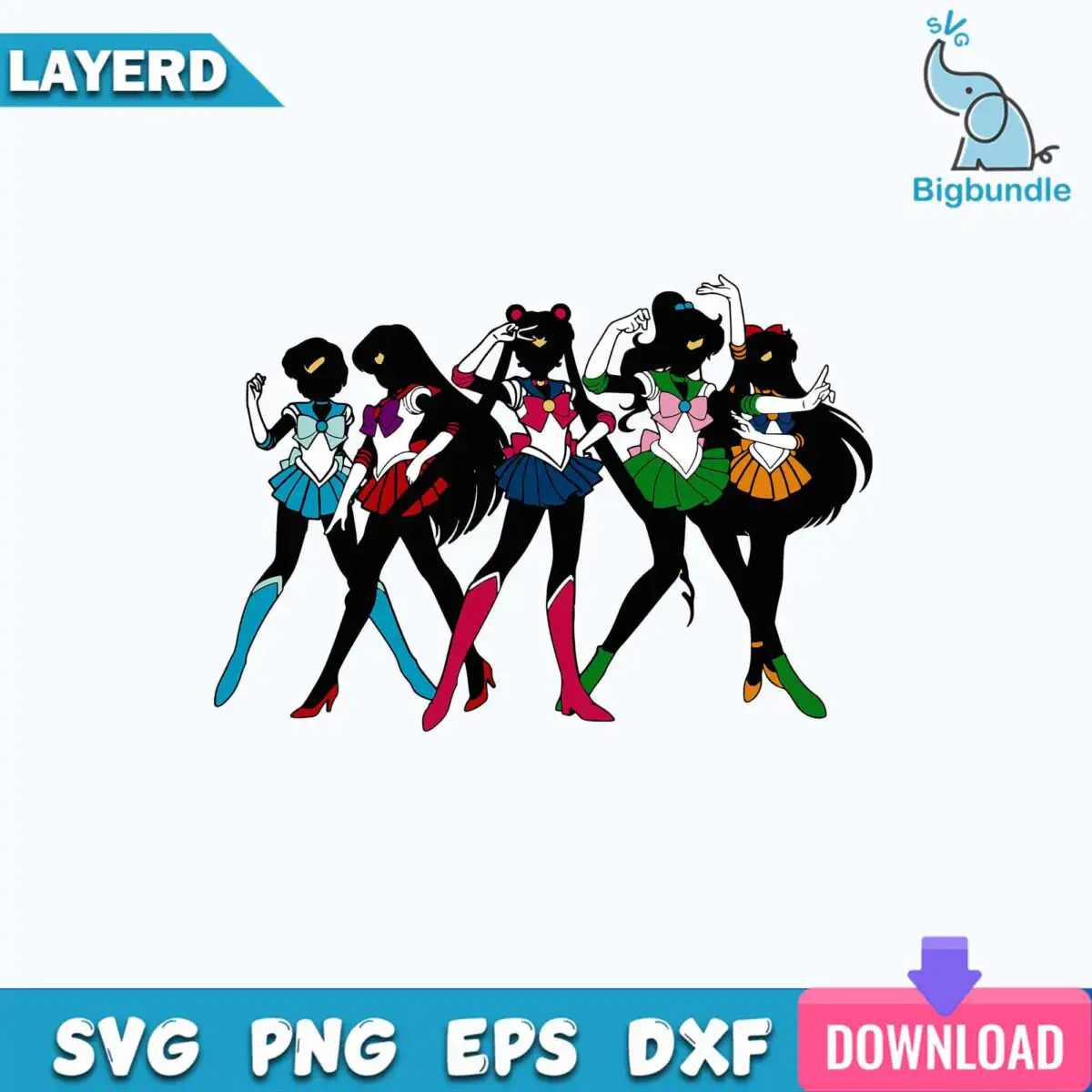
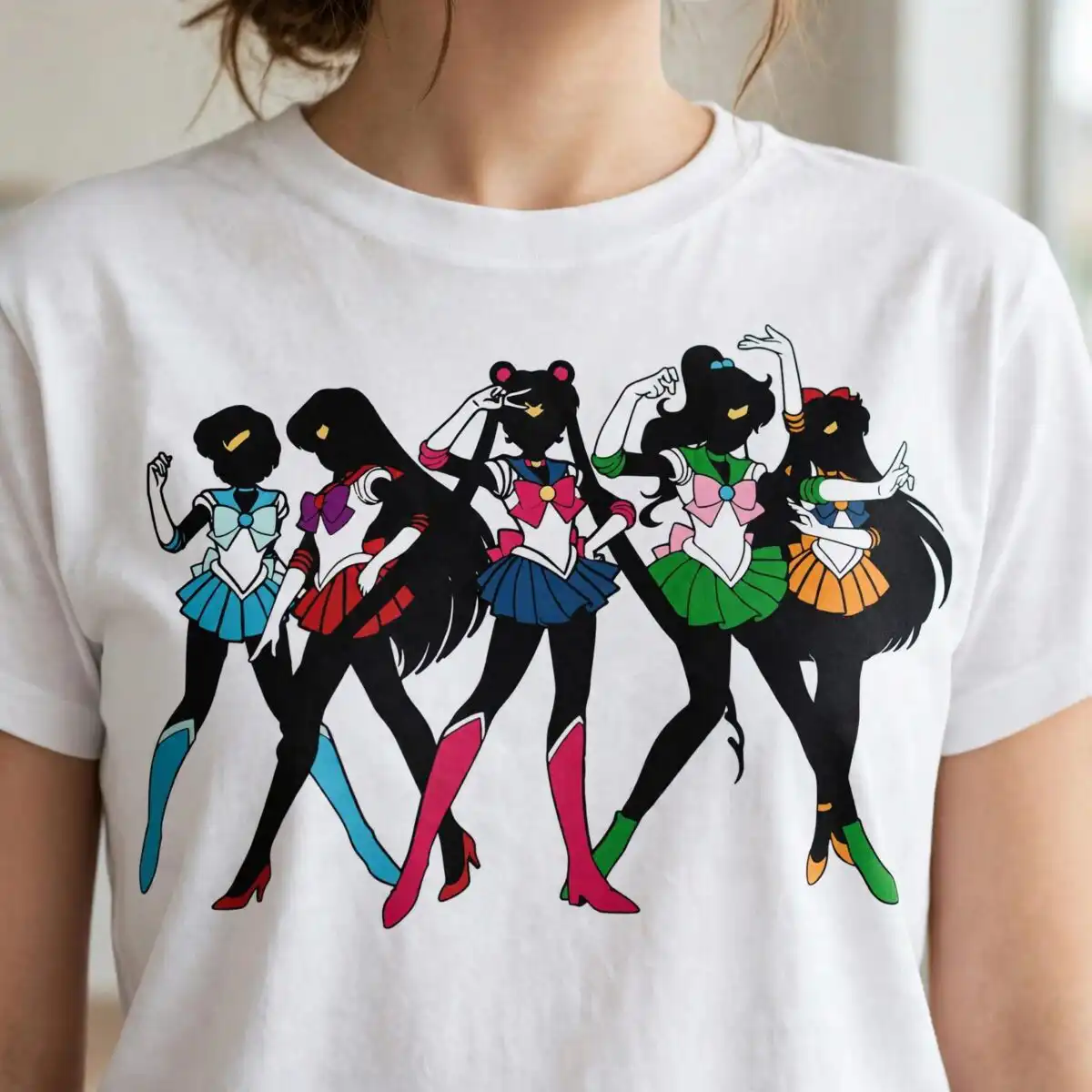
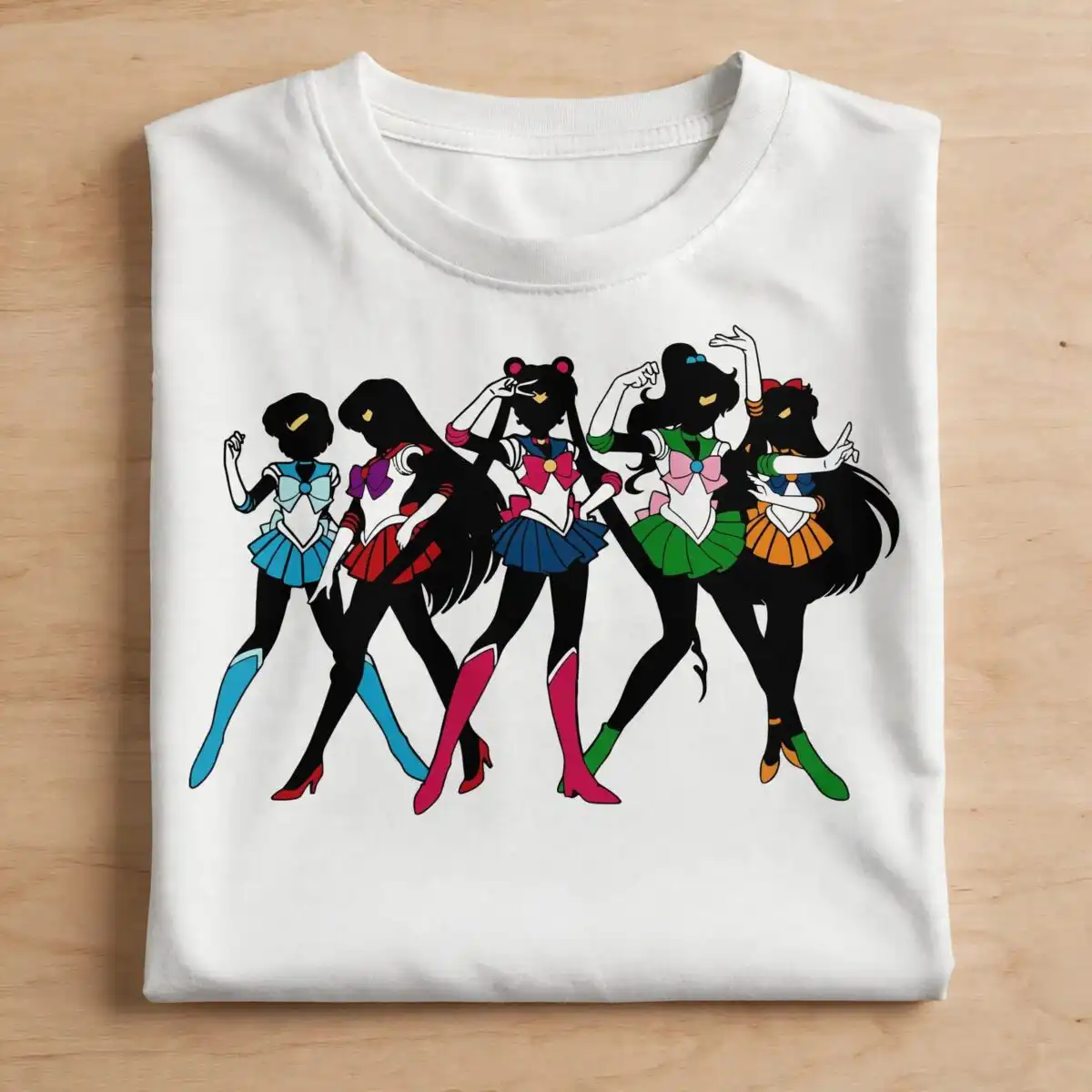
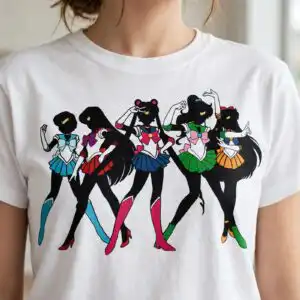
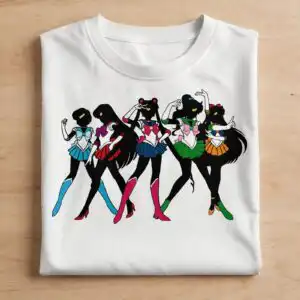
Five Stylized Female Figures SVG is a single digital cut-file design of five female figures standing side by side in dynamic poses, drawn in dark silhouette with flat colour. You receive SVG, PNG, DXF, EPS and PDF files, made for iron-on shirts, vinyl decals, mugs, stickers and wall art. Each figure wears a skirt in a different colour: light teal blue, crimson red, navy blue, green or bold orange. Black silhouette bodies and hair hold the group together, while bow ribbons, boots, heels, gloves and small circular ornaments on the headpieces add detail to every figure. The artwork is built from clean, separate shapes, so it suits crafters who like to layer colour or cut one vinyl colour at a time. It has a playful, energetic feel that works well for fan art and decor projects alike.
Design breakdown
The design is a single artwork of five female figures in dark black silhouette bodies and hair, with skirts in light teal blue, crimson red, navy blue, green and orange. Each figure also carries bow ribbons, boots or heels, gloves and circular ornaments on the headpieces. The file is cut in 12 layers, which lets you separate the colours for vinyl or print. The artwork uses 10 named colours in total, including white and a blue banner tone, and it is supplied on a white background with a transparent PNG version. Its cut complexity is high, so fine details are best cut at 4 inches or larger.
| Layers | 12 |
|---|---|
| Colours | 10 — black (#000000), light teal blue (#3BB3D6), crimson red (#C8243A), navy blue (#1D2C5C), green (#1E7A3C), orange (#E8802A) |
| Lettering | LAYERD / SVG / PNG / EPS / DXF / DOWNLOAD / svg |
| Background | white |
| Cut complexity | high |
| Orientation | landscape |
What’s included
- SVG
- PNG (300 dpi, transparent)
- DXF
- EPS
Works with
- Cricut Design Space
- Silhouette Studio (Designer Edition)
- Brother ScanNCut
- Adobe Illustrator
- Inkscape
- CorelDRAW
How to use
Download the ZIP from your order page and unzip it to a folder on your computer. Open Cricut Design Space, Silhouette Studio or your design software, then use Upload or File, Open to import the SVG. Check the layers in the layers panel, resize the design to your project, and cut or print. For sublimation or print-ready work, use the transparent PNG instead.
Licence
Personal and small-business commercial use. Sell finished physical items; do not resell or redistribute the files themselves.
FAQ
What files are included with this design?
You get SVG, PNG, DXF, EPS and PDF files. The PNG is 300 dpi with a transparent background, and the others suit cutting machines and design software.
Can I use this design on a youth shirt or a 20oz tumbler?
Yes, the design can go on a youth shirt or a 20oz tumbler, as long as you size it to fit the area. Resize the SVG in your software before cutting so the fine bows and boots stay clear.
Which machines and programs work with these files?
The files work with Cricut Design Space, Silhouette Studio (Designer Edition), Brother ScanNCut, Adobe Illustrator, Inkscape and CorelDRAW. The SVG and DXF files are the best fit for cutting machines.
Can I resize the design and sell finished items made with it?
Yes, you can resize the design freely. It is licensed for personal and small-business commercial use, so you can sell finished physical items, but you may not resell or redistribute the files themselves.


