
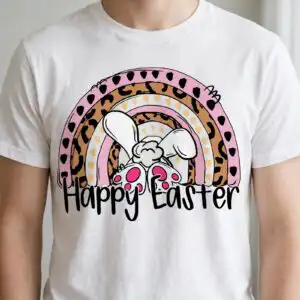

Easter Rainbow Arch with Leopard Bands and Peeking Bunny, Happy Easter Cut File for
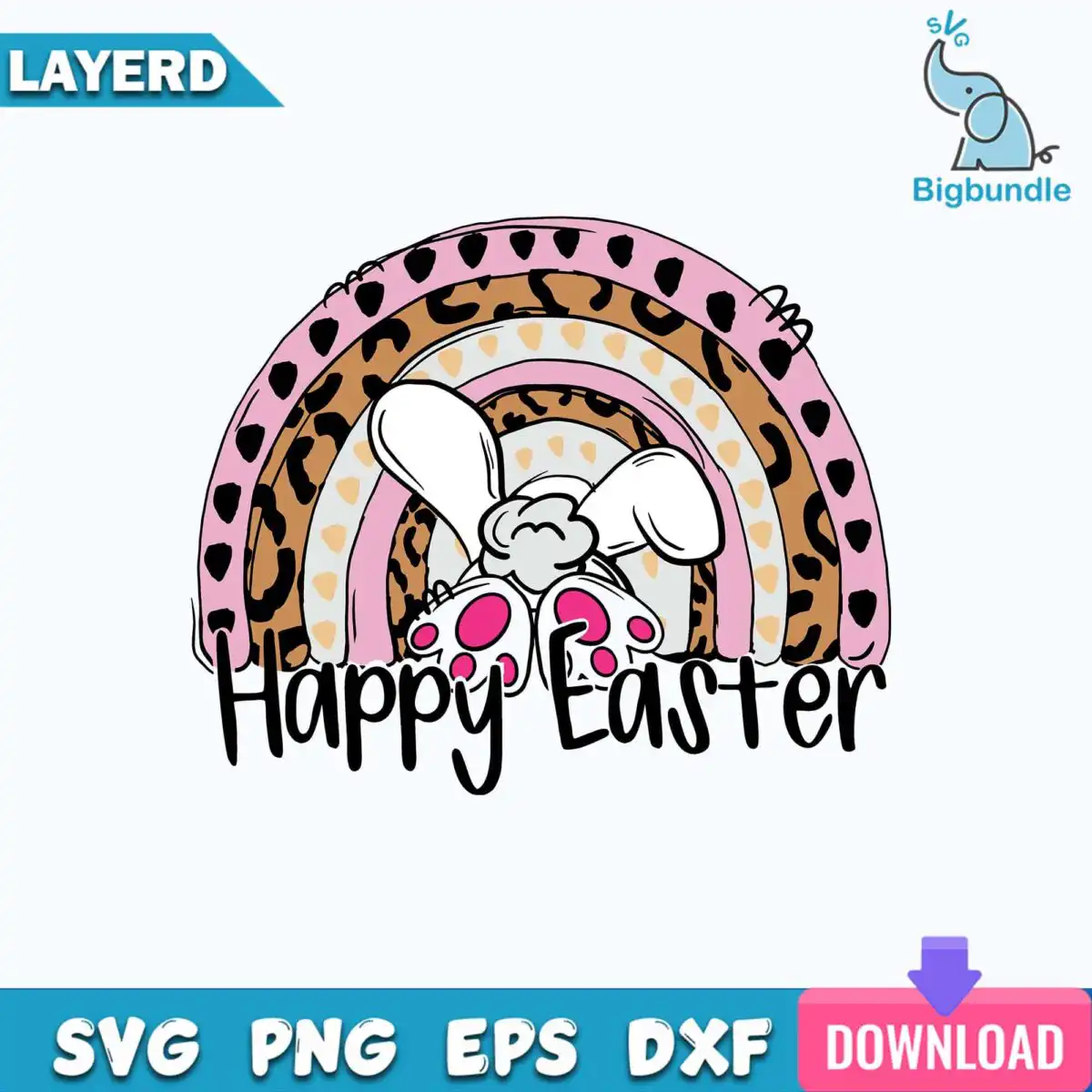
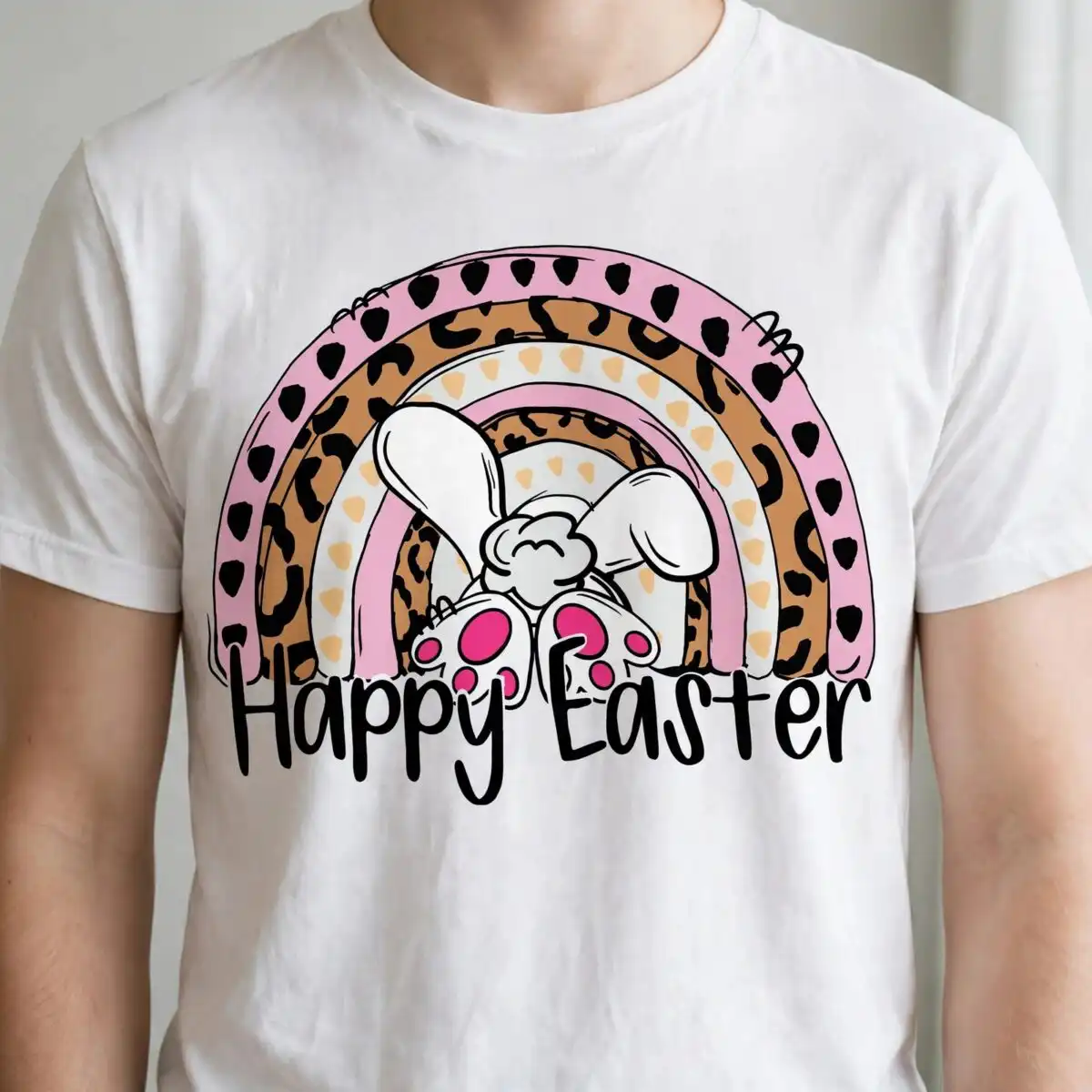
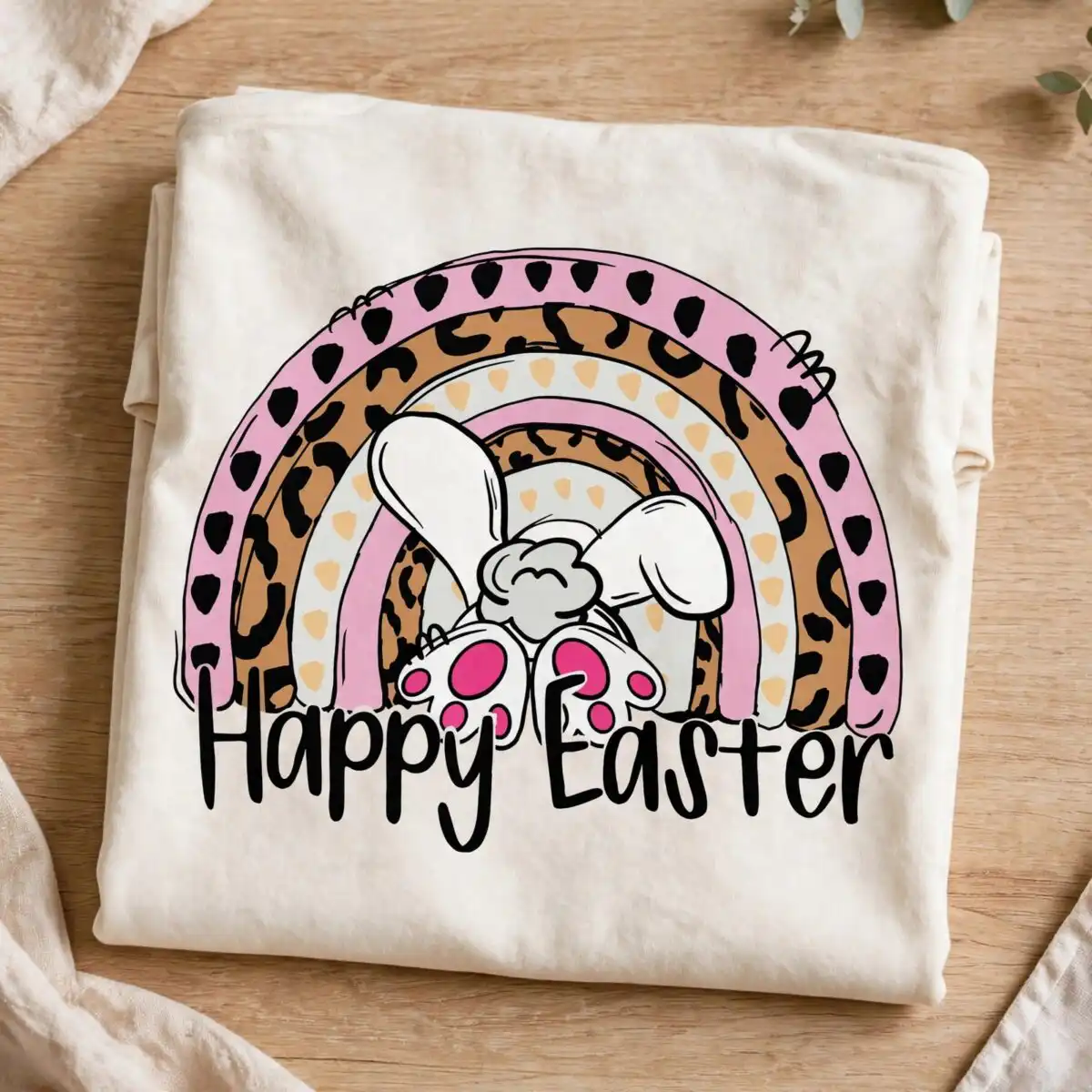
This Easter rainbow clipart is a single badge design: a rainbow arch with leopard-print bands and the rear view of a white bunny peeking over the top, with “Happy Easter” lettering across the front. You get SVG, PNG, DXF, EPS and PDF files, ready to cut or print on shirts, mugs, tote bags, stickers and signs. The palette runs through light pink, caramel brown, black, white, light grey, pale peach and hot pink, so the bands and bunny stand out against the arch. Because the artwork is hand-drawn in a flat vector style, the leopard spots and small polka-dot hearts keep their shape at any size you choose. Import the file into your cutting software, set the width, and the arch, bunny ears and paws with pink pads will stay in proportion. It suits spring crafts, classroom projects and Easter gifts for friends and family.
Design breakdown
This design is cut in 8 layers using seven colours: light pink, caramel brown, black, white, light grey, pale peach and hot pink. The rainbow arch sits behind the leopard-print bands, and the white bunny’s ears, head and paws with pink pads form the top layer that peeks over the arch. The “Happy Easter” lettering and the polka-dot heart accents are separate pieces, so you can colour or weed them individually. The cut has medium complexity: the small spots and heart details need a careful weed, and the design is best cut at 4 inches or larger so those fine shapes stay clean. The file is provided on a single sheet with the design on a white background.
| Layers | 8 |
|---|---|
| Colours | 7 — light pink (#F4B6D2), caramel brown (#C8843F), black (#1A1A1A), white (#FFFFFF), light grey (#E9E9E9), pale peach (#F7D6A0) |
| Lettering | Happy Easter |
| Background | white |
| Cut complexity | medium |
| Orientation | landscape |
What’s included
- SVG
- PNG (300 dpi, transparent)
- DXF
- EPS
Works with
- Cricut Design Space
- Silhouette Studio (Designer Edition)
- Brother ScanNCut
- Adobe Illustrator
- Inkscape
- CorelDRAW
How to use
Download the ZIP from your order and unzip it to a folder on your computer. Open Cricut Design Space, Silhouette Studio, Brother ScanNCut or Inkscape, then choose Upload or File and Open to import the SVG. Resize the arch to your project, separate the colour layers if you want to cut them in different vinyls, and send it to your machine. For printing, use the PNG, which has a transparent background.
Licence
Personal and small-business commercial use. Sell finished physical items; do not resell or redistribute the files themselves.
FAQ
What files come with this Easter rainbow arch design?
You get SVG, PNG, DXF, EPS and PDF files. The PNG is 300 dpi with a transparent background, so it works well for printing and sublimation.
Can I put this Easter rainbow design on a 20oz tumbler?
Yes, the design can be used on a 20oz tumbler. Print the PNG or use the SVG as a vinyl decal, and size it to the area you want to cover.
Which machines and programs can I use these files with?
The files work with Cricut Design Space, Silhouette Studio (Designer Edition), Brother ScanNCut, Adobe Illustrator, Inkscape and CorelDRAW. Any of these will open the SVG for cutting or editing.
Can I resize the design and sell items I make with it?
Yes, you can resize the file freely. The licence covers personal and small-business commercial use, but you must sell the finished physical items and not the files themselves.


