
Cartoon Scene Yellow Haired Cut File for Patriotic Shirts, Mugs and Crafts
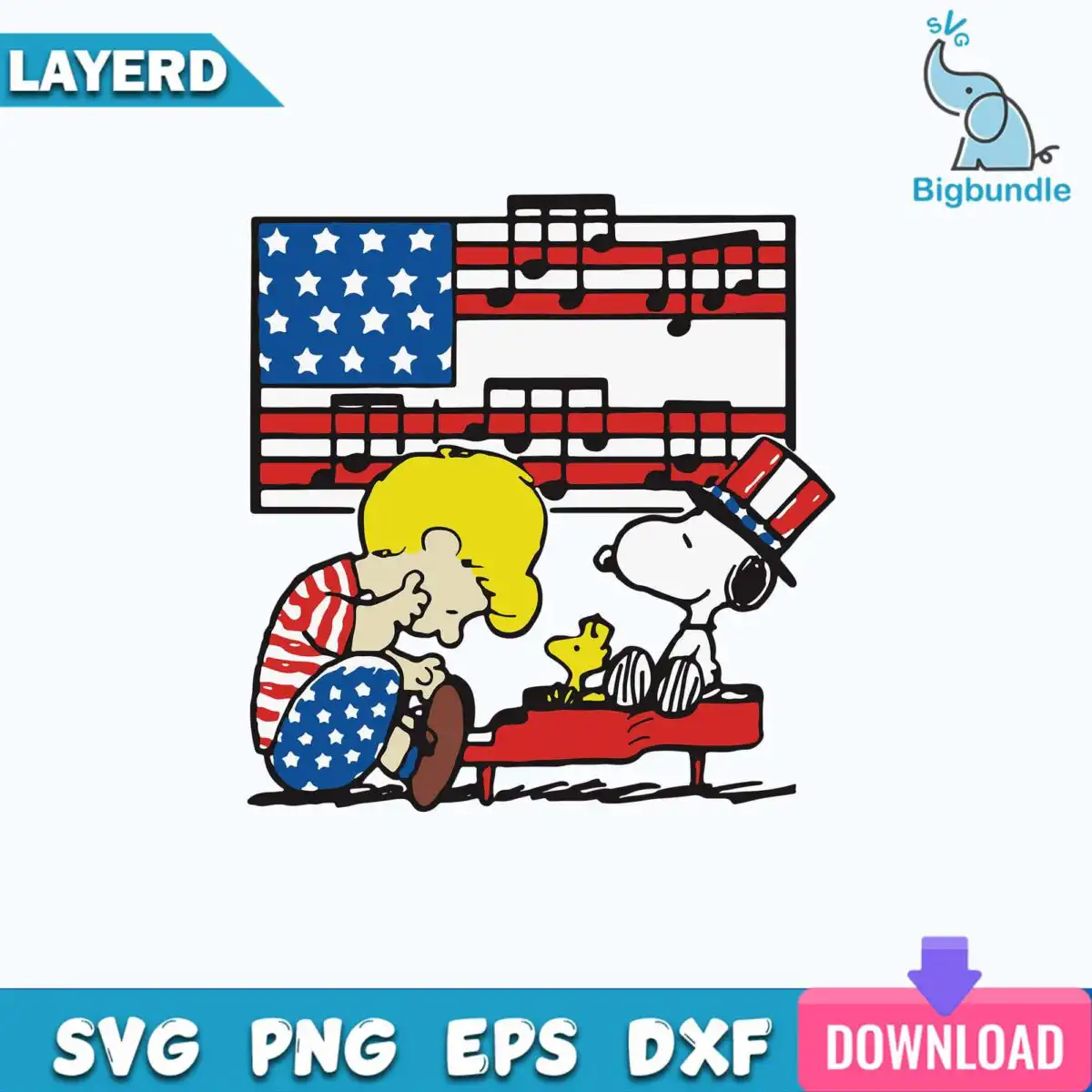
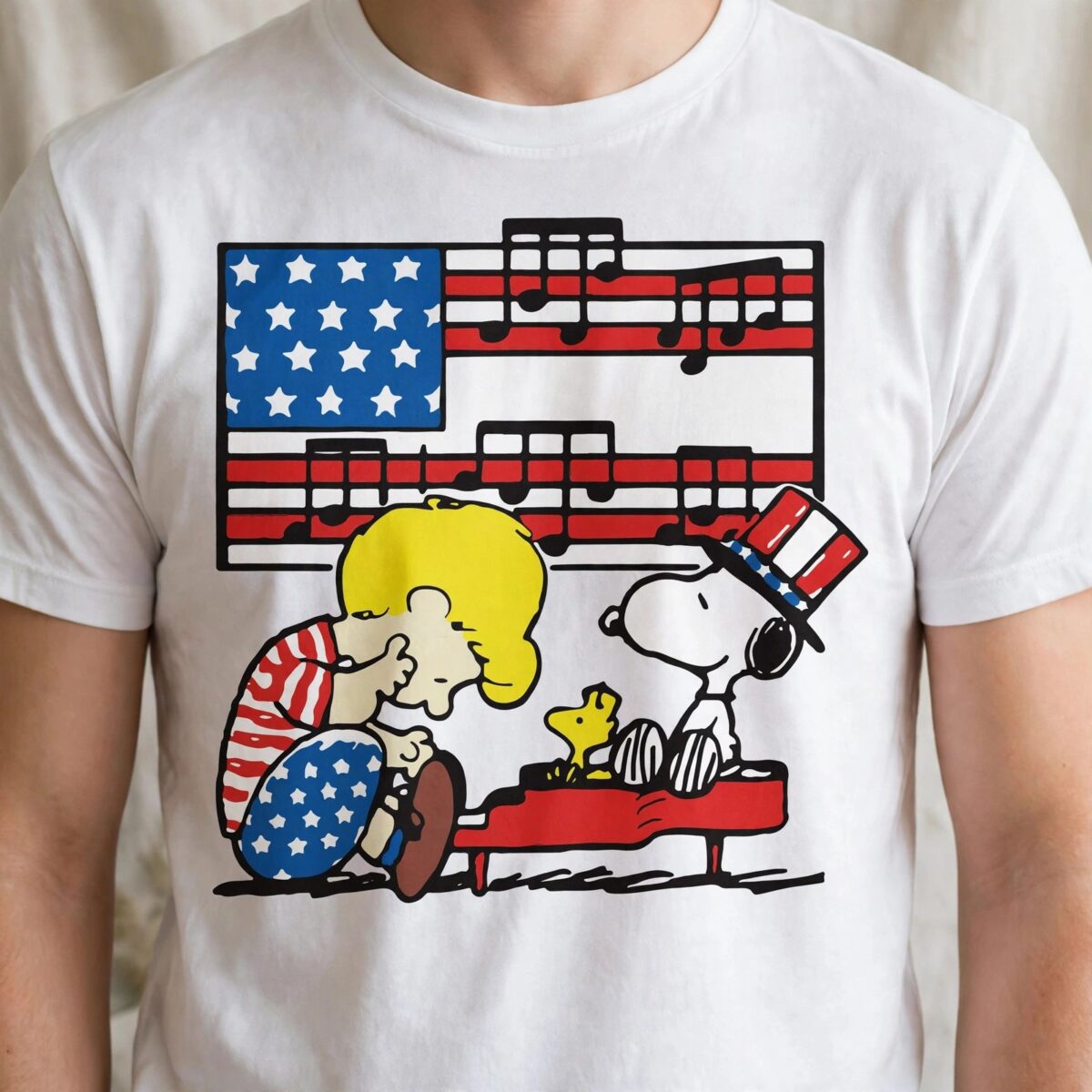
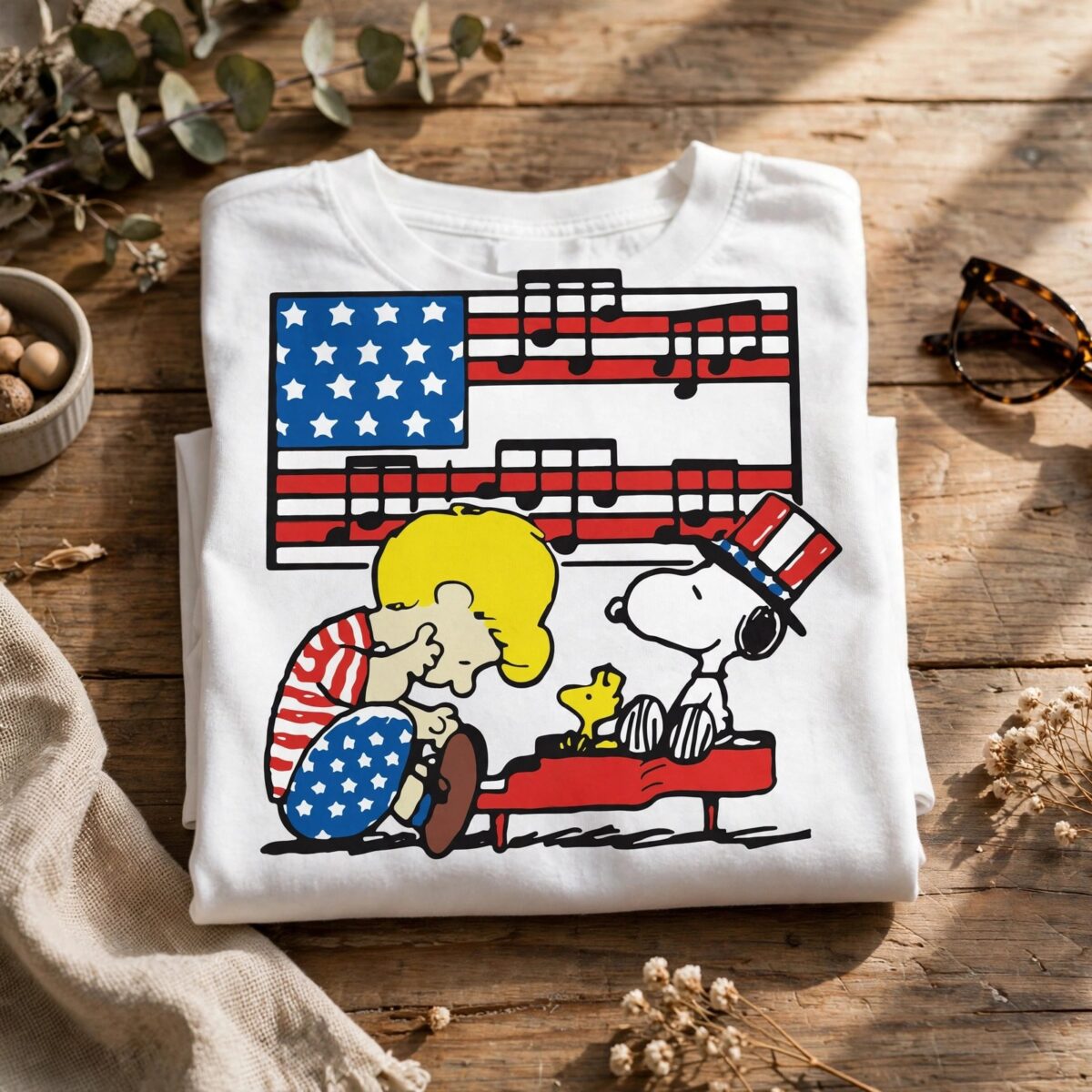
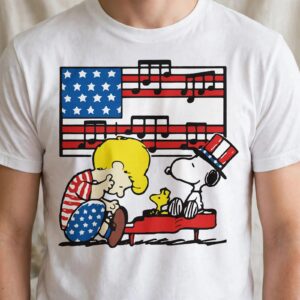
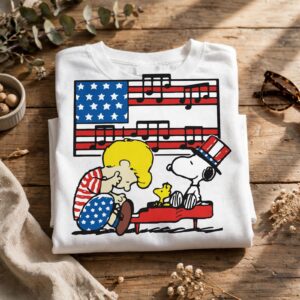
This Cartoon Scene Yellow Haired design is a single flat-colour illustration for cutting, printing and pressing, delivered as SVG, PNG, DXF, EPS and PDF files. It shows a yellow-haired child in a red-and-white striped shirt and star-patterned blue pants seated at a red piano, with a small yellow bird perched on the keys. Behind them, a white dog-like figure wears a red, white and blue striped top hat with sunglasses, and beside it waves an American flag built from navy-outlined stars and music staff lines. The palette is dark navy outline, royal blue, red, white, yellow and brown, so the scene reads clearly at shirt and mug sizes. You can use it for t-shirt transfers, vinyl decals, mug wraps, scrapbook pages and stickers for Fourth of July parties and other patriotic events.
Design breakdown
The artwork is built from 12 layers in a single square composition on a white background, with a dark navy outline separating each shape. Its six colours are dark navy outline, royal blue, red, white, yellow and brown. Shapes include the child figure with yellow hair, striped shirt and star-patterned pants, the red piano with its bench legs and music staff lines, musical notes, the American flag with its blue star field, the small yellow bird, the white dog-like figure with its striped top hat and sunglasses, and the ground shadow lines. Because the piano, staff lines and star field are fine, cut it at 4 inches or larger for clean weeding. Each colour is a separate layer, so you can cut each one from a different vinyl colour or print it as a single full-colour sheet.
| Layers | 12 |
|---|---|
| Colours | 6 — dark navy outline (#1E2A3A), royal blue (#2B4DA0), red (#C8202F), white (#FFFFFF), yellow (#F7D33A), brown (#7A4A2B) |
| Lettering | LAYERD / SVG / PNG / EPS / DXF / DOWNLOAD |
| Background | white |
| Cut complexity | high |
| Orientation | square |
What’s included
- SVG
- PNG (300 dpi, transparent)
- DXF
- EPS
Works with
- Cricut Design Space
- Silhouette Studio (Designer Edition)
- Brother ScanNCut
- Adobe Illustrator
- Inkscape
- CorelDRAW
How to use
Download the ZIP file from your order and unzip it to a folder on your computer. Open the SVG in Cricut Design Space, Silhouette Studio or Brother ScanNCut by choosing Upload and importing the file. Then resize the square artwork to your project, check the layers, and cut or print. For transfers and mugs, use the PNG at 300 dpi, which has a transparent background.
Licence
Personal and small-business commercial use. Sell finished physical items; do not resell or redistribute the files themselves.
FAQ
What files come with this Cartoon Scene Yellow Haired design?
You get SVG, PNG, DXF, EPS and PDF files. The PNG is 300 dpi with a transparent background, which suits printing and heat transfers.
Can I put this design on a 20oz tumbler?
Yes, the artwork is square and works on a tumbler when you size it to fit the wrap. Measure your tumbler and resize the PNG or SVG before printing or cutting the vinyl.
Which machines and programs does this work with?
It works with Cricut Design Space, Silhouette Studio (Designer Edition), Brother ScanNCut, Adobe Illustrator, Inkscape and CorelDRAW. The SVG, DXF and EPS files cover these programs.
Can I use this design on items I sell?
Yes, the licence covers personal use and small-business commercial use, as long as you sell the finished physical items. You may not resell or redistribute the files themselves.


