

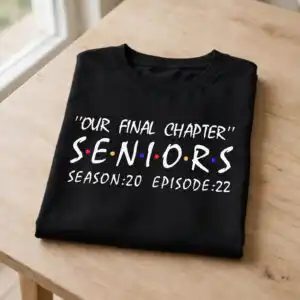
Our Final Chapter Senior Graduation Themed Text Design for Shirts, Mugs and Tumblers
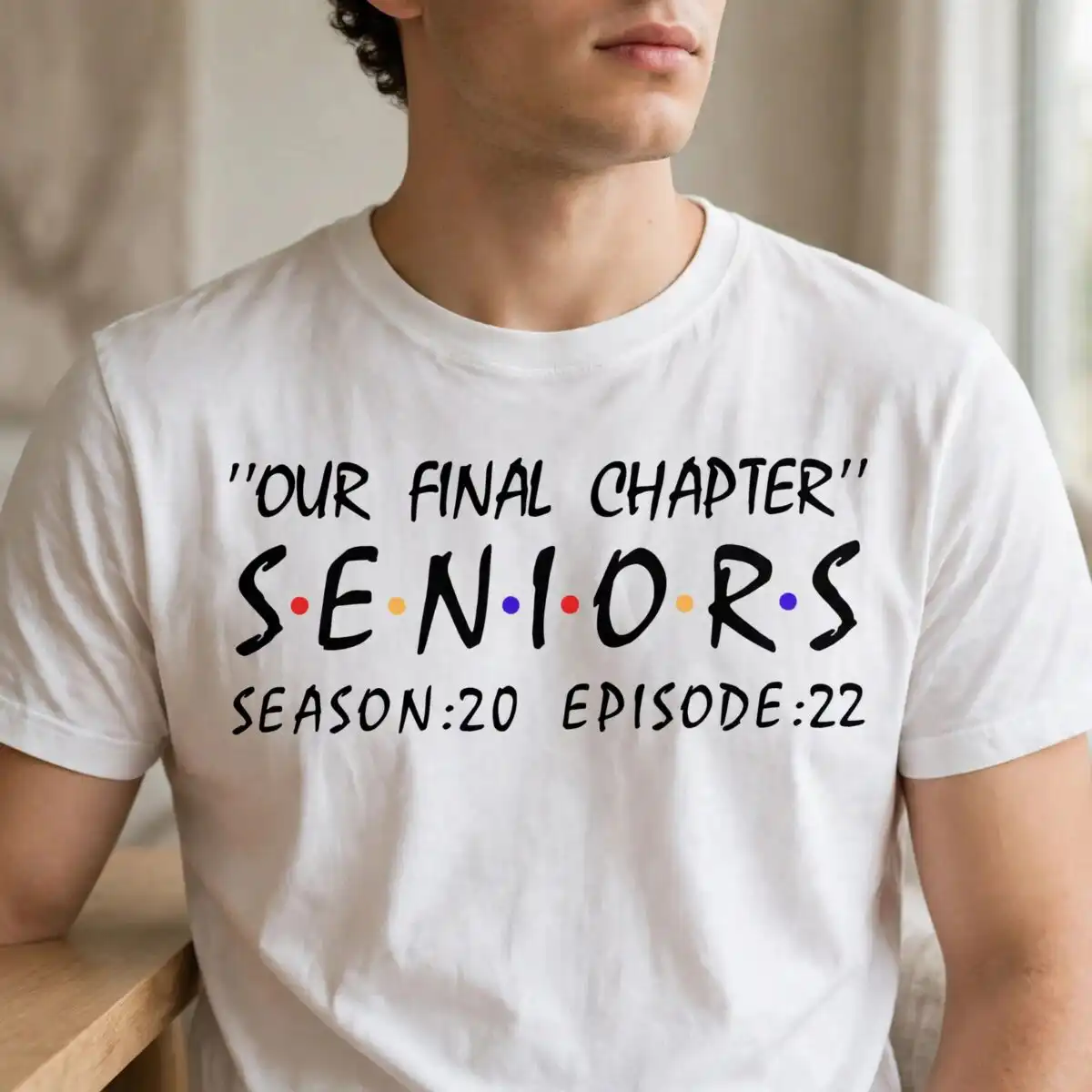
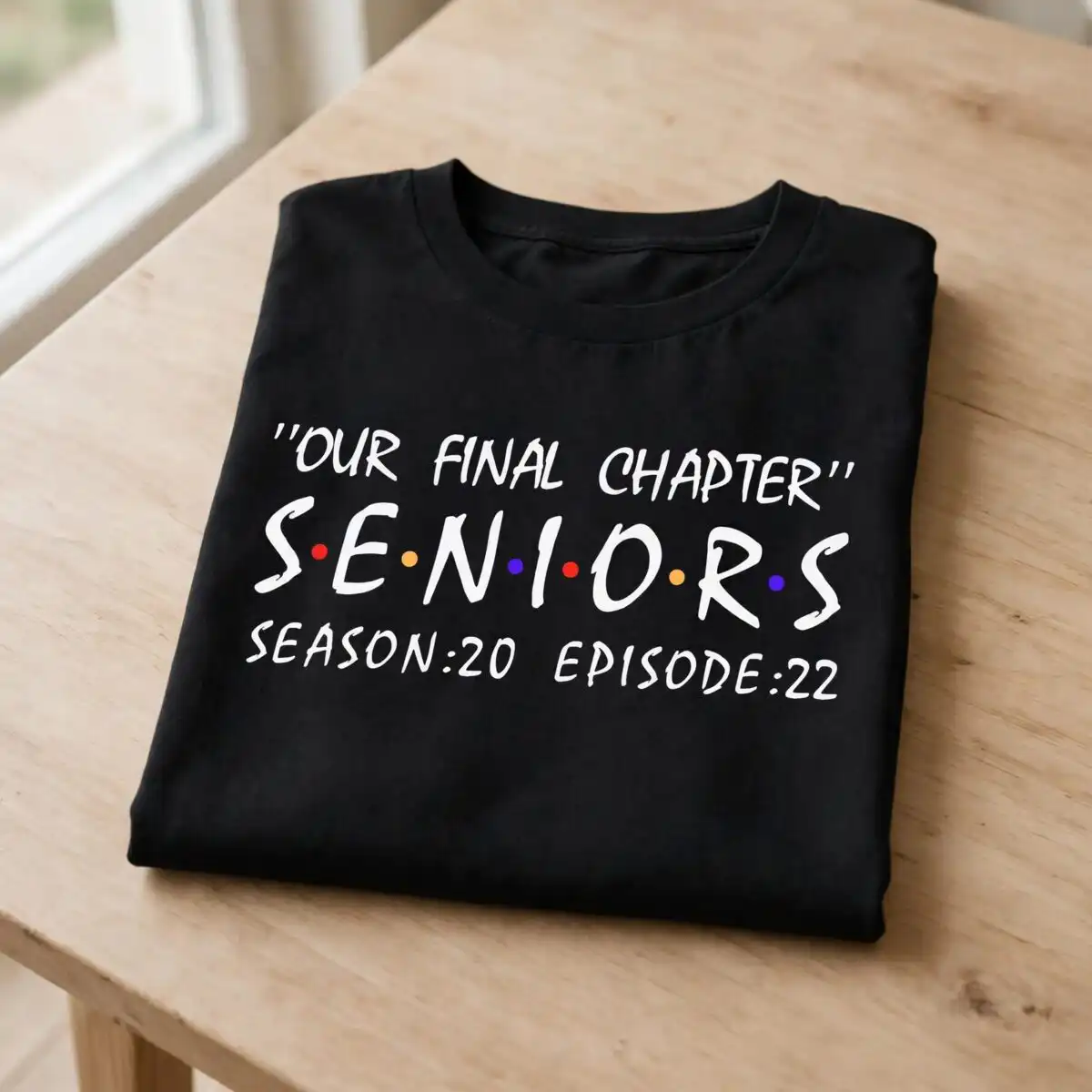
This graduation themed text design is a single SVG cut file reading “Our Final Chapter” above SENIORS, with “SEASON:20 EPISODE:22” set beneath, and it comes with SVG, PNG, DXF, EPS and PDF files. The artwork is built from bold, hand-lettered display type in black, with multicolored dots between the letters of SENIORS in red, orange and purple, set on an off-white background. Its playful, nostalgic tone suits a spring senior year, so it works well for class of celebration gifts. You can cut it as a vinyl decal or sign, or use it for sublimation on t-shirts, tumblers and mugs. The lettering is simple, so it reads clearly at a range of sizes. Families, high school seniors and graduates can all use it to mark the end of the school years in a personal way.
Design breakdown
The design is cut in 1 layer and has a low cut complexity, so it is a straightforward file for most machines. It uses five colours: black for the lettering, red, orange and purple for the dots between the letters of SENIORS, and an off-white background. The layout is landscape, with “Our Final Chapter” on the top line, SENIORS in the centre, and “SEASON:20 EPISODE:22” beneath. The dots are fine details, so cut or print them at 4 inches or larger for the best result.
| Layers | 1 |
|---|---|
| Colours | 5 — black (#000000), red (#E8262B), orange (#F7A935), purple (#5B2DD6), off-white background (#F5F9FC) |
| Lettering | “Our Final Chapter” / SENIORS / SEASON:20 EPISODE:22 |
| Background | white |
| Cut complexity | low |
| Orientation | landscape |
What’s included
- SVG
- PNG (300 dpi, transparent)
- DXF
- EPS
Works with
- Cricut Design Space
- Silhouette Studio (Designer Edition)
- Brother ScanNCut
- Adobe Illustrator
- Inkscape
- CorelDRAW
How to use
Download the ZIP file from your order and unzip it to a folder on your computer. Open the SVG in Cricut Design Space, Silhouette Studio (Designer Edition), Brother ScanNCut, Adobe Illustrator, Inkscape or CorelDRAW, and import it into your project. Resize the design to fit your item, then cut or print it. For sublimation, use the PNG (300 dpi, transparent) file.
Licence
Personal and small-business commercial use. Sell finished physical items; do not resell or redistribute the files themselves.
FAQ
What files are included with this graduation themed text design?
You get SVG, PNG (300 dpi, transparent), DXF, EPS and PDF files. The SVG is the main cutting file, and the PNG is useful for sublimation and printing.
Can I put this Our Final Chapter design on a senior year t-shirt?
Yes, it suits a senior year t-shirt, and you can use the PNG file for sublimation or print-on-shirt transfers. Keep the lettering at a size where the small dots still show clearly.
Which machines and programs does this file work with?
It works with Cricut Design Space, Silhouette Studio (Designer Edition), Brother ScanNCut, Adobe Illustrator, Inkscape and CorelDRAW. The SVG is designed for cutting machines and vector software.
Can I resize the design and use it for my own small business?
Yes, you can resize it to fit your project. The licence covers personal and small-business commercial use for selling finished physical items, but you may not resell or redistribute the files themselves.


