Grinch Get In Loser Were Going To Whoville Red Jeep Christmas PNG File
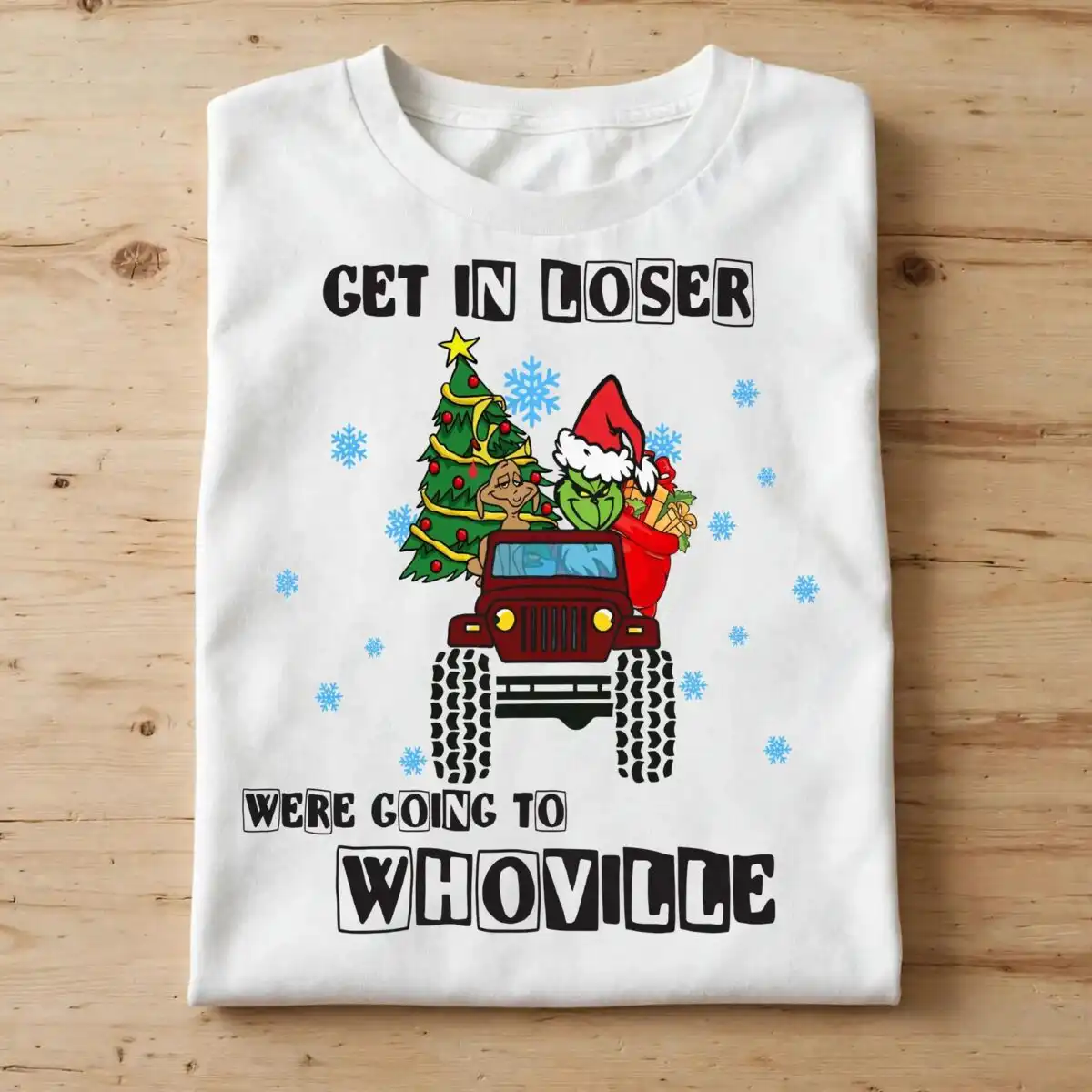
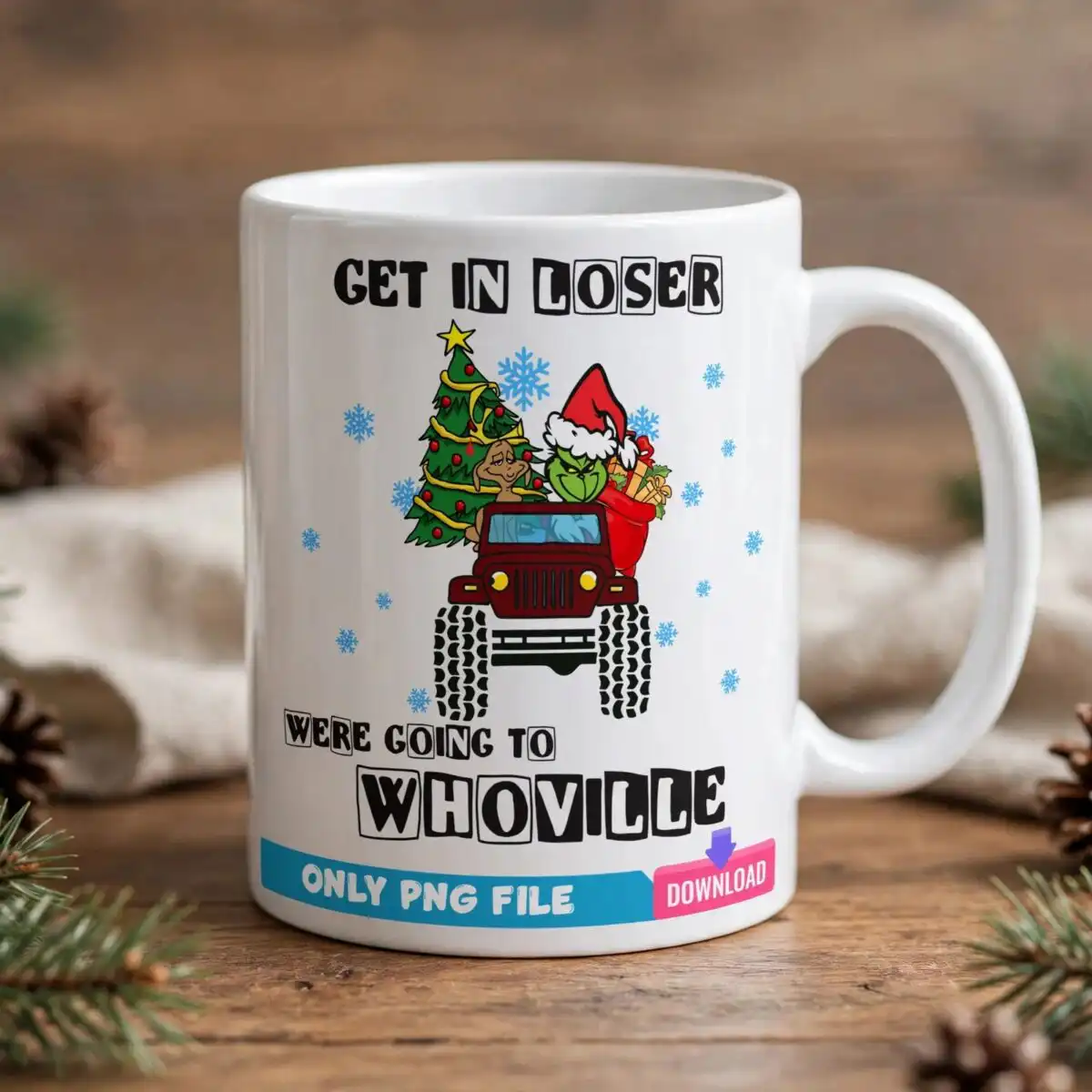
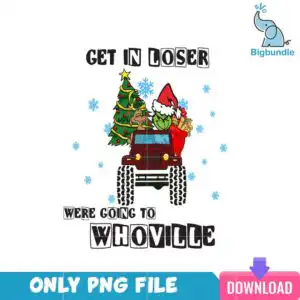
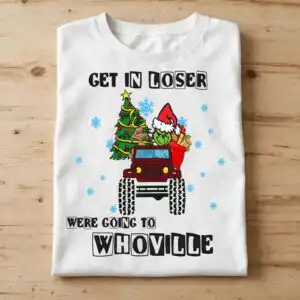
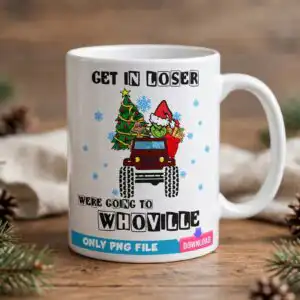
This funny Grinch jeep design gives you one ready-to-print PNG with a transparent background made for sublimation on t-shirts, mugs and tumblers. You get a green furry character wearing a red Santa hat driving a red off-road jeep with large tires alongside a brown dog with floppy ears, a decorated Christmas tree with a yellow star and garland, and a red sack filled with gifts on a white background. The artwork shows the bold block lettering GET IN LOSER WERE GOING TO WHOVILLE in black with light blue snowflakes scattered around, built in 7 colors including dark red, green and yellow across 9 layers at medium cut complexity. Use it for family Christmas projects from shirts to ornaments.
Design breakdown
This is a single square design with a white background, 7 flat cartoon colors including white, black, dark red, green, yellow, brown and light blue, and an estimated 9 layers. The cut complexity is medium because of the jeep tires, tree details, gift sack and bold block lettering above and below the illustration. Legibility holds best at medium to large sizes, so avoid very small prints.
| Colours | 7 — white (#FFFFFF), black (#000000), dark red (#A6192E), green (#4CAF50), yellow (#F5D033), brown (#8B5A2B) |
|---|---|
| Lettering | GET IN LOSER / WERE GOING TO / WHOVILLE / ONLY PNG FILE / DOWNLOAD |
| Background | white |
| Orientation | square |
What’s included
- PNG (300 dpi, transparent background)
Works with
- Sublimation printers (Epson, Sawgrass)
- DTF / print-and-cut workflows
- Canva
- Adobe Photoshop
How to use
Download and unzip the file, then open the PNG (300 dpi, transparent) in your print software. Import into your sublimation printer workflow, DTF or print-and-cut software, {{IE_30000}}Canva{{/IE_30000}} or {{IE_30001}}Photoshop{{/IE_30001}}, size for your blank, and press according to your material.
Licence
Personal and small-business commercial use. Sell finished physical items; do not resell or redistribute the files themselves.
FAQ
What files are included in this Grinch design?
You get one PNG file at 300 dpi with a transparent background. It is set up for sublimation, DTF and print-and-cut workflows and opens in Canva and Photoshop.
Can I use this Grinch jeep design on a 20oz tumbler?
Yes, the square PNG works well on a 20oz tumbler wrap and on mugs, t-shirts, totes, stickers and cards. Resize it to your tumbler template and keep the lettering large enough to stay readable.
What printers and machines does this PNG work with?
It works with sublimation printers like Epson and Sawgrass, plus DTF and any print-and-cut workflow. You can also edit it in Canva or Adobe Photoshop before printing.
Can I resize it and sell finished items?
Yes, you can resize it as needed and sell finished physical items like shirts, mugs and ornaments. The licence is for personal and small-business commercial use and does not allow reselling or redistributing the digital file itself.