
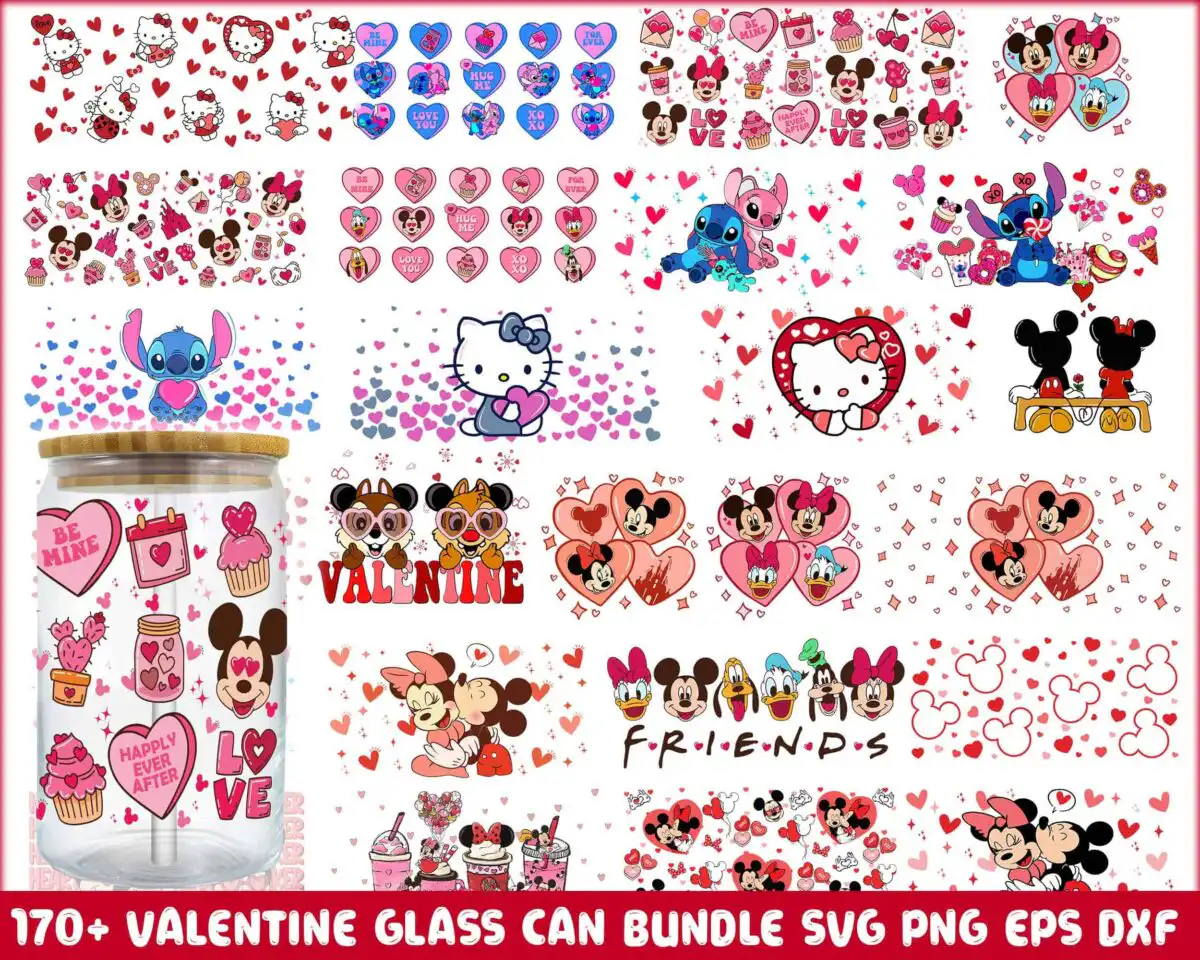
Happy Valentine Day SVG Glass Can Wrap with Disney Mickey, Minnie, Stitch and Hello Kitty
Happy Valentine Day SVG is a Valentine’s Day glass can wrap design with cartoon Disney characters, Mickey, Minnie, Stitch, Hello Kitty and Chip ‘n’ Dale, set among hearts, candy hearts and love letters. You receive the artwork as SVG, PNG, DXF, EPS and PDF files, made for 16 oz glass can wraps, sublimation, vinyl cutting, printable stickers, tumblers and card making. The lettering reads VALENTINE, FRIENDS, LOVE, BE MINE, HAPPILY EVER AFTER and XOXO, printed in bright red, pink, light pink, blue and yellow on a white background. Each character sits in its own heart-themed scene, with cupcakes, envelopes and sparkles filling the gaps. The pastel-bright, kawaii style suits a gift for a partner, a friend or a classroom Valentine exchange. Because the scenes are busy, the pattern is best cut at a larger size, and the white background lets you place it cleanly on clear or frosted glass.
Design breakdown
This design is cut in 4 layers, using 7 colours: white, bright red, pink, brown, blue, light pink and yellow. The preview sheet shows designs including Mickey Mouse, Minnie Mouse, Stitch, Hello Kitty and Chip and Dale, alongside Donald Duck, Daisy Duck, Goofy and Pluto, with hearts, cupcakes, love letters, candy hearts and Mickey ears icons. The lettering includes VALENTINE, FRIENDS, LOVE, BE MINE, HAPPILY EVER AFTER and XOXO. The fine details in the scenes are small, so cut at 4 inches or larger for clean results on a 16 oz can. The files are laid out in landscape orientation on a white background.
| Layers | 4 |
|---|---|
| Colours | 7 — white (#FFFFFF), bright red (#E4152B), pink (#F28CB1), brown (#7A3B1E), blue (#2B6CB0), light pink (#F7C9D6) |
| Lettering | VALENTINE / FRIENDS / LOVE / BE MINE / HAPPILY EVER AFTER / XOXO / BE MINE |
| Background | white |
| Cut complexity | high |
| Orientation | landscape |
What’s included
- SVG
- PNG (300 dpi, transparent)
- DXF
- EPS
Works with
- Cricut Design Space
- Silhouette Studio (Designer Edition)
- Brother ScanNCut
- Adobe Illustrator
- Inkscape
- CorelDRAW
How to use
Download the ZIP file from your order and unzip it to a folder on your computer. Open the SVG file in Cricut Design Space, Silhouette Studio or Adobe Illustrator, then use Import to bring it onto your canvas. Resize the wrap to fit your glass can’s dimensions before cutting or printing. For sublimation, use the PNG file, which has a transparent background at 300 dpi.
Licence
Personal and small-business commercial use. Sell finished physical items; do not resell or redistribute the files themselves.
FAQ
What files are included in this Valentine’s Day glass can wrap?
You get SVG, PNG (300 dpi, transparent), DXF, EPS and PDF files. The PNG suits sublimation, while the SVG and DXF files work with most cutting machines.
Can I use this Valentine design on a 16 oz glass can?
Yes, the design is made for 16 oz glass can wraps. Resize it to your can’s dimensions before cutting or printing, and check the fit against a paper template first.
Which machines and programs does this work with?
It works with Cricut Design Space, Silhouette Studio (Designer Edition), Brother ScanNCut, Adobe Illustrator, Inkscape and CorelDRAW. The PNG file also works for sublimation printing.
Can I resell the files or use them for a small business?
You can use the files for personal and small-business commercial use, provided you sell finished physical items. You may not resell or redistribute the files themselves.


