

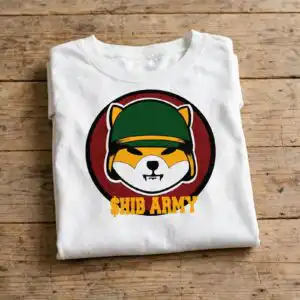
$HIB Army Round Badge with Cartoon Dog Face for Shirts, Decals and Stickers
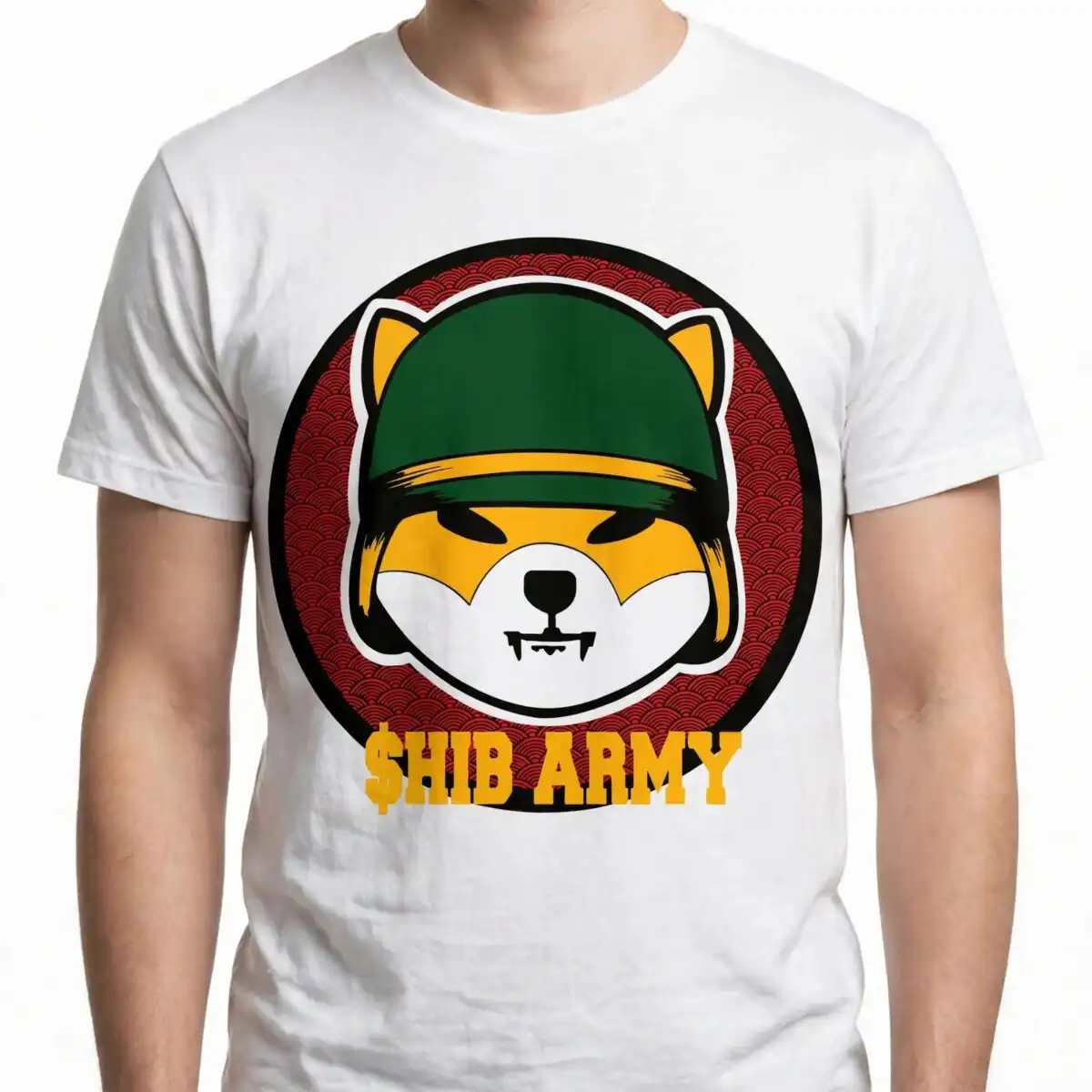
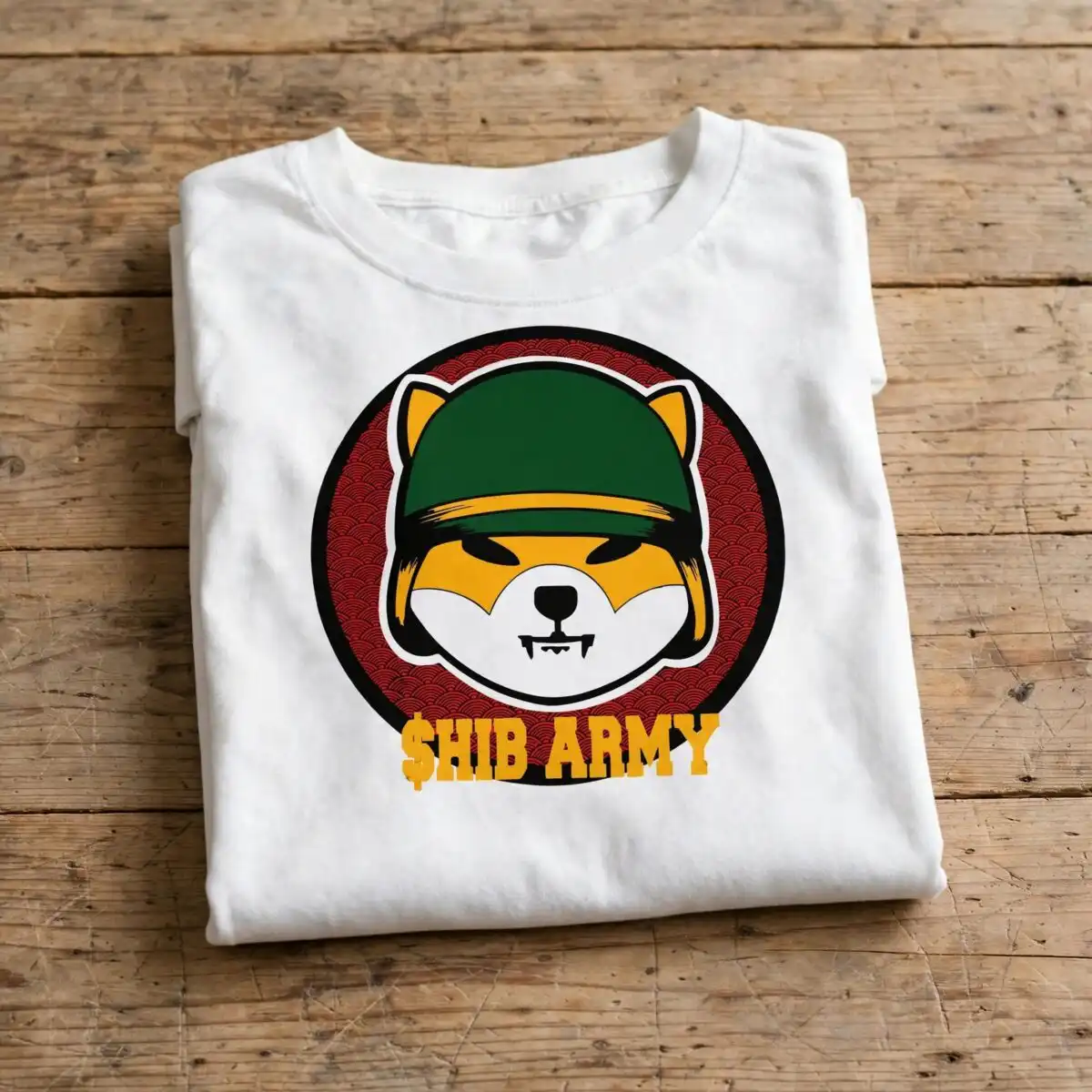
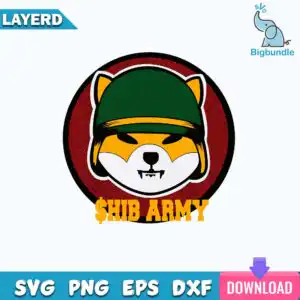
This $HIB Army design is a single round badge showing a cartoon dog face in a green cap with a golden yellow stripe, with “$HIB ARMY” lettered beneath it. You get one cut-file set in SVG, PNG, DXF, EPS and PDF, built for vinyl decals, t-shirt prints and stickers. The badge sits on a red scale-pattern circle, framed by a black outer ring and a white outline sticker border. Its dark green, golden yellow, white, black and red colours make it bold and playful on light or dark backgrounds. Each element is a flat vector shape, so the badge stays crisp at any size you cut it. Use it as a centrepiece for a hoodie back print, a car decal, or a sticker for a water bottle or laptop lid.
Design breakdown
The design is a single square-format round badge built from flat vector shapes. It includes a cartoon dog-face head in a dark green cap with a golden yellow band, black eyes with angled brows, a black nose and small white teeth. The head sits over a red scale-pattern circle, with a deep red accent, inside a black outer ring and a white outline sticker border. The “$HIB ARMY” lettering runs below the head. The design uses six colours: dark green, golden yellow, white, black, red and deep red. It is cut in 6 layers, so colour sections can be separated for vinyl or prepared as separate print layers. The white border and small teeth are fine details, so cut it at 4 inches or larger for clean results.
| Layers | 6 |
|---|---|
| Colours | 6 — dark green (#0B4A1E), golden yellow (#F2A71B), white (#FFFFFF), black (#111111), red (#B3181F), deep red (#9E1A1A) |
| Lettering | $HIB ARMY |
| Background | white |
| Cut complexity | medium |
| Orientation | square |
What’s included
- SVG
- PNG (300 dpi, transparent)
- DXF
- EPS
Works with
- Cricut Design Space
- Silhouette Studio (Designer Edition)
- Brother ScanNCut
- Adobe Illustrator
- Inkscape
- CorelDRAW
How to use
Download the zip file and unzip it to a folder on your computer. For Cricut Design Space or Silhouette Studio, open the program, choose Upload, and import the SVG file. Check the layers in the layers panel, then resize the badge to your project. For printing on shirts, use the PNG file, which has a transparent background, or the SVG for sublimation or heat transfer workflows.
Licence
Personal and small-business commercial use. Sell finished physical items; do not resell or redistribute the files themselves.
FAQ
What files are included with this HIB Army SVG?
You get SVG, PNG, DXF, EPS and PDF files. The PNG is 300 dpi with a transparent background, so it is ready for printing as well as cutting.
Can I use this HIB Army badge on a 20oz tumbler?
Yes, the design can be applied to a 20oz tumbler as a vinyl decal or a printed wrap. Resize it to fit your tumbler’s flat area before cutting or printing.
Which machines and programs does this file work with?
It works with Cricut Design Space, Silhouette Studio (Designer Edition), Brother ScanNCut, Adobe Illustrator, Inkscape and CorelDRAW. The PNG works with any standard printer for transfers.
Can I resize this design and use it in my small business?
Yes, you can resize the file freely. The licence covers personal use and small-business commercial use for selling finished physical items, but you may not resell or redistribute the files themselves.


