

I Had To Walk My Dog Cartoon Scene for Shirts, Mugs and Tote Bags
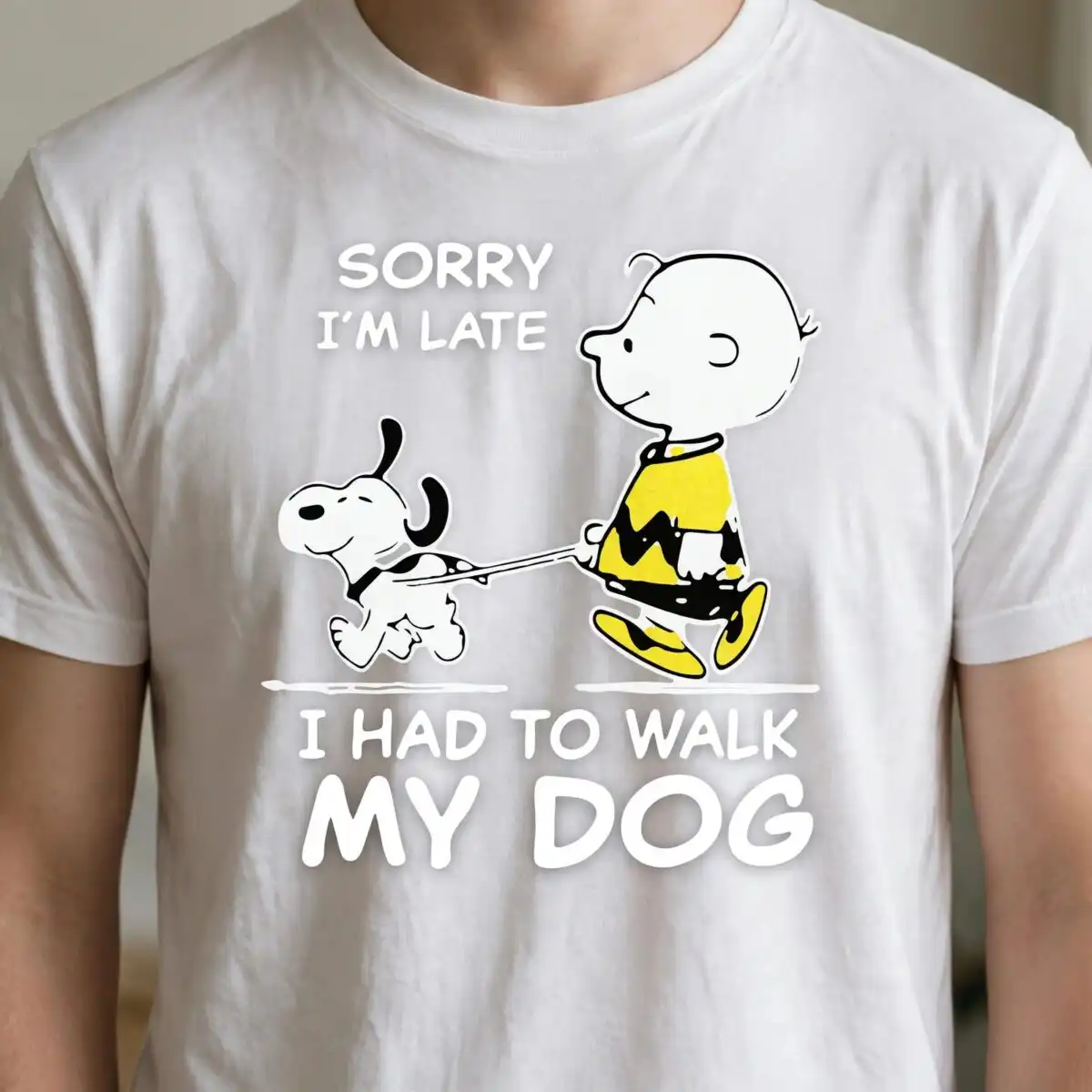
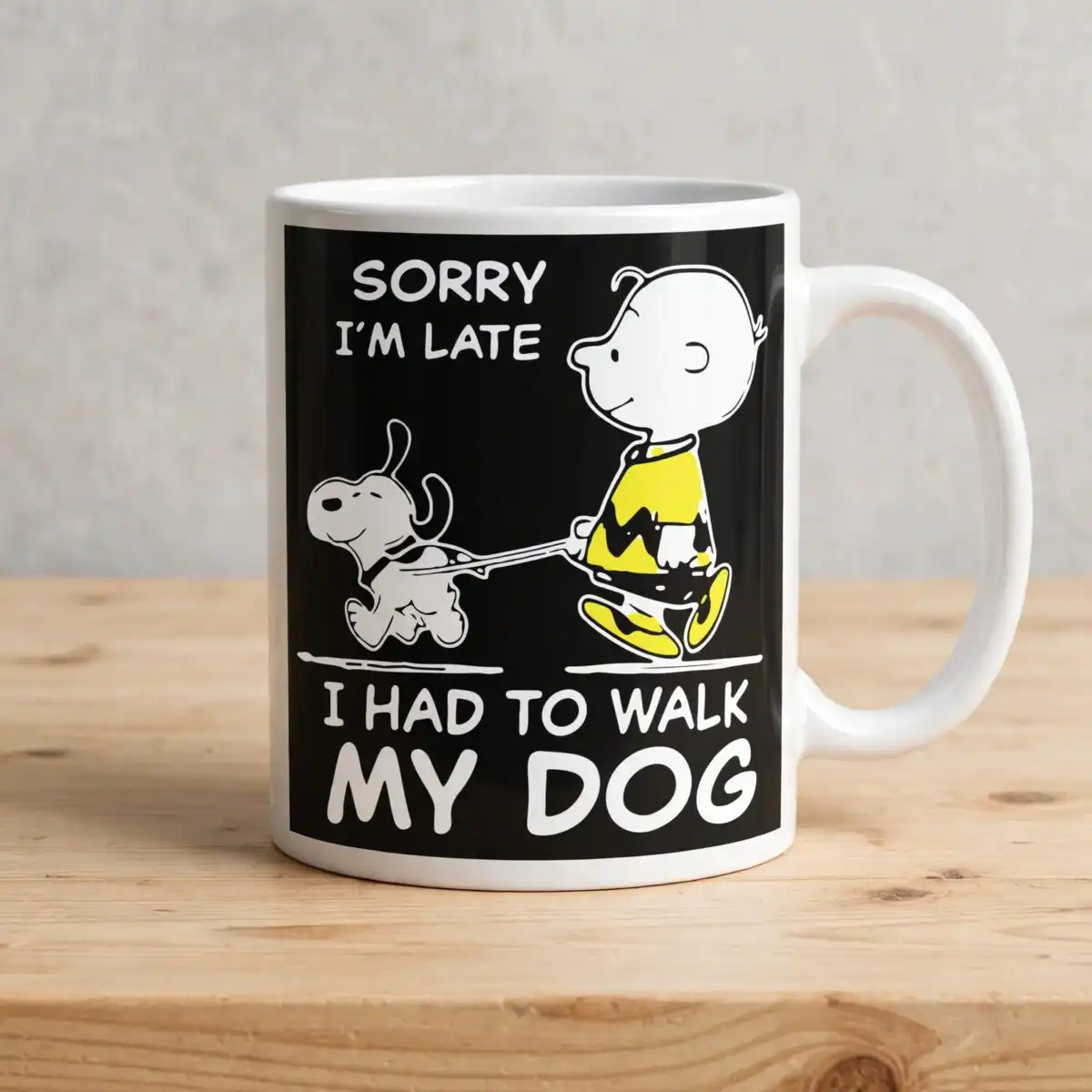
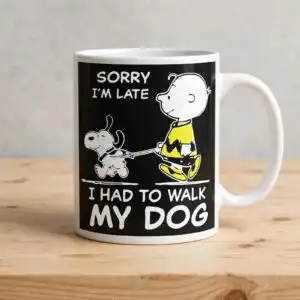
This I Had To Walk My Dog design is a single cartoon-style scene in line art and flat colour, showing a small round-headed child in a yellow zigzag-striped shirt and yellow shoes, holding a leash to a white dog with black ears and a black collar. The words “SORRY I’M LATE I HAD TO WALK MY DOG” sit above the scene in bold sans-serif lettering. You receive a PNG file at 300 dpi with a transparent background, made for sublimation printing on shirts, mugs and tote bags, and for print-and-cut projects. The palette is black, white, yellow, teal blue and pink, set against a dark background in the preview. Because the artwork is a simple square composition with a ground line, it reads clearly on fabric and ceramic. Dog owners will recognise the joke immediately, which makes it a practical pick for gifts as well as everyday wear. The file opens in Canva and Adobe Photoshop, so you can resize or add your own text before printing.
Design breakdown
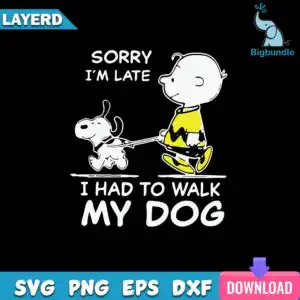
This is one design, not a bundle, delivered as a single PNG with a transparent background. It shows a cartoon child figure in a yellow zigzag-striped shirt and yellow shoes, a white dog with black ears and collar, a leash, and a ground line, with the lettering “SORRY I’M LATE I HAD TO WALK MY DOG” above. The artwork uses black line work and five colours: black, white, yellow, teal blue and pink. The preview sheet also includes a small elephant watermark logo, a LAYERD banner and a download arrow icon with the labels SVG, PNG, EPS, DXF and DOWNLOAD; these are preview elements and are not part of the artwork file. The design is cut in 4 layers, with medium cutting complexity, so cut it at 4 inches or larger if you plan to cut vinyl.
| Colours | 5 — black (#000000), white (#FFFFFF), yellow (#F5D800), teal blue (#2BA5C9), pink (#E8478B) |
|---|---|
| Lettering | SORRY I’M LATE / I HAD TO WALK / MY DOG / LAYERD / SVG / PNG / EPS / DXF / DOWNLOAD |
| Background | dark |
| Orientation | square |
What’s included
- PNG (300 dpi, transparent background)
Works with
- Sublimation printers (Epson, Sawgrass)
- DTF / print-and-cut workflows
- Canva
- Adobe Photoshop
How to use
Download the zip file and unzip it on your computer. Open Canva, Adobe Photoshop or your sublimation software, then import the PNG file. Resize the artwork to your blank, such as a mug wrap or a tee front, keeping the proportions locked. Print on sublimation paper using your Epson or Sawgrass setup, or send the file to your DTF or print-and-cut workflow.
Licence
Personal and small-business commercial use. Sell finished physical items; do not resell or redistribute the files themselves.
FAQ
What files are included with this design?
You get one PNG file at 300 dpi with a transparent background. It contains the cartoon child, white dog, leash and the lettering “SORRY I’M LATE I HAD TO WALK MY DOG”.
Can I put this design on a 20oz tumbler?
Yes, the square artwork can be sized for a 20oz tumbler wrap using sublimation. Check that the lettering fits the wrap height before you print, and scale the file in your software to suit.
Which printers and software work with this PNG?
It works with Sublimation printers such as Epson and Sawgrass, with DTF and print-and-cut workflows, and with Canva and Adobe Photoshop. Any software that opens transparent PNG files will work.
Can I resize the design and use it commercially?
Yes, you can resize it freely. The licence covers personal and small-business commercial use, so you can sell finished physical items, but you may not resell or redistribute the files themselves.


