

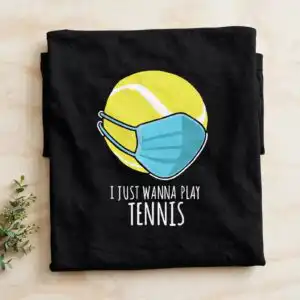
I Just Wanna Play Tennis Yellow Tennis Ball Design for Shirts, Mugs and Totes
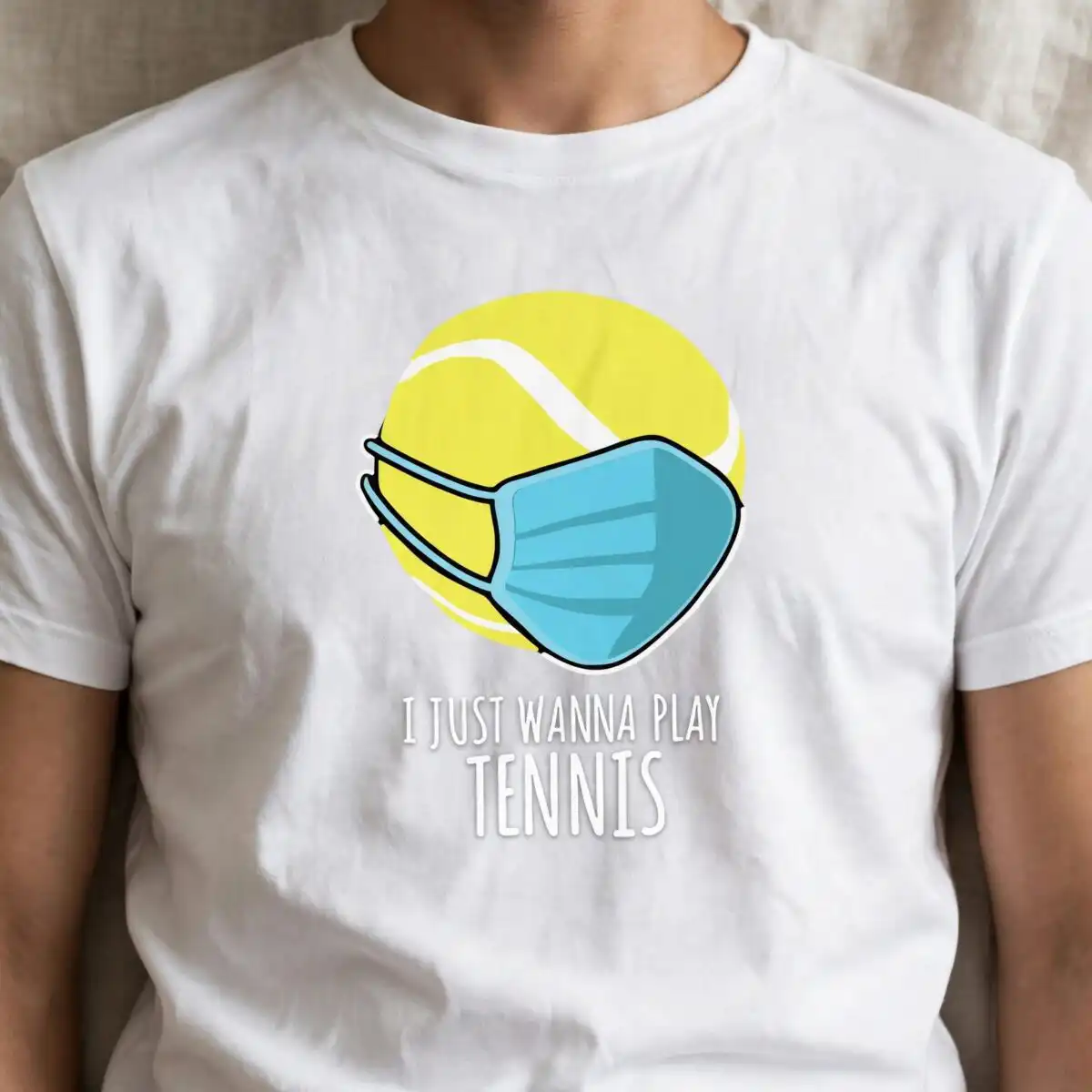
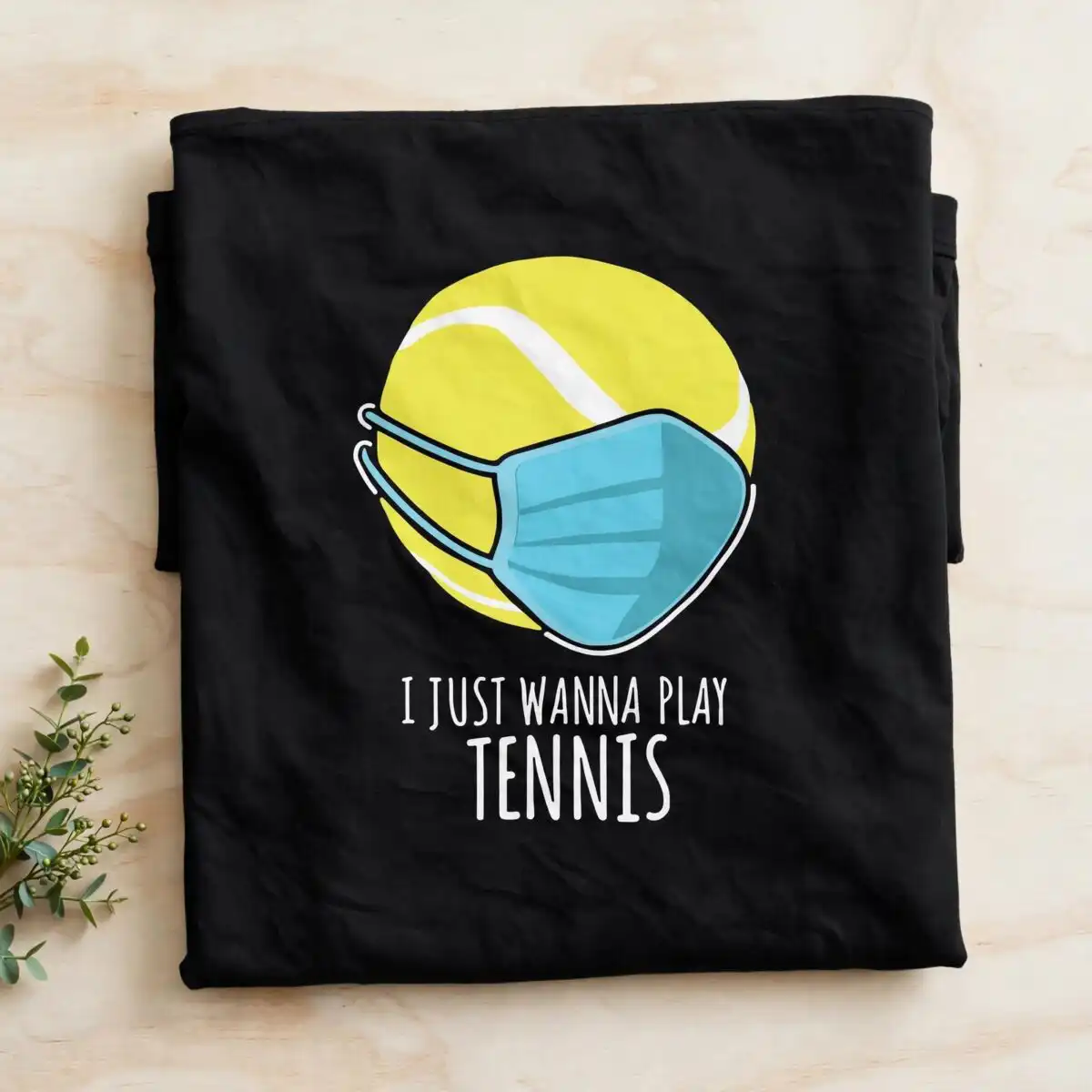
This Just Wanna Play Tennis design is a single cut-file artwork showing a yellow tennis ball wearing a light blue face mask with ear loops, with the lettering “I JUST WANNA PLAY TENNIS” set beneath it in black sans-serif capitals. You get SVG, PNG (300 dpi, transparent), DXF, EPS and PDF files, made for shirts, mugs, tote bags, decals and other cut or printed projects. The artwork uses four colours: black, yellow, light blue and white, drawn in a flat vector style with simple outlines. It suits tennis players and sports fans who want a playful, humorous piece for everyday wear or gear. Because the tennis ball and mask are drawn as clean, separate shapes, the design is easy to lay out, cut and press or place on a finished item. The yellow tennis ball outline is the clear focal point, so it works well on dark or light blanks alike.
Design breakdown
The design is cut in 4 layers, one for each of the four colours: black, yellow, light blue and white. The yellow tennis ball and the light blue face mask with ear loops are the main shapes, with the black outlines and the “I JUST WANNA PLAY” and “TENNIS” lettering sitting above the other layers. The lettering is a clean sans-serif, and the design has no fine internal details that would need extra care when cutting. Cut it at a size where the mask ear loops and the lettering remain legible on your chosen item.
| Layers | 4 |
|---|---|
| Colours | 4 — black (#000000), yellow (#E8E45A), light blue (#5BC4E0), white (#FFFFFF) |
| Lettering | I JUST WANNA PLAY / TENNIS |
| Background | dark |
| Cut complexity | low |
| Orientation | square |
What’s included
- SVG
- PNG (300 dpi, transparent)
- DXF
- EPS
Works with
- Cricut Design Space
- Silhouette Studio (Designer Edition)
- Brother ScanNCut
- Adobe Illustrator
- Inkscape
- CorelDRAW
How to use
Download the ZIP file and unzip it to a folder on your computer before you open anything. In Cricut Design Space, Silhouette Studio or Brother ScanNCut software, use the Upload or Import option and select the SVG file. Check the layers in the layers panel, adjust the size, then cut or print. For printing on shirts or mugs, the PNG with a transparent background is also included.
Licence
Personal and small-business commercial use. Sell finished physical items; do not resell or redistribute the files themselves.
FAQ
What files are included with this tennis design?
You get SVG, PNG (300 dpi, transparent), DXF, EPS and PDF files. The SVG is the one most cutting machines read directly, and the PNG suits printing or sublimation work.
Can I put this tennis ball design on a 20oz tumbler?
Yes, it works on a 20oz tumbler, either as a vinyl decal or as a printed wrap. Resize the design in your software so the mask and lettering fit the area you plan to use.
Which cutting machines and programs does this file work with?
It works with Cricut Design Space, Silhouette Studio (Designer Edition), Brother ScanNCut, Adobe Illustrator, Inkscape and CorelDRAW. Any of these will open the SVG file for cutting or editing.
Can I resize it and use it for a small business?
You can resize it freely, and the licence covers personal and small-business commercial use. You may sell finished physical items made with it, but you may not resell or redistribute the files themselves.


