

I Like BLOOD and ICE CREAM One Eyed Monster Halloween Cut File for Shirts, Mugs and
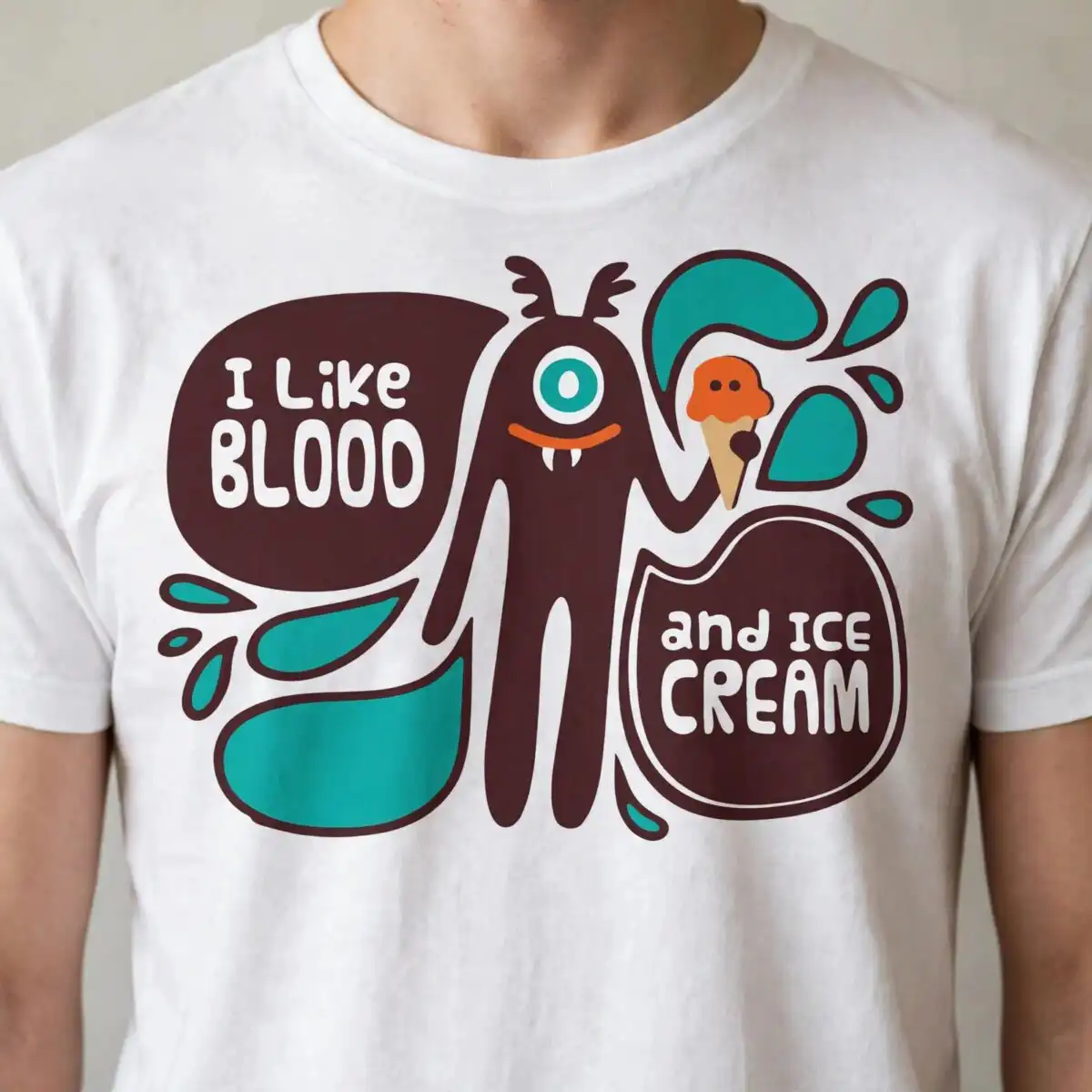
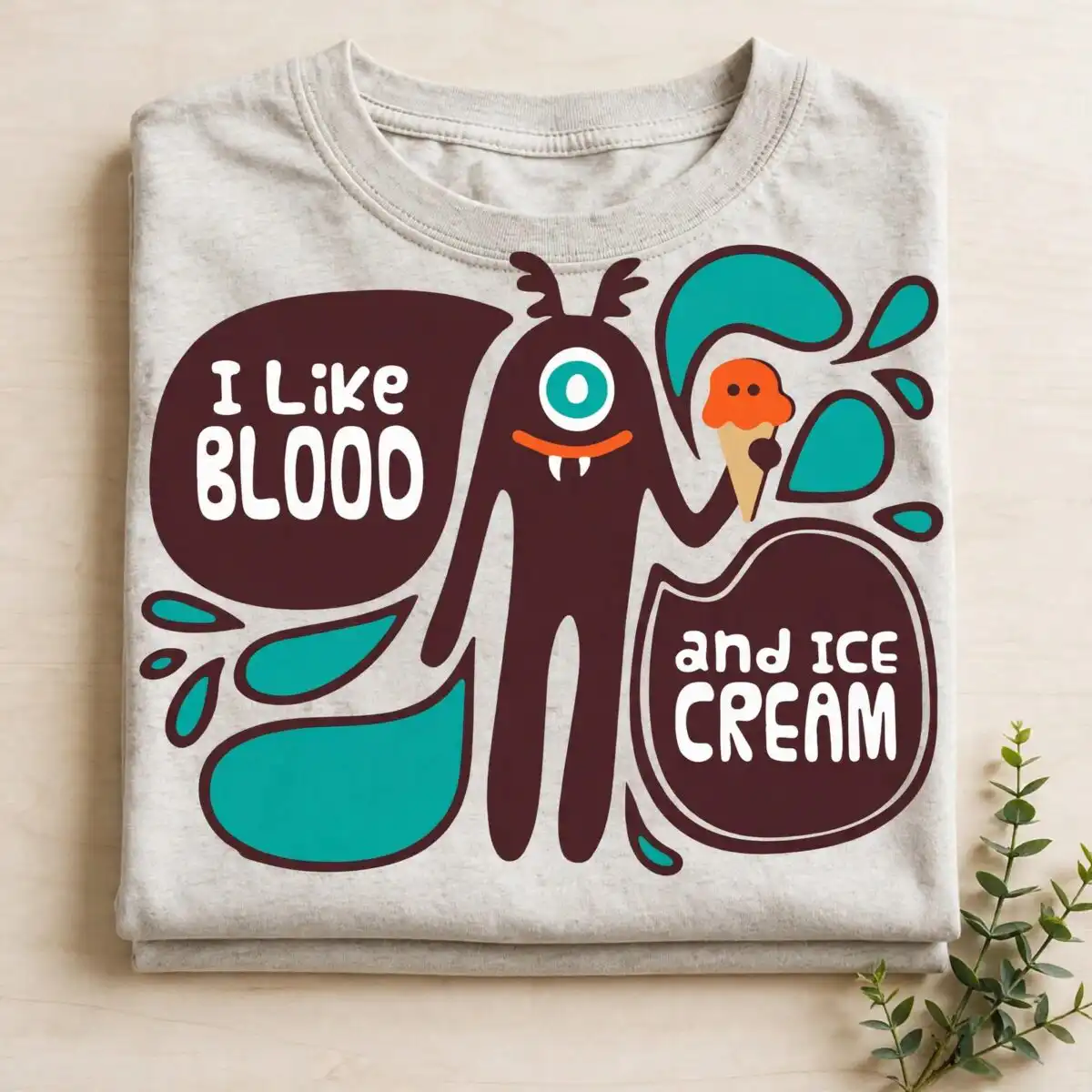
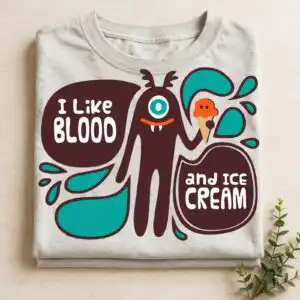
This Like Blood Ice Cream SVG is a single Halloween design: a one-eyed brown monster with antennae and a fanged mouth, holding an orange ice cream scoop, with the lettering “I Like BLOOD and ICE CREAM” set in two speech bubbles. You receive SVG, PNG (300 dpi, transparent), DXF, EPS and PDF files, made for cutting and printing on t-shirts, mugs, stickers, vinyl decals, tote bags and cards. The monster is drawn in dark maroon-brown with teal splash shapes and teal droplets around it, and the speech bubbles are white. The flat, bold shapes suit a retro-modern look and read clearly at a distance. Adults and teens will enjoy the joke, and kids will like the friendly monster. It works well for a Halloween party shirt, a lunchbox sticker, or a gift mug for a friend who loves gore and dessert in equal measure.
Design breakdown
The design is cut in 4 layers: dark maroon-brown, teal, orange and white. The dark maroon-brown covers the one-eyed monster body and antennae, the teal covers the splash shapes and droplets, the orange covers the ice cream scoop and cone, and the white covers the speech bubbles and lettering. The file has a single design on a white background, in landscape orientation. It is rated for medium cutting complexity, so the thin antennae and droplets need a careful blade setting and are best cut at 4 inches or larger.
| Layers | 4 |
|---|---|
| Colours | 4 — dark maroon-brown (#4A2624), teal (#0FA096), orange (#F26B38), white (#FFFFFF) |
| Lettering | I Like BLOOD / and ICE CREAM |
| Background | white |
| Cut complexity | medium |
| Orientation | landscape |
What’s included
- SVG
- PNG (300 dpi, transparent)
- DXF
- EPS
Works with
- Cricut Design Space
- Silhouette Studio (Designer Edition)
- Brother ScanNCut
- Adobe Illustrator
- Inkscape
- CorelDRAW
How to use
Download the zip file from your order and unzip it to a folder on your computer. Open the SVG in Cricut Design Space, Silhouette Studio or Adobe Illustrator, then use Import or File > Open to bring the design onto your canvas. For printing, use the transparent PNG. Resize the artwork on screen before you cut or print, and check the layers are separated as you expect.
Licence
Personal and small-business commercial use. Sell finished physical items; do not resell or redistribute the files themselves.
FAQ
What files are included with this design?
You get SVG, PNG (300 dpi, transparent), DXF, EPS and PDF files. The PNG suits printing and sublimation, while the SVG, DXF and EPS files suit cutting machines and design software.
Can I put this one eyed monster design on a 20oz tumbler?
Yes, the design works on a 20oz tumbler when you use the transparent PNG for sublimation or a vinyl cut. Scale the artwork to fit the wrap area before you print or cut it.
Which machines and software does this file work with?
It works with Cricut Design Space, Silhouette Studio (Designer Edition), Brother ScanNCut, Adobe Illustrator, Inkscape and CorelDRAW. Any of these can open the SVG or DXF files directly.
Can I resize the design and sell the items I make?
Yes, you can resize the design freely for your project. The licence covers personal and small-business commercial use, so you can sell finished physical items, but you may not resell or redistribute the files themselves.


