
Line Art Design Illustration: Pablo’s Escobar & Grill Summer Party Shirt Design, Black
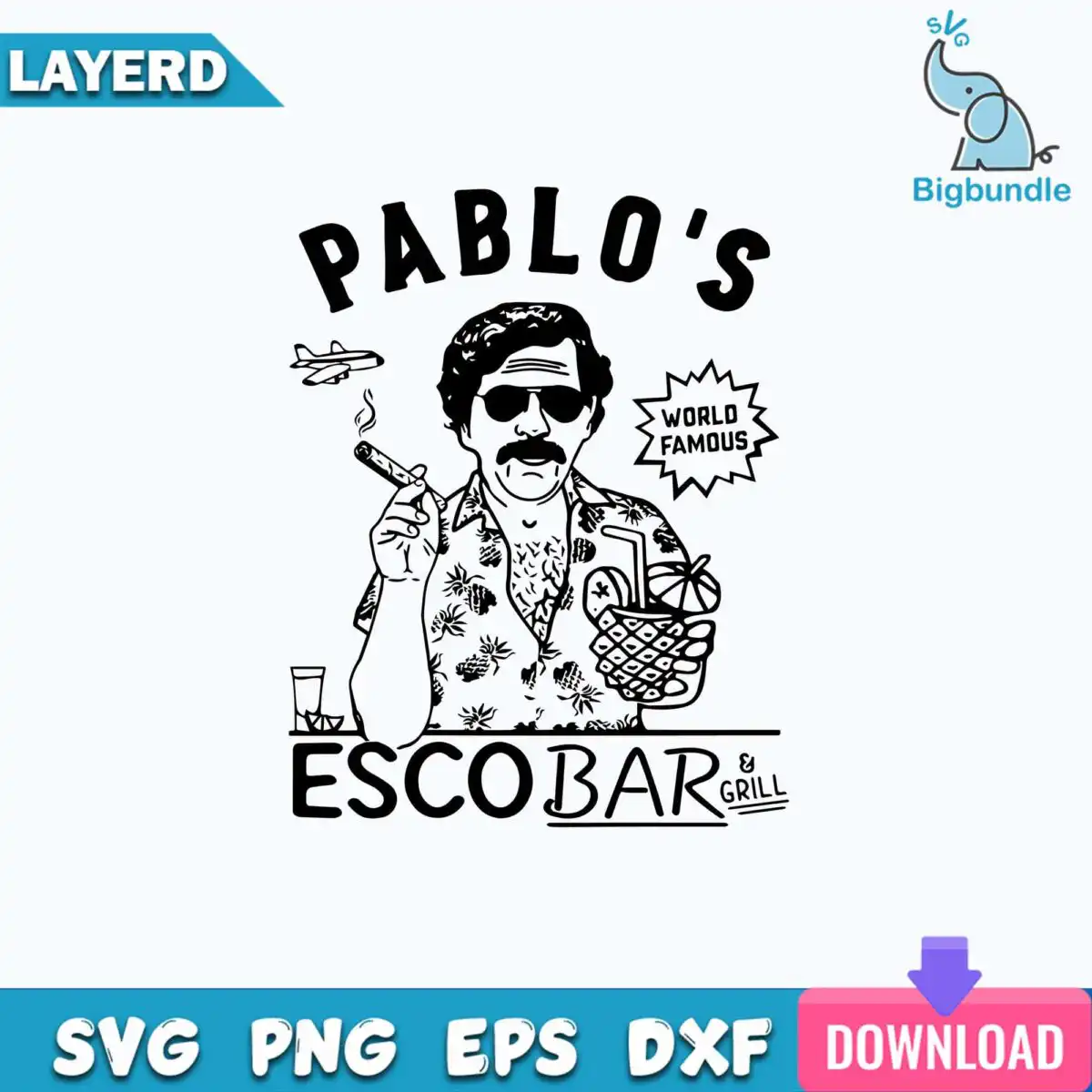
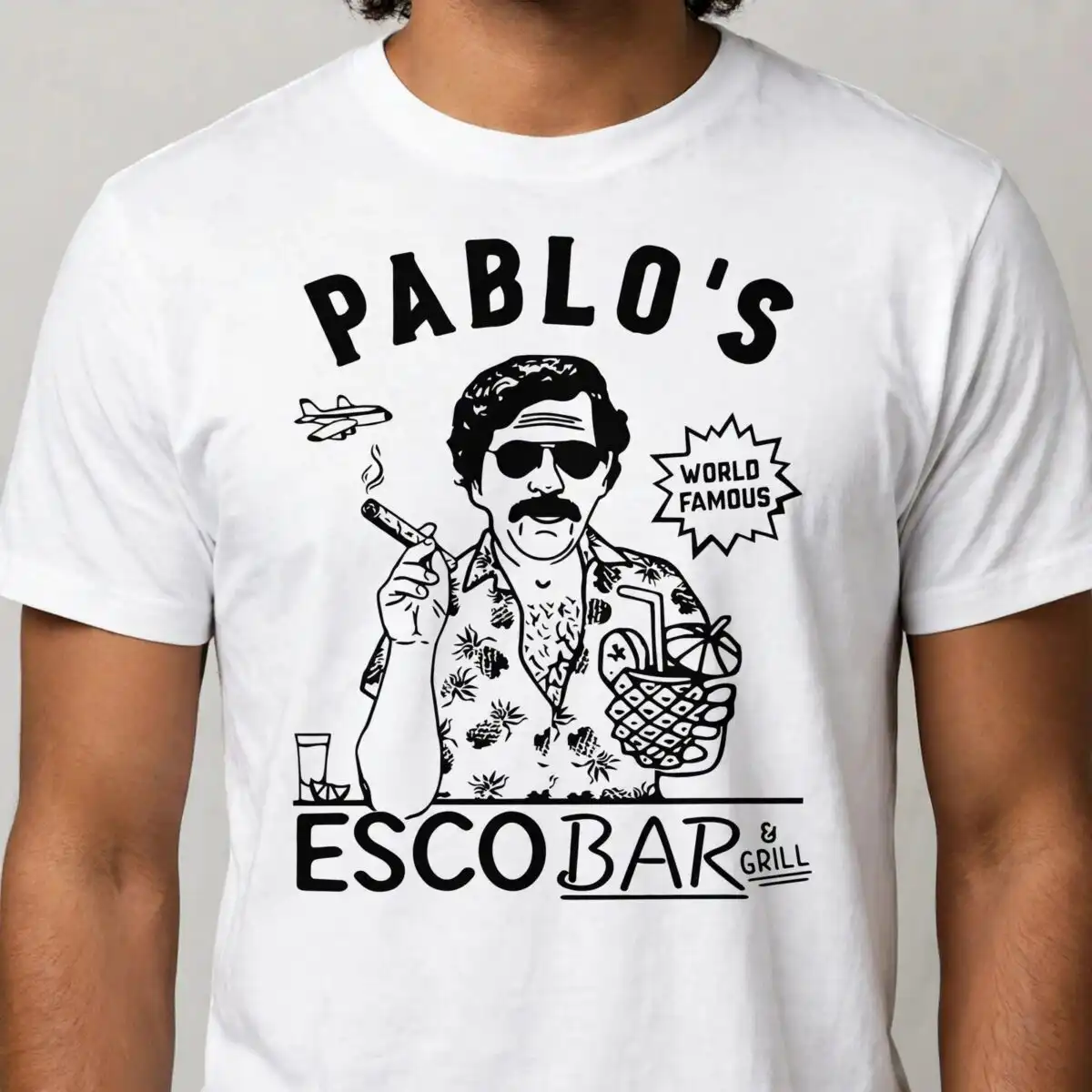
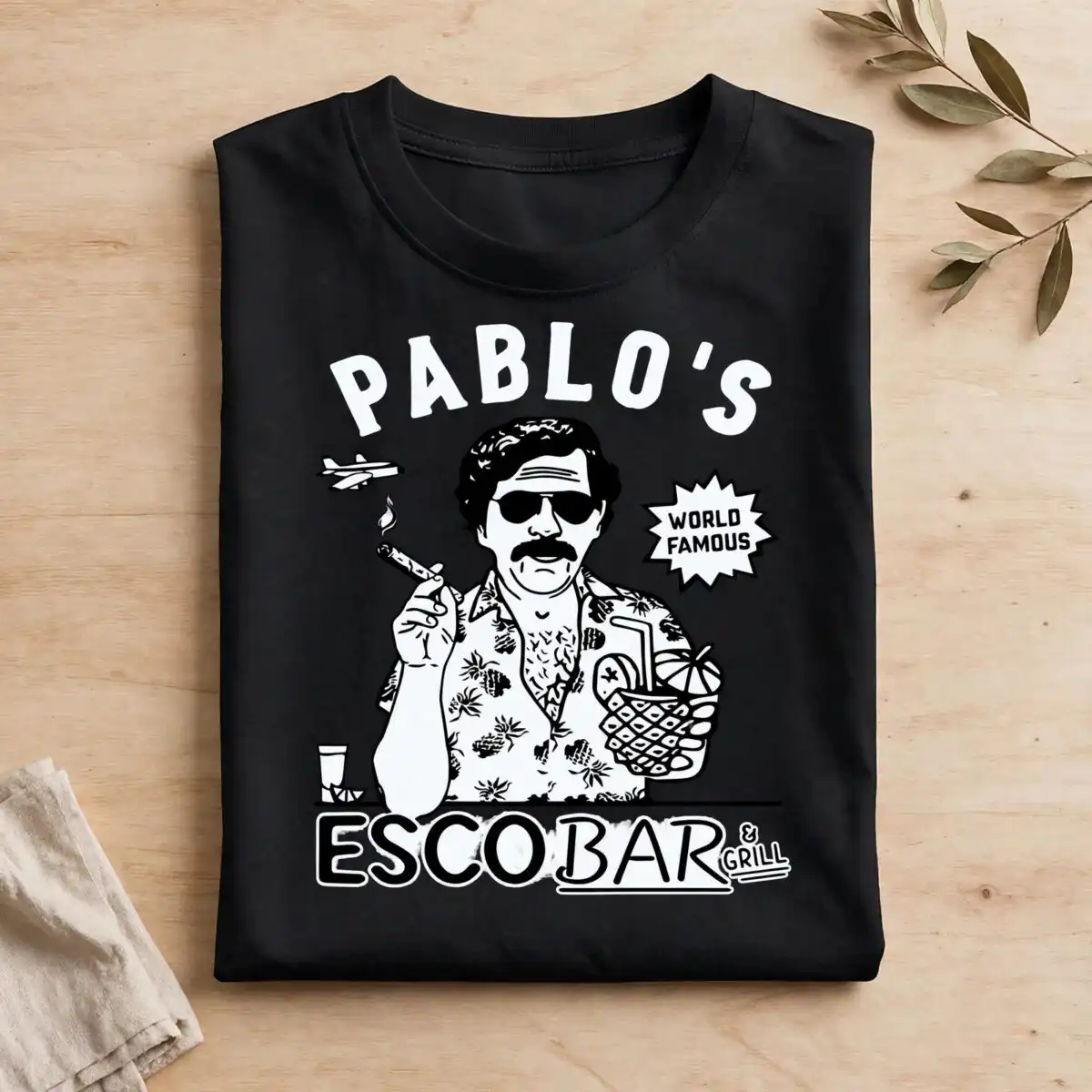
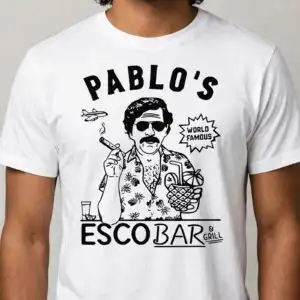
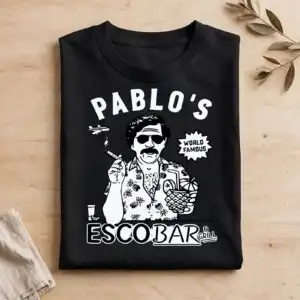
This line art design illustration shows a man in sunglasses and a pineapple-print Hawaiian-style shirt, holding a cigar and a pineapple-shaped cocktail glass above the bold lettering PABLO’S ESCOBAR & GRILL. You get one square design in SVG, PNG, DXF and EPS formats, made for t-shirt vinyl, mugs, stickers and wall art. The artwork is drawn in black on a white background, so it reads clearly on light surfaces. Smoke wisps curl from the cigar, a small airplane sits beside a WORLD FAMOUS starburst badge, and a rocks glass rests on a bar counter line at the bottom. The lettering includes the words BAR and & GRILL, which make the piece feel like a sign from a roadside beach bar. Because every element is a clean outline, you can cut it in vinyl or print it as a decal and keep the playful, retro mood of a summer party.
Design breakdown
The design is built in black line work on a white background, with two colours in total. It is cut in 3 layers: the figure and its shirt pattern, the lettering and starburst badge, and the bar counter with the glass. The pineapple motifs on the shirt, the cocktail umbrella and the drinking straw are fine details, so cut it at 4 inches or larger to keep the thin lines intact. The cut complexity is high, so plan extra weeding time for vinyl work. The SVG file keeps each layer separate for easy colouring or splitting in your cutting software.
| Layers | 3 |
|---|---|
| Colours | 2 — black (#000000), white (#FFFFFF) |
| Lettering | PABLO’S / ESCOBAR / BAR / & GRILL / WORLD FAMOUS |
| Background | white |
| Cut complexity | high |
| Orientation | square |
What’s included
- SVG
- PNG (300 dpi, transparent)
- DXF
- EPS
Works with
- Cricut Design Space
- Silhouette Studio (Designer Edition)
- Brother ScanNCut
- Adobe Illustrator
- Inkscape
- CorelDRAW
How to use
Download the zip file and unzip it to a folder on your computer. Open Cricut Design Space, Silhouette Studio or another compatible program, then choose Upload and import the SVG file. Resize the design to the width you need, keeping the proportions locked. For vinyl, cut the layers in black and weed the small details before transferring. For printing, use the PNG file with its transparent background.
Licence
Personal and small-business commercial use. Sell finished physical items; do not resell or redistribute the files themselves.
FAQ
What files are included with this design?
You get SVG, PNG, DXF, EPS and PDF files. The PNG is 300 dpi with a transparent background, so it works for printing and sublimation without a white box around the artwork.
Can I use this line art design on a t-shirt?
Yes, it suits t-shirt vinyl, and the bold lettering reads well at shirt size. Cut it at 4 inches or larger so the pineapple shirt pattern and smoke lines stay sharp.
Which machines and programs does this file work with?
It works with Cricut Design Space, Silhouette Studio (Designer Edition), Brother ScanNCut, Adobe Illustrator, Inkscape and CorelDRAW. The SVG and DXF files suit most cutting machines, and the PNG suits standard printers.
Can I resize the design and use it for my business?
Yes, you can resize it freely. The licence covers personal and small-business commercial use for finished physical items, but you may not resell or redistribute the files themselves.


