
Balding Man Line Art Portrait with Housefly and #PENCEFLY Lettering, Everyday Shirt, Mug
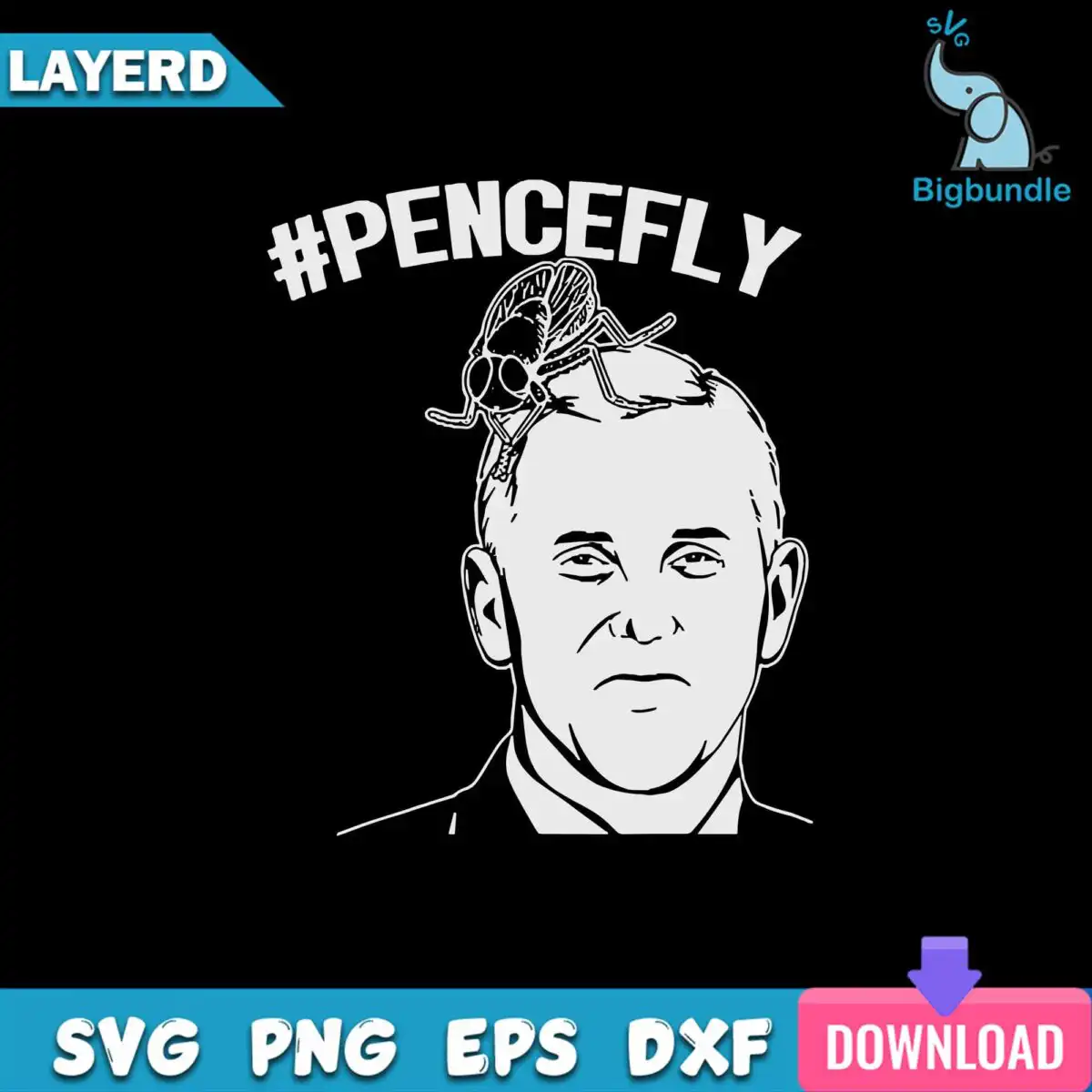
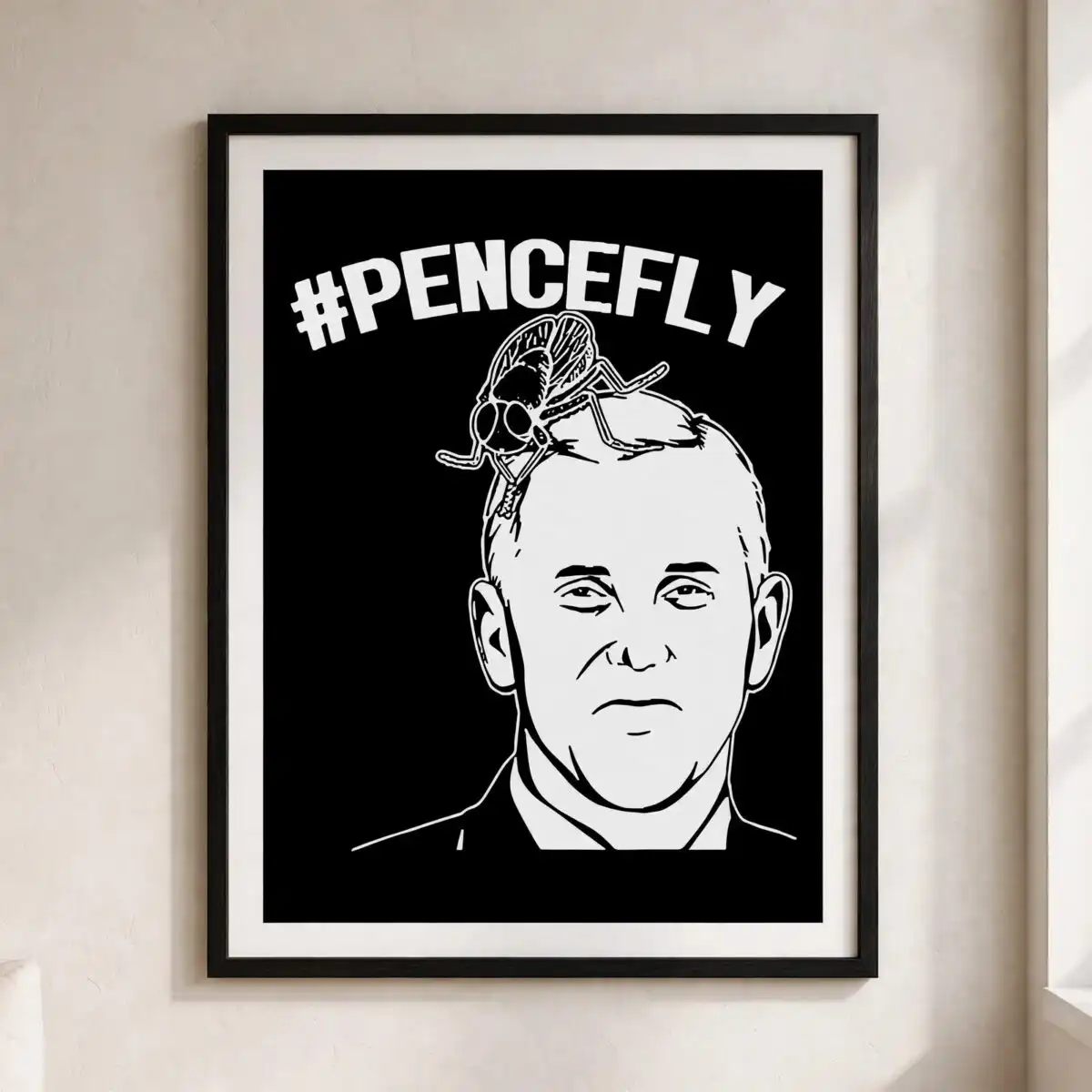
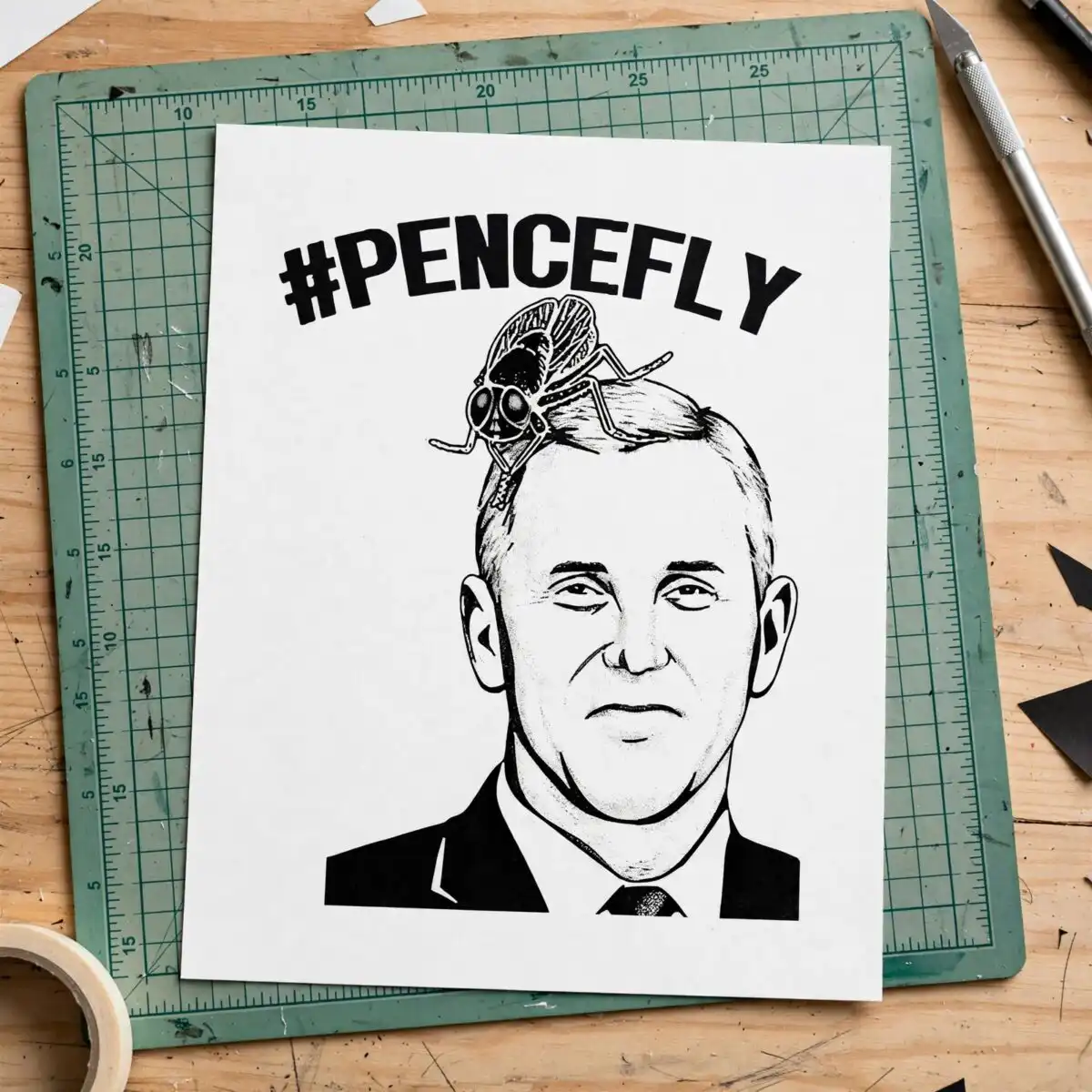
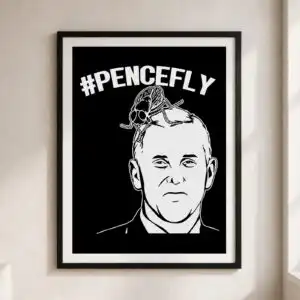
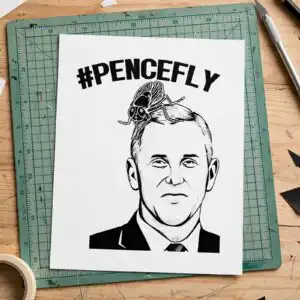
This Line Art Portrait Balding design is a single satirical cut file showing a man’s head and shoulders in white line art on a black background, with a large black housefly perched on top of his head. You receive SVG, PNG, DXF, EPS and PDF files, made for cutting vinyl decals, printing t-shirts, mugs and stickers. The artwork is monochrome white and black, with the words #PENCEFLY set in hashtag-style lettering above the portrait. Teal blue and pink appear as accent colours in the design. The suit collar lines are drawn in fine white strokes, so the portrait reads clearly at small sizes. Use it for everyday pieces that give a political-humour twist, whether you are making a gift for a friend who enjoys satire or a sticker for your own laptop. Each file works with Cricut Design Space, Silhouette Studio, Brother ScanNCut and common design programs, so you can cut and print it at the size you need.
Design breakdown
This design is cut in 3 layers: a black base, the white line-art portrait of the man’s head and shoulders with suit collar lines, and the black housefly with its hashtag lettering. The palette is black, white, teal blue and pink, with the lettering #PENCEFLY, LAYERD and the file format names included in the artwork. Fine line details in the portrait and the small wings of the fly need care when weeding, so cut it at 4 inches or larger for the cleanest result. The file is supplied as a single design on one sheet.
| Layers | 3 |
|---|---|
| Colours | 4 — black (#000000), white (#FFFFFF), teal blue (#1FA5C8), pink (#E0508F) |
| Lettering | #PENCEFLY / LAYERD / SVG / PNG / EPS / DXF / DOWNLOAD |
| Background | dark |
| Cut complexity | medium |
| Orientation | portrait |
What’s included
- SVG
- PNG (300 dpi, transparent)
- DXF
- EPS
Works with
- Cricut Design Space
- Silhouette Studio (Designer Edition)
- Brother ScanNCut
- Adobe Illustrator
- Inkscape
- CorelDRAW
How to use
Download the ZIP file from your order and unzip it to a folder on your computer. Open the SVG in Cricut Design Space or Silhouette Studio using the Import function, then select the layers you need. For printing, use the PNG, which has a transparent background at 300 dpi. Resize the design in your software before cutting or printing, and check the fine line detail on the portrait before you start.
Licence
Personal and small-business commercial use. Sell finished physical items; do not resell or redistribute the files themselves.
FAQ
What files are included with this line art portrait balding cut file?
You receive SVG, PNG, DXF, EPS and PDF files. The PNG is 300 dpi with a transparent background, which suits sublimation and printing.
Can I use this design on a 20oz tumbler?
Yes, the design works on a 20oz tumbler when you use the PNG for sublimation or the SVG for vinyl application. Check the placement on the tumbler before you press or apply it.
Which machines and programs does this file work with?
It works with Cricut Design Space, Silhouette Studio (Designer Edition), Brother ScanNCut, Adobe Illustrator, Inkscape and CorelDRAW. The SVG and DXF files suit cutting machines, while the EPS works in illustration software.
Can I resize this design and sell the shirts I make with it?
Yes, you can resize the design in your software. The licence covers personal and small-business commercial use, so you can sell finished physical items, but you cannot resell or redistribute the files themselves.


