Mickey and Co SVG Vacation Shirt Designs: 12 Vintage Cartoon Badges for Theme Park Trips
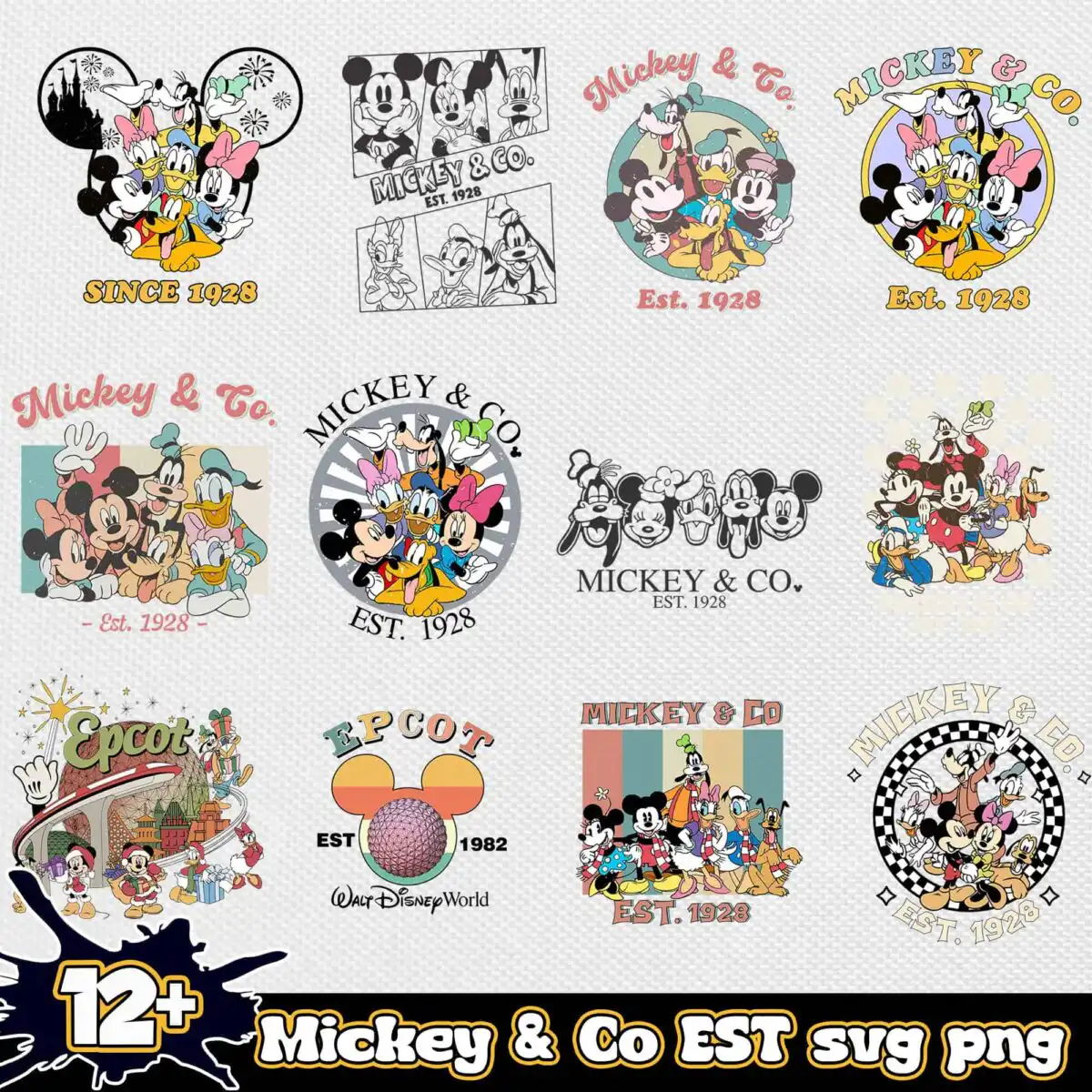
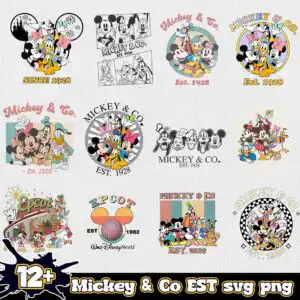
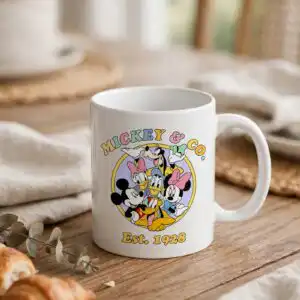
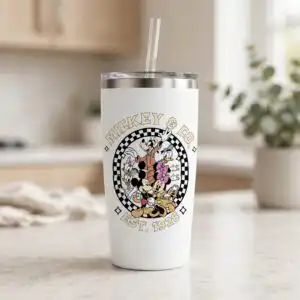
This Mickey and Co SVG is a grid preview sheet of 12 vintage-style cartoon character designs, delivered as cut files in SVG, PNG, DXF, EPS and PDF formats for shirts, mugs, tote bags, stickers and vinyl decals. Each design sits on a light textured background and uses lettering such as SINCE 1928, EST. 1982, Mickey & Co and EPCOT. You will see cartoon characters with round ears, circular badge frames, a castle silhouette inside a round ear-shaped outline, fireworks bursts and a geodesic sphere, all drawn in flat colour. The palette runs through coral red, golden yellow, teal blue and pink, with black and white for line work. Because the artwork is flat and retro in feel, it suits vacation and theme park trip projects, family trip shirts and gift items. Cut the pieces you want from the grid, then size each one to fit your project.
Design breakdown
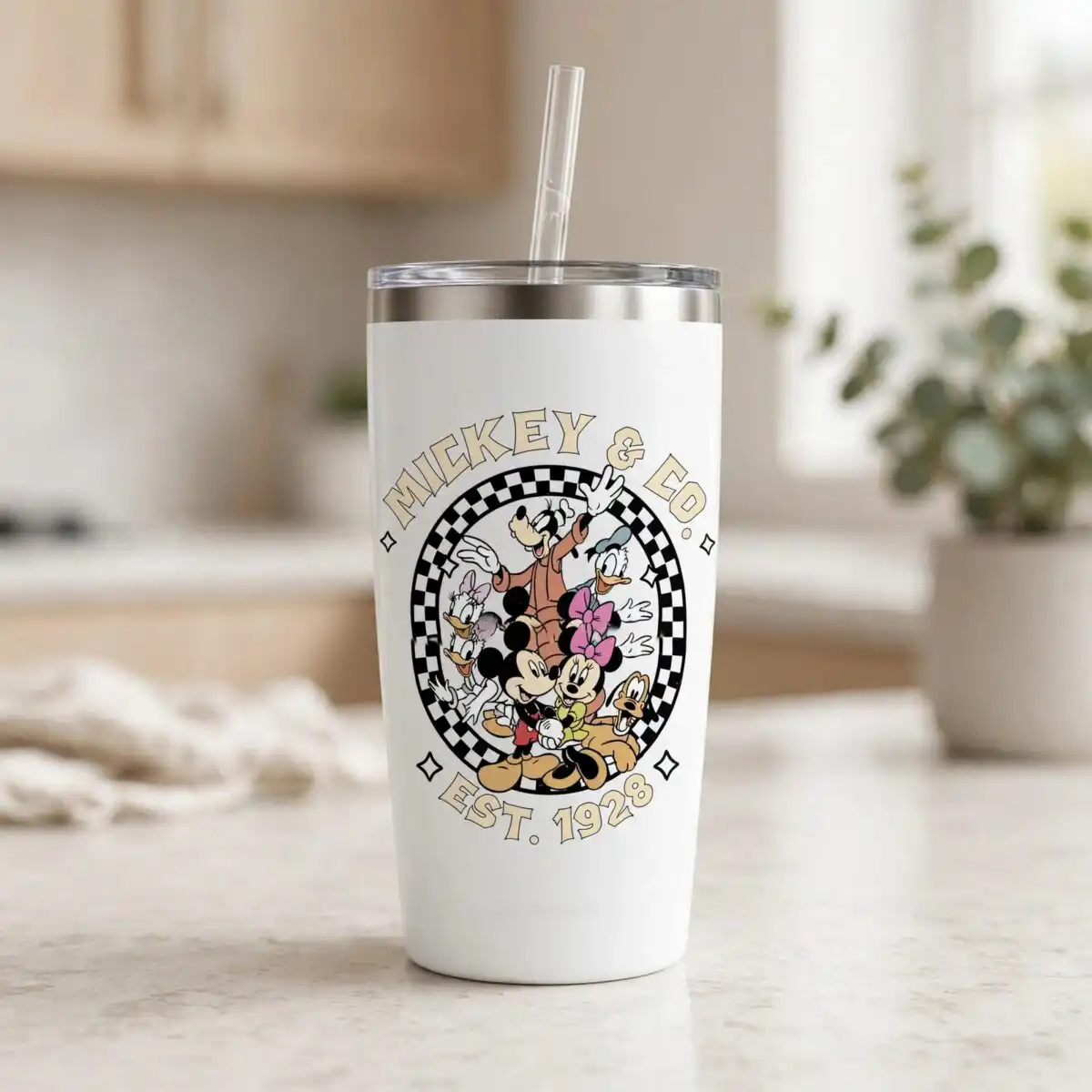
The sheet shows 12 distinct designs in a square grid on a white background, with 6 layers and 8 colours: black, white, coral red, golden yellow, teal blue, pink, mint teal and cream tan. Among the designs shown in the preview are cartoon character figures with round ears in groups, a castle silhouette inside a round ear-shaped outline, a Epcot-style geodesic sphere, a retro vehicle and a checkered circle border. Other elements include sunburst rays, a paint splat, a starburst, comic panel borders and stars and sparkles. Fine details such as the checkered border and small sparkles are best cut at 4 inches or larger. Each design can be separated from the grid before cutting.
| Layers | 6 |
|---|---|
| Colours | 8 — black (#1A1A1A), white (#FFFFFF), coral red (#E8685A), golden yellow (#F5B82E), teal blue (#3A8FB7), pink (#F28C9A) |
| Lettering | SINCE 1928 / Mickey & Co. / Mickey & Co / EST. 1928 / Est. 1928 / EST. 1982 / EPCOT / Epcot / Walt Disney World / 12+ / Mickey & Co EST svg png |
| Background | white |
| Cut complexity | high |
| Orientation | square |
What’s included
- SVG
- PNG (300 dpi, transparent)
- DXF
- EPS
Works with
- Cricut Design Space
- Silhouette Studio (Designer Edition)
- Brother ScanNCut
- Adobe Illustrator
- Inkscape
- CorelDRAW
How to use
Download the bundle and unzip the folder on your computer before doing anything else. Open the SVG file in Cricut Design Space, Silhouette Studio, Brother ScanNCut or Adobe Illustrator, then import it into your project. Ungroup the sheet and delete the designs you do not need, leaving only the piece you want to cut. Resize it to your project, then cut or print. The PNG file works well for sublimation and printing on transfer paper.
Licence
Personal and small-business commercial use. Sell finished physical items; do not resell or redistribute the files themselves.
FAQ
What files are included with this Mickey and Co SVG?
You get SVG, PNG, DXF, EPS and PDF files. The PNG is 300 dpi with a transparent background, so it works for printing and sublimation. The SVG and DXF files are for cutting machines and design software.
Can I use this design on a theme park t-shirt?
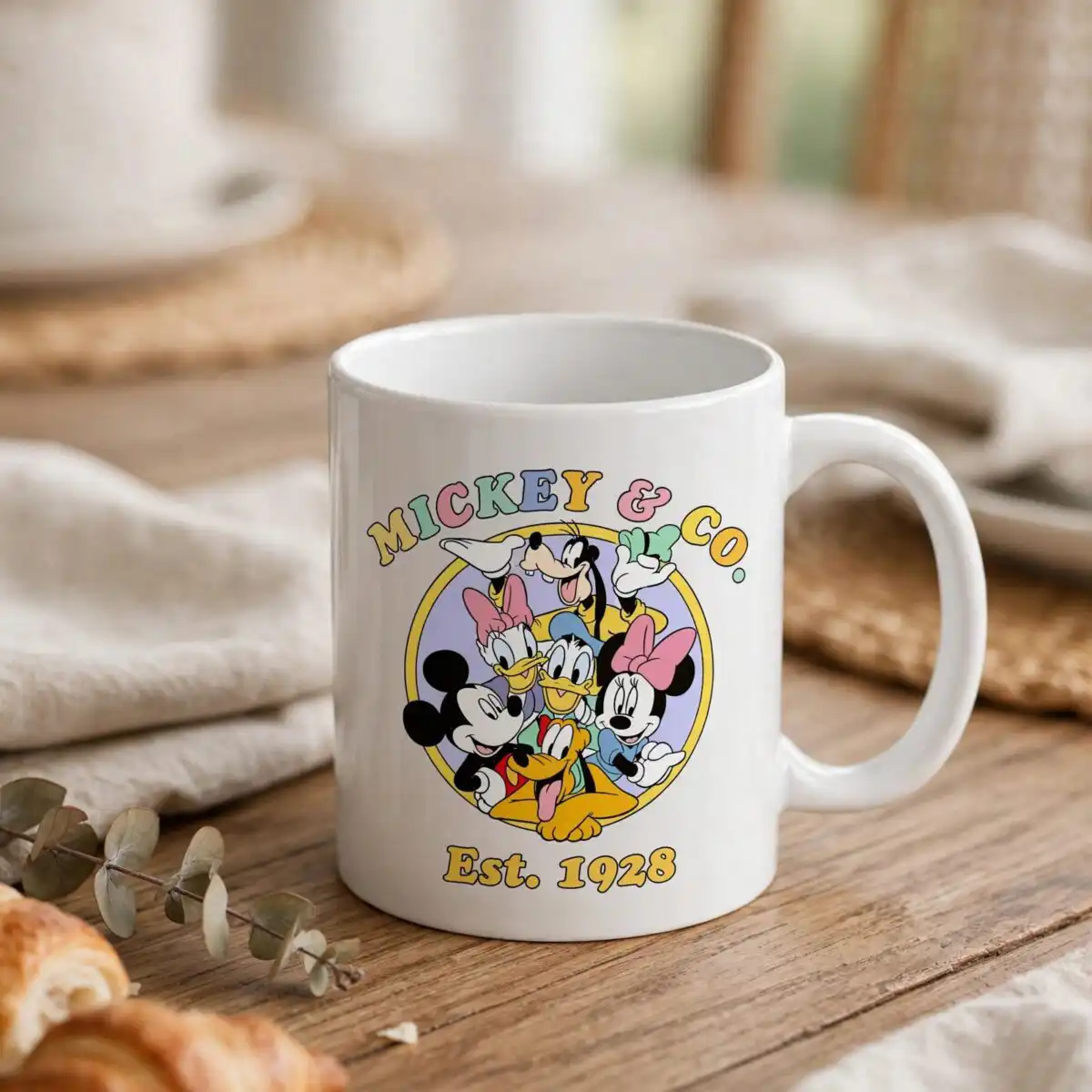
Yes, the artwork is suited to shirts for vacation and theme park trips. Choose one design from the grid, such as the castle badge or the SINCE 1928 lettering, and cut it as vinyl or print it with the PNG file. Fine details are best cut at 4 inches or larger.
Which machines and programs does this work with?
It works with Cricut Design Space, Silhouette Studio (Designer Edition), Brother ScanNCut, Adobe Illustrator, Inkscape and CorelDRAW. You can also open the PDF or PNG for printing. Check that your software supports SVG import before you start.
Can I resize the designs and sell the finished items?
You can resize each design to fit your project. The licence covers personal and small-business commercial use, so you can sell finished physical items made with it. You may not resell or redistribute the files themselves.