

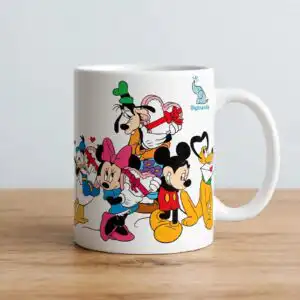
Minnie and Mickey PNG Valentine’s Day Group Design for Shirts, Mugs and Totes
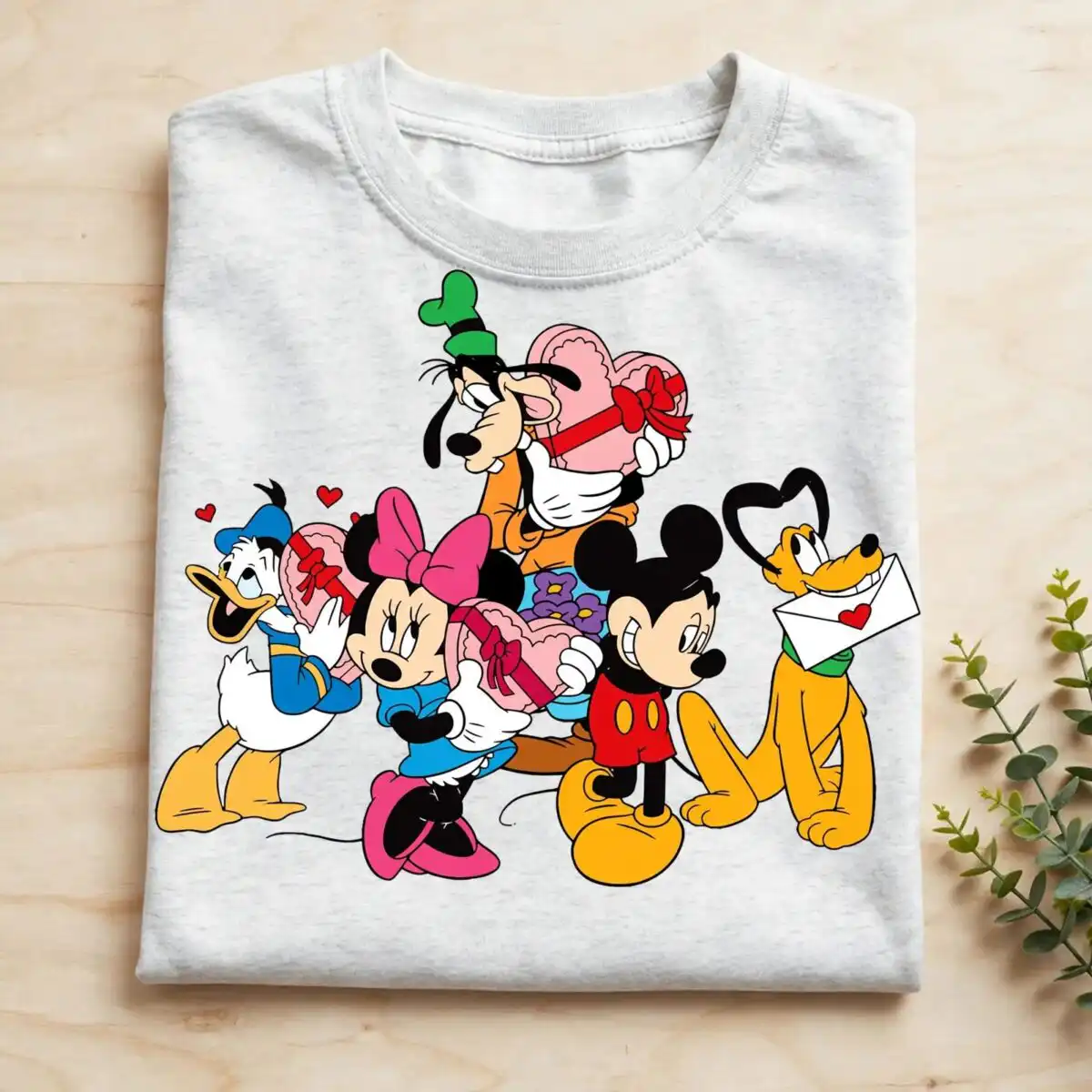
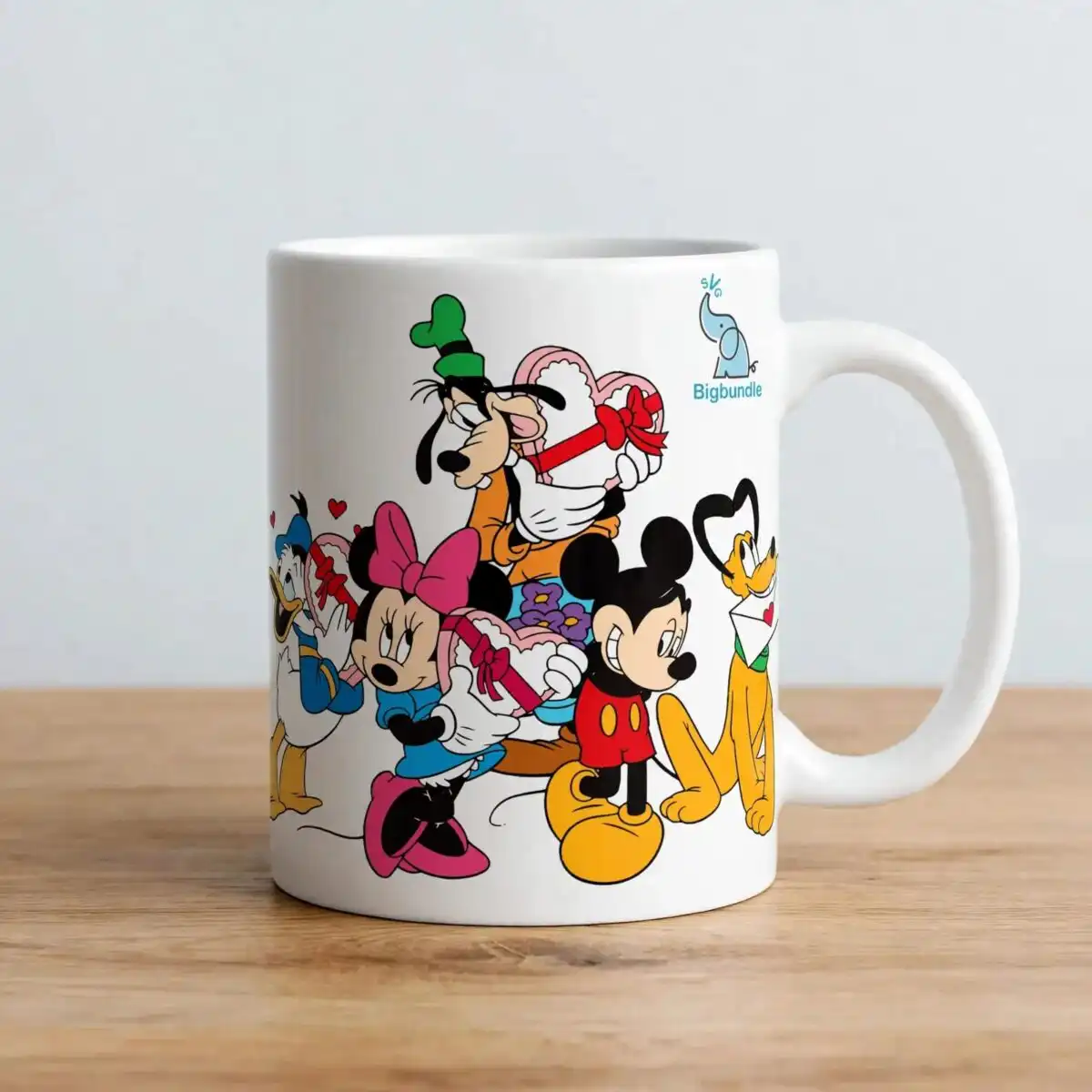
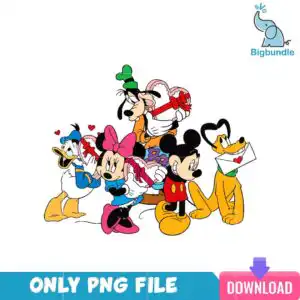
This Minnie and Mickey PNG is a single Valentine’s Day design of cartoon anthropomorphic characters clustered together, each holding a Valentine-themed item, and it is supplied as a PNG file for sublimation, DTF and print-and-cut projects. The group includes a green-hatted character with a long snout holding a heart-shaped box, a pink-bowed character in a blue dress holding a wrapped gift, and a yellow spotted dog-like character holding an envelope with a heart seal. Red hearts float across the background, and purple flowers fill the gaps between the figures. Bold outlines in red, hot pink, blue and yellow-orange keep the artwork readable on light fabric and ceramic. The file has a transparent background, so you can place the group directly onto a white or light-coloured blank. It works well for Valentine shirts, mugs, tote bags and stickers, and it suits crafters, gift makers and anyone who uses a Cricut or Silhouette machine for cutting.
Design breakdown
This is one square design, not a bundle. It is cut in 3 layers and uses 10 colours: white, black, red, yellow-orange, hot pink, blue, green, light pink, purple and a teal banner. The main figures use bold black outlines, and the small red hearts, purple flowers and envelope are separate shapes that can be placed or removed. A small teal banner along the bottom reads “ONLY PNG FILE” and holds a “DOWNLOAD” button and an SVG label, all printed as part of the artwork. The Bigbundle logo and elephant icon have been removed from the file. The design is complex, with fine details, so cut it at 4 inches or larger on a vinyl cutter.
| Colours | 10 — white (#FFFFFF), black (#1A1A1A), red (#E8192C), yellow-orange (#F2A21E), hot pink (#E0309A), blue (#2A6FC9) |
|---|---|
| Lettering | ONLY PNG FILE / DOWNLOAD / SVG |
| Background | white |
| Orientation | square |
What’s included
- PNG (300 dpi, transparent background)
Works with
- Sublimation printers (Epson, Sawgrass)
- DTF / print-and-cut workflows
- Canva
- Adobe Photoshop
How to use
Download the ZIP file from your order and unzip it to a folder on your computer. Open your design software, such as Canva or Adobe Photoshop, and import the PNG file. For sublimation, print it at full size on a transparent background and press it onto your blank. For a print-and-cut or DTF workflow, check the size before you print so the outlines stay sharp. Resize with the corner handles so the proportions stay square.
Licence
Personal and small-business commercial use. Sell finished physical items; do not resell or redistribute the files themselves.
FAQ
What files do I get with this Minnie and Mickey PNG design?
You get one PNG file at 300 dpi with a transparent background. It contains a single Valentine’s Day group design, not a bundle.
Can I use this Valentine design on a 20oz tumbler?
Yes, the square PNG can be resized to fit a 20oz tumbler wrap. Check the printed size against your tumbler’s measurements before you press it, since the outlines are fine.
Which printers and machines does this PNG work with?
It works with Sublimation printers such as Epson and Sawgrass, and with DTF and print-and-cut workflows. You can open and edit it in Canva and Adobe Photoshop.
Can I resell finished shirts or mugs made with this design?
Yes, it is licensed for personal and small-business commercial use, so you can sell finished physical items. You may not resell or redistribute the PNG file itself.


