
SAVE THE KIDS Pastel Rainbow with Clouds Badge Cut File for Advocacy Shirts, Totes and
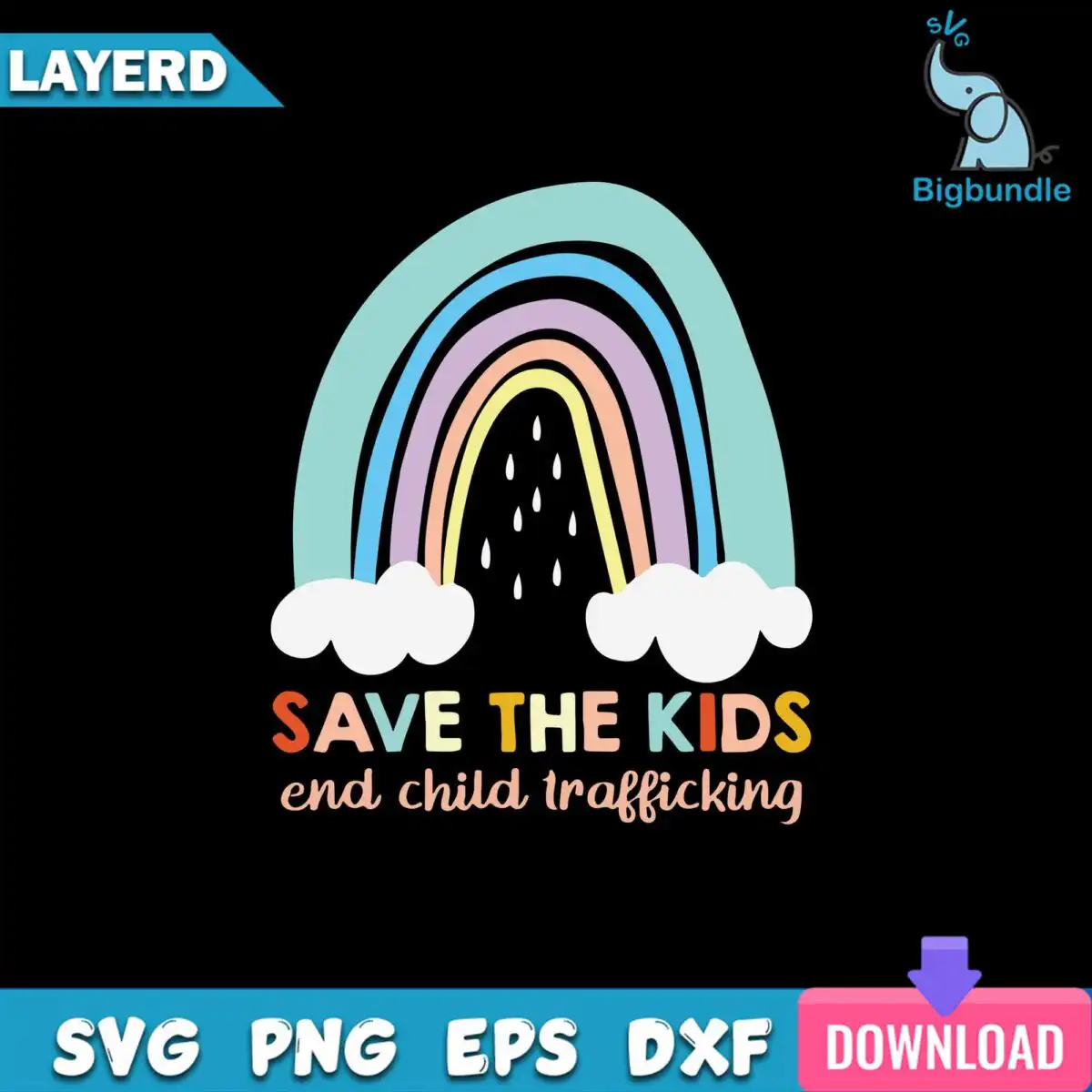
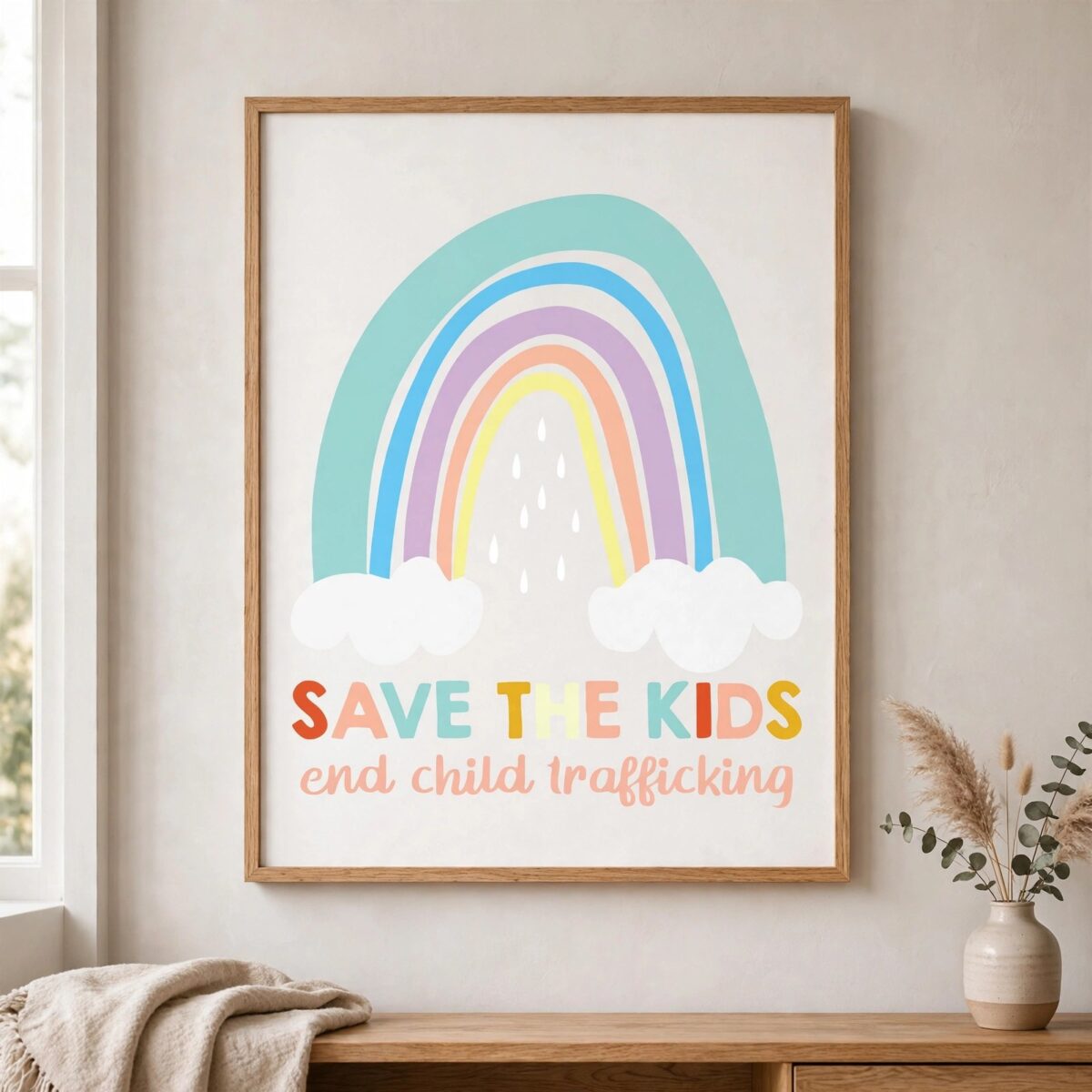
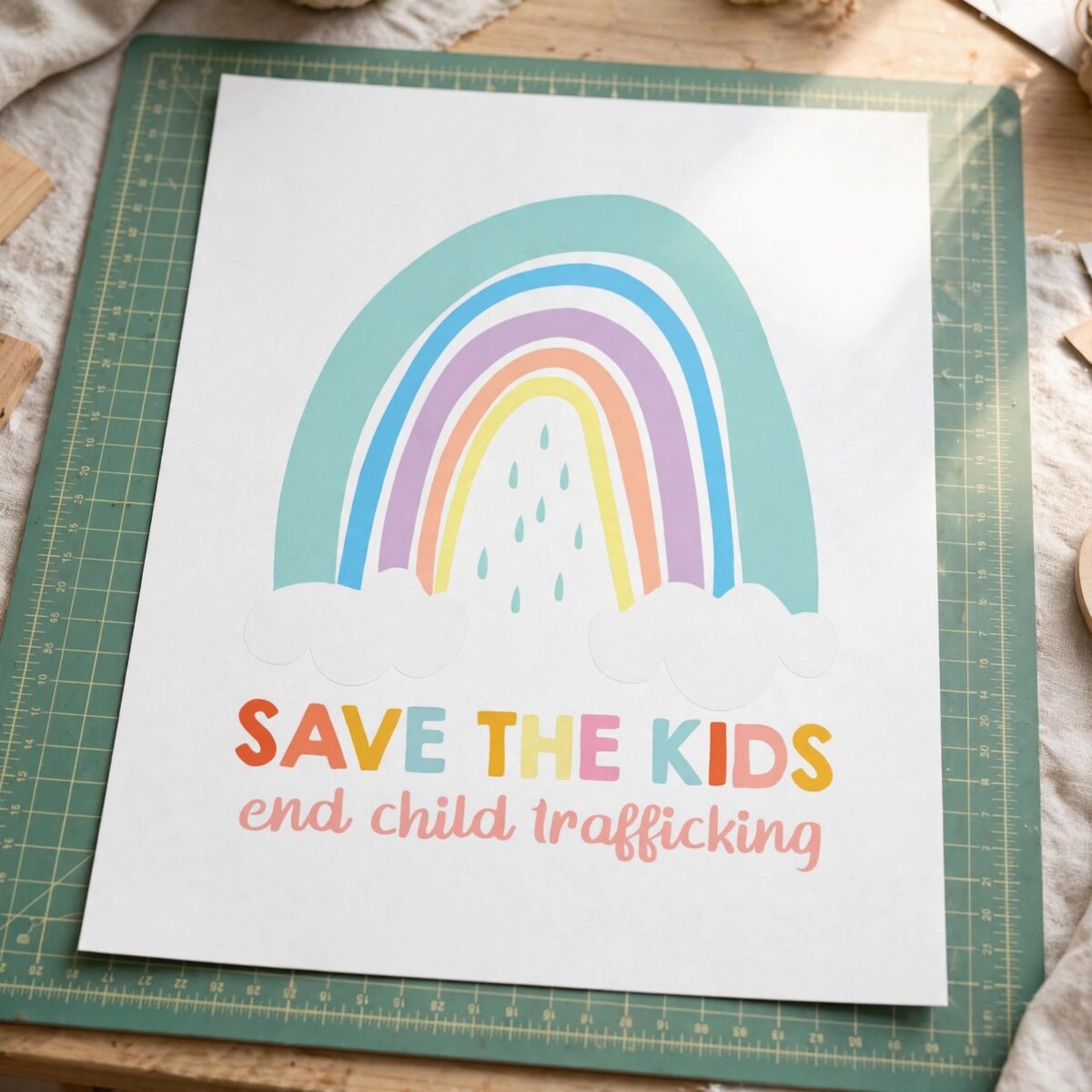
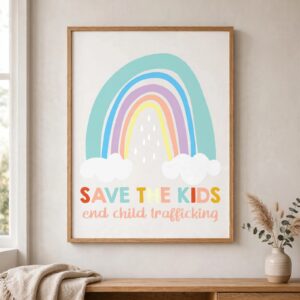
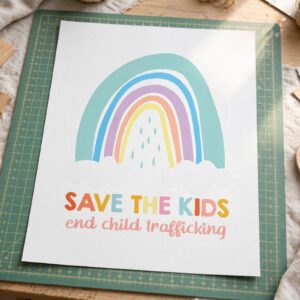
This Pastel Rainbow with Clouds design is a single badge artwork built for cutting, printing and pressing, and you receive it as SVG, PNG, DXF, EPS and PDF files. Pale teal, light blue, lavender, peach and pale yellow arcs sit over white clouds and raindrops, with the black arch interior framing the words SAVE THE KIDS and end child trafficking in bold sans-serif and script-style lowercase. The design suits t-shirts, tote bags, stickers and mugs, making it a practical choice for advocates, educators and community groups planning an awareness campaign. Because the artwork is flat vector with a clear layer structure, it moves easily from a screen mockup to a finished physical item. Use it when you want a hopeful, protective message that reads well from across a room.
Design breakdown
The design is a flat vector badge cut in 5 layers using 7 colours: pale teal, light blue, lavender, peach, pale yellow, white and black. The pastel rainbow arcs and white clouds and raindrops form the upper section, set inside a black arch that carries the lettering SAVE THE KIDS and end child trafficking. The lettering combines bold sans-serif capitals with script-style lowercase. The cut is medium in complexity, so cut it at 4 inches or larger to keep the raindrops and letter strokes clean.
| Layers | 5 |
|---|---|
| Colours | 7 — pale teal (#9ED8D4), light blue (#8FCBEB), lavender (#C4A8DB), peach (#F4B99A), pale yellow (#F9F08F), white (#FFFFFF) |
| Lettering | SAVE THE KIDS / end child trafficking |
| Background | dark |
| Cut complexity | medium |
| Orientation | portrait |
What’s included
- SVG
- PNG (300 dpi, transparent)
- DXF
- EPS
Works with
- Cricut Design Space
- Silhouette Studio (Designer Edition)
- Brother ScanNCut
- Adobe Illustrator
- Inkscape
- CorelDRAW
How to use
Download the ZIP file from your order and unzip it to a folder on your computer. Open Cricut Design Space, Silhouette Studio, Brother ScanNCut or Adobe Illustrator, then use the Upload or Open command to import the SVG file. Check the layers in the layers panel before cutting, and resize the badge to the width you need. For printing, use the PNG file on a light or dark garment or on a mug wrap.
Licence
Personal and small-business commercial use. Sell finished physical items; do not resell or redistribute the files themselves.
FAQ
What files are included with this Pastel Rainbow with Clouds design?
You get SVG, PNG at 300 dpi with a transparent background, DXF, EPS and PDF files. The PNG is suited to printing and sublimation, while the SVG and DXF files are for cutting machines and vector software.
Can I put this rainbow badge on a 20oz tumbler?
Yes, the design works on a 20oz tumbler using the PNG or SVG file, as long as you size it to fit the wrap. Keep the SAVE THE KIDS lettering large enough to read once the tumbler is wrapped.
Which machines and programs work with this file?
It works with Cricut Design Space, Silhouette Studio (Designer Edition), Brother ScanNCut, Adobe Illustrator, Inkscape and CorelDRAW. The SVG and DXF files open directly in these programs.
Can I resize the design and use it for my small business?
Yes, you can resize the design freely. The licence covers personal and small-business commercial use for finished physical items, but you may not resell or redistribute the files themselves.


