

Cartoon Pig Hatching from a Turquoise Egg, Easter Cut File for Shirts, Cards and Decals
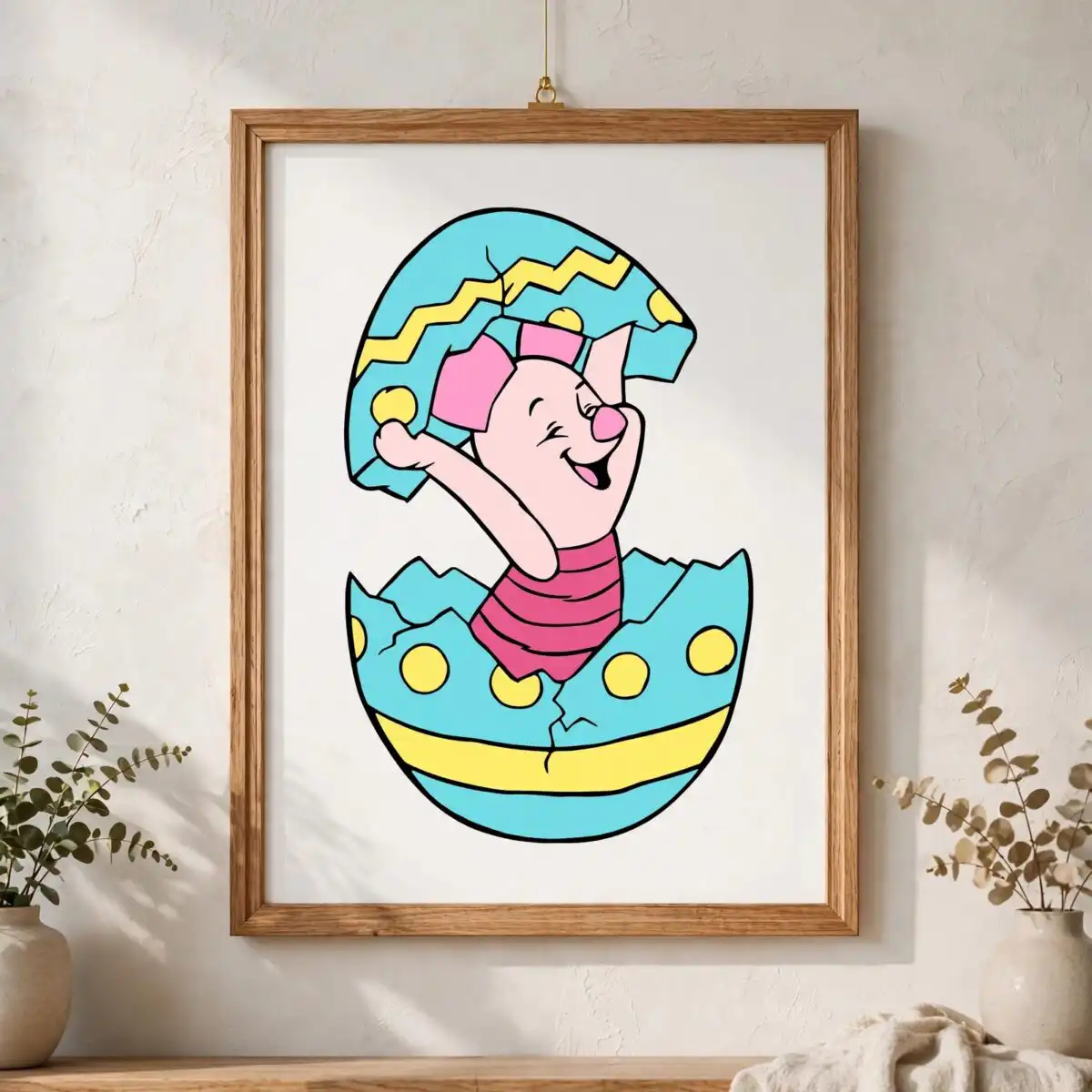
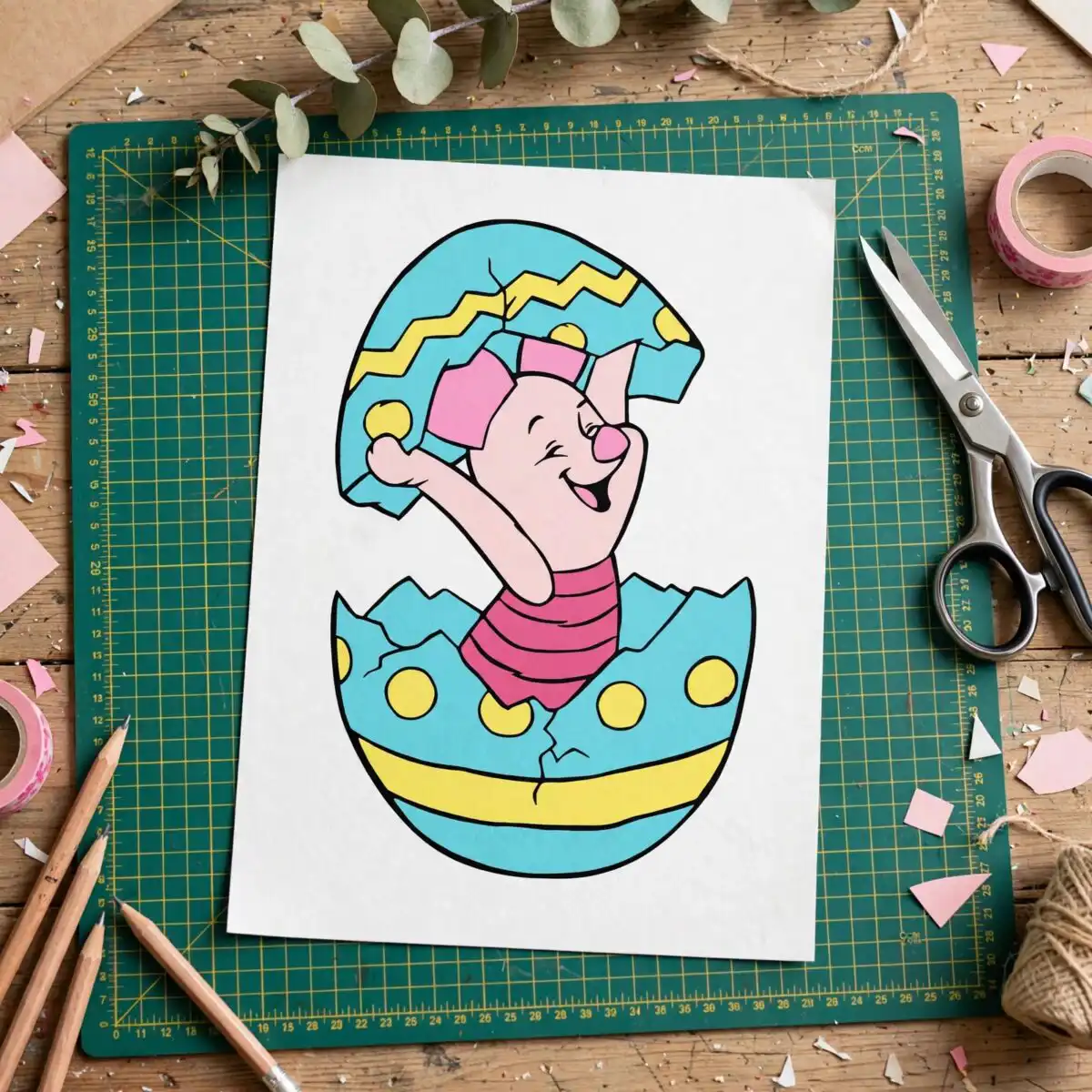
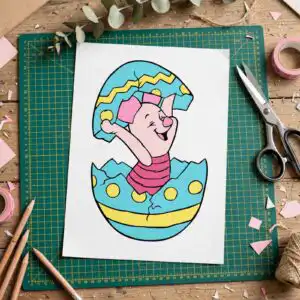
This pig cartoon images PNG design shows a smiling, waving cartoon pig with a pink snout and pink ear bow, climbing out of a cracked turquoise egg. You receive the artwork as SVG, PNG, DXF, EPS and PDF files, ready for cutting, printing or iron-on transfer. The figure wears a pink striped shirt, and the egg is decorated with a pale yellow zigzag band, yellow polka dots and a yellow stripe band. Its black outline and flat colours make it easy to cut from vinyl or print on light fabric. It suits Easter projects for children, from t-shirts and tote bags to greeting cards, scrapbook pages and window decals. Because the design is a single piece of artwork, you can weed and apply it without sorting through separate pieces. The cracked top half of the shell is tilted open, so the pig seems to be stepping out into the spring morning. Whether you are crafting for a family gift or a classroom display, this design gives the Easter egg theme a friendly, playful character.
Design breakdown
The design is a single flat vector illustration with a black outline, built from six colours: turquoise, pale yellow, pink, light pink, black outline and white. It is cut in 6 layers. The main elements are the two halves of a cracked egg shell (the top half tilted open and the bottom half), the cartoon pig-like figure with its pink snout, pink ear bow, pink striped shirt and raised waving arm, and the decorative yellow zigzag band, yellow polka dots and yellow stripe band on the egg. Cut complexity is medium, so fine details such as the polka dots and the arm are best cut at 4 inches or larger. The background is white and the sheet layout is a single design.
| Layers | 6 |
|---|---|
| Colours | 6 — turquoise (#7DD8D8), pale yellow (#FFF27A), pink (#F28DA0), light pink (#FBD3D3), black outline (#1A1A1A), white (#FFFFFF) |
| Lettering | LAYERD / SVG / PNG / EPS / DXF / DOWNLOAD |
| Background | white |
| Cut complexity | medium |
| Orientation | portrait |
What’s included
- SVG
- PNG (300 dpi, transparent)
- DXF
- EPS
Works with
- Cricut Design Space
- Silhouette Studio (Designer Edition)
- Brother ScanNCut
- Adobe Illustrator
- Inkscape
- CorelDRAW
How to use
Download the zip file and unzip it on your computer before you start. Open the SVG file in Cricut Design Space, Silhouette Studio or another cutting program, and import it through the upload menu. For iron-on or printing, use the PNG at 300 dpi, which has a transparent background. Resize the design in your software before cutting. Check that the layers are arranged correctly, then cut or print your project.
Licence
Personal and small-business commercial use. Sell finished physical items; do not resell or redistribute the files themselves.
FAQ
What files are included with this pig cartoon design?
You get SVG, PNG, DXF, EPS and PDF files. The PNG is 300 dpi with a transparent background, so it works well for printing and transfers.
Can I use this Easter pig design on a kids’ t-shirt?
Yes, the design suits a kids’ t-shirt, especially as an iron-on transfer. Cut it from heat transfer vinyl using the SVG file, or print the PNG on transfer paper.
Which machines and programs does this design work with?
It works with Cricut Design Space, Silhouette Studio (Designer Edition), Brother ScanNCut, Adobe Illustrator, Inkscape and CorelDRAW. You can also print the PNG on any standard printer.
Can I resell physical items made with this design?
Yes, the licence covers personal and small-business commercial use, so you can sell finished physical items made with it. You may not resell or redistribute the files themselves.


