

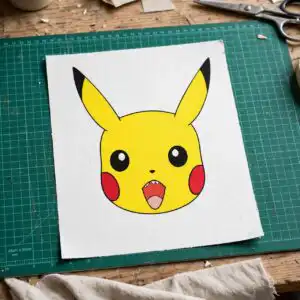
Pokemon PNG Logo Birthday with Ash Ketchum and Pikachu, Cut-Ready Shirt and Party
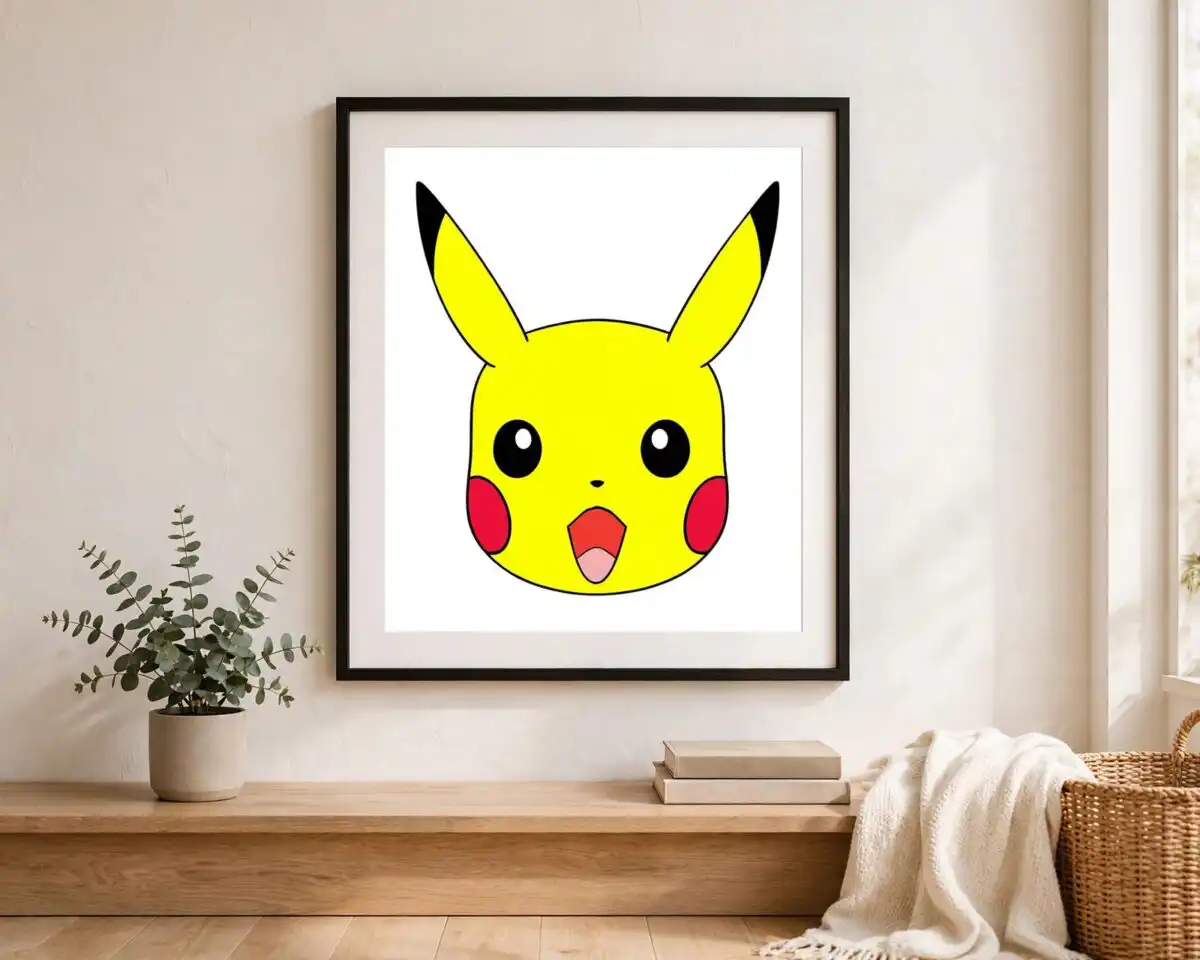
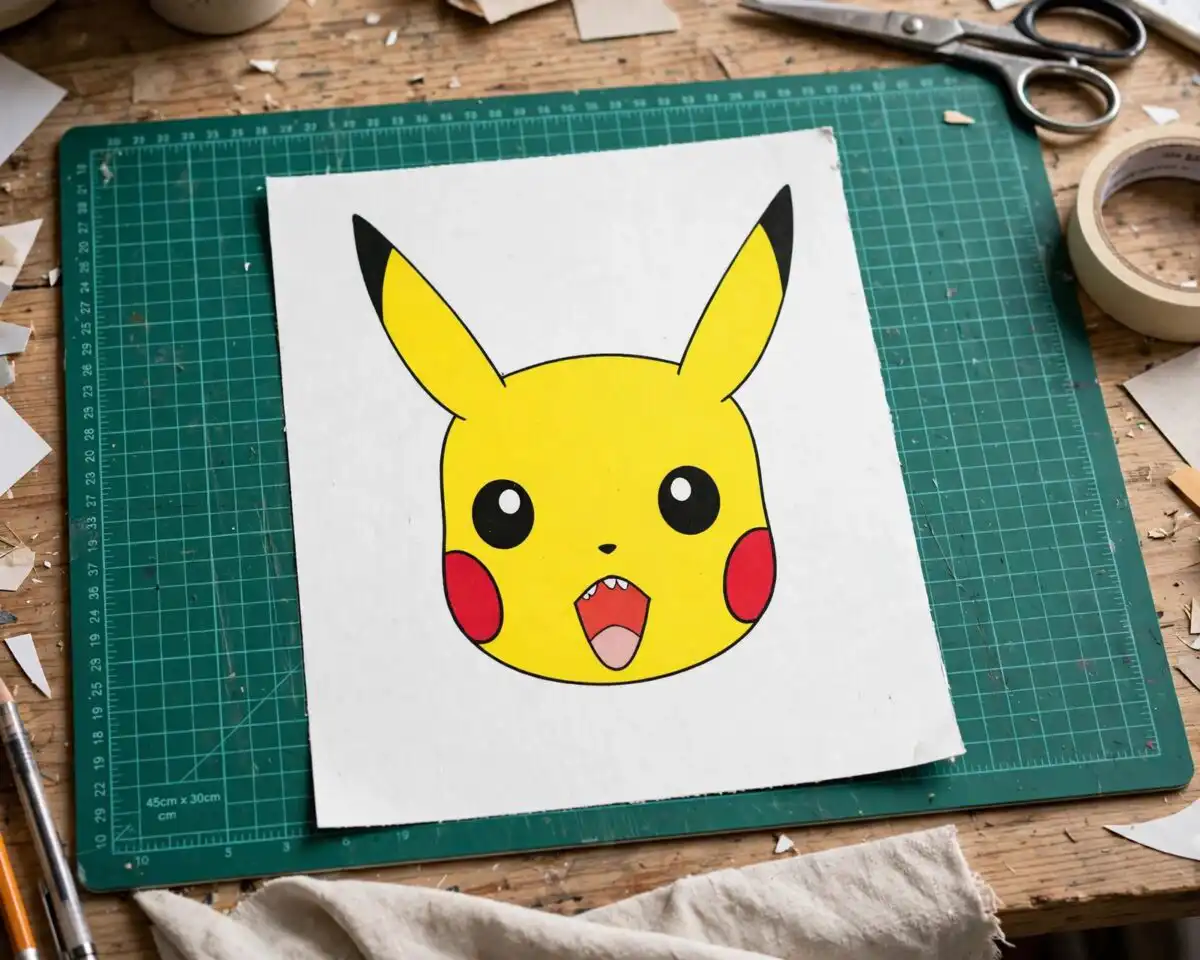
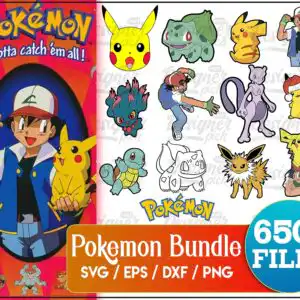
This Pokemon PNG logo birthday bundle is a set of cartoon Pokémon artwork built around Ash Ketchum, Pikachu and the Pokémon logo, and it comes as SVG, PNG, DXF and EPS files for cutting machines and print work. You get Ash Ketchum with his cap, Pikachu on Ash’s shoulder, Bulbasaur, Squirtle, Mewtwo and Jolteon, all drawn with bold outlines in Pikachu yellow, navy blue and red. The lettering “Gotta catch ’em all!” appears on the sheet, along with a Pokéball-style badge and a Pikachu wearing a Santa hat. The artwork suits kids party decorations, birthday shirts, mugs, stickers and vinyl decals, and it is aimed at Pokémon fans, crafters and parents who want something recognisable for a child’s celebration. The sheet is a collage, so you can pick out the characters you need and cut only those.
Design breakdown
The preview sheet shows 14 distinct designs in a collage layout, including Ash Ketchum with cap, Pikachu, Bulbasaur, Squirtle, Mewtwo, Jolteon, the Pokémon logo, a Pikachu wearing a Santa hat, a Pokéball-style badge, and Ash with Pikachu on shoulder. Among the designs shown in the preview are Bulbasaur, Squirtle, Mewtwo, Jolteon and the Pokémon logo. The artwork uses eight colours: Pikachu yellow, navy blue, red, green, lavender purple, white, teal blue and orange, on a white background. Each design is cut in 3 layers, with bold outlines and some fine details, so cut it at 4 inches or larger for the smallest elements. The files are provided as SVG, PNG (300 dpi, transparent), DXF, EPS and PDF.
| Layers | 3 |
|---|---|
| Colours | 8 — Pikachu yellow (#F7C81B), navy blue (#1E3A8A), red (#D7262B), green (#2E9E4F), lavender purple (#7B5EA7), white (#FFFFFF) |
| Lettering | Pokémon / Gotta catch ’em all! / SVG / EPS / DXF / PNG / 650+ FILES |
| Background | white |
| Cut complexity | high |
| Orientation | portrait |
What’s included
- SVG
- PNG (300 dpi, transparent)
- DXF
- EPS
Works with
- Cricut Design Space
- Silhouette Studio (Designer Edition)
- Brother ScanNCut
- Adobe Illustrator
- Inkscape
- CorelDRAW
How to use
Download the zip file from your order and unzip it to a folder on your computer. Open the SVG in Cricut Design Space or Silhouette Studio (Designer Edition) using the Upload or Import option, then ungroup the collage and select only the characters you need. For printing, import the transparent PNG into your design software or print-on-transfer program, and resize before cutting or printing. Check the size preview before you cut.
Licence
Personal and small-business commercial use. Sell finished physical items; do not resell or redistribute the files themselves.
FAQ
What files are included in this Pokemon bundle?
You get SVG, PNG (300 dpi, transparent), DXF, EPS and PDF files. The PNG is transparent, so it can be placed on coloured paper or fabric without a white box. The SVG is the best choice for cutting machines because it keeps the outlines clean.
Can I use this Pikachu design on a 20oz tumbler?
Yes, the Pikachu artwork can be used on a 20oz tumbler through vinyl or a tumbler wrap. Choose a single character, such as Pikachu alone, and size it to fit the wrap area. Fine details need to be cut at 4 inches or larger.
Which machines and software does this work with?
It works with Cricut Design Space, Silhouette Studio (Designer Edition), Brother ScanNCut, Adobe Illustrator, Inkscape and CorelDRAW. The SVG, DXF and EPS files suit cutting machines, and the PNG suits printing. Use the file type your software expects.
Can I resize it and sell the finished items?
You can resize the files for your project. The licence covers personal and small-business commercial use, so you can sell finished physical items such as shirts, mugs and stickers. You cannot resell or redistribute the files themselves.


