
Pokemon SVG Images: Pikachu and Friends Collage for Birthday Parties, Kids Crafts
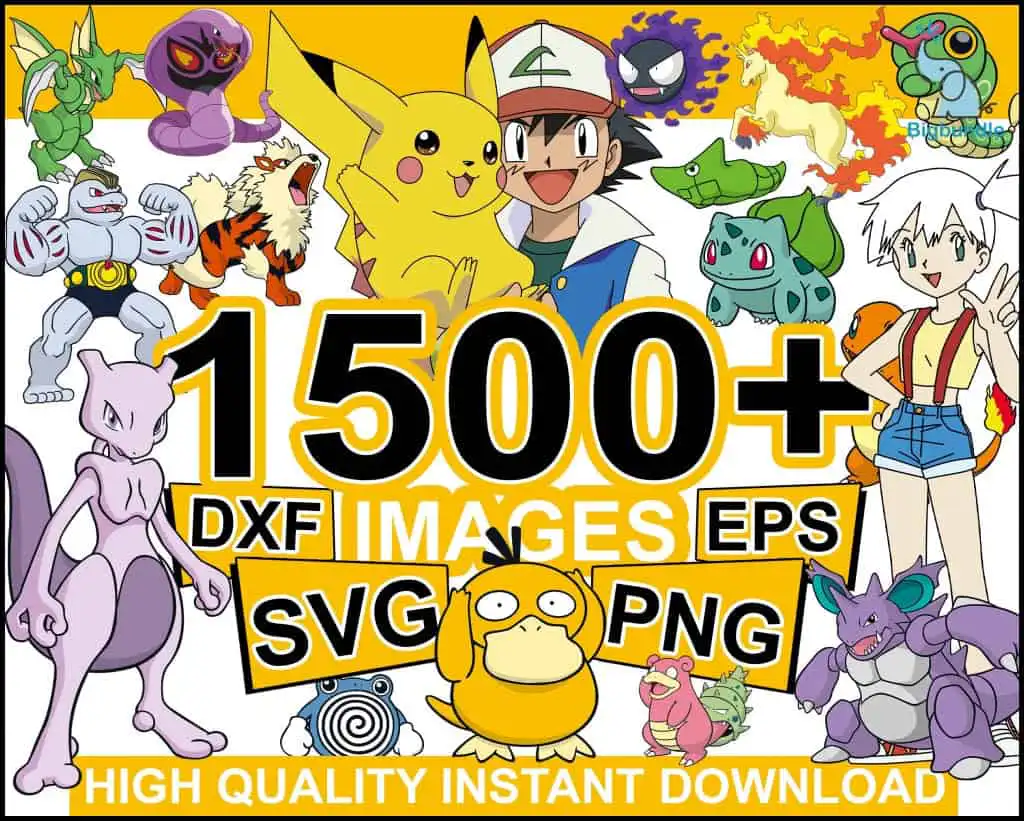
This Pokémon characters collage is a bundle of clip-art cut files, and each download gives you SVG, PNG, DXF and EPS versions of the artwork. Pokemon SVG Images fans will find Pikachu, Ash Ketchum, Gengar, Ponyta, Bulbasaur, Misty and Charmander drawn in flat cartoon colour on a white background, with lettering reading HIGH QUALITY INSTANT DOWNLOAD across the top. The palette is golden yellow, black, white, green and red, with purple, teal and orange accents. The sheet is built for birthday party decorations, kids’ crafts and fan merchandise, so you can cut stickers, banners and shirt designs from the same set. You will also get a PDF, and the files open in Cricut Design Space, Silhouette Studio, Brother ScanNCut, Adobe Illustrator, Inkscape and CorelDRAW. Each figure is a separate piece you can pull out of the collage and use on its own.
Design breakdown
The preview sheet shows 17 distinct characters arranged as a landscape collage on a white background, including Pikachu, Ash Ketchum, Gengar, Ponyta, Bulbasaur, Misty, Charmander, Psyduck, Nidoking, Mewtwo, Poliwhirl, Slowpoke, Machamp, Arcanine, Caterpie, Scyther and Ekans. Among the designs shown in the preview are Pikachu, Bulbasaur, Mewtwo and Psyduck. The artwork uses eight colours: golden yellow, black, white, green, red, purple, teal and orange. It is cut in 3 layers and has high cut complexity, with fine details such as faces, tails and small lettering, so cut it at 4 inches or larger for clean results. The sheet carries the wording 1500+ IMAGES, DXF, EPS, SVG, PNG and HIGH QUALITY INSTANT DOWNLOAD.
| Layers | 3 |
|---|---|
| Colours | 8 — golden yellow (#F7C10E), black (#000000), white (#FFFFFF), green (#3FA34D), red (#E8473A), purple (#7A5CB8) |
| Lettering | 1500+ / IMAGES / DXF / EPS / SVG / PNG / HIGH QUALITY INSTANT DOWNLOAD / Bulbasaur |
| Background | white |
| Cut complexity | high |
| Orientation | landscape |
What’s included
- SVG
- PNG (300 dpi, transparent)
- DXF
- EPS
Works with
- Cricut Design Space
- Silhouette Studio (Designer Edition)
- Brother ScanNCut
- Adobe Illustrator
- Inkscape
- CorelDRAW
How to use
Download the zip file and unzip it to a folder on your computer. Open your cutting software, such as Cricut Design Space or Silhouette Studio, and choose Upload or Import. Select the SVG file for cutting, or the PNG for printing and sublimation. Ungroup the collage if you want single characters, then resize each piece before you cut or print. Test a small piece first on your material.
Licence
Personal and small-business commercial use. Sell finished physical items; do not resell or redistribute the files themselves.
FAQ
What files are included in the Pokemon SVG Images download?
You get SVG, PNG (300 dpi, transparent), DXF, EPS and PDF files. The SVG and DXF files suit cutting machines, while the PNG works for printing and sublimation.
Can I use this Pikachu design on a 20oz tumbler?
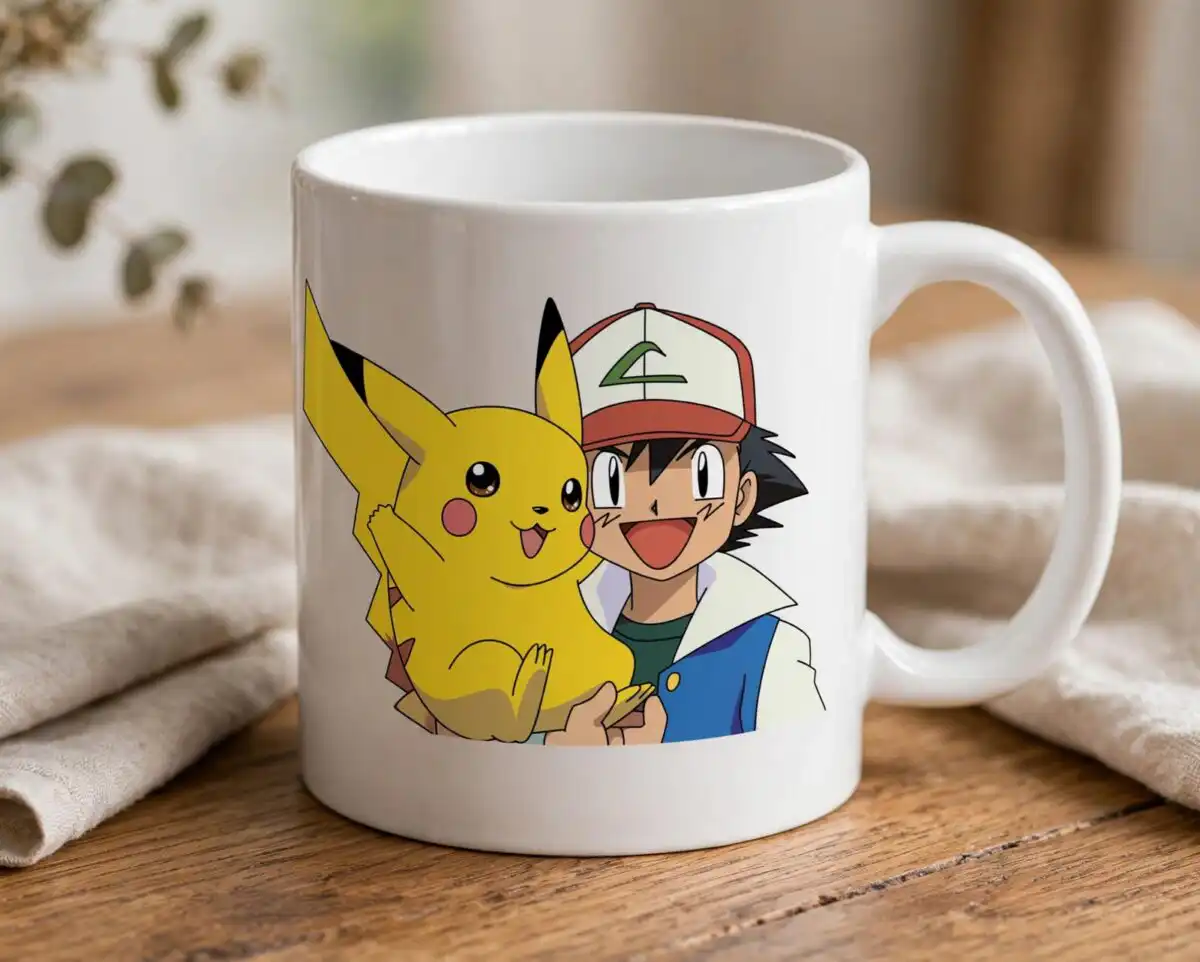
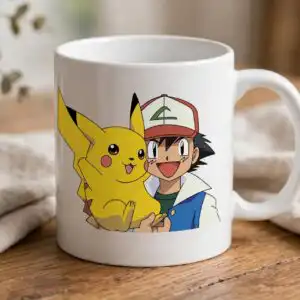
Yes, the PNG and SVG files can be sized for a tumbler wrap or a mug. Keep the fine details of the smaller characters large enough to read after printing, and test on a sample first.
Which machines and programs does this work with?
The files work with Cricut Design Space, Silhouette Studio (Designer Edition), Brother ScanNCut, Adobe Illustrator, Inkscape and CorelDRAW. Use the SVG or DXF file for cutting and the PNG for printing.
Can I resell the files or use them for a business?
You may use the designs for personal and small-business commercial use, such as selling finished physical items. You may not resell or redistribute the files themselves.


