

Princess Peach Super Mommy PNG Birthday Shirt Design for Sublimation and Print-and-Cut
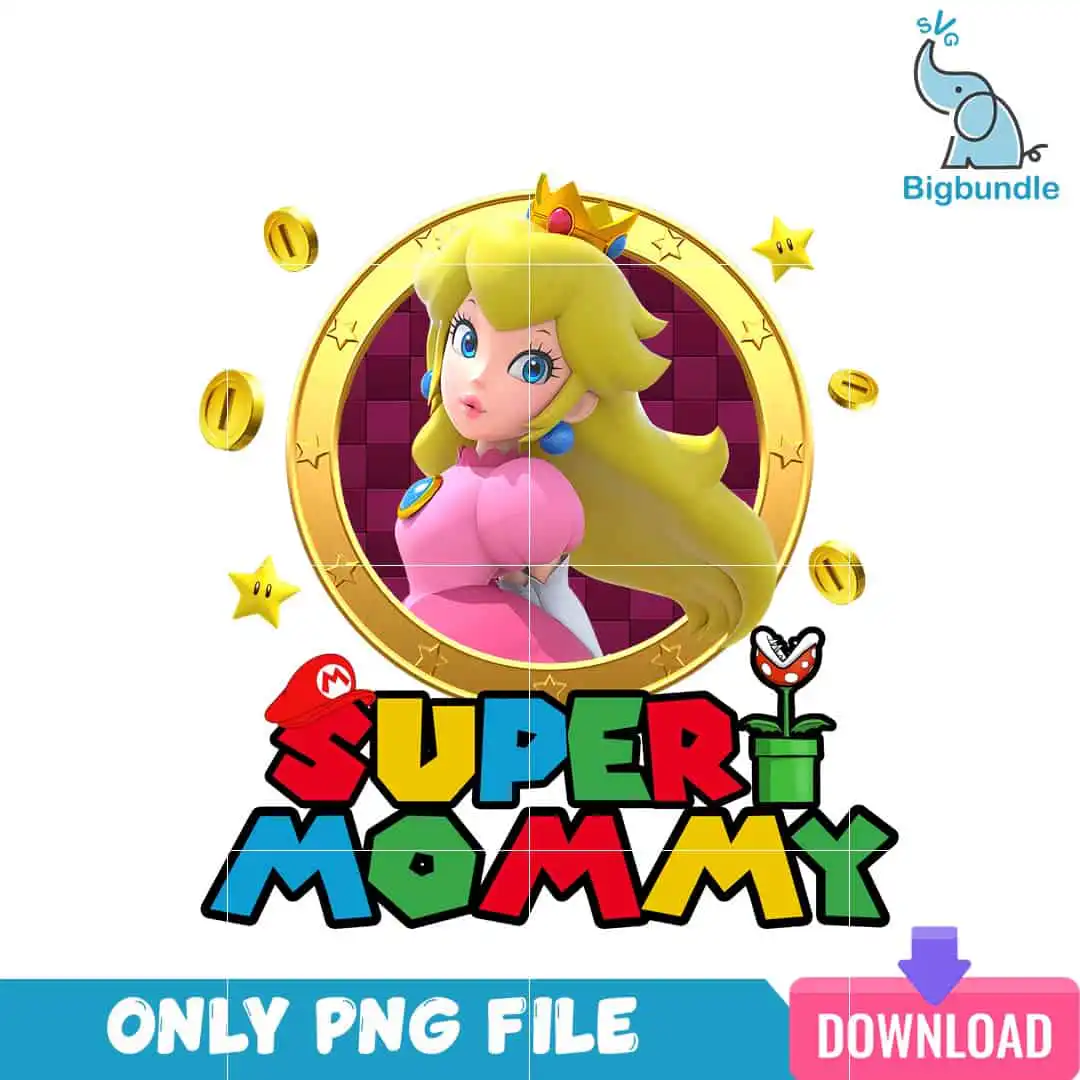
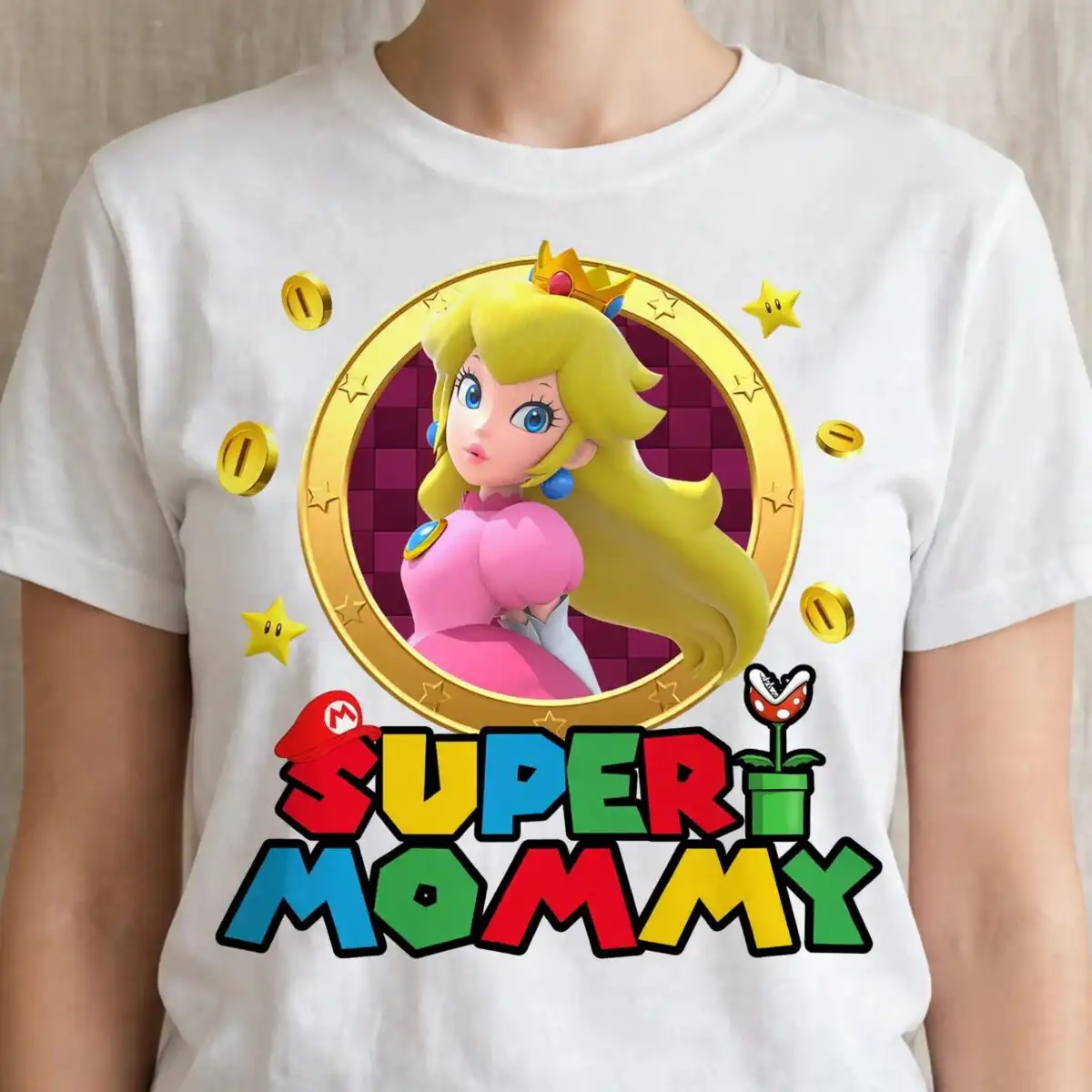
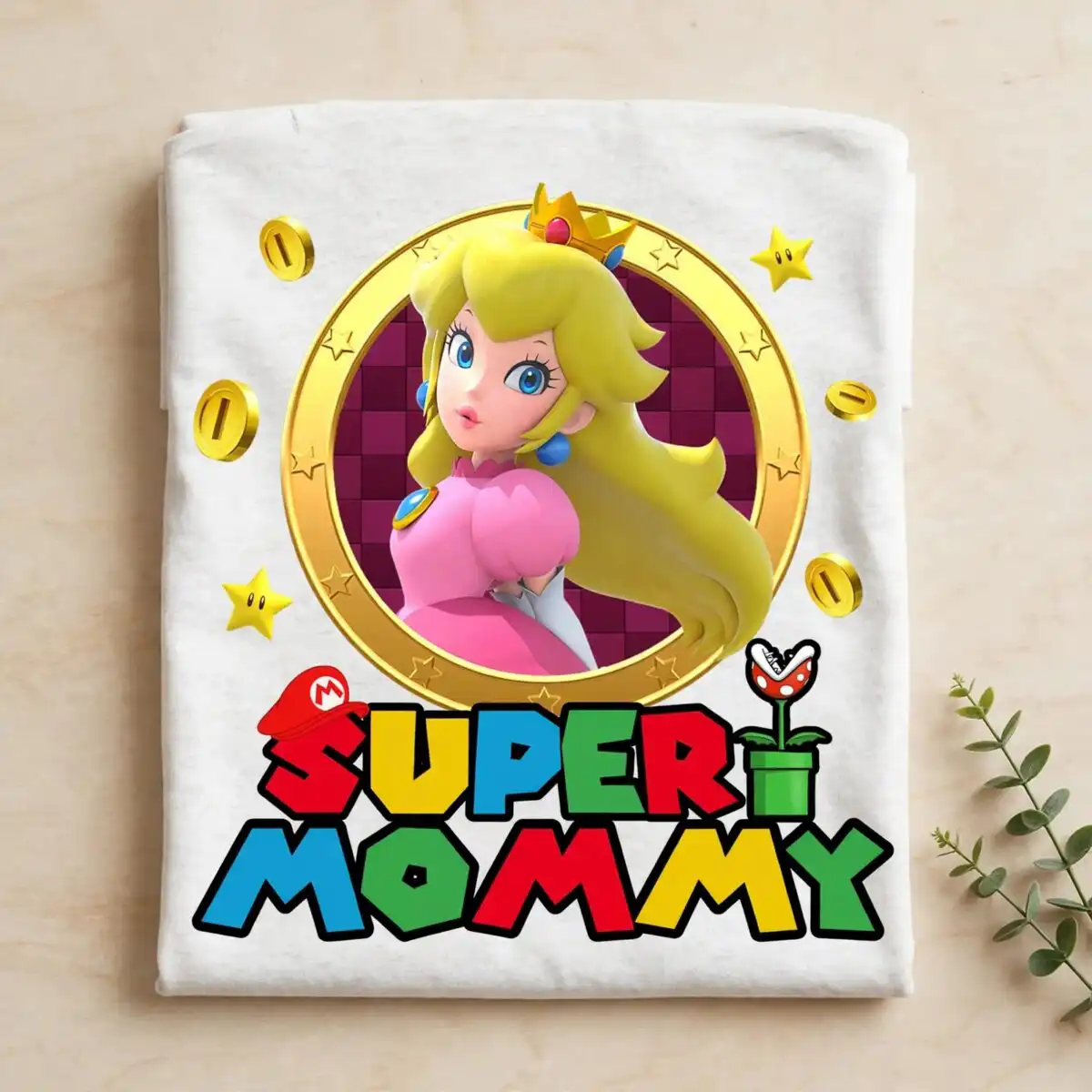
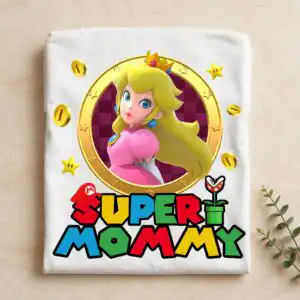
This Princess Peach Super Mommy PNG is a single badge design delivered as a transparent PNG file, made for shirts, mugs, tumblers and sublimation or print-and-cut projects. It shows a blonde female figure wearing a gold crown with a red gem and a pink dress, set inside a gold circular ring over a dark magenta checkered background. Bold block lettering reads SUPER MOMMY across the design, with gold coins, gold stars, a small red-capped figure and a green pipe-shaped element around the edge. You receive one PNG at 300 dpi with a transparent background, so the artwork drops onto a garment or cup without a white box. The palette of gold, pink, dark magenta and red keeps the badge bright and playful, which suits a birthday gift or a Mother’s Day present. Because the file is high resolution, you can resize it in Canva or Adobe Photoshop before printing.
Design breakdown
The design is a square badge built from a gold circular frame, a dark magenta checkered background and a central female figure with long blonde hair, blue earrings, a gold crown with a red gem and a pink dress. Block lettering reading SUPER and MOMMY sits within the composition, with gold coins, gold stars, a red-capped figure bearing an emblem and a green pipe with a plant-like top placed around it. The colour set includes gold, light gold, skin tone, blonde, pink, dark magenta, red, blue, green and white, and the file is cut in 8 layers with a high level of cut detail, so it is best cut at 4 inches or larger. The file is supplied as a PNG with a transparent background at 300 dpi.
| Colours | 10 — gold (#F2C230), light gold (#E8B84A), skin tone (#F4C9A8), blonde (#F2D96B), pink (#E5A3B8), dark magenta (#7A1E4F) |
|---|---|
| Lettering | SUPER / MOMMY / ONLY PNG FILE / DOWNLOAD |
| Background | white |
| Orientation | square |
What’s included
- PNG (300 dpi, transparent background)
Works with
- Sublimation printers (Epson, Sawgrass)
- DTF / print-and-cut workflows
- Canva
- Adobe Photoshop
How to use
Download the ZIP from your order confirmation and unzip it to a folder on your computer. Open the PNG in your sublimation software, Canva or Adobe Photoshop, then import it into your print layout. Resize the badge to fit your blank, keeping the proportions locked so the lettering stays sharp. Print on sublimation paper or prepare the file for DTF or print-and-cut, then press or apply it to your item.
Licence
Personal and small-business commercial use. Sell finished physical items; do not resell or redistribute the files themselves.
FAQ
What files are included with this design?
You get one PNG file at 300 dpi with a transparent background. No other formats are included, so it is ready for direct printing without a white box behind the artwork.
Can I use this Super Mommy design on a 20oz tumbler?
Yes, the badge works on a 20oz tumbler when you print it as a sublimation decal or wrap. Resize it to the height you want on the tumbler, and keep the lettering at least a few inches wide so SUPER MOMMY stays easy to read.
Which printers and software does this PNG work with?
It works with Sublimation printers such as Epson and Sawgrass, and with DTF or print-and-cut workflows. You can open and resize it in Canva or Adobe Photoshop before printing.
Can I resize this file and sell finished items made with it?
You can resize it freely for your own projects. The licence covers personal and small-business commercial use, so you can sell finished physical items, but you may not resell or redistribute the PNG file itself.


