

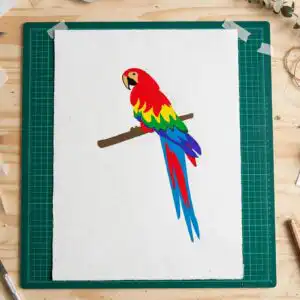
Scarlet Macaw Style Parrot on a Branch, Rainbow Feathers for Shirts, Tumblers and Cards
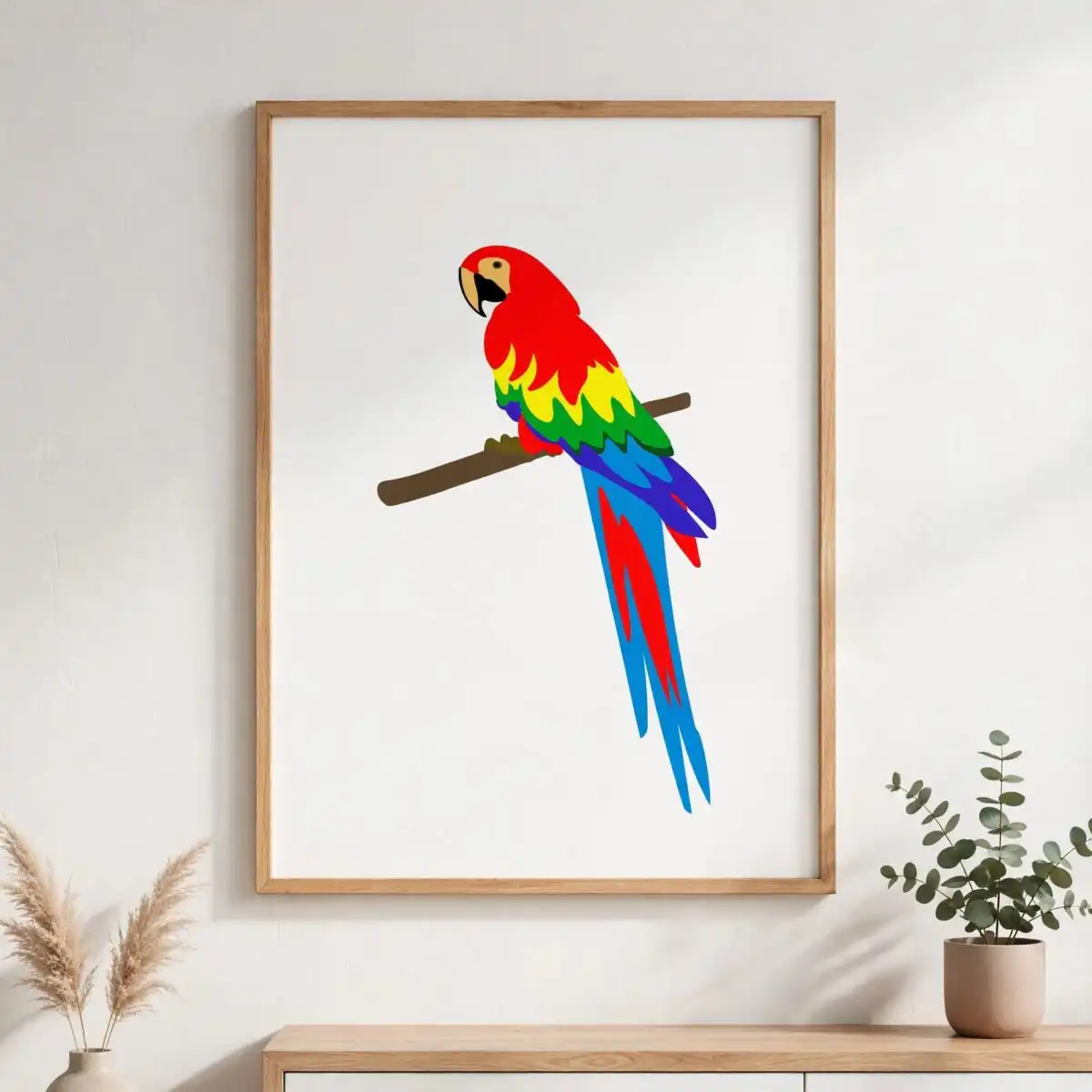
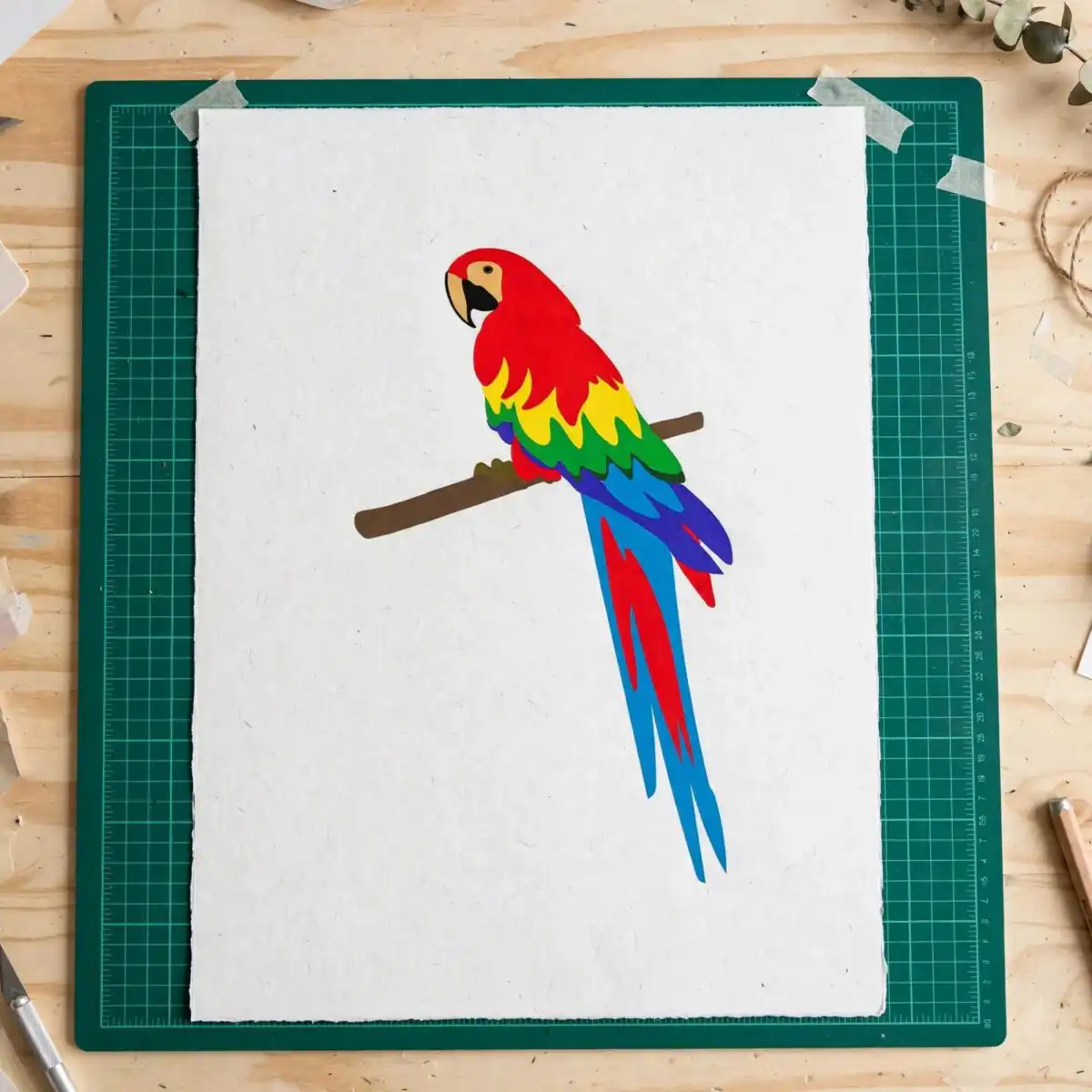
This Scarlet Macaw design is one flat vector parrot perched on a branch, delivered as an SVG with PNG, EPS, DXF and PDF files alongside it. The bird is drawn in rainbow-coloured feathers: bold red, yellow, green and dark blue run through the wings and long tail, with a black beak and eye against tan and brown details. It is made for iron-on shirts, tumbler decals, scrapbook pages, card making and wall art. Because it is a single design on one white sheet, you cut or print the parrot as one piece, with no extra motifs to remove. Cutting machines such as Cricut and Silhouette read the SVG directly, so you can resize the bird before you cut. The result is a cheerful, tropical parrot that suits everyday nature-themed projects.
Design breakdown
The design shows one parrot in a Scarlet Macaw style, perched on a branch, with separate pieces for the beak, eye, wing feathers and long tail feathers. It uses ten named colours: red, yellow, green, dark blue, light blue, brown, tan, black, purple and white. The artwork is built from simple flat shapes and is cut in 8 layers, so it can be stacked in layers for vinyl, or cut as a single piece for simpler projects. Fine details such as the eye and the feather edges are best cut at 4 inches or larger. The file is supplied on a white background as a single design on one sheet.
| Layers | 8 |
|---|---|
| Colours | 10 — red (#E0231B), yellow (#F5D31A), green (#2E8B3A), dark blue (#2D4FA8), light blue (#2A9BD8), brown (#6B4A2B) |
| Lettering | LAYERD / SVG / PNG / EPS / DXF / DOWNLOAD |
| Background | white |
| Cut complexity | medium |
| Orientation | portrait |
What’s included
- SVG
- PNG (300 dpi, transparent)
- DXF
- EPS
Works with
- Cricut Design Space
- Silhouette Studio (Designer Edition)
- Brother ScanNCut
- Adobe Illustrator
- Inkscape
- CorelDRAW
How to use
Download the ZIP file and unzip it to a folder on your computer. Open Cricut Design Space, Silhouette Studio or your design software, then use Upload or Open to import the SVG. Resize the parrot to your project size, check the colour layers, and cut or print. For a t-shirt iron-on, mirror the image before cutting if your material requires it.
Licence
Personal and small-business commercial use. Sell finished physical items; do not resell or redistribute the files themselves.
FAQ
What files are included with this scarlet macaw SVG?
You receive an SVG, a 300 dpi transparent PNG, an EPS, a DXF and a PDF. The SVG is the main file for cutting machines, and the PNG suits printing and sublimation.
Can I use this parrot design on a 20oz tumbler?
Yes, the parrot works on a 20oz tumbler as a vinyl decal or a printed wrap. Resize the bird to fit your tumbler, and keep the fine eye and feather details at 4 inches or larger.
Which machines and software work with this file?
It works with Cricut Design Space, Silhouette Studio (Designer Edition), Brother ScanNCut, Adobe Illustrator, Inkscape and CorelDRAW. The SVG imports directly into each of these programs.
Can I resize the design and sell my finished items?
Yes, you can resize the design to any size. The licence covers personal and small-business commercial use, so you can sell finished physical items, but you cannot resell or redistribute the files themselves.


