

Summer Stitch Character Wearing a Sunflower Crown, Disney Cut File for Shirts and Tumblers
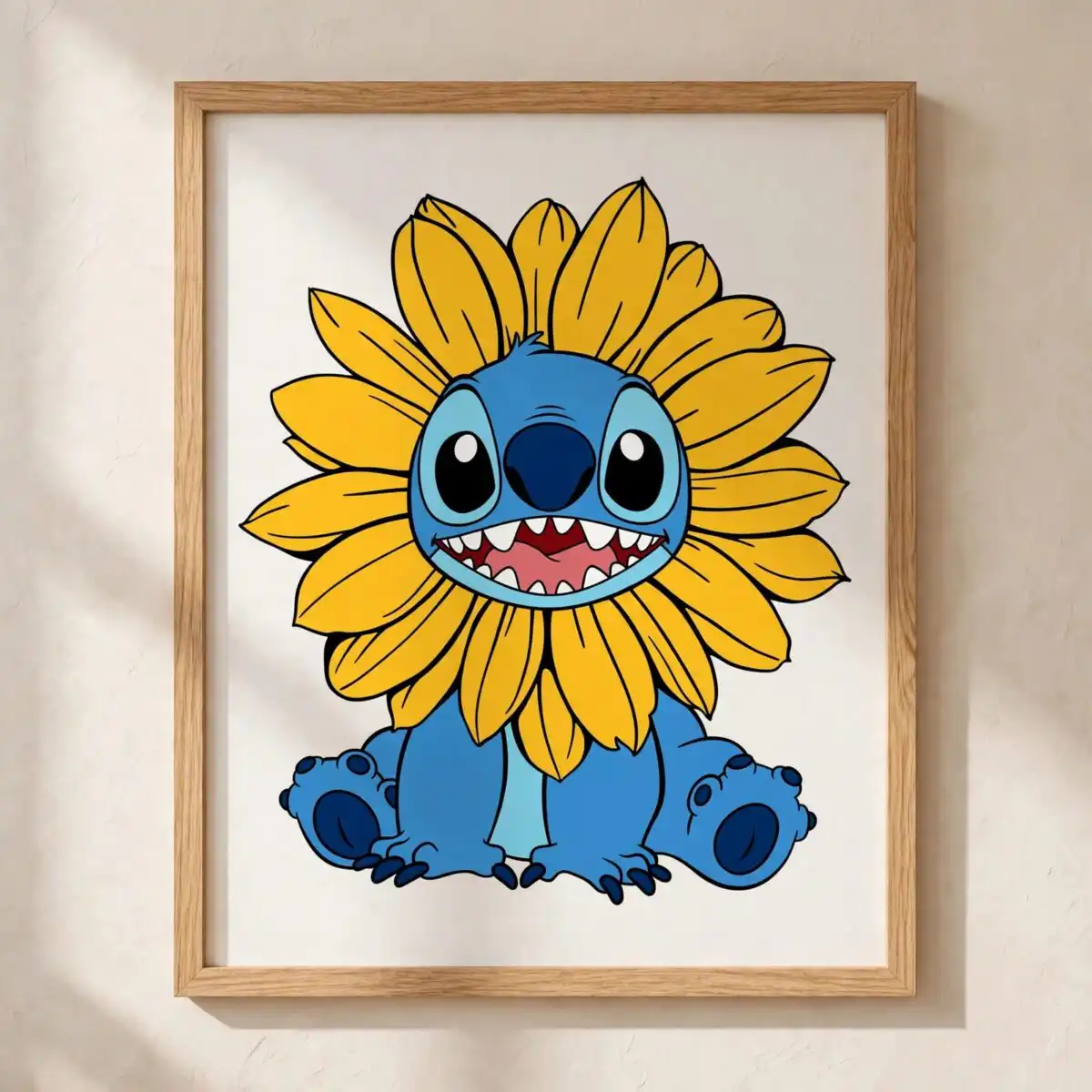
This Stitch sunflower design is one seated Stitch character wearing a sunflower as a hood or crown, drawn for cutting machines and printers. You receive SVG, PNG, DXF, EPS and PDF files, made for shirts, tumblers, mugs, stickers and vinyl decals. The character smiles with an open mouth showing teeth, set against bold sunflower yellow petals and Stitch blue fur, with dark navy blue outlines and a mouth pink-red accent. Its cartoon clip art style uses flat colour and clean outlines, so the shapes read clearly on a vinyl sheet or a printed tee. Paw pads and claws are drawn in the same flat palette, giving the figure a playful, cute look that suits summer parties, birthdays and gifts for Disney fans and kids. Because the design is a single piece on a white background, you can colour, print or cut it with few adjustments.
Design breakdown
This is one Stitch character design with a sunflower used as a hood or crown, shown in five flat colours: sunflower yellow, Stitch blue, dark navy blue, mouth pink-red and white. The artwork is cut in 4 layers, with the sunflower petals, the body, the outlines and the mouth as separate pieces. Paw pads and claws are included as part of the figure. The cut complexity is medium, so cut it at 4 inches or larger to keep the sunflower petals and the teeth clear. The file is provided on a white background, with a transparent PNG version at 300 dpi.
| Layers | 4 |
|---|---|
| Colours | 5 — sunflower yellow (#F5B82E), Stitch blue (#3A8FD9), dark navy blue (#1E4E8C), mouth pink-red (#E8555E), white (#FFFFFF) |
| Lettering | LAYERD / SVG / PNG / EPS / DXF / DOWNLOAD |
| Background | white |
| Cut complexity | medium |
| Orientation | portrait |
What’s included
- SVG
- PNG (300 dpi, transparent)
- DXF
- EPS
Works with
- Cricut Design Space
- Silhouette Studio (Designer Edition)
- Brother ScanNCut
- Adobe Illustrator
- Inkscape
- CorelDRAW
How to use
Download the ZIP file from your order page and unzip it to a folder on your computer. Open Cricut Design Space, Silhouette Studio or Adobe Illustrator, then use the Upload or Open command to import the SVG file. Check the layers in the layers panel, resize the design to your project, and send it to your cutter or printer. For printed transfers, use the PNG file, which has a transparent background.
Licence
Personal and small-business commercial use. Sell finished physical items; do not resell or redistribute the files themselves.
FAQ
What files are included with this Stitch sunflower design?
You receive SVG, PNG, DXF, EPS and PDF files. The PNG is 300 dpi with a transparent background, so it works well for printing and sublimation.
Can I use this Stitch design on a 20oz tumbler?
Yes, the design suits a 20oz tumbler, and the PNG or SVG can be sized to wrap or sit on the front. Cut the vinyl at 4 inches or larger so the petals and teeth stay clear.
Which machines and programs does this file work with?
It works with Cricut Design Space, Silhouette Studio (Designer Edition), Brother ScanNCut, Adobe Illustrator, Inkscape and CorelDRAW. Use the SVG or DXF file for cutting machines and the PNG for printers.
Can I resize the file and sell items made with it?
Yes, you can resize the file freely in your software. The licence covers personal and small-business commercial use for finished physical items, but you may not resell or redistribute the files themselves.


