

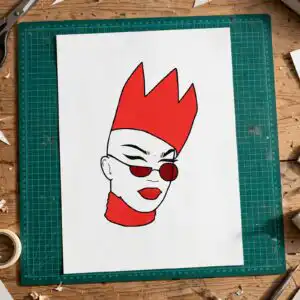
Stylized Line Art Face Cut File with Red Spiky Hair and Sunglasses for Shirts, Decals and
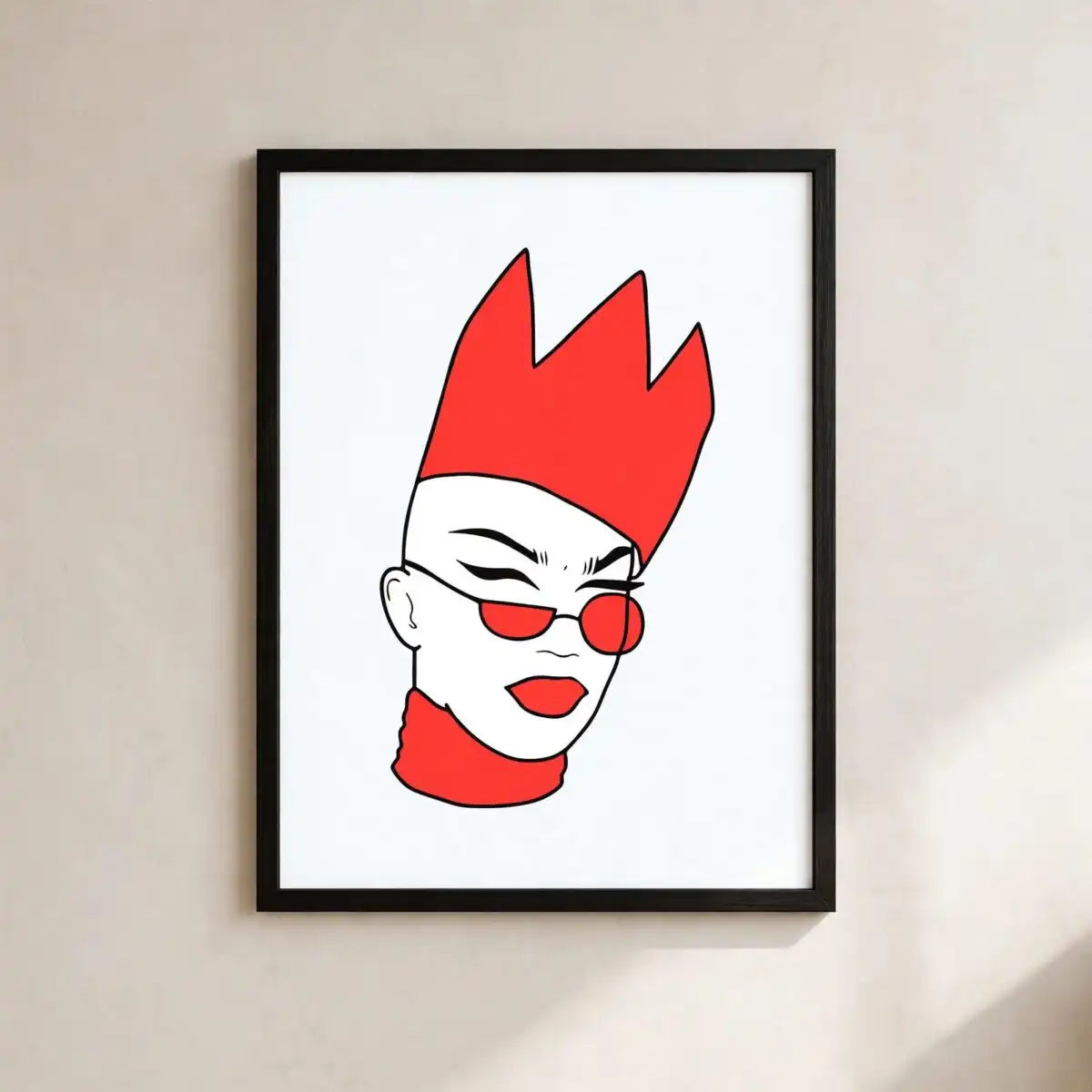
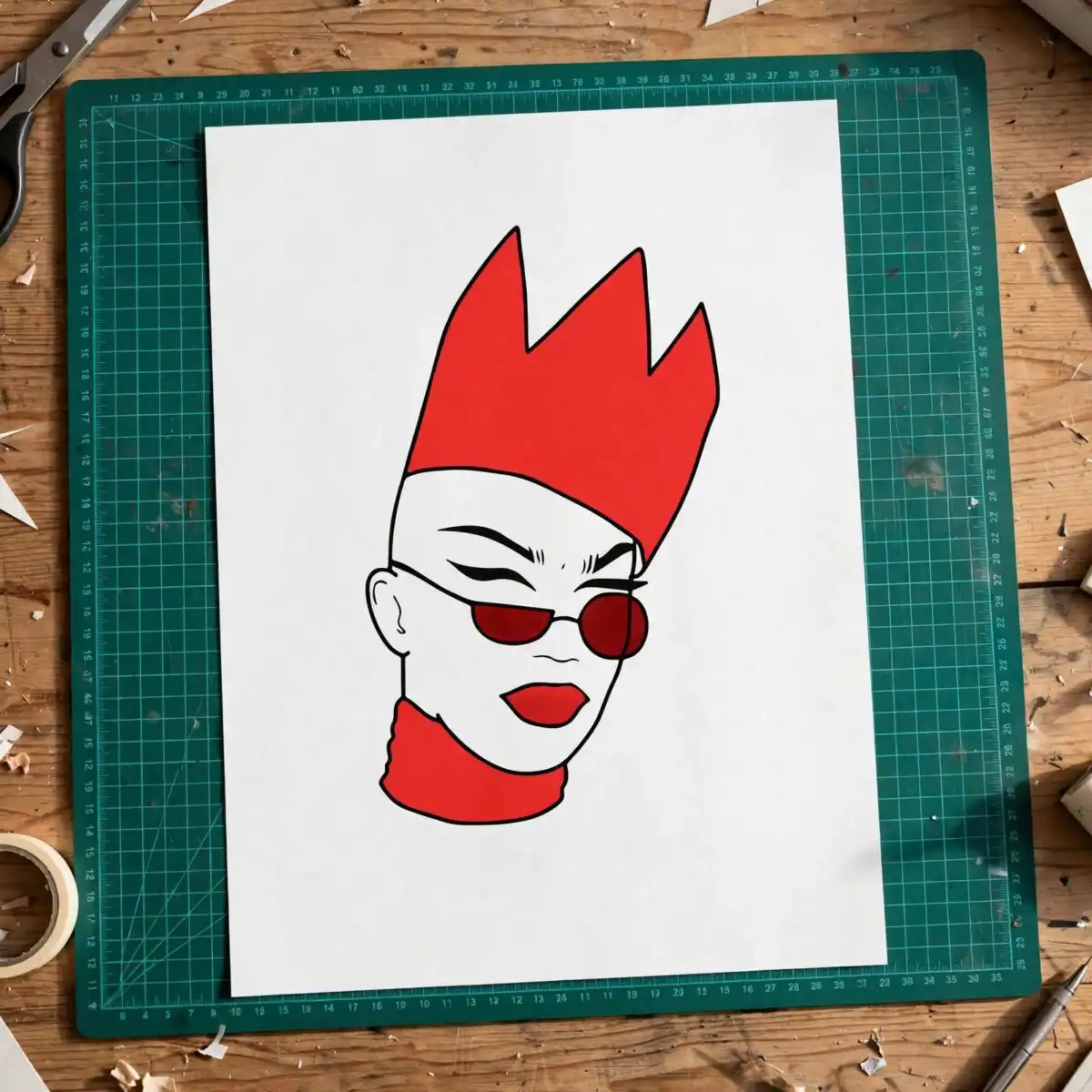
This stylized line art face SVG is a single cut-file design of a face in three-quarter view, with a tall red spiky hairstyle, round red sunglasses, red lips and a red high collar. You receive SVG, PNG (300 dpi, transparent), DXF, EPS and PDF files, made for vinyl decals, t-shirt prints, stickers and mug wraps. The artwork is flat vector line art in bold red, black, white and teal blue, with black eyebrows and eyelid lines drawn over an off-white background. Its playful, graphic look suits everyday decor and gifts. The spiky red hair has three peaks that stand out clearly against the face, so the design reads well at a glance. Because it is a flat, two-tone piece, you can cut it from coloured vinyl or print it directly onto fabric or a mug wrap. Each file opens in the software you already use, so you can resize the face to fit a wall decal, a sticker sheet or a shirt front.
Design breakdown
The design is cut in 4 layers and uses seven colours: red, white, black, teal blue, off-white, pink and purple, with red as the dominant shade for the hair, sunglasses, lips and high collar. The spiky hair shape has three peaks, the round sunglasses sit as separate red rings, and the ear, black eyebrows and eyelid lines are fine elements that need careful weeding. Cut complexity is medium, so fine details are best cut at 4 inches or larger. The file is a flat vector with no gradients, so it cuts cleanly on Cricut, Silhouette and ScanNCut machines.
| Layers | 4 |
|---|---|
| Colours | 7 — red (#FF3B30), white (#FFFFFF), black (#000000), teal blue (#1A9BD7), off-white background (#F7F9FB), pink (#F0508C) |
| Lettering | LAYERD / SVG / PNG / EPS / DXF / DOWNLOAD |
| Background | white |
| Cut complexity | medium |
| Orientation | portrait |
What’s included
- SVG
- PNG (300 dpi, transparent)
- DXF
- EPS
Works with
- Cricut Design Space
- Silhouette Studio (Designer Edition)
- Brother ScanNCut
- Adobe Illustrator
- Inkscape
- CorelDRAW
How to use
Download the zip file and unzip it to a folder on your computer. Open the SVG in Cricut Design Space, Silhouette Studio or Brother ScanNCut and import it as a single design. Resize the face to your project, then check that the thin eyebrow and eyelid lines are not too small to weed. For a t-shirt or mug, use the PNG with a transparent background as your print file.
Licence
Personal and small-business commercial use. Sell finished physical items; do not resell or redistribute the files themselves.
FAQ
What files are included with this stylized line art face SVG?
You get SVG, PNG (300 dpi, transparent), DXF, EPS and PDF files. The PNG suits printing, while the SVG, DXF and EPS files suit cutting and editing.
Can I use this face design on a 20oz tumbler?
Yes, the design works on a 20oz tumbler using the PNG or a sublimation-ready file. Keep the red sunglasses and spiky hair within the printable area so the outline stays clear.
Which machines and software does this file work with?
It works with Cricut Design Space, Silhouette Studio (Designer Edition), Brother ScanNCut, Adobe Illustrator, Inkscape and CorelDRAW. Any of these programs can open the SVG, DXF or EPS files.
Can I resize the design and sell items made with it?
Yes, you can resize the file freely for your project. The licence covers personal and small-business commercial use, so you can sell finished physical items, but you may not resell or redistribute the files themselves.


