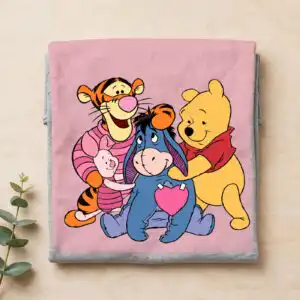

Tigger Winnie the Pooh PNG Valentine Collage with Pooh Love Hearts for Sublimation Shirts
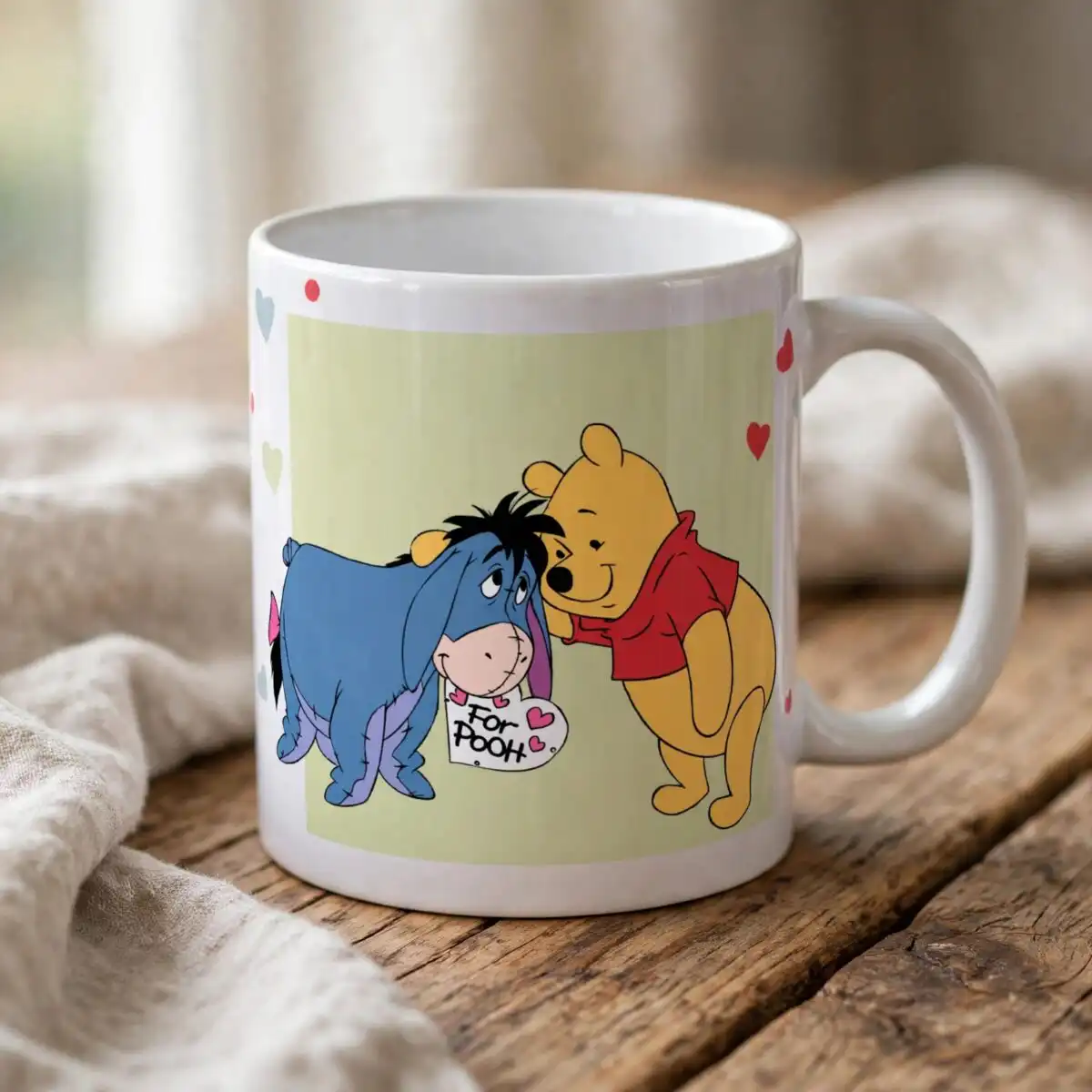
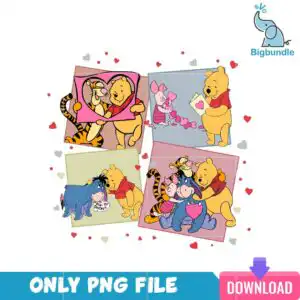
This Tigger Winnie the Pooh PNG is a single Valentine’s Day collage design that you receive as one PNG file, made for sublimation, DTF and print-and-cut projects on shirts, mugs and tote bags. It shows Winnie the Pooh, Tigger, Piglet and Eeyore in four tilted square panels, with a pink heart, a love letter envelope and a hearts-filled frame. Pooh yellow, Pooh red shirt, Tigger orange and Eeyore blue give the characters their bright look, while the panels appear in grey-blue, dusty rose and sage. A tag on Eeyore reads “For Pooh”, and small scattered red, pink and grey hearts fill the spaces between the panels. The file has a transparent background, so the characters sit cleanly on whatever colour you print them on. It suits a pooh and piglet fan’s gift, a classroom Valentine, or a matching family set. Because the artwork is already arranged, you place it once and print it without rebuilding the layout yourself.
Design breakdown
The design is a Valentine’s Day collage of Winnie the Pooh, Tigger, Piglet and Eeyore across four tilted square panels, set on a white preview background that is not part of the download. It uses 10 colours: Pooh yellow, Pooh red shirt, Tigger orange, stripe black, Piglet pink, Eeyore blue, heart pink, grey-blue panel, dusty rose panel and sage panel. The artwork is built from 8 layers, so it is cut in 8 layers if you use it for vinyl or print-and-cut work. Cutting complexity is high because of the small scattered hearts, the envelope and the “For Pooh” tag, so cut it at 4 inches or larger. The file includes the hearts-filled frame, the pink heart and the Eeyore tag as separate parts of the composition. Note that this is one design, not a bundle.
| Colours | 10 — Pooh yellow (#F2C230), Pooh red shirt (#C8102E), Tigger orange (#E8792B), stripe black (#2B2B2B), Piglet pink (#F28BB0), Eeyore blue (#3B5BA9) |
|---|---|
| Lettering | For Pooh |
| Background | white |
| Orientation | square |
What’s included
- PNG (300 dpi, transparent background)
Works with
- Sublimation printers (Epson, Sawgrass)
- DTF / print-and-cut workflows
- Canva
- Adobe Photoshop
How to use
Download the ZIP file and unzip it to a folder on your computer. Open the PNG in Canva, Adobe Photoshop or your RIP software, then import it into your sublimation or DTF layout. Resize the artwork in proportion so the small hearts stay clear, and check the preview before you print. For vinyl or print-and-cut, use a cutting programme that accepts PNG images and trace the design there.
Licence
Personal and small-business commercial use. Sell finished physical items; do not resell or redistribute the files themselves.
FAQ
What files do I get with this Tigger Winnie the Pooh PNG?
You get one PNG file with a transparent background at 300 dpi. The download is a single Valentine’s Day collage design, not a bundle of separate files.
Can I use this Winnie the Pooh design on a 20oz tumbler?
Yes, the square collage can be placed on a 20oz tumbler wrap if you size it to fit the wrap area. Keep the small hearts and the “For Pooh” tag at a readable size so they do not blur in the print.
Which printers and machines does this work with?
It works with Sublimation printers such as Epson and Sawgrass, DTF and print-and-cut workflows, and design programs including Canva and Adobe Photoshop. Print it on a light-coloured sublimation blank for the clearest colour.
Can I resize this file and sell items made with it?
You can resize it in proportion for your project. The licence covers personal and small-business commercial use, so you can sell finished physical items, but you cannot resell or redistribute the file itself.