

Two Chibi Style Christmas SVG Cut File for Funny Holiday Shirts, Mugs and Cards
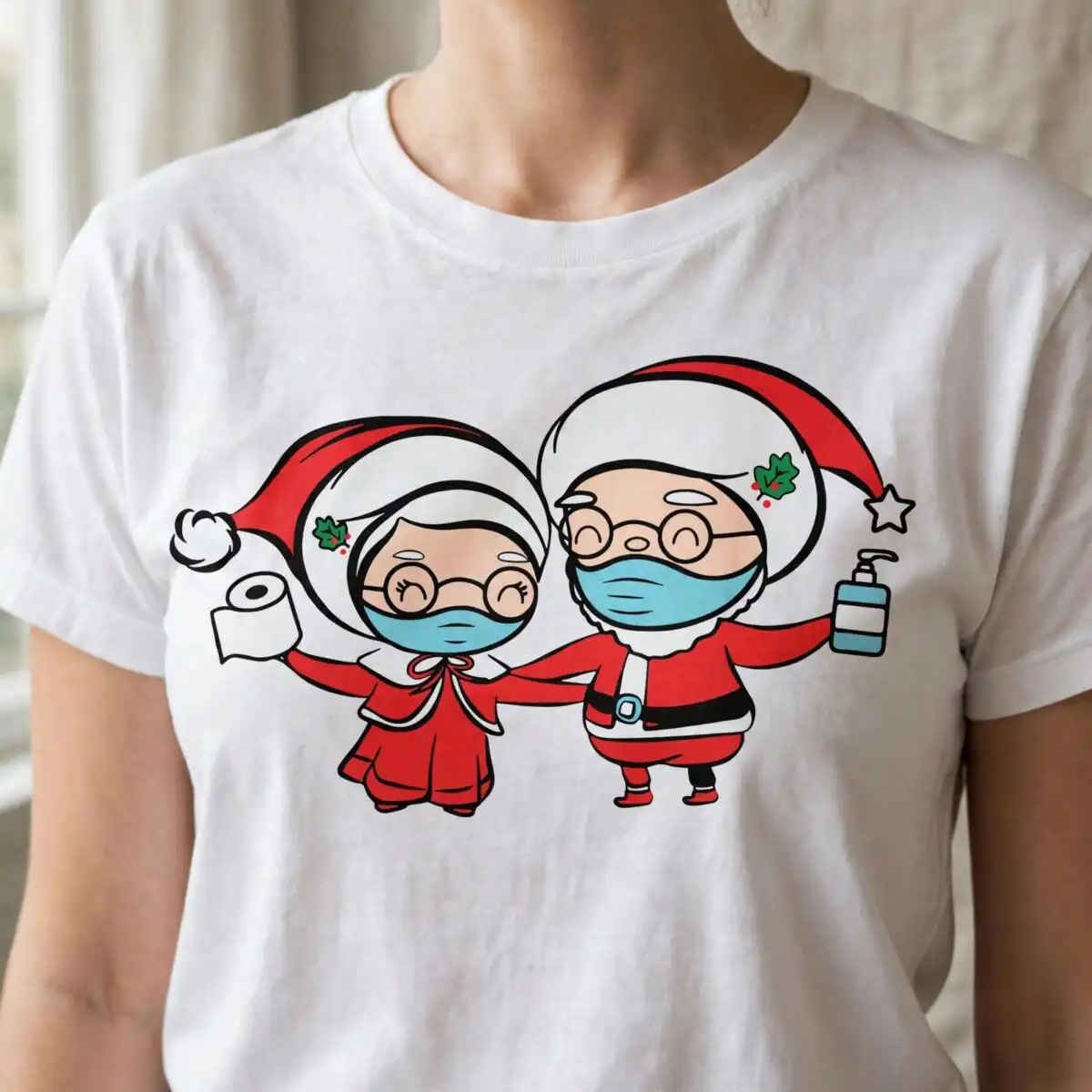
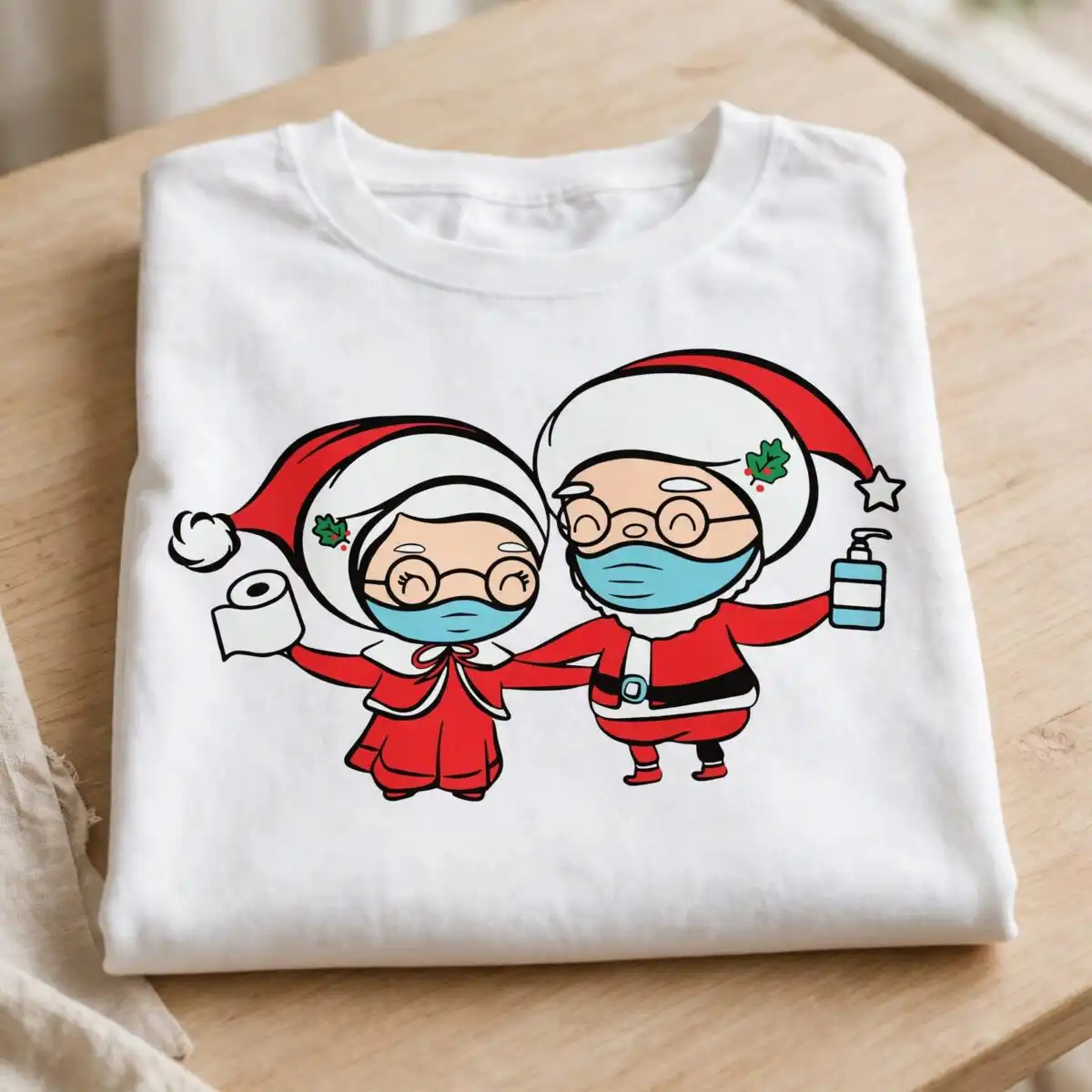
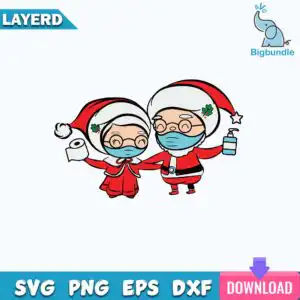
This Two Chibi Style Christmas design is a single cartoon artwork of two small, big-headed figures in red Santa-style hats with white pom-poms, both wearing light blue face masks. You get SVG, PNG, DXF, EPS and PDF files, made for cutting vinyl, printing on shirts and mugs, or sublimation. One figure holds a toilet paper roll and the other a hand sanitizer pump bottle, which gives the scene a playful, humorous holiday feel. The red coats have white trim and black belts with buckles, and the composition is finished with holly leaves, red berries and a small star. Their round glasses and closed, smiling eyes keep the mood friendly. Use the vector files for crisp cuts on a Cricut or Silhouette, or the transparent PNG for printing on a t-shirt, tote bag or holiday card. Each colour is separated into its own layer, so you can cut or print the parts exactly as you need them.
Design breakdown
This design is built from flat, outlined vector shapes in eight colours: red, white, light blue, skin tone, black, green, teal blue and pink. It is cut in 6 layers, with the red hats and coats, white trim and pom-poms, light blue face masks, skin tone faces, black belts and glasses, and green holly with the pink or red berries on separate layers. The toilet paper roll and hand sanitizer bottle are also separate elements. The design is a single, landscape-oriented sheet with a white background, and its medium cut complexity means the glasses and small leaves need a little care when weeding. Cut it at a size where the smaller details remain readable.
| Layers | 6 |
|---|---|
| Colours | 8 — red (#E0272E), white (#FFFFFF), light blue (#7FCBE3), skin tone (#F6D2B5), black (#1E1E1E), green (#1E9E4E) |
| Lettering | LAYERD / SVG / PNG / EPS / DXF / DOWNLOAD |
| Background | white |
| Cut complexity | medium |
| Orientation | landscape |
What’s included
- SVG
- PNG (300 dpi, transparent)
- DXF
- EPS
Works with
- Cricut Design Space
- Silhouette Studio (Designer Edition)
- Brother ScanNCut
- Adobe Illustrator
- Inkscape
- CorelDRAW
How to use
Download the ZIP file from your order and unzip it to a folder on your computer. Open Cricut Design Space, Silhouette Studio or Brother ScanNCut, then use the Upload or Import option and select the SVG file. Keep the layers separated so you can cut each colour on its own sheet of vinyl or cardstock. For printing on a shirt, mug or card, open the PNG, which has a transparent background, in your design software and print it at the size you need.
Licence
Personal and small-business commercial use. Sell finished physical items; do not resell or redistribute the files themselves.
FAQ
What files are included with this Two Chibi Style Christmas design?
You receive SVG, PNG (300 dpi, transparent background), DXF, EPS and PDF files. The SVG is best for cutting machines and the PNG is best for printing.
Can I use this Christmas design on a 20oz tumbler?
Yes, the design works on a 20oz tumbler when you print the PNG or use it as a vinyl decal. Scale it to fit the printable area of the tumbler before you cut or print.
Which machines and programs does this file work with?
It works with Cricut Design Space, Silhouette Studio (Designer Edition), Brother ScanNCut, Adobe Illustrator, Inkscape and CorelDRAW. The PNG works with any standard printer or print-on-demand software.
Can I resize the file and use it for a small business?
Yes, you can resize the vector files freely. The licence covers personal and small-business commercial use for finished physical items, but you may not resell or redistribute the files themselves.