

Valentine’s Day Baby Yoda Grogu Mickey Shirt Design, Sublimation PNG Download
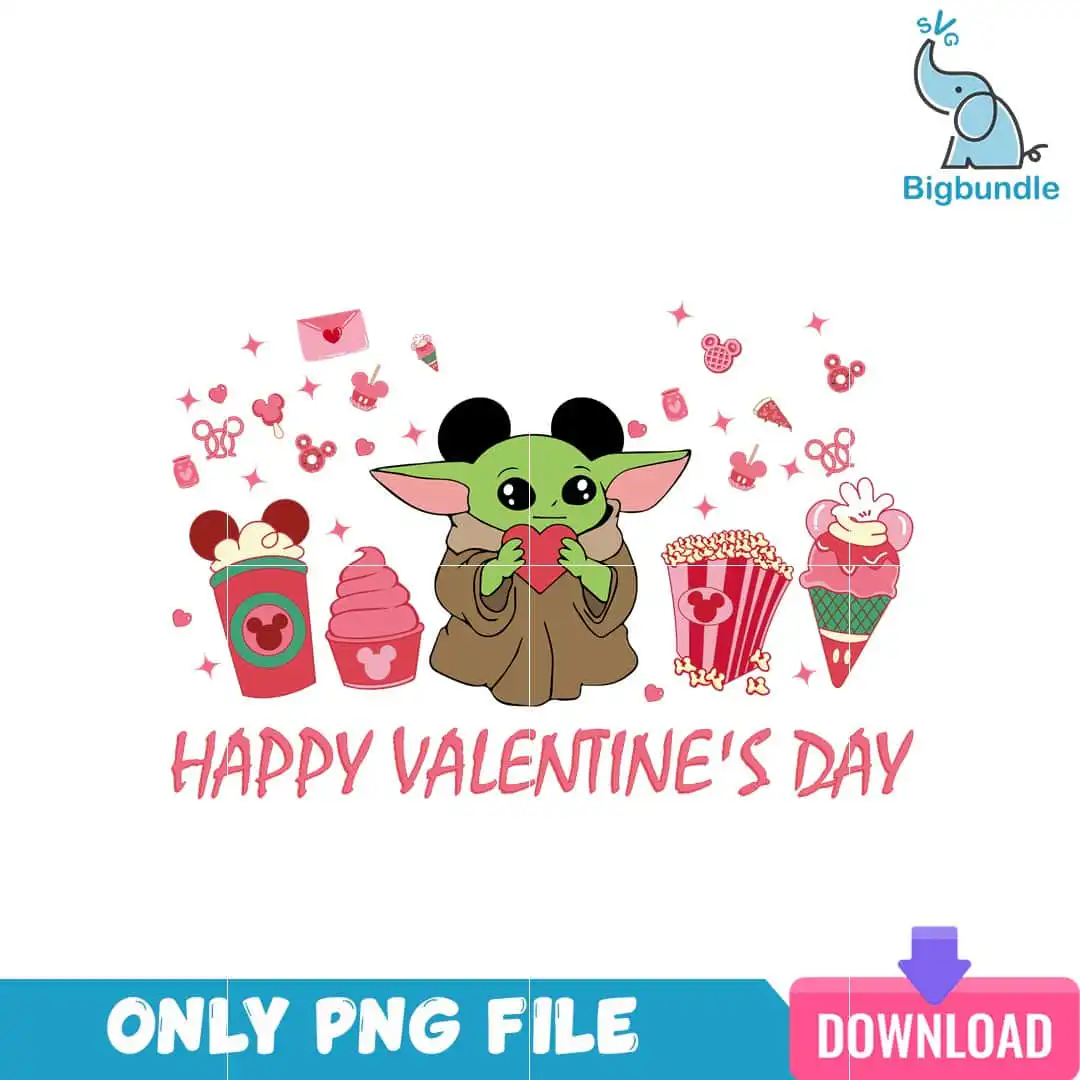
This Valentine’s Day Baby Yoda Grogu Mickey design is a single cartoon character artwork, delivered as a PNG file with a transparent background, made for sublimation printing, shirts, mugs and tote bags. Baby Yoda wears Mickey ears and holds a red heart, surrounded by Disney-style treats. The lettering HAPPY VALENTINE’S DAY sits in the artwork, and the palette is white, green, light pink, red, brown, black and pale pink. Small Mickey-ear icons, hearts and pink sparkles fill the space around the character. The treats include a Mickey-head cup of red drink with a green logo, a pink swirl dessert cup with a Mickey logo, a striped popcorn bucket, and an ice cream cone topped with Mickey ears, along with an envelope with a heart. The style is flat colour and clip-art, so the shapes stay clean when printed. You get one design, ready to resize in Canva, Adobe Photoshop or your cutting software.
Design breakdown
This is one design, shown as a single sheet, with the artwork cut in 6 layers. Its colours are white, green, light pink, red, brown, black and pale pink, seven in total. The main elements are Baby Yoda with Mickey ears, a red heart, a Mickey-head cup of red drink with a green logo, a pink swirl dessert cup with a Mickey logo, a striped popcorn bucket with a Mickey logo, an ice cream cone with a Mickey-ear topping, an envelope with a heart, pink sparkles, small Mickey-ear icons and small hearts. The lettering HAPPY VALENTINE’S DAY is included in the artwork. The cut complexity is medium, and the small icons and sparkles are the finest details, so cut them at 4 inches or larger on a vinyl or cutting project.
| Colours | 7 — white (#FFFFFF), green (#8DBF4A), light pink (#F0A0B0), red (#E8374F), brown (#A67C52), black (#2B2B2B) |
|---|---|
| Lettering | HAPPY VALENTINE’S DAY |
| Background | white |
| Orientation | landscape |
What’s included
- PNG (300 dpi, transparent background)
Works with
- Sublimation printers (Epson, Sawgrass)
- DTF / print-and-cut workflows
- Canva
- Adobe Photoshop
How to use
Download the ZIP from your order page and unzip it to a folder on your computer. Open your design software, such as Canva, Adobe Photoshop or your sublimation software, and import the PNG file. The background is transparent, so the design sits cleanly on any colour of shirt, mug or tote. Resize it to your blank, then print it on a sublimation printer or send it to a DTF or print-and-cut setup.
Licence
Personal and small-business commercial use. Sell finished physical items; do not resell or redistribute the files themselves.
FAQ
What files do I get with this Valentine’s Day Baby Yoda design?
You get one PNG file at 300 dpi with a transparent background. It is a single design, so there is no bundle of extra files.
Can I use this Baby Yoda design on a 20oz tumbler?
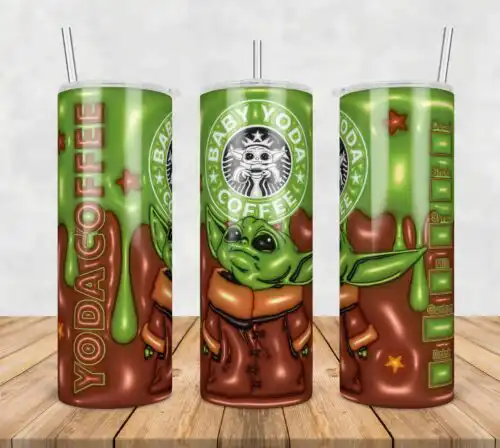
Yes, the PNG works on a 20oz tumbler using a sublimation wrap, as long as you resize the artwork to fit your template. Keep the Mickey-ear icons and sparkles large enough to print clearly on the curve.
Which printers and software does this PNG work with?
It works with sublimation printers such as Epson and Sawgrass, with DTF and print-and-cut workflows, and with Canva and Adobe Photoshop. The transparent background means it prints cleanly on light-coloured blanks.
Can I resize this design and use it for my small business?
Yes, you can resize it for any blank, and you can use it for personal and small-business commercial use. Sell the finished physical items, but do not resell or redistribute the PNG file itself.