
Never Love Without You Valentine’s Day Text PNG, Yellow Bear Quote for Shirts, Mugs
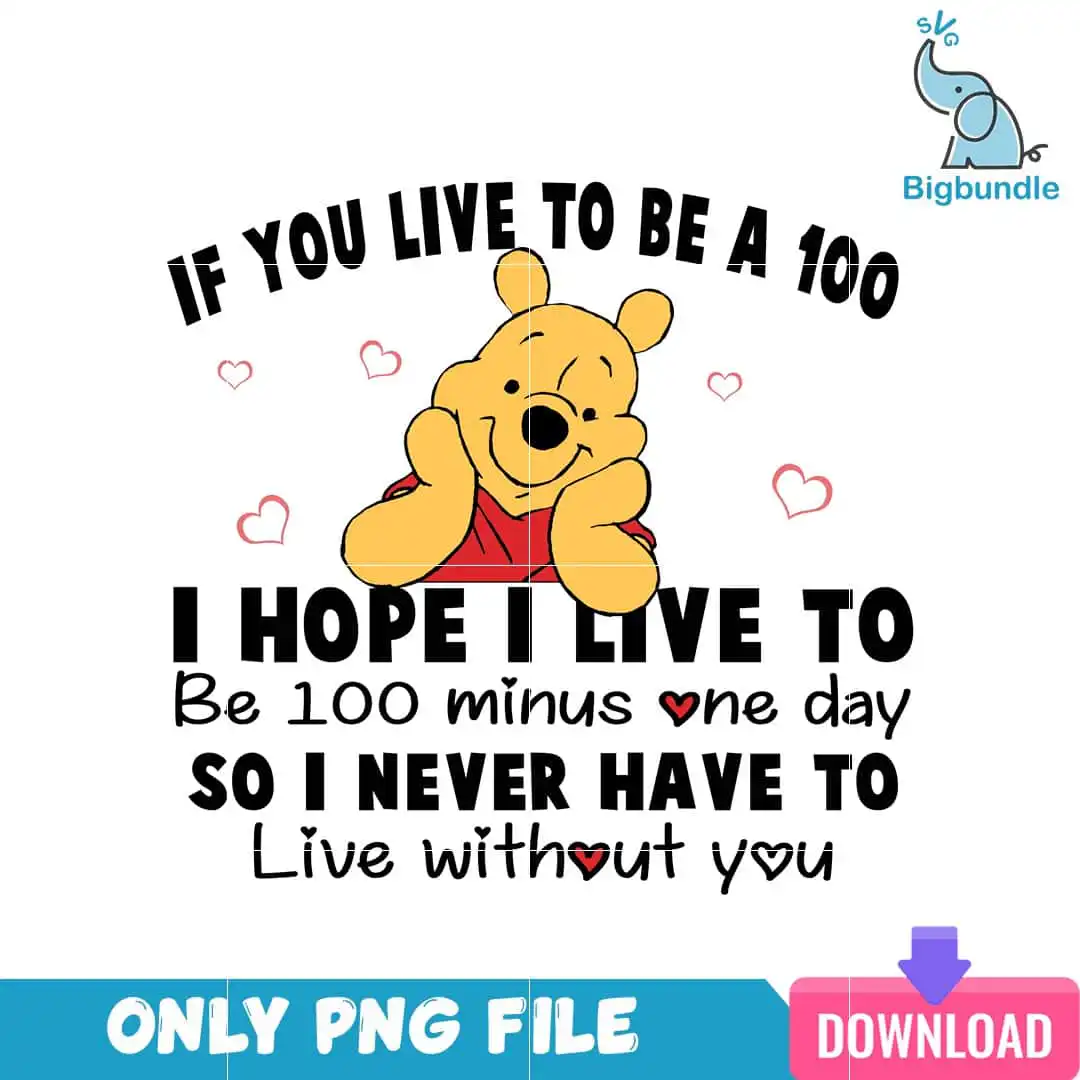
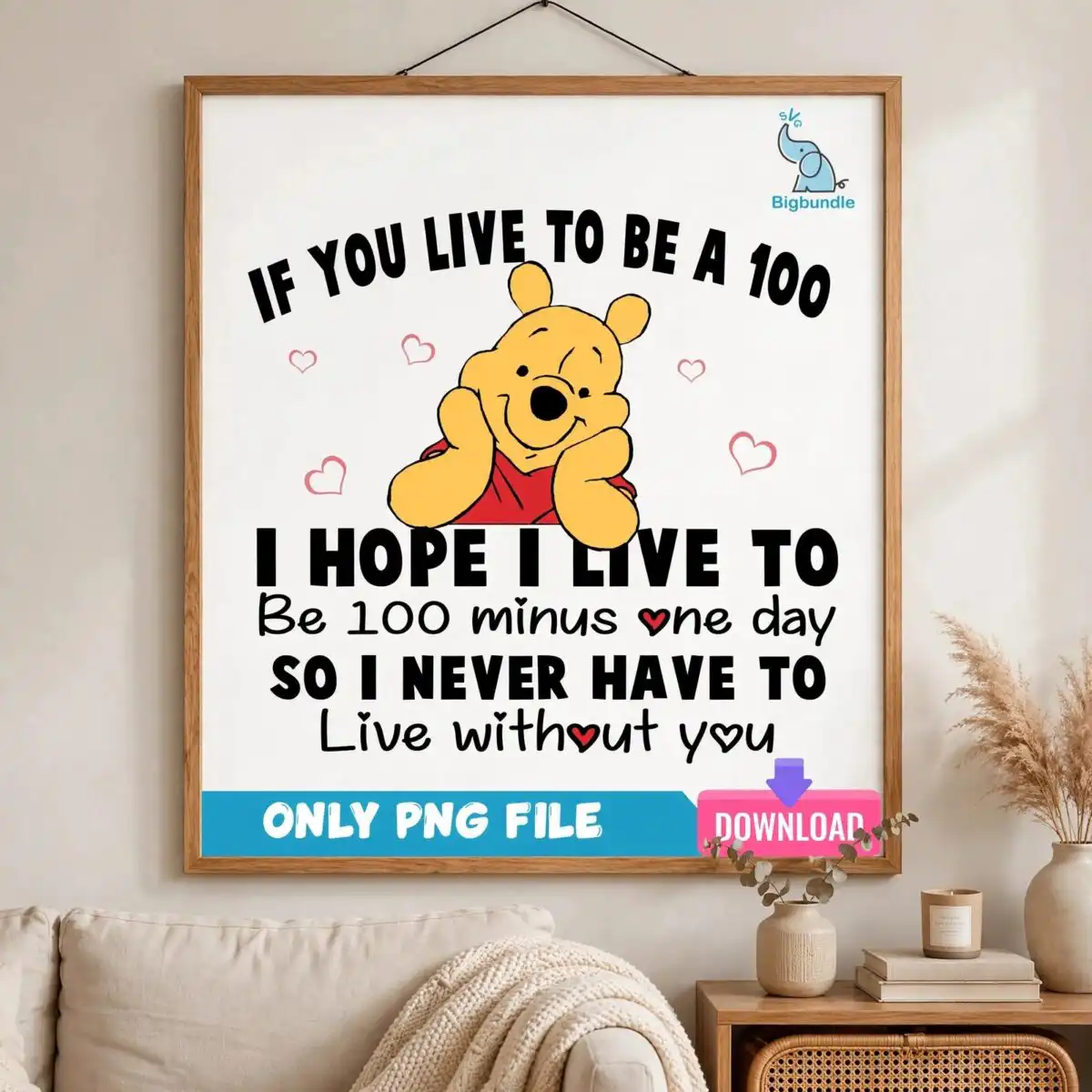
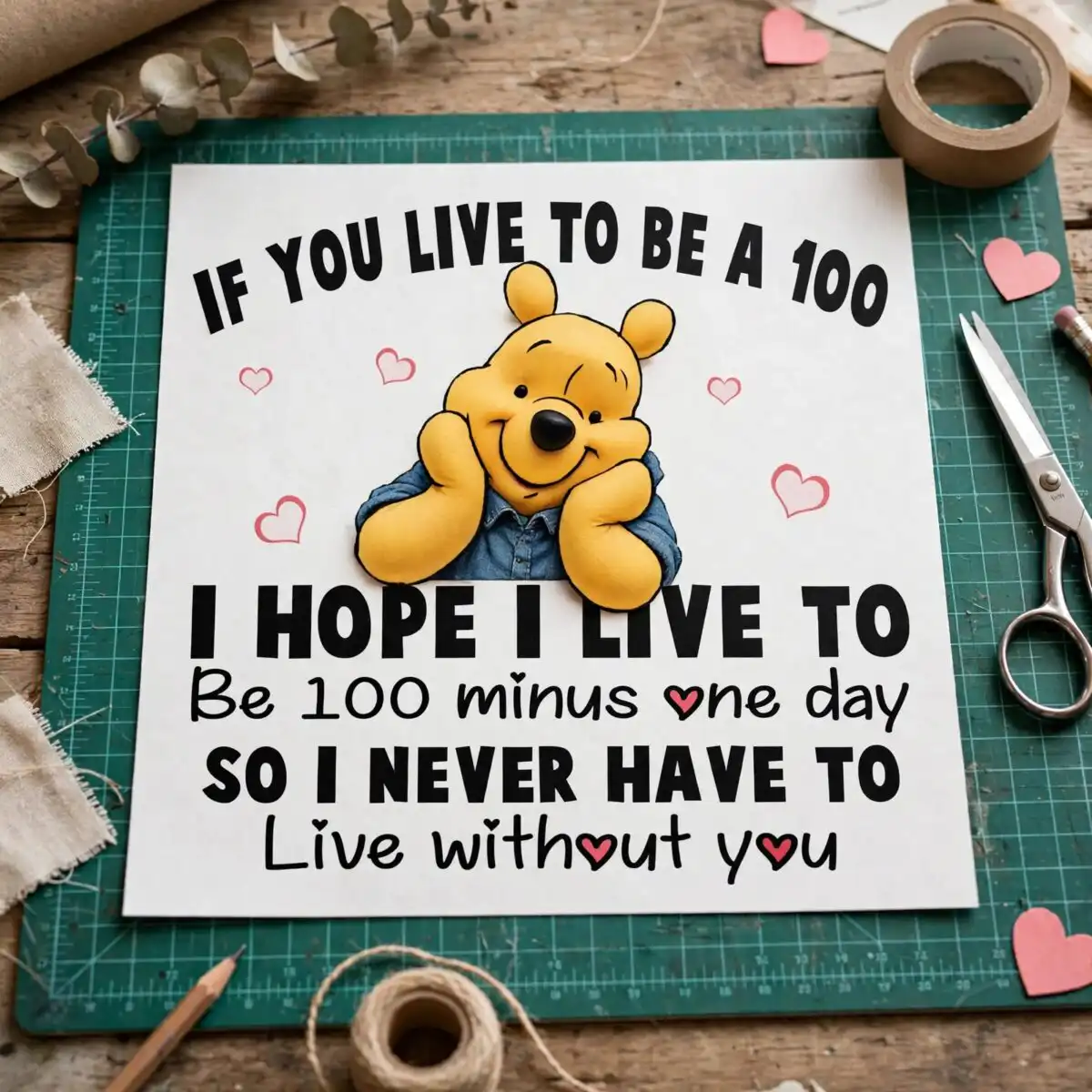
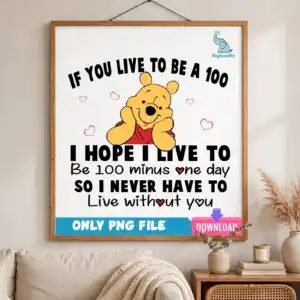
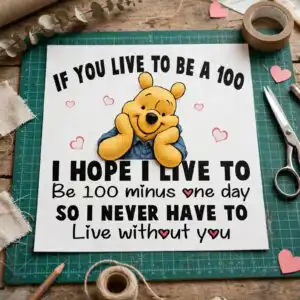
This Valentine’s Day text PNG is a single quote design: a golden yellow cartoon bear in a red shirt, resting its chin on its hands, with the black hand-lettered words “IF YOU LIVE TO BE A 100, I HOPE I LIVE TO BE 100 MINUS ONE DAY, SO I NEVER HAVE TO LIVE WITHOUT YOU.” You receive one PNG file with a transparent background, made for sublimation printing, DTF transfers, and cutting projects. The bear sits above small red outline and filled hearts, so the design reads as sweet and playful at a glance. Its black lettering on white keeps the joke easy to read on a shirt, mug or card. Because the file is a flat, one-piece artwork, you can place it on a couple’s gift, an anniversary card or a Valentine’s Day tee without rebuilding the layout. The mix of golden yellow, red, pink and black suits adults buying for a partner, and the humour works for a gift as much as a keepsake.
Design breakdown
This is one design, shown on a single preview sheet, with five colours: golden yellow, black, red, light red/pink and white. The cartoon bear is golden yellow with a red shirt, and its chin rests on its hands. Small red outline hearts and filled hearts surround the figure. The black hand-lettered text block reads “IF YOU LIVE TO BE A 100 / I HOPE I LIVE TO / Be 100 minus one day / SO I NEVER HAVE TO / Live without you.” The file is cut in 6 layers, and cut complexity is medium, with the fine heart outlines and lettering needing a careful cut. The artwork is delivered as a flat PNG on a transparent background.
| Colours | 5 — golden yellow (#F7C43A), black (#000000), red (#C8262E), light red/pink (#F26D7D), white (#FFFFFF) |
|---|---|
| Lettering | IF YOU LIVE TO BE A 100 / I HOPE I LIVE TO / Be 100 minus one day / SO I NEVER HAVE TO / Live without you |
| Background | white |
| Orientation | portrait |
What’s included
- PNG (300 dpi, transparent background)
Works with
- Sublimation printers (Epson, Sawgrass)
- DTF / print-and-cut workflows
- Canva
- Adobe Photoshop
How to use
Download the ZIP from your order and unzip it to a folder on your computer. Open the PNG in Canva, Adobe Photoshop, or your sublimation or print software. Resize the artwork to fit your blank, keeping the proportions locked so the lettering stays sharp. For sublimation, mirror the image if your printer requires it, then print and press or apply it to your mug, shirt or card. For a DTF or print-and-cut workflow, import the PNG, check the transparent edges, and send it to your printer.
Licence
Personal and small-business commercial use. Sell finished physical items; do not resell or redistribute the files themselves.
FAQ
What files do I get with this Valentine’s Day text PNG?
You get one PNG file at 300 dpi with a transparent background. It contains the yellow bear quote design with its red shirt, red hearts and black lettering.
Can I put this bear design on a 20oz tumbler?
Yes, the PNG works on a 20oz tumbler when printed with sublimation ink and wrapped onto the blank. Resize it in your software until the lettering fills the wrap comfortably without distortion.
Which printers and software work with this PNG?
It works with sublimation printers such as Epson and Sawgrass, with DTF and print-and-cut workflows, and with Canva and Adobe Photoshop. The transparent background means you can layer it over other designs.
Can I resize it and use it for a commercial project?
Yes, you can resize the PNG freely, and it is licensed for personal and small-business commercial use. You may sell finished physical items made with it, but you may not resell or redistribute the files themselves.


