
Couples Mickey Mouse Sublimation Designs for Valentine’s Day Shirts and Totes
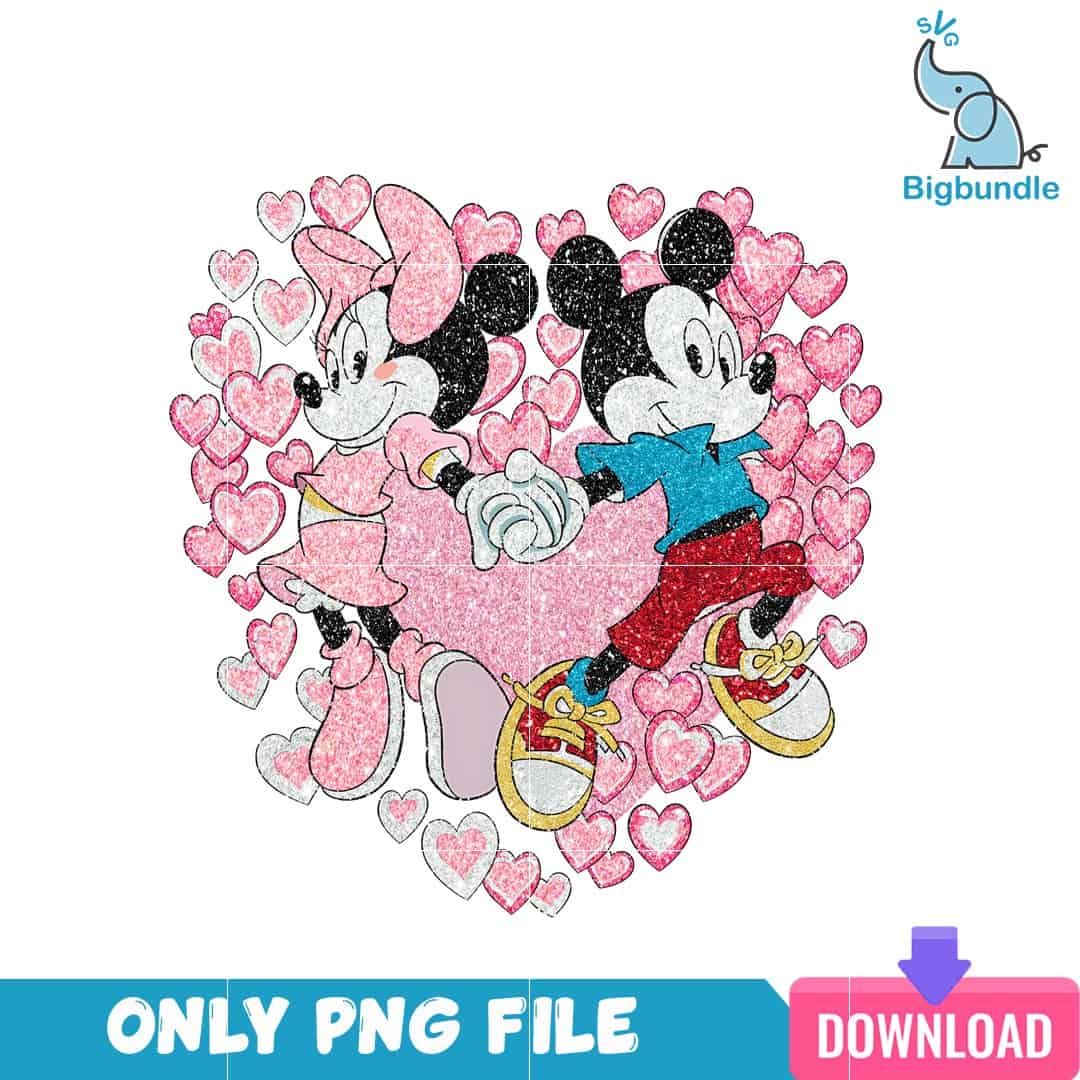
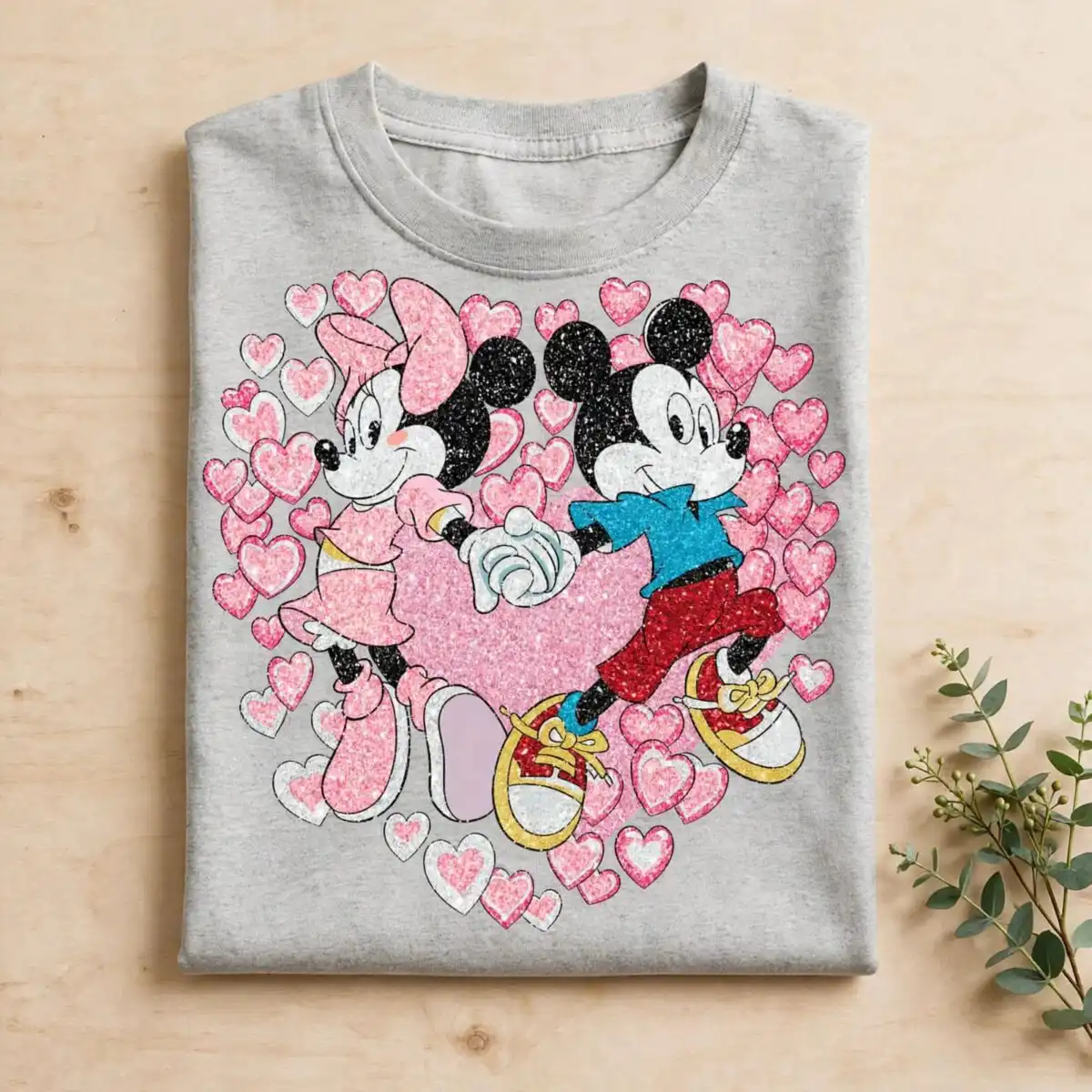
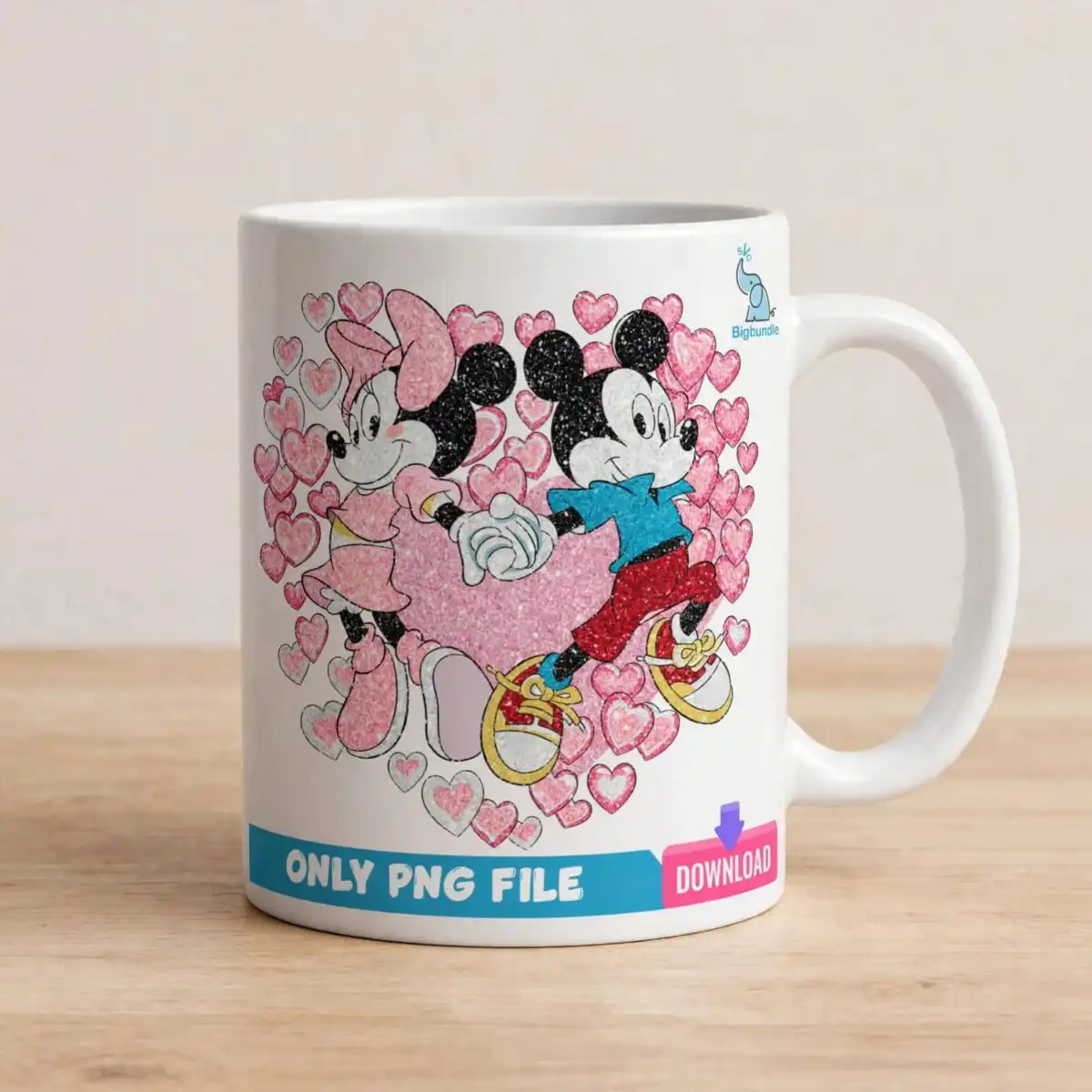
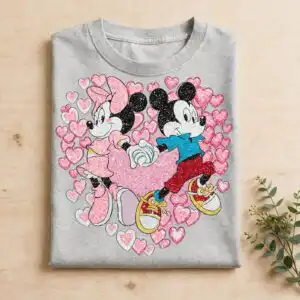
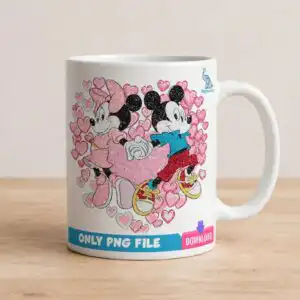
This Mickey Mouse sublimation design shows two cartoon mouse-eared figures holding joined white gloved hands in front of a large hot pink heart, with scattered light pink hearts around them. You receive a single PNG file with a transparent background, made for printing on shirts, tote bags, mugs, and greeting cards. The figures are drawn in black with a pink oversized bow on one and a blue shirt, red shorts, and yellow-laced sneakers on the other. The artwork has a glittery, distressed speckled finish, so the Valentine’s Day look carries over to fabric and paper. Because the file is a PNG rather than a cut file, it suits sublimation printers and print-and-cut workflows. Each element sits on a white background in the preview, so the transparent PNG can be placed over any colour you choose.
Design breakdown
This is a single square design with seven colours: hot pink, light pink, black, white, teal blue, red, and yellow. It is built from several layers, including the large pink heart behind the figures, the scattered small hearts in varying pink shades, pale grey outlined hearts, the two figures with their black round ears, and the joined white gloved hands. The pink dress with white accents, the red and white sneakers with yellow laces, and the teal blue shirt are placed as separate elements. The file has a glitter texture and a distressed speckled finish, and it is delivered as a PNG with a transparent background. Fine areas such as the bow, the laces, and the small hearts call for a sharp print setting.
| Colours | 7 — hot pink (#E8609A), light pink (#F7B6CF), black (#1E1E1E), white (#FFFFFF), teal blue (#3BB0C9), red (#C8232C) |
|---|---|
| Lettering | ONLY PNG FILE / DOWNLOAD / svg |
| Background | white |
| Orientation | square |
What’s included
- PNG (300 dpi, transparent background)
Works with
- Sublimation printers (Epson, Sawgrass)
- DTF / print-and-cut workflows
- Canva
- Adobe Photoshop
How to use
Download the ZIP file and unzip it to a folder on your computer. Open the PNG in Canva, Adobe Photoshop, or your sublimation software, then import it onto your canvas. Resize it by dragging a corner so the proportions stay locked. Print on sublimation paper with the design mirrored if your workflow requires it, or send it to your DTF or print-and-cut setup. Check the transparent background before you press or cut.
Licence
Personal and small-business commercial use. Sell finished physical items; do not resell or redistribute the files themselves.
FAQ
What files do I get with this Mickey Mouse design?
You get one PNG file with a transparent background at 300 dpi. The download is a single square design, not a bundle.
Can I use this Valentine’s Day design on a 20oz tumbler?
Yes, the PNG can be sized to wrap a 20oz tumbler using sublimation. Scale it in your software until it fits the printable area, then check the proportions before printing.
Which printers and software work with this PNG?
It works with sublimation printers such as Epson and Sawgrass, with DTF and print-and-cut workflows, and with Canva and Adobe Photoshop. You can print it directly from any of these programs.
Can I resize the file and use it in my small business?
Yes, you can resize it for personal and small-business commercial use. You may sell finished physical items, but you may not resell or redistribute the files themselves.


