

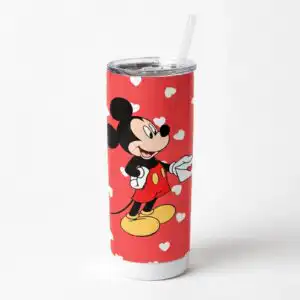
Vlt231223103 Mickey Love PNG: Valentine’s Day Cartoon Mouse Set for Shirts, Tumblers
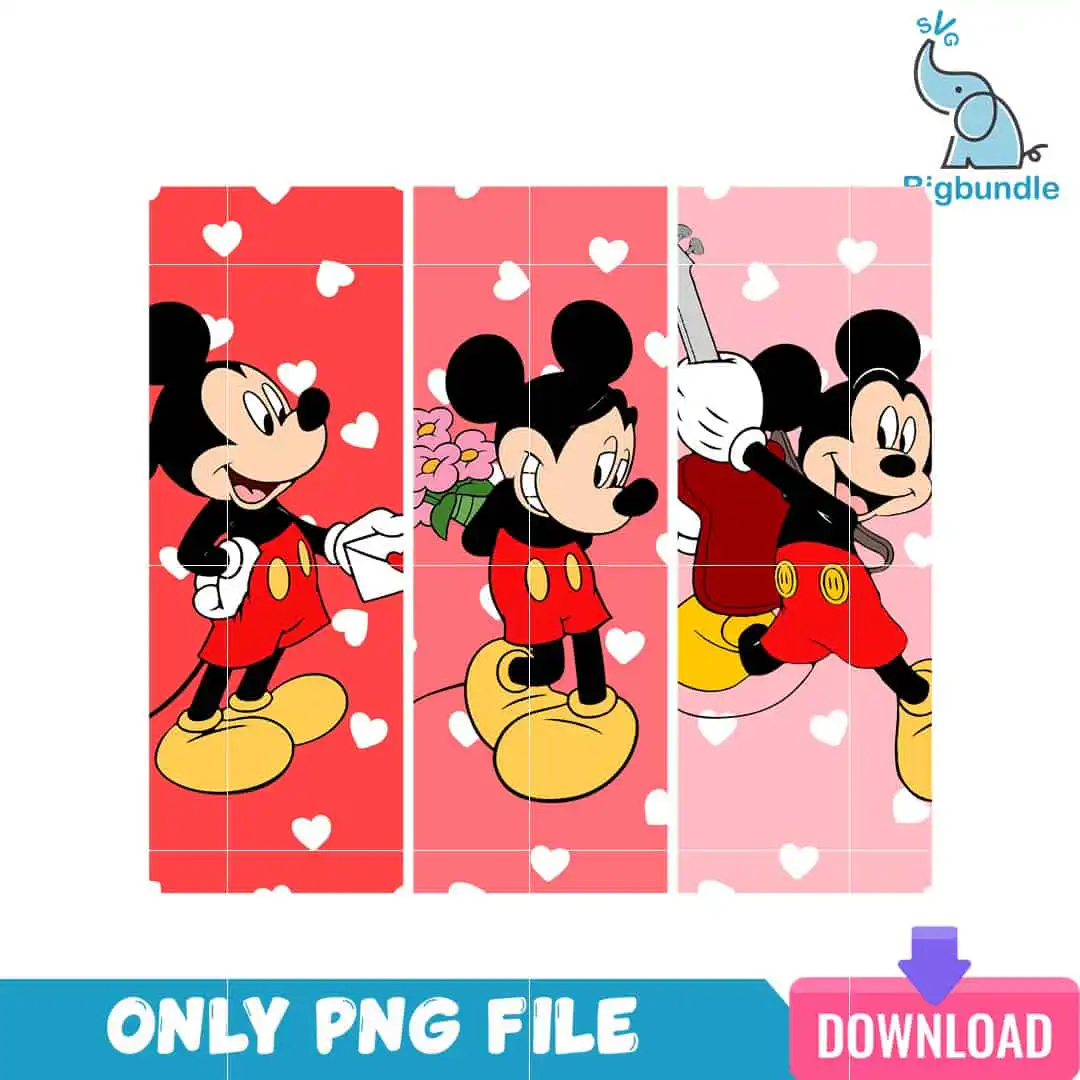
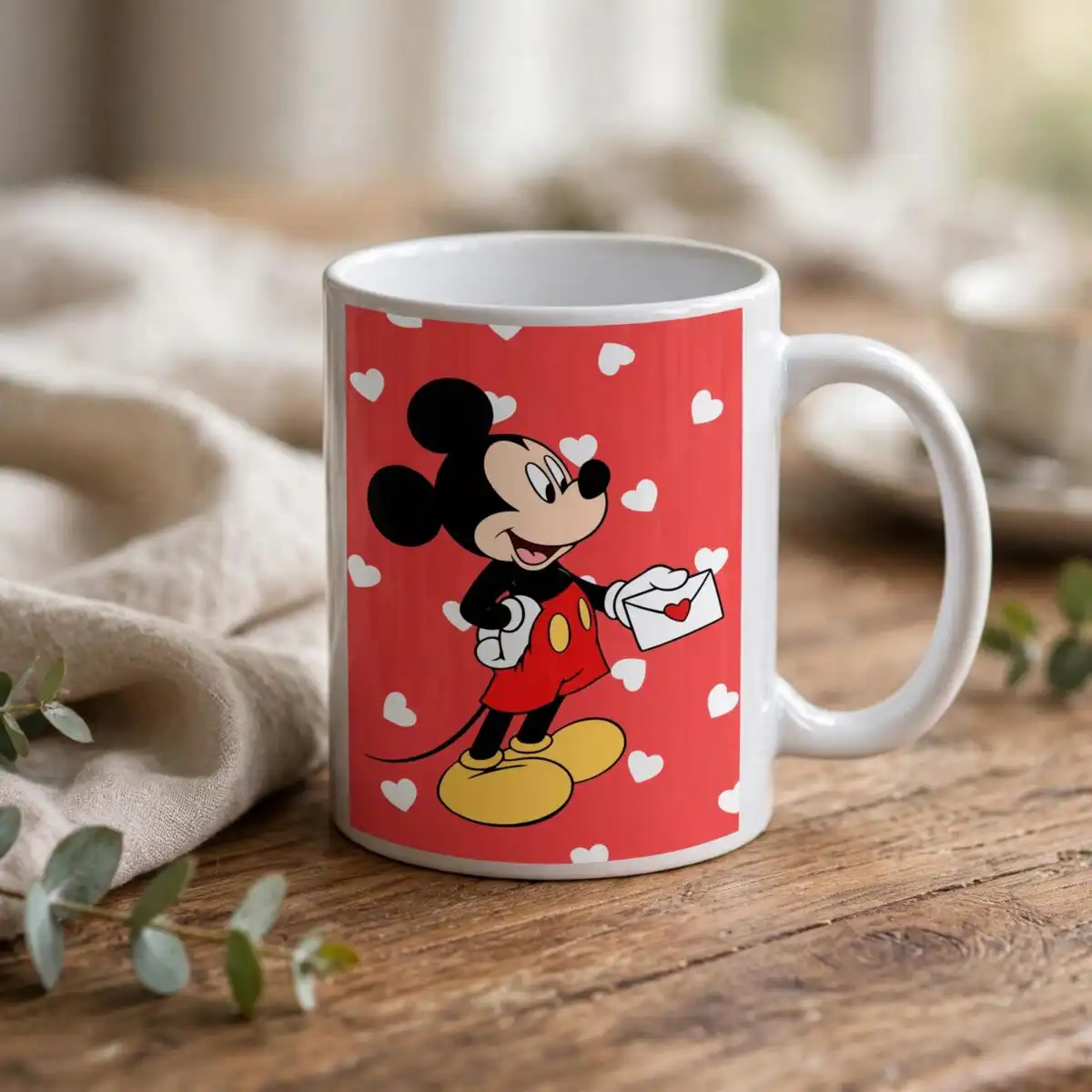
This VLT231223103 Mickey Love PNG is a set of three vertical cartoon mouse panels, delivered as a PNG file with a transparent background. You get a bright red, coral pink and light pink palette, with white hearts scattered across each panel. The artwork is made for sublimation printing, DTF and print-and-cut projects on shirts, tumblers, mugs and stickers. The three panels show the same character in different poses: holding an envelope, holding a bouquet of pink flowers, and running with one white-gloved arm raised. Each mouse has large round black ears, red shorts with yellow buttons and large yellow shoes, with bold black outlines throughout. Because the file is a PNG, you can place each panel on a different product or keep the set together as one layout. It suits a card-style Valentine’s Day gift, a cheerful kids’ project, or a romantic design for a partner.
Design breakdown
The artwork is a flat-colour vector-style cartoon with bold black outlines. It shows three vertical panels of an anthropomorphic mouse with large round black ears, white gloves, red shorts with yellow buttons and large yellow shoes. The panels sit on bright red, coral pink and light pink backgrounds scattered with white heart shapes. The palette uses bright red, coral pink, light pink, white, black, yellow, dark red, teal blue and purple. The PNG has a transparent background, so the panels can be placed on any colour of shirt, tumbler or mug. Fine details such as the buttons and glove edges are best cut or printed at 4 inches or larger.
| Colours | 9 — bright red (#E8262E), coral pink (#F0707A), light pink (#F9B9C4), white (#FFFFFF), black (#000000), yellow (#F7C52B) |
|---|---|
| Lettering | ONLY PNG FILE / DOWNLOAD / SVG |
| Background | white |
| Orientation | landscape |
What’s included
- PNG (300 dpi, transparent background)
Works with
- Sublimation printers (Epson, Sawgrass)
- DTF / print-and-cut workflows
- Canva
- Adobe Photoshop
How to use
Download the ZIP file from your account and unzip it to a folder on your computer. Open the PNG in Canva, Adobe Photoshop or your sublimation design software, then import it into your project. For sublimation, print on the right transfer paper and press as usual. For DTF or print-and-cut work, place the PNG on your canvas, resize it to your product, and send it to print. Check the preview before you press or print.
Licence
Personal and small-business commercial use. Sell finished physical items; do not resell or redistribute the files themselves.
FAQ
What files are included with this design?
You get the design as a PNG file at 300 dpi with a transparent background. The download includes only the PNG file.
Can I use this Mickey Love design on a 20oz tumbler?
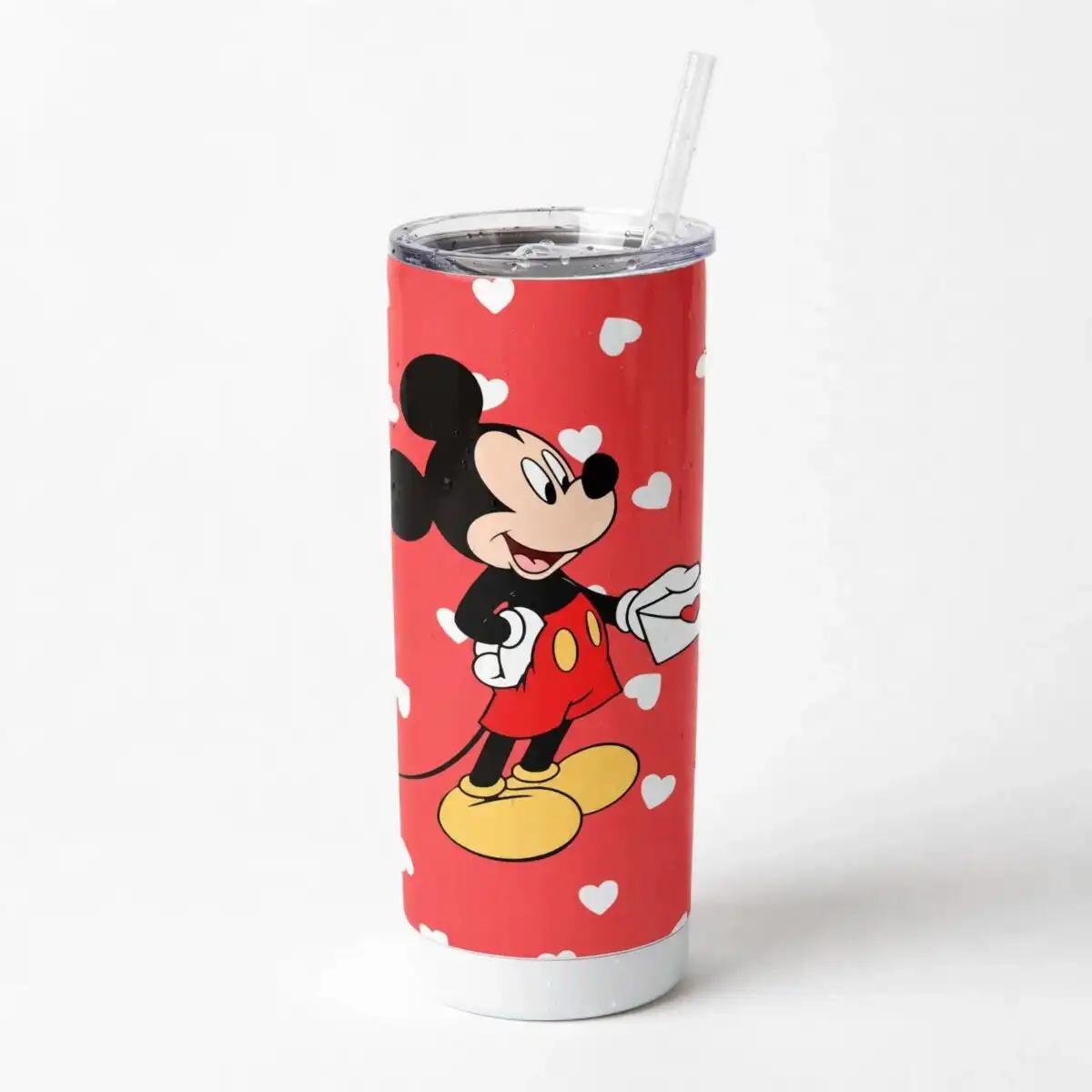
Yes, the PNG can be sized for a 20oz tumbler wrap in a sublimation or DTF workflow. Resize the panels in your design software before printing, and keep the fine details at 4 inches or larger.
Which printers and software does this PNG work with?
It works with Sublimation printers such as Epson and Sawgrass, with DTF and print-and-cut workflows, and with Canva and Adobe Photoshop. Any software that opens standard PNG files will also work.
Can I use this design on items I sell?
Yes, it is licensed for personal and small-business commercial use, so you can sell finished physical items made with it. You may not resell or redistribute the PNG file itself.


