
Vlt25122359 Imickey Heart PNG: Valentine’s Day Cartoon Mascot in a Pink Teacup for Shirts
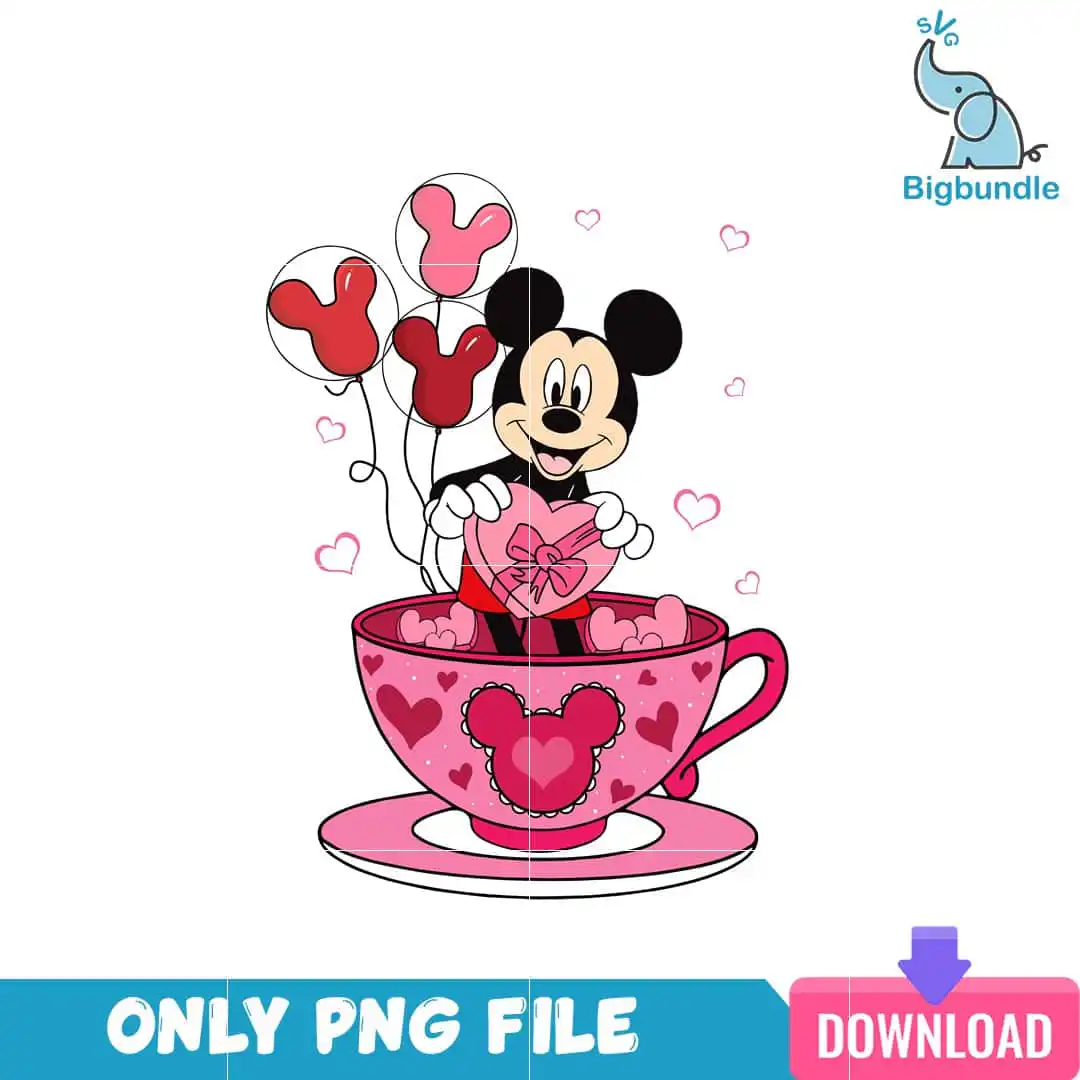
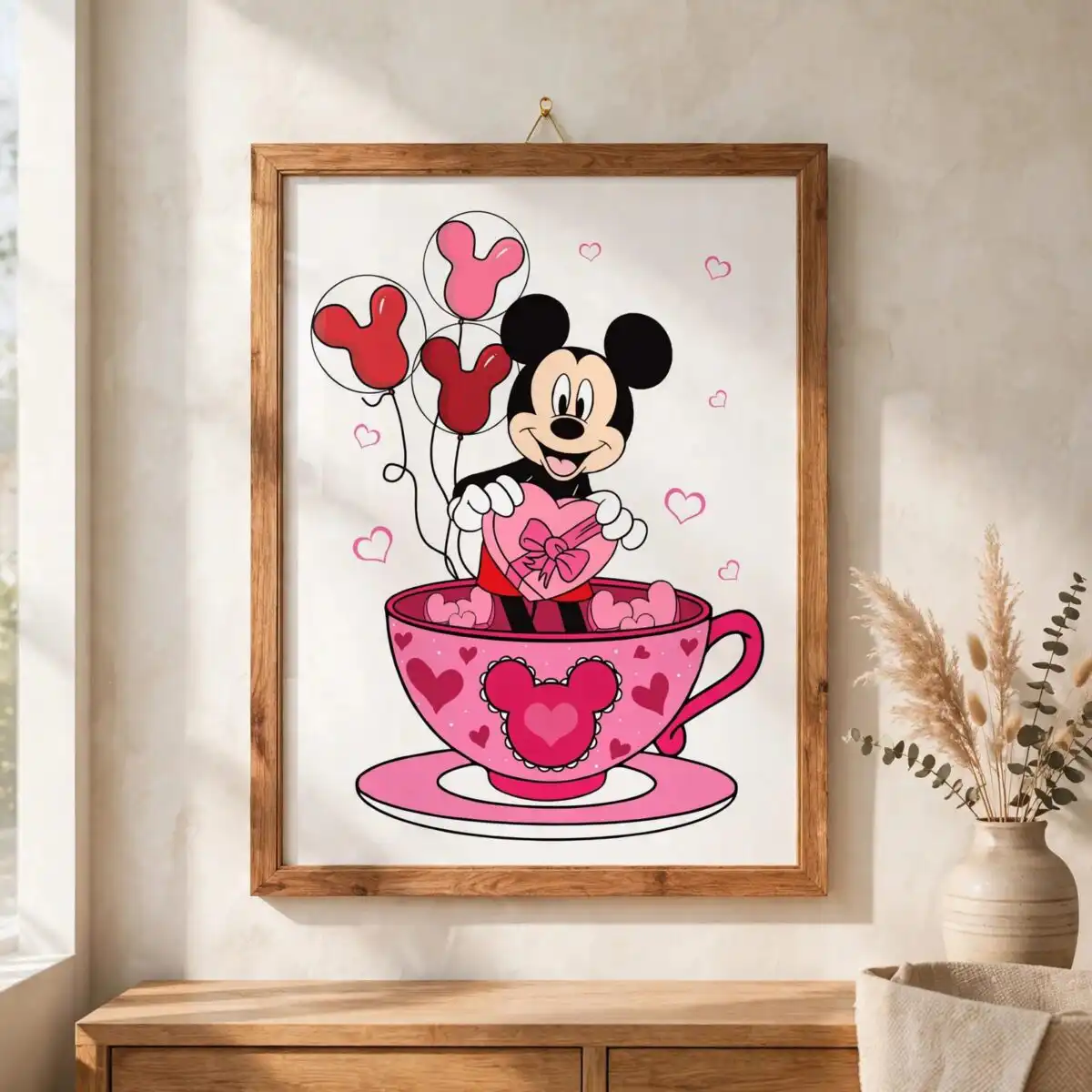
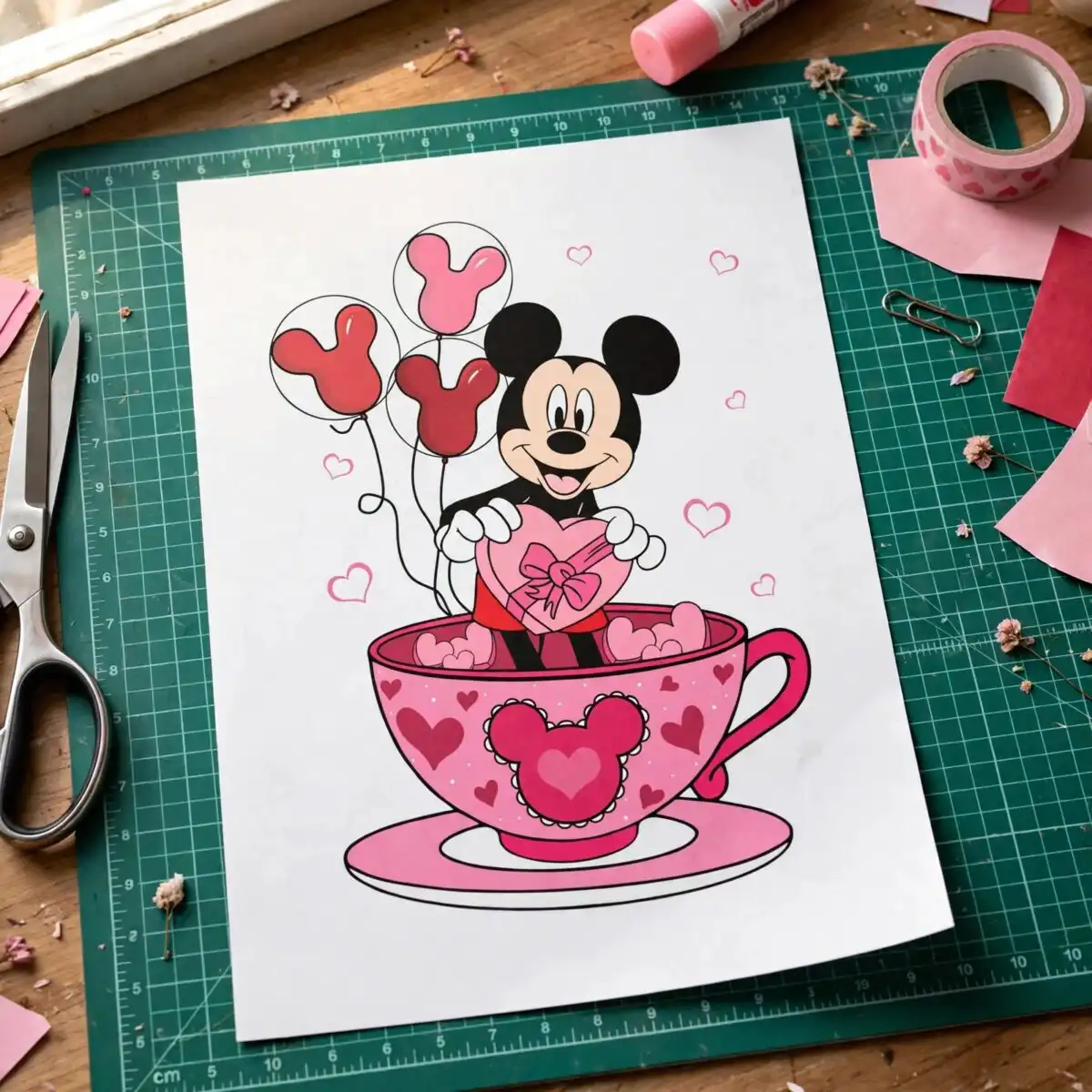
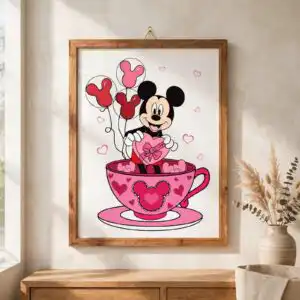
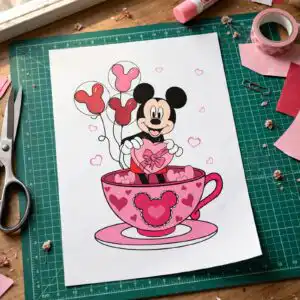
This VLT25122359 iMickey Heart PNG is a single Valentine’s Day cartoon design of a black-eared mascot figure with white gloves peeking out of a large pink teacup. You receive one PNG file with a transparent background, made for t-shirt printing, mug decals, card making, sticker cutting and sublimation. The artwork is a flat vector illustration in hot pink, light pink and white, with deep red and black outlines. The mascot holds a pink heart-shaped box tied with a bow, and three balloons shaped like round-eared heads drift beside small floating pink hearts. Skin tone beige, teal blue and purple add small accents throughout. Because the lines are clean and the shapes are bold, the design works well for crafters, gift makers and party decorators planning a winter or February project. Print it on a sublimation printer, cut it as a vinyl sticker, or place it on a card front.
Design breakdown
This design is a single flat vector illustration with a clean black outline, cut in 3 layers. The palette uses white, hot pink, light pink, deep red, black, skin tone beige, teal blue and purple. The teacup, saucer, heart-shaped box, bow and floating hearts sit in pink and red tones, while the balloons and the round-eared head shape on the teacup use the lighter accents. The black-eared mascot’s white gloves and face are the main lighter areas. Fine areas such as the bow and the small floating hearts are best cut at 4 inches or larger. The file has a transparent background and no separate text lines beyond the words “ONLY PNG FILE”, “DOWNLOAD” and “SVG” that appear on the artwork.
| Colours | 8 — white (#FFFFFF), hot pink (#E8457A), light pink (#F7A8C4), deep red (#B3122E), black (#000000), skin tone beige (#F5D0B0) |
|---|---|
| Lettering | ONLY PNG FILE / DOWNLOAD / SVG |
| Background | white |
| Orientation | portrait |
What’s included
- PNG (300 dpi, transparent background)
Works with
- Sublimation printers (Epson, Sawgrass)
- DTF / print-and-cut workflows
- Canva
- Adobe Photoshop
How to use
Download the ZIP from your order page and unzip it to a folder on your computer. Open the PNG in Canva, Adobe Photoshop or your sublimation software, then import it into your design layout. Resize the artwork using the corner handles so the proportions stay locked. For sublimation, print on the correct transfer paper with mirroring turned on if your machine requires it. For cutting, set the cut width to 4 inches or larger for the best detail.
Licence
Personal and small-business commercial use. Sell finished physical items; do not resell or redistribute the files themselves.
FAQ
What files are included with this Valentine’s Day cartoon design?
You get one PNG file at 300 dpi with a transparent background. It is a single design, not a bundle, and it is ready to import into your software.
Can I put this black-eared mascot design on a 20oz tumbler?
Yes, the design works on a 20oz tumbler when it is printed as a sublimation wrap or applied as a decal. Resize it so the teacup and heart box fill the area you want without losing the fine details of the bow and small hearts.
Does this PNG work with sublimation printers and cutting machines?
Yes, the PNG works with Epson and Sawgrass sublimation printers as well as DTF and print-and-cut workflows. It also opens in Canva and Adobe Photoshop.
Can I resize this design and use it for my small business?
Yes, you can resize it for your projects and use it for personal and small-business commercial use. You may sell finished physical items, but you may not resell or redistribute the files themselves.


