Pooh Bear PNG Images for Valentine’s Day: Six Cartoon Animals on Pink and Red Tiles
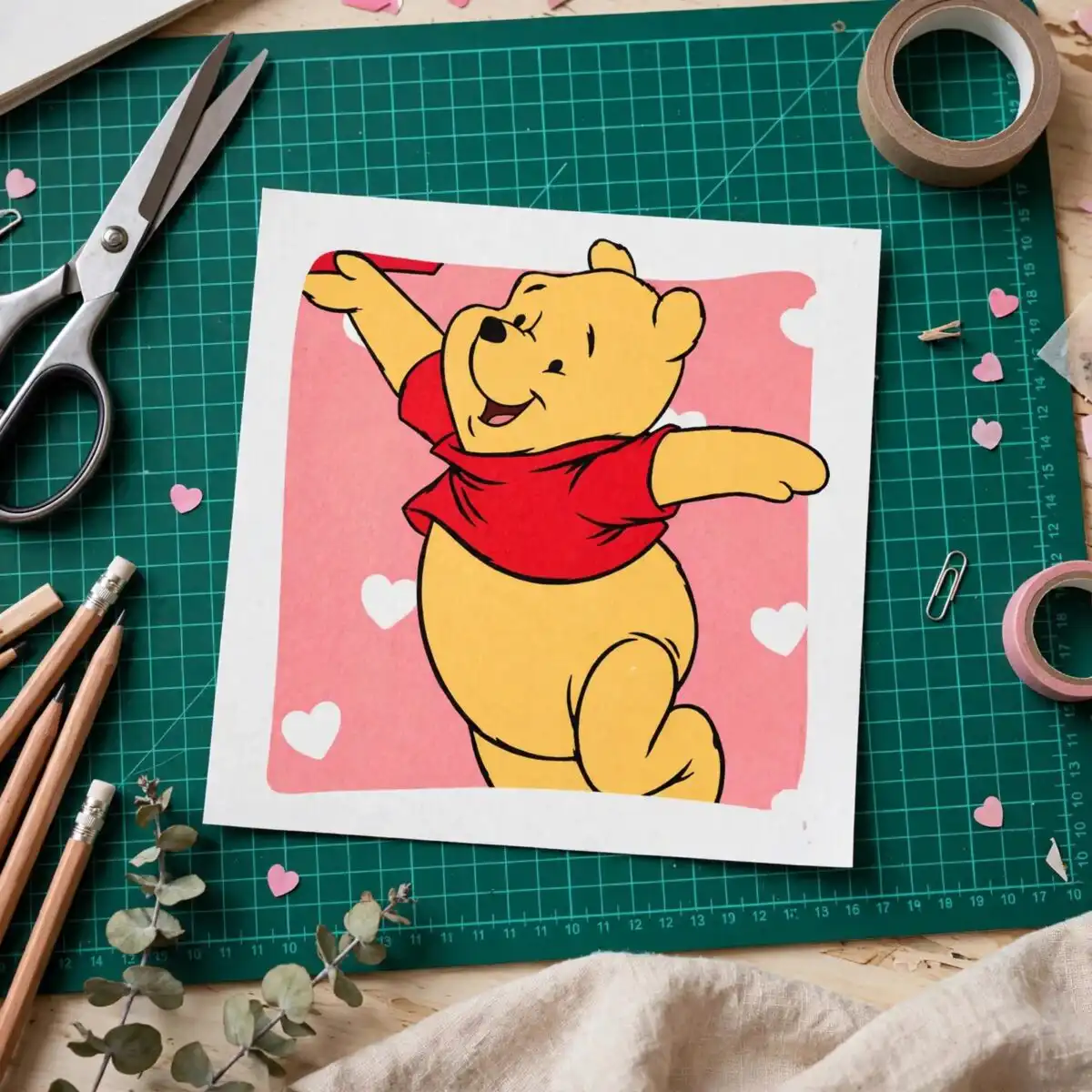
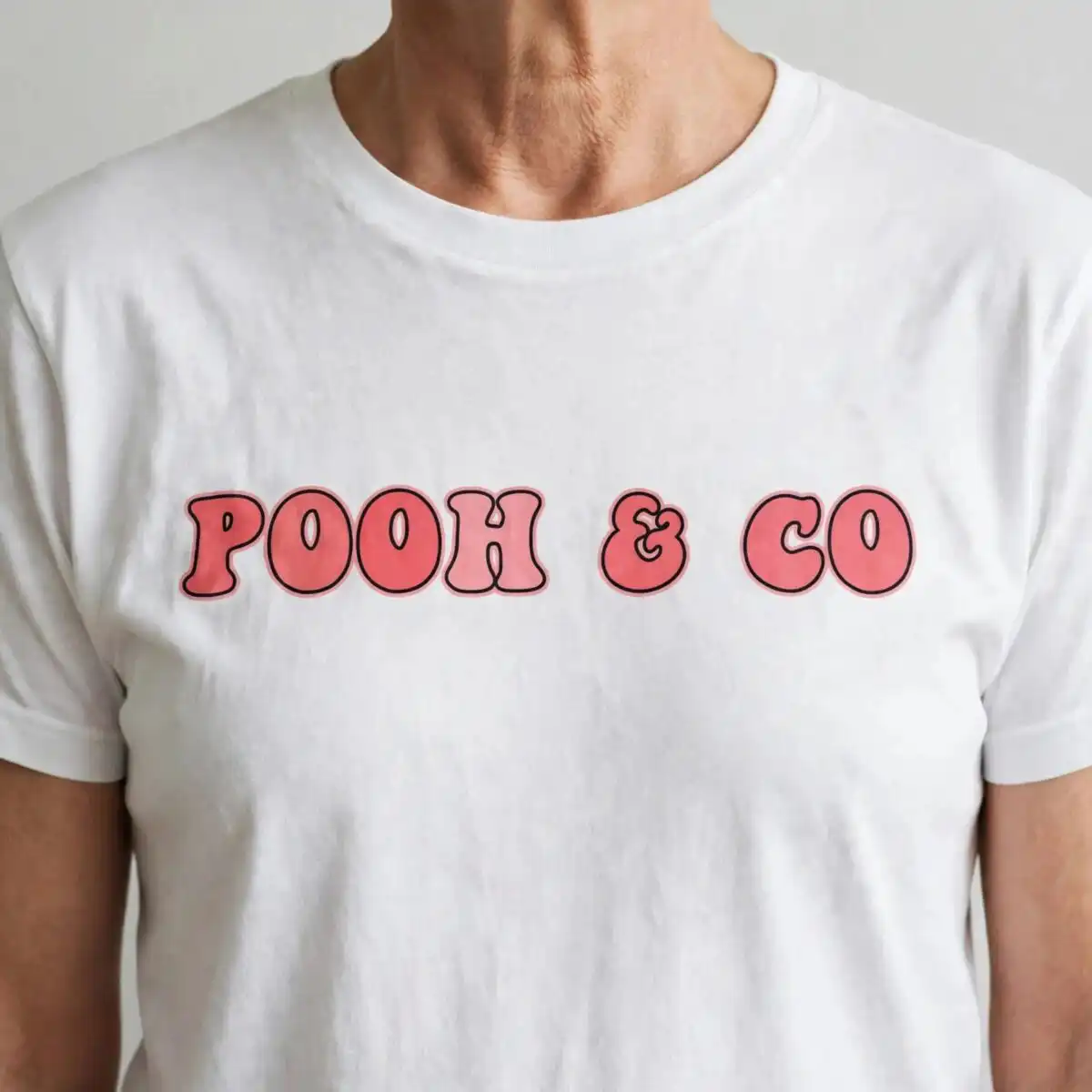
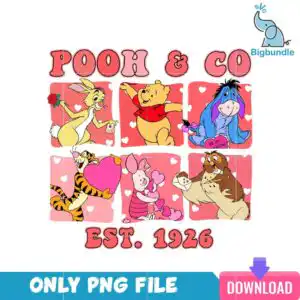
This Pooh Bear PNG Images design is a single Valentine’s Day artwork: a grid of six cartoon animal figures set in pink and red square tiles under the lettering POOH & CO and EST. 1926. You receive a PNG file with a transparent background at 300 dpi, made for sublimation printing, DTF transfers and print-and-cut projects. The scene includes a yellow bear-like figure in a red shirt, a blue donkey-like figure holding a sign, and a tan rabbit-like figure holding a red rose and envelope. Hot pink hearts, a red envelope and a banner reading BE MY VALENTINE add to the romantic, playful mood. Use it on shirts, tumblers, mugs and tote bags for a cheerful February gift or party project.
Design breakdown
The artwork is a flat-colour vector grid with six separate figures, each on its own square tile. The palette is coral red, white, light pink, red, yellow, blue, hot pink, teal and purple, with the tiles in pink and red and white heart patterns. The lettering POOH & CO, EST. 1926 and BE MY VALENTINE is set in a retro style. Small details such as the envelopes, roses and hearts are included, so cut it at 4 inches or larger if you plan to cut vinyl. The artwork is cut in 4 layers. Among the designs shown in the preview are the yellow bear in a red shirt, the blue donkey holding a sign, the tan rabbit with a red rose, the striped figure with a large pink heart, the small pink figure with hearts, and the brown figure with an envelope.
| Colours | 9 — coral red (#F26B6B), white (#FFFFFF), light pink (#F9A3B5), red (#E8544F), yellow (#F7C948), blue (#4A6FB5) |
|---|---|
| Lettering | POOH & CO / EST. 1926 / BE MY VALENTINE / ONLY PNG FILE / DOWNLOAD / svg |
| Background | white |
| Orientation | portrait |
What’s included
- PNG (300 dpi, transparent background)
Works with
- Sublimation printers (Epson, Sawgrass)
- DTF / print-and-cut workflows
- Canva
- Adobe Photoshop
How to use
Download the zip file from your order and unzip it to a folder on your computer. Open the PNG in Canva, Adobe Photoshop or your sublimation software, then import it into your design page. Resize the grid to fit your blank, keeping the proportions locked so the tiles stay even. For sublimation, print on a mirrored setting and press as directed. For vinyl or DTF, use the layers as your guide when weeding or preparing the transfer.
Licence
Personal and small-business commercial use. Sell finished physical items; do not resell or redistribute the files themselves.
FAQ
What files are included with this download?
You get one PNG file at 300 dpi with a transparent background. It is a single grid design containing six cartoon animal figures.
Can I put this Valentine’s grid design on a tote bag?
Yes, it suits tote bags, shirts, mugs and tumblers. Print it with sublimation or a DTF transfer, then press or apply it to the fabric.
Does this work with Sublimation printers and Canva?
Yes, it works with Sublimation printers such as Epson and Sawgrass, DTF and print-and-cut workflows, Canva and Adobe Photoshop.
Can I resell finished items made with this PNG?
Yes, personal and small-business commercial use is allowed, so you can sell finished physical items. You may not resell or redistribute the PNG file itself.