
Winnie the Pooh Love PNG Cartoon Bear Valentine’s Day Shirt Design
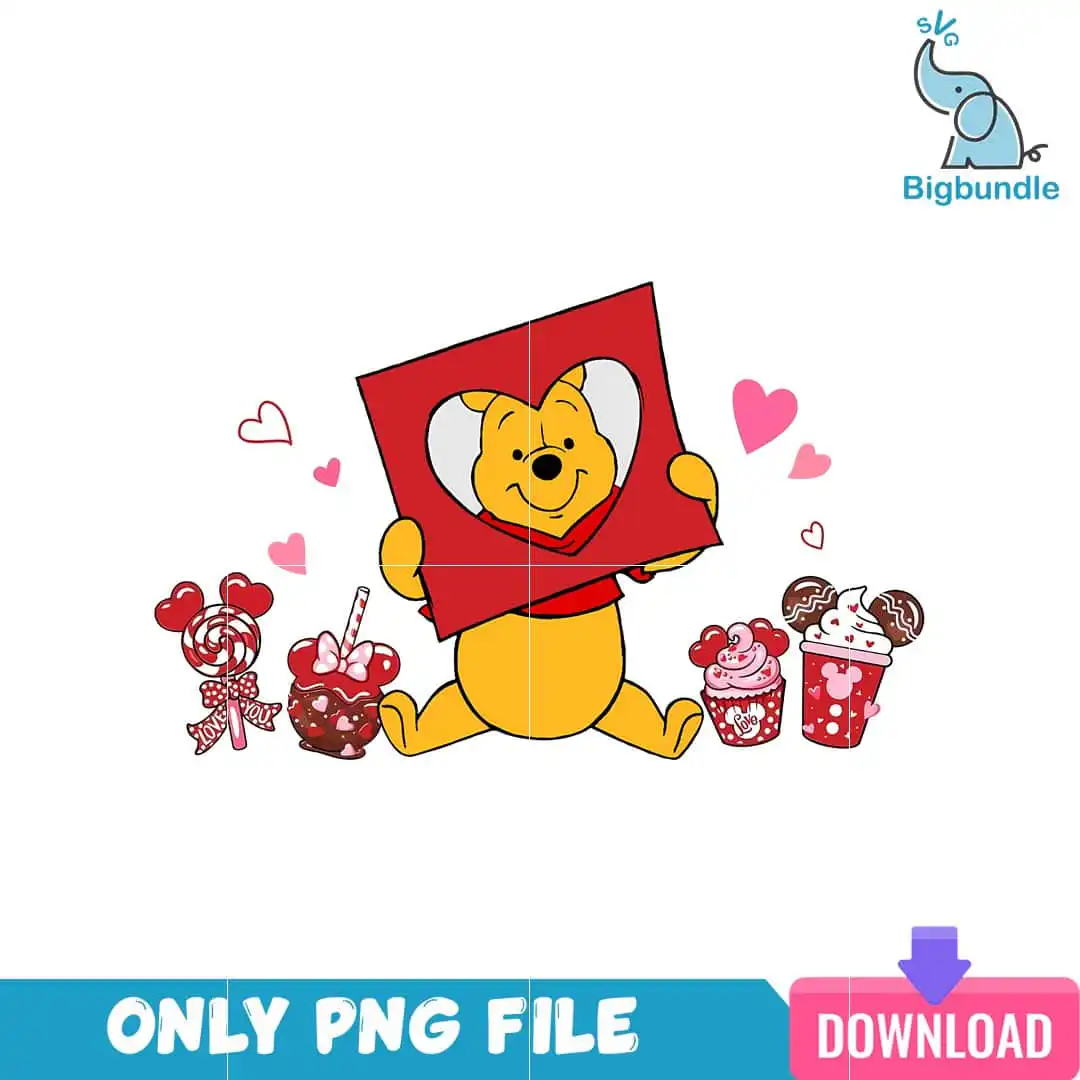
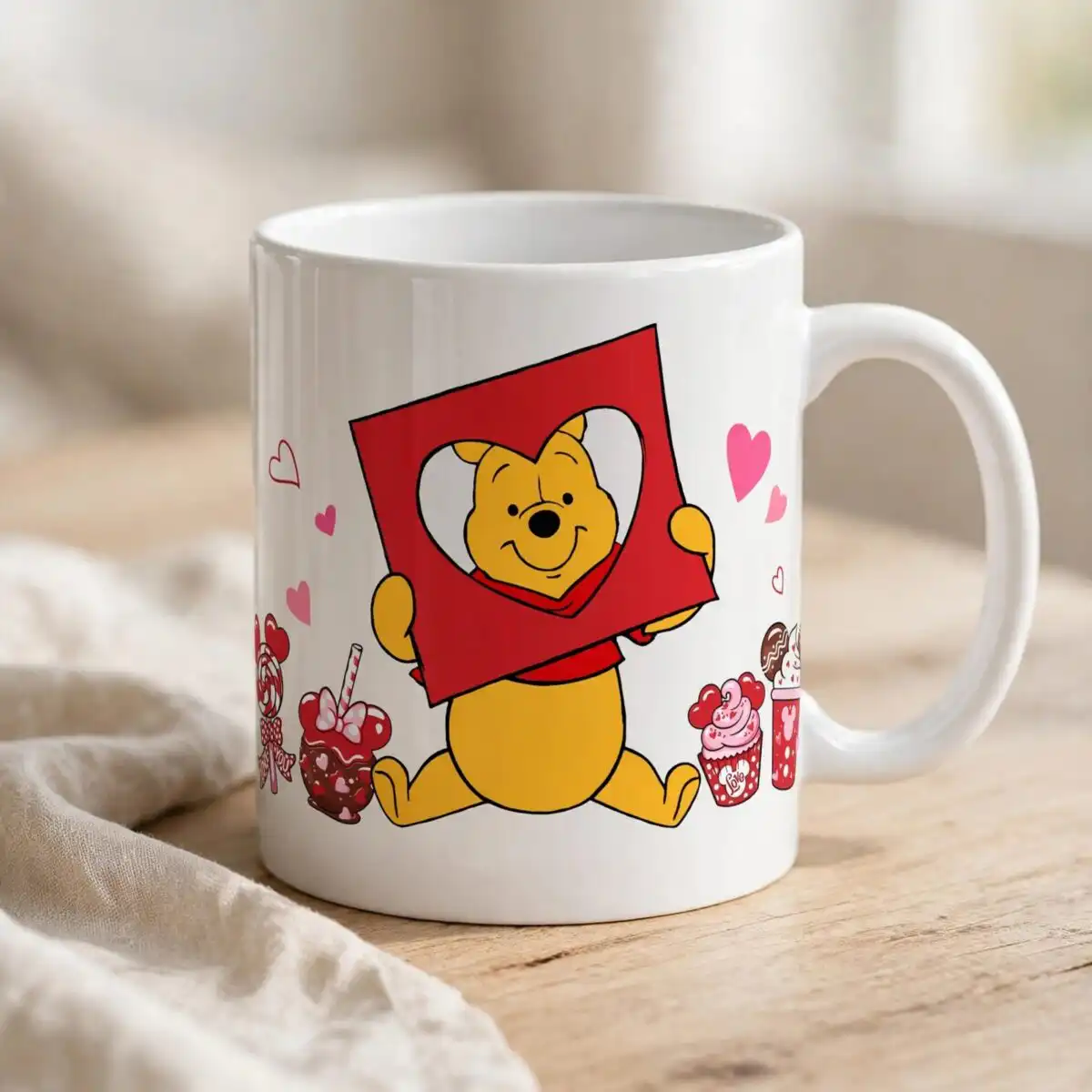
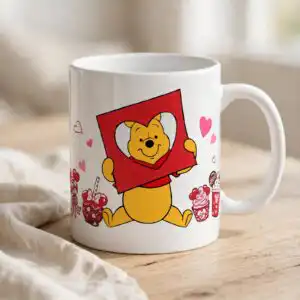
This Winnie the Pooh Love PNG is a single Valentine’s Day cartoon bear design delivered as a transparent PNG file at 300 dpi. The bear has a golden yellow body and a red shirt, and it holds a red square sign with a white heart cutout. Around it sit pink and red hearts, a lollipop with a red heart swirl and bow, a caramel apple, a cupcake with pink frosting and an iced drink topped with whipped cream. The word “Love” is partly visible on the lollipop stick. You get one file with a white background that is easy to place on light or dark garments. It is made for sublimation printing, DTF and print-and-cut projects such as t-shirts, mugs, stickers, tote bags and scrapbook pages. Because the bear and its treats use bold outlines and flat colour blocks, the artwork stays clear at most sizes. Read the licence notes below before you start.
Design breakdown
The artwork is a flat vector cartoon with bold outlines and colour-block fills. Its six colours are golden yellow, red, light pink, white, dark brown and dark red. The main elements are the yellow bear in a red shirt, the red square sign with a white heart cutout, outlined and filled pink and red hearts, a lollipop with a heart-shaped red swirl and bow, a caramel apple with a bow and straw, a cupcake with heart-shaped pink frosting, an iced drink cup with whipped cream and a red heart pattern, and ear-shaped chocolate decorations. The word “Love” is partly visible on the lollipop stick. The file is a single design with a transparent background. The artwork is cut in 8 layers, and the fine details on the straw, bow and frosting are best cut at 4 inches or larger.
| Colours | 6 — golden yellow (#F5C518), red (#D42027), light pink (#F4A6B8), white (#FFFFFF), dark brown (#3B2A1E), dark red (#8B1E2B) |
|---|---|
| Lettering | Love (partially visible on lollipop stick) |
| Background | white |
| Orientation | landscape |
What’s included
- PNG (300 dpi, transparent background)
Works with
- Sublimation printers (Epson, Sawgrass)
- DTF / print-and-cut workflows
- Canva
- Adobe Photoshop
How to use
Download the ZIP file and unzip it to a folder on your computer. Open your design software, such as Canva, Adobe Photoshop or your sublimation or cutting program, and choose Import or File, then Open. Select the PNG file and place it on your canvas. Keep the transparent background, resize the design to fit your blank, and print or cut it following your printer or machine settings.
Licence
Personal and small-business commercial use. Sell finished physical items; do not resell or redistribute the files themselves.
FAQ
What files do I get with this design?
You get one PNG file at 300 dpi with a transparent background. It contains the cartoon bear design only, with no extra versions or bundled designs.
Can I put this bear design on a 20oz tumbler?
Yes, the PNG can be sized for a 20oz tumbler wrap. Resize it in your software so the bear and treats sit where you want them, then print it for sublimation.
Which printers and machines does this work with?
It works with sublimation printers such as Epson and Sawgrass, and with DTF and print-and-cut workflows. It also opens in Canva and Adobe Photoshop.
Can I resize this file and sell the finished items?
Yes, you can resize the file freely. The licence covers personal and small-business commercial use, so you can sell finished physical items, but you may not resell or redistribute the files themselves.


