

Sleigh Rides and Hot Cocoa Winter Holiday Badge for Mugs, Shirts and Signs
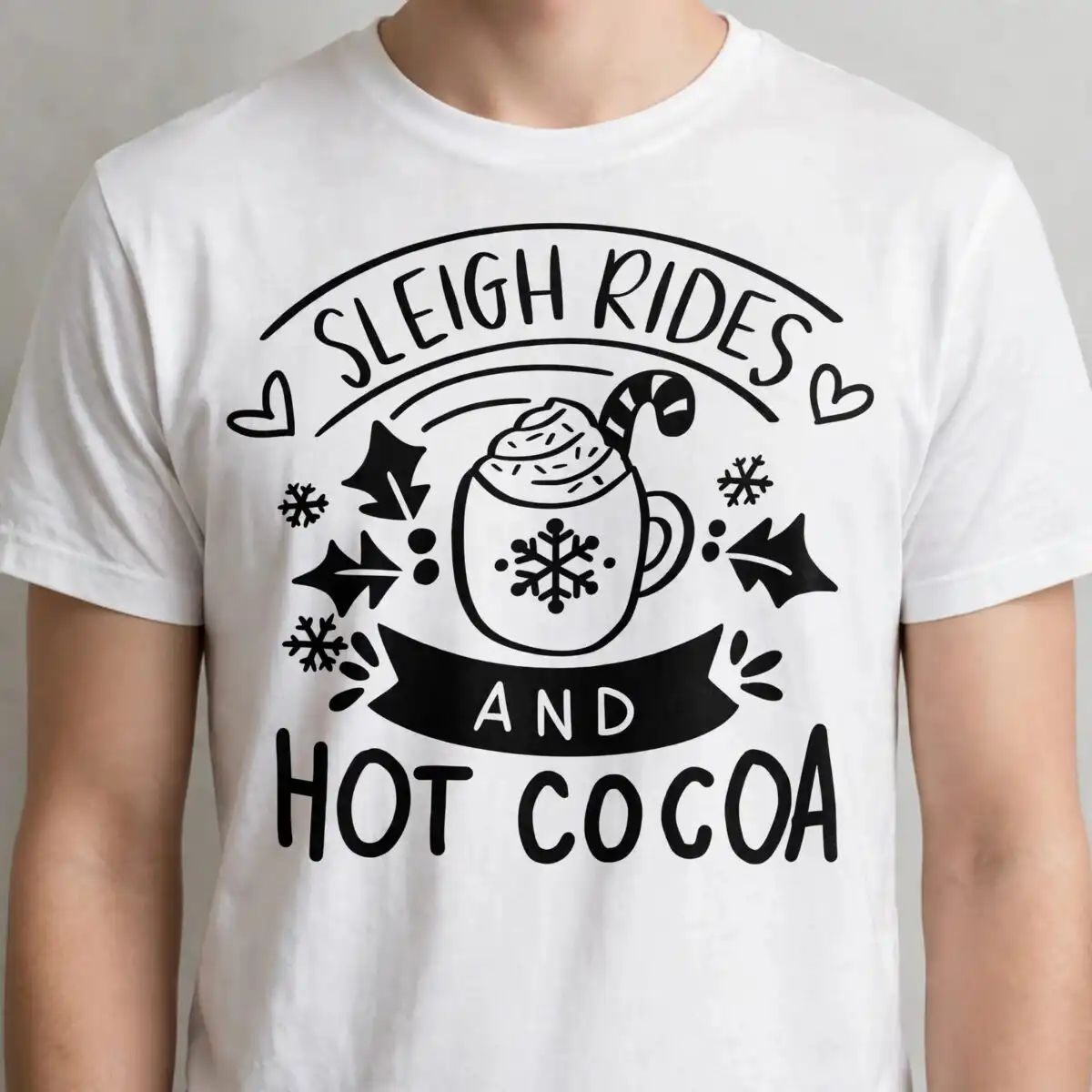
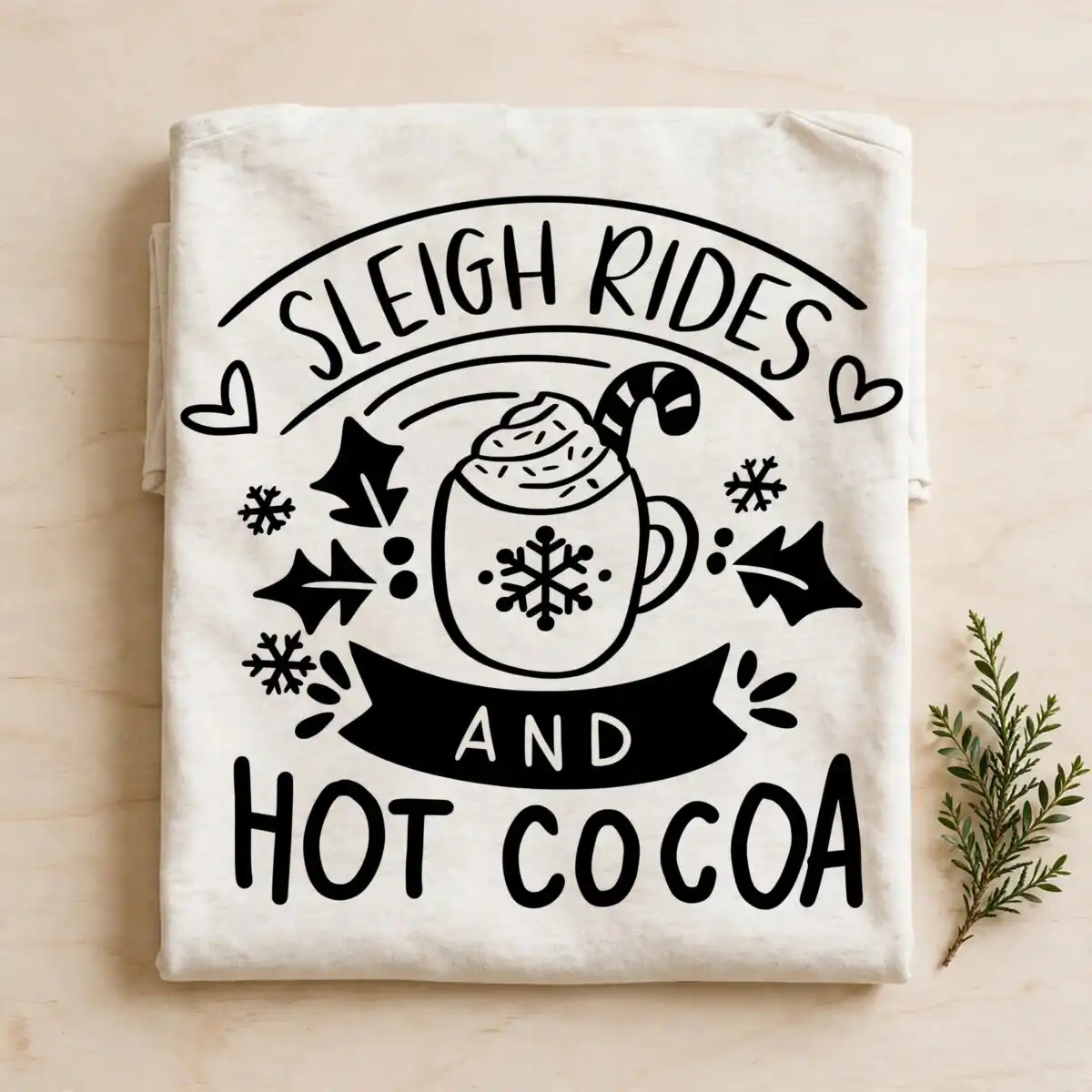
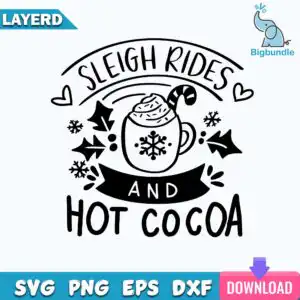
This Winter Holiday badge reading “Sleigh Rides and Hot Cocoa” is a single cut-file design, delivered as SVG, PNG, DXF, EPS and PDF, made for mugs, t-shirts, greeting cards, tote bags and holiday signs. The lettering sits in a black badge frame around a mug of cocoa topped with white whipped cream, sprinkles and a candy cane. Snowflakes, holly leaves, berries, hearts and a ribbon banner fill the rest of the layout in black and white with teal blue, pink and purple accents. The artwork is monoline hand-lettered line art with solid black fills, so it reads clearly on light or dark blanks. You get a transparent 300 dpi PNG for printing and layered vector files for Cricut Design Space, Silhouette Studio, Brother ScanNCut and other cutting software. Use the SVG for cutting vinyl or the PNG for sublimation and direct-to-garment printing.
Design breakdown
The badge is a square, single design with the lettering SLEIGH RIDES, AND and HOT COCOA set inside a ribbon banner and arched lines. The mug of hot cocoa carries a whipped cream topping, sprinkles, a candy cane and a snowflake on the mug, with snowflakes, holly leaves, berries and hearts around it. The file is cut in 6 layers, uses black, white, teal blue (sheet banner), pink (sheet download button) and purple (sheet download arrow) colours, and has a medium cut complexity. Fine details such as the sprinkles and holly leaves are best cut at 4 inches or larger. The style is flat vector with solid black fills.
| Layers | 6 |
|---|---|
| Colours | 5 — black (#000000), white (#FFFFFF), teal blue (sheet banner) (#1BA3C6), pink (sheet download button) (#E0457B), purple (sheet download arrow) (#7B4FD6) |
| Lettering | SLEIGH RIDES / AND / HOT COCOA |
| Background | white |
| Cut complexity | medium |
| Orientation | square |
What’s included
- SVG
- PNG (300 dpi, transparent)
- DXF
- EPS
Works with
- Cricut Design Space
- Silhouette Studio (Designer Edition)
- Brother ScanNCut
- Adobe Illustrator
- Inkscape
- CorelDRAW
How to use
Download the zip file and unzip it to a folder on your computer. Open Cricut Design Space, Silhouette Studio or Brother ScanNCut, then use the import or upload option and select the SVG file. For printing on mugs, shirts or cards, open the PNG, which has a transparent background, in your printing or sublimation software and size it to your blank. Check the layers panel before cutting so you can hide any colours you do not need.
Licence
Personal and small-business commercial use. Sell finished physical items; do not resell or redistribute the files themselves.
FAQ
What files are included with this winter holiday badge?
You get SVG, PNG (300 dpi, transparent), DXF, EPS and PDF files. The SVG and DXF are for cutting machines, and the PNG is for printing and sublimation.
Can I use this badge on a 20oz mug?
Yes, the badge suits a 20oz mug. Resize the design to fit the printable wrap area of your mug and use the transparent PNG for sublimation printing.
Which cutting machines and programs does this design work with?
It works with Cricut Design Space, Silhouette Studio (Designer Edition), Brother ScanNCut, Adobe Illustrator, Inkscape and CorelDRAW. Import the SVG or DXF into any of these.
Can I resell t-shirts or mugs made with this design?
Yes, you can sell finished physical items made with it for personal and small-business commercial use. You may not resell or redistribute the design files themselves.