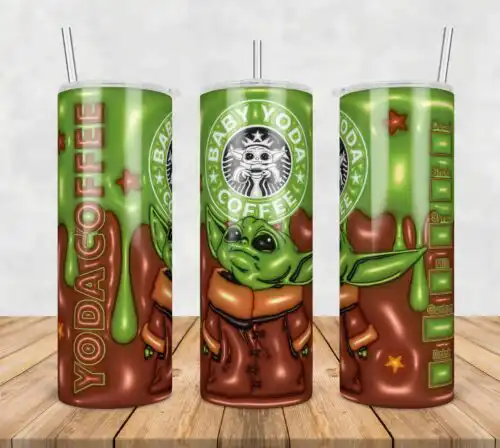
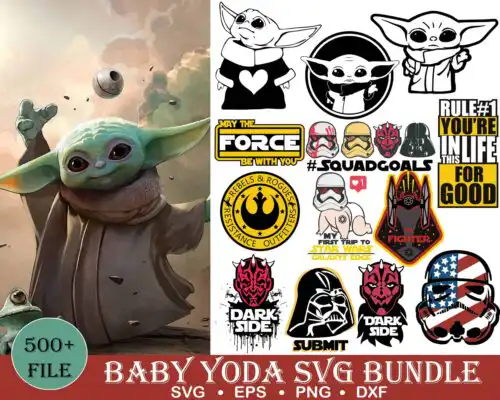
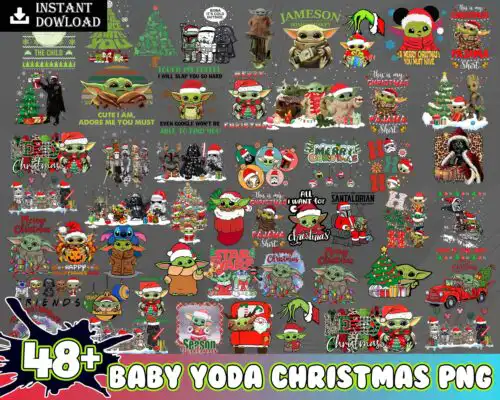
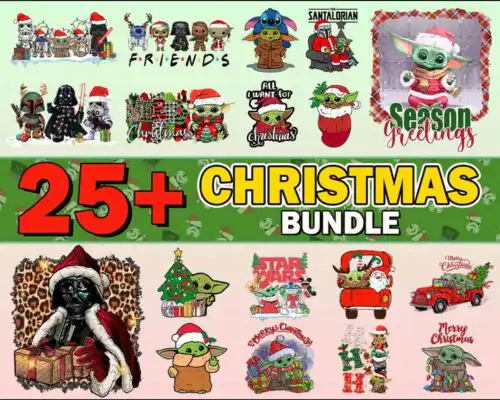
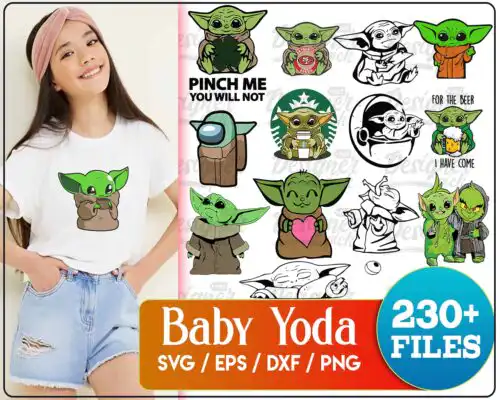
Baby Yoda SVG files are character-inspired cut and print artwork where cut-file designs include SVG, PNG, DXF, EPS and PDF and sublimation designs include PNG at 300 dpi with transparent background, used to make shirts, mugs, tumblers, stickers, and holiday crafts. These designs are united by that small green creature with big ears, but the group mixes poses, outfits, moods and art styles from cute chibi and inflated 3D to distressed badges and layered silhouettes. That range makes them useful year-round, whether you craft for everyday wear, Christmas, Halloween, or gifts for fans. If you sell finished items or craft for family and friends, you will find both simple one-color cuts and more detailed layered looks here.
Choosing the right design
Start by how you want to craft. Single-layer designs cut fastest, weed cleanly, and stay readable at small sizes for baby onesies, chest logos, or mugs. Layered versions give you dimension for larger shirt fronts or tote bags, but check how many colors are stacked before you commit. For tiny areas, pick bold, clean lines and avoid fine distress or tiny text that gets lost in vinyl. For big areas like a 20oz tumbler wrap or a full-front tee, you can use more detailed, collage-style or inflated looks. Look at the file list on each design: cut-file designs include SVG, PNG, DXF, EPS and PDF, while PNG-only designs are built for sublimation and print. If you use Cricut or Silhouette, test size first, mirror for HTV, and do a quick contour check for stray pieces.
Which Baby Yoda SVG works best for shirts vs tumblers?
For shirts, choose bold, clean outlines and layered versions with limited colors, because they stay readable after pressing and wash well. For tumblers and mugs, inflated 3D and high-res PNG collage styles wrap better and use the full printable area. Avoid ultra-fine lines on small tumbler seams and save heavy distressing for larger shirt fronts where texture can show.
Should I use svg or png for Baby Yoda SVG?
Use SVG when you are cutting vinyl with Cricut, Silhouette or ScanNCut because it keeps layers editable and scalable. Use PNG when you are printing, since it is already 300 dpi with transparent background for sublimation, DTF and print-then-cut. In this group, cut-file designs include SVG, PNG, DXF, EPS and PDF, while PNG-only designs are for sublimation and printing, so check what each design lists.
How to cut layered Baby Yoda SVG on Cricut?
Ungroup in Cricut Design Space, assign each layer a vinyl color, and size to at least 4 inches for detail to weed cleanly. Cut the base layer first, weed, then press low and tack each top layer for 2-3 seconds before the final press. If you use Silhouette Studio Designer Edition, use Fill color to sort layers and turn on Registration Marks only for print-then-cut PNGs.
What size should Baby Yoda SVG be for adult and kids shirts?
For adult shirts, make the design 10 to 11 inches wide for full front, 3.5 to 4 inches for pocket or chest. For youth, use 8 to 9 inches for full front, and for baby or toddler, use 5 to 6 inches so the face stays clear. Always measure the actual shirt, keep at least 3 inches below the collar, and shrink chibi or inflated styles by half an inch to keep small details from bridging.
What file types come with these Baby Yoda SVG designs?
Each design lists its own files. When it is a cut-file design, you get SVG, PNG at 300 dpi with transparent background, DXF, EPS and PDF. When it is a sublimation design, you get PNG at 300 dpi with transparent background for sublimation, DTF and print-and-cut. Works with Cricut Design Space, Silhouette Studio Designer Edition, Brother ScanNCut, Illustrator, Inkscape, CorelDRAW, Canva and Photoshop.
Can I use Baby Yoda SVG with Cricut and silhouette?
Yes. The SVG cuts in Cricut Design Space and Silhouette Studio Designer Edition, DXF works in basic Silhouette, and PDF and EPS open in Illustrator, Inkscape and CorelDRAW. For mugs and tumblers, use the included 300 dpi PNG with a sublimation printer like Epson or Sawgrass or with DTF and print-and-cut workflows.
What is the license for Baby Yoda SVG files?
You get personal and small-business commercial use. You can sell finished physical items like shirts, mugs and tumblers you make with the designs. You cannot resell, share, or redistribute the digital files themselves as files, bundles or templates, and you cannot claim them as your own artwork.