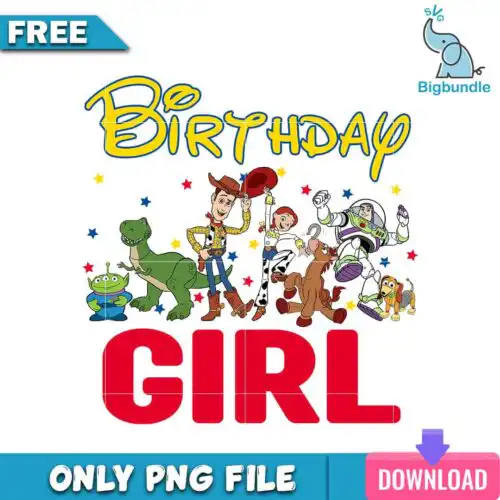
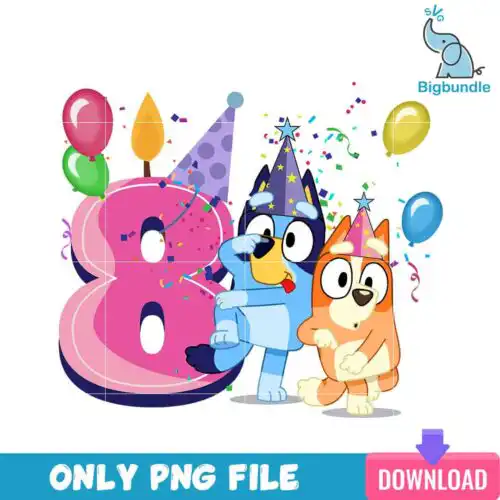
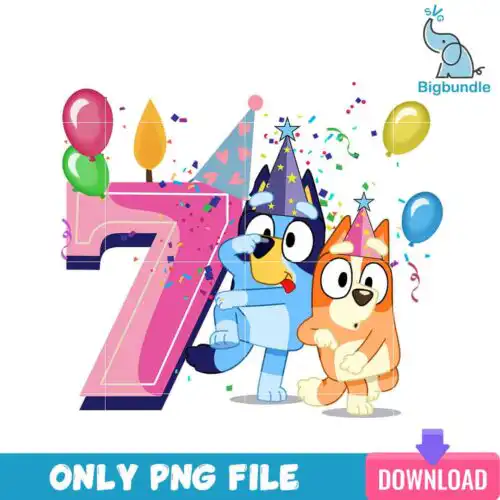
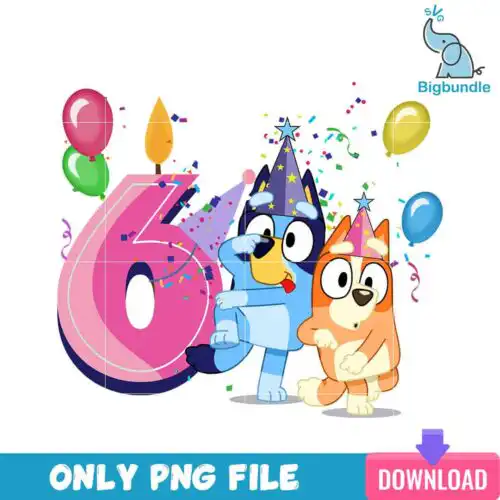
Birthday Girl SVG files are cut and print designs for celebrating the birthday girl, available as SVG cut files with PNG, DXF, EPS, PDF or as high-res PNG sublimation files for making shirts, tumblers, cards, cake toppers, and party decorations. These designs are united by the birthday girl theme and made for year-round birthdays across ages and party styles. You will find mixed subjects and mixed styles in this group, from bold lettering to cute character-inspired looks and glitter effects. They are built for personal and small-business makers creating custom gifts, matching family shirts, birthday decor, invitations, and keepsakes that put the birthday girl front and center.
Choosing the right design
Start with how many layers you want to manage. Single-layer designs cut once and are fastest for bulk shirts and small items. Layered designs stack colors for a bold, dimensional look but need alignment and extra weeding. For small surfaces like baby onesies, cups, and cake toppers, pick cleaner shapes with thicker lines and less tiny detail. For large backs of shirts and banners, you can go more detailed. Before you cut, check the design for included files: cut-file designs include SVG, PNG, DXF, EPS and PDF, while PNG-only designs are for sublimation and print-and-cut and list just PNG. Mirror for HTV, size with a test cut, and weed inside-out for small letters.
Birthday Girl SVG for shirts vs tumblers which style works best
Use bold, single-color or 2-3 layer designs for shirts and use clean, compact designs for tumblers and mugs. Shirts handle larger text and layered color well because you have more area. Tumblers, cups and small mugs need simpler silhouettes with thicker strokes so details do not get lost when wrapped. If a design has lots of tiny stars or thin script, save it for shirts, signs and banners.
Should I use svg or png for Birthday Girl SVG?
Use SVG for vinyl cutting and use PNG for printing and sublimation. SVG keeps edges sharp at any size and lets you separate colors into layers for HTV or adhesive vinyl. PNG with transparent background at 300 dpi is ready for sublimation, DTF, and print-then-cut on light and dark materials. Cut-file designs in this group include SVG, PNG, DXF, EPS and PDF, while PNG-only designs are listed as PNG for sublimation and printing.
How to cut layered Birthday Girl SVG with Cricut or Silhouette?
Cut layered versions by importing the SVG into Cricut Design Space or Silhouette Studio Designer Edition and cutting each color on its own mat. Ungroup to check layers, hide or delete colors you do not need, and attach same-color pieces so placement stays true. For HTV, mirror the mat, weed excess vinyl, and press layers from bottom to top with light tack between presses to avoid shrinking. Keep a weeding box around small letters.
What size should Birthday Girl SVG be for adult youth baby shirts?
Size by shirt width, not just height. For adults, make the design 10 to 11.5 inches wide for front chest, 9 inches for youth, and 5.5 to 7 inches for baby and toddler. Keep at least 2.5 inches down from the collar. For glitter or puff vinyl, add 0.25 inch to account for thicker material. Always do a paper or vinyl test at 50% size to check small details before your final cut.
What file types come with Birthday Girl SVG designs?
It depends on the design type. Cut-file designs include SVG for cutting, plus PNG (300 dpi, transparent), DXF, EPS and PDF. PNG sublimation designs are PNG only (300 dpi, transparent background) for sublimation, DTF and print-and-cut. Each design lists its exact files on its product page, so check before you buy.
Will these work with Cricut, Silhouette, and sublimation printers?
Yes. SVG, DXF, EPS and PDF work with Cricut Design Space, Silhouette Studio Designer Edition, Brother ScanNCut, Adobe Illustrator, Inkscape and CorelDRAW. PNG files work with sublimation printers like Epson and Sawgrass, DTF workflows, Canva, Adobe Photoshop and any print-and-cut setup. Size and material settings depend on your machine and vinyl or paper.
Can I sell shirts and cups I make with these files?
Yes for finished physical items under personal and small-business commercial use. You can sell custom shirts, tumblers, cards, cake toppers and decor you make. You cannot resell, share or redistribute the digital files themselves as files, as part of a bundle, or as a template.