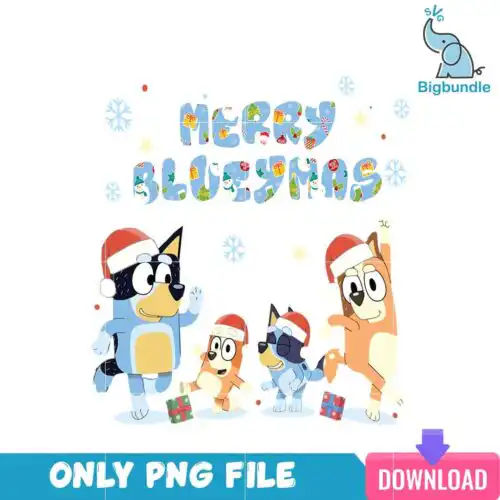
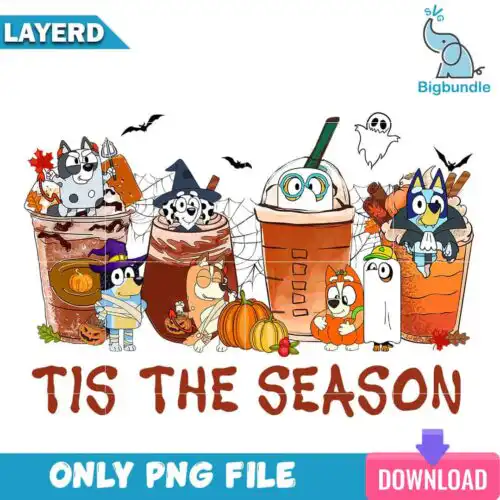
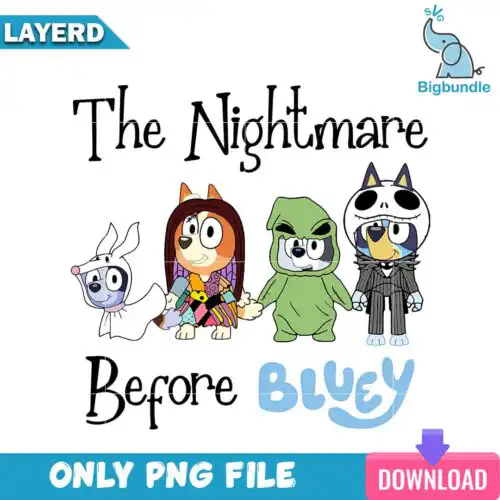
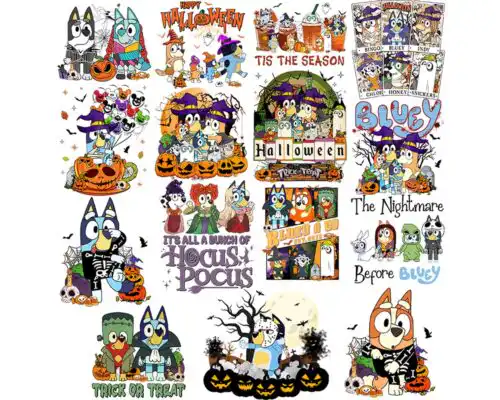
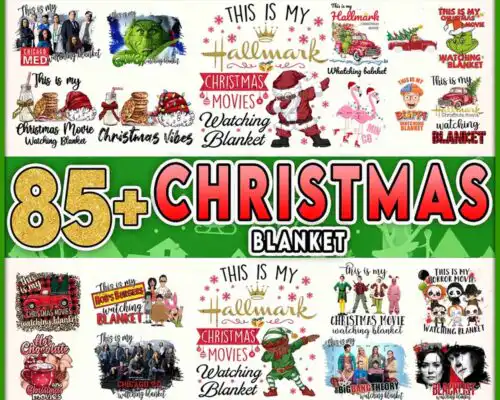
Bluey Christmas SVG files are festive cut files and 300 dpi transparent PNGs for making shirts, ornaments, stockings, tumblers, cards and party decor with Cricut, Silhouette and sublimation printers. These designs share a playful, kid-friendly Christmas theme centered on the Bluey family and friends, with Santa hats, lights, trees and merry lettering in both simple silhouettes and colorful print-ready artwork. They are made for parents, family crafters and small shops creating matching family pajamas, kids' tees, gift mugs, holiday stickers and classroom treats that feel cheerful and instantly recognizable during the holiday season.
Choosing the right design
Choosing between these designs comes down to layers, detail level and end use. Single-layer silhouettes cut fastest and weed easiest, perfect for small ornaments, onesies and vinyl decals. Layered SVGs with separate colors build that classic cartoon look on shirts but need more alignment and transfer tape. Full-color PNGs skip cutting entirely and are built for sublimation, DTF and print-then-cut on mugs, tumblers and tote bags. Check each design for included files – cut-file designs include SVG, PNG, DXF, EPS and PDF, while PNG-only designs are for sublimation and printing. Before you cut, look at line thickness for small sizes, whether text is attached or separate for easy personalization, and if the design is light or dark-optimized for your blank.
Bluey Christmas SVG for shirts vs mugs
Use layered SVG or single-color SVG for shirts and use high-res PNG for mugs and tumblers. Vinyl on fabric needs clean, cuttable shapes that press well and survive washing, so simpler outlines and solid lettering work best. Mugs, tumblers and ornaments need 300 dpi transparent PNGs for sublimation or DTF where fine details, shading and colorful characters stay crisp without weeding.
Do I need SVG or PNG for Bluey Christmas SVG?
You need SVG for vinyl cutting and PNG for sublimation and printing. SVG, DXF, EPS and PDF are cut-file formats that let Cricut Design Space, Silhouette Studio and ScanNCut cut layered colors. PNG at 300 dpi with a transparent background is for direct printing, sublimation, DTF and Canva or Photoshop projects. Many shoppers grab both versions so one design can go on shirts and mugs.
How to cut layered Bluey Christmas SVG on Cricut?
Cut layered Bluey Christmas SVG designs by color in Cricut Design Space and press from the bottom layer up. Ungroup, hide or show each color, cut vinyl or HTV mirrored when needed, weed, then align with registration marks or parchment. Press large base layers at low tack first, then add smaller details for 3-5 seconds each so nothing shrinks. Single-layer designs only need one cut and one press.
What size should Bluey Christmas SVG be for adult and kids shirts?
Size Bluey Christmas SVG at 9-11 inches wide for adult shirts, 7-8.5 inches for youth, and 4.5-6 inches for toddler and baby. That keeps character faces readable without overwhelming the chest. Measure the blank first, then scale in Design Space while locked to keep proportions, and test a small decal size around 2-3 inches for mugs, ornaments and gift tags.
Cut-file designs include SVG, PNG at 300 dpi with transparent background, DXF, EPS and PDF for Cricut, Silhouette, ScanNCut, Illustrator, Inkscape and CorelDRAW. PNG-only designs are made for sublimation, DTF and print-and-cut and include high-resolution transparent PNGs. Each design lists its own included files on the product page.
Will these work with Cricut, Silhouette and sublimation printers?
Yes. SVG cut files work in Cricut Design Space, Silhouette Studio Designer Edition, Brother ScanNCut and other cutters. PNG designs work for sublimation printers like Epson and Sawgrass, DTF, print-and-cut and editing in Canva and Photoshop. Check whether you need a cut file or a PNG print file for your project before you download.
Can I sell shirts and mugs I make with these files?
Yes, you can sell finished physical items like shirts, mugs, ornaments and decor made with these files under personal and small-business commercial use. You cannot resell, share, or redistribute the digital files themselves as cut files, clipart or bundles. The license covers the finished product you create, not the artwork file.