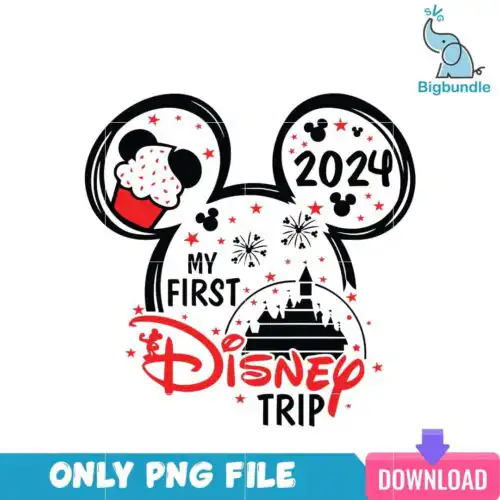
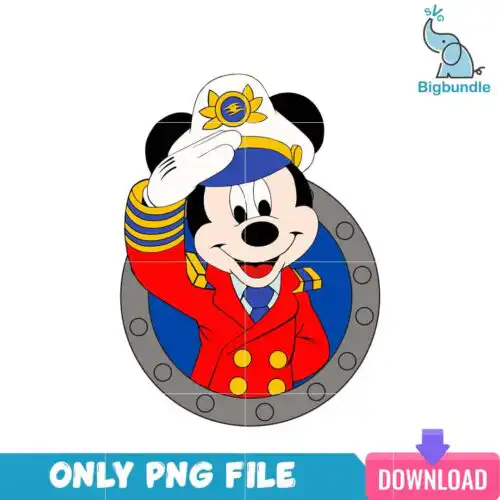
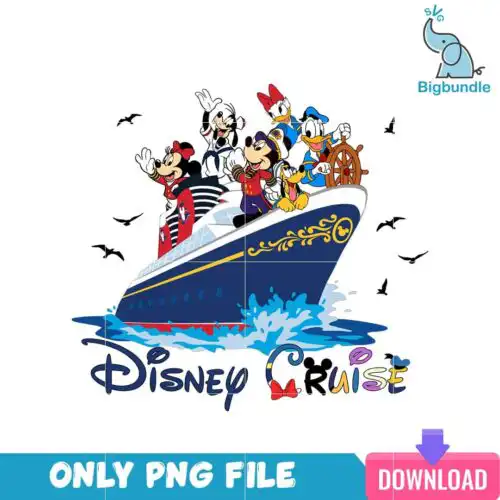
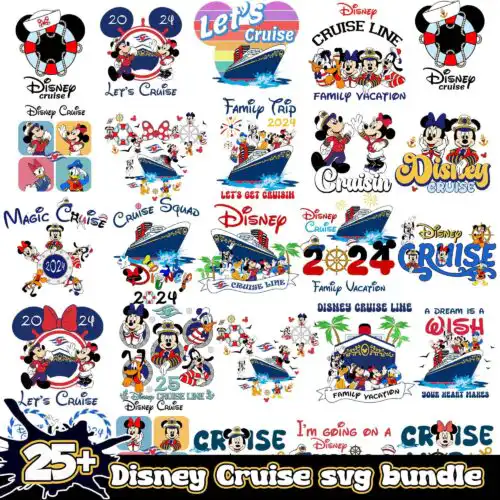
Disney Trip SVG files are cut and print designs for vacation crafting, with cut-file designs including SVG, PNG, DXF, EPS and PDF and PNG-only designs as 300 dpi transparent PNGs for sublimation and print. These designs share the same trip-ready theme and are made for matching family tees, kids' first trip shirts, tote bags, tumblers, car decals, scrapbooks and party favors. You will find mixed subjects and styles here, from bold single-layer lettering to layered character-inspired looks, all ready year-round for park days, cruises and family reunions.
Choosing the right design
Start with how you plan to make it. If you are cutting vinyl, look for layered cut-file designs so you can separate colors and press one layer at a time; single-layer designs cut faster and weed easier for bulk family shirts. For small surfaces like tumblers, hats or baby onesies, pick cleaner lettering and simpler silhouettes that stay readable under 4 inches. Larger items like adult tees, tote bags and signs can handle distressed textures and extra details. Before you cut, check each design's file list — cut-file designs include SVG, PNG, DXF, EPS and PDF, while PNG-only designs are for sublimation and print-and-cut — and test size, mirror for HTV, and set your material to the right cut pressure.
What Disney Trip SVG works best for shirts vs tumblers?
Use bold, single-layer or two-layer lettering for shirts and busy, detailed art for tumblers only if it is large enough to weed. Shirts need designs that read from a distance and survive layering, so thick lines and separate color layers work best. Tumblers and mugs need compact, low-layer art that wraps without small floating pieces, so look for one-color silhouettes and 300 dpi PNGs for full wraps.
Disney Trip SVG vs png which should I use for Disney Trip SVG
Use SVG for vinyl and DXF for older cutters, and use PNG for sublimation and print-then-cut. SVG gives you clean, scalable layers you can resize and recolor in Cricut Design Space or Silhouette Studio. PNG at 300 dpi with a transparent background is better for direct printing, sublimation on light polyester, and DTF workflows where you want the texture and shading without layering vinyl.
How to cut layered Disney Trip SVG on Cricut?
Cut layered Disney Trip SVG designs by color from the bottom layer up and press or layer as you go. Ungroup in Design Space, hide or duplicate by color, cut each color on its matching vinyl, and use registration marks or the preview to align. Keep transfer tape for vinyl decals and use parchment between HTV presses, pressing the base layer for 5-8 seconds to tack, then full press on the final layer.
What size should Disney Trip SVG be for adult and kids shirts?
Make adult shirts 10 to 11.5 inches wide, youth 8 to 9.5 inches, and toddler or baby 5 to 7 inches wide for best proportion. Size down 0.5 inch for fitted tees and up for oversized totes. Always measure the chest area between seams and leave 3 inches from the collar, then do a test cut in paper or cheap vinyl to check placement before cutting final material.
Each design lists its own files. Cut-file designs include SVG, PNG at 300 dpi with transparent background, DXF, EPS and PDF. PNG-only designs are 300 dpi transparent PNGs made for sublimation, DTF and print-and-cut. Check the file list on the design you choose to confirm what is included.
Can I use Disney Trip SVG with Cricut and Silhouette?
Yes. Cut-file designs work with Cricut Design Space, Silhouette Studio Designer Edition, Brother ScanNCut, Adobe Illustrator, Inkscape, CorelDRAW and Canva. PNG designs work for sublimation printers, DTF and print-and-cut in Photoshop, Illustrator and Silhouette. Resize as vector in SVG or as high-res raster in PNG without losing quality.
Can I sell shirts I make with Disney Trip SVG?
Yes for finished physical items under personal and small-business commercial use. You can sell shirts, tumblers, bags and other handmade products you craft with these designs. You cannot resell, share or redistribute the digital files themselves as files, templates or bundles.