
Bad Bunny Valentines Valentine Clip-Art for Shirts, Tumblers and Cut Machines
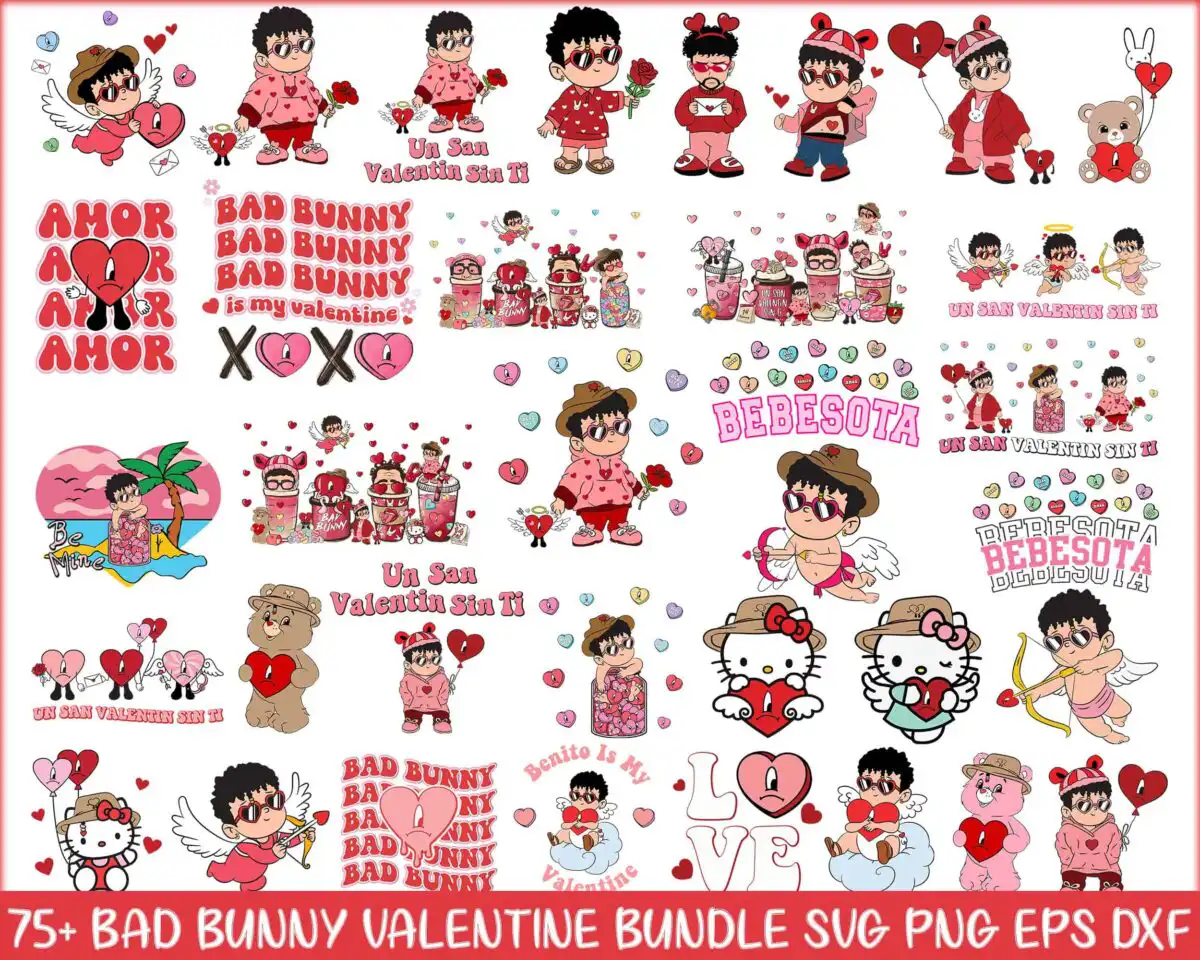
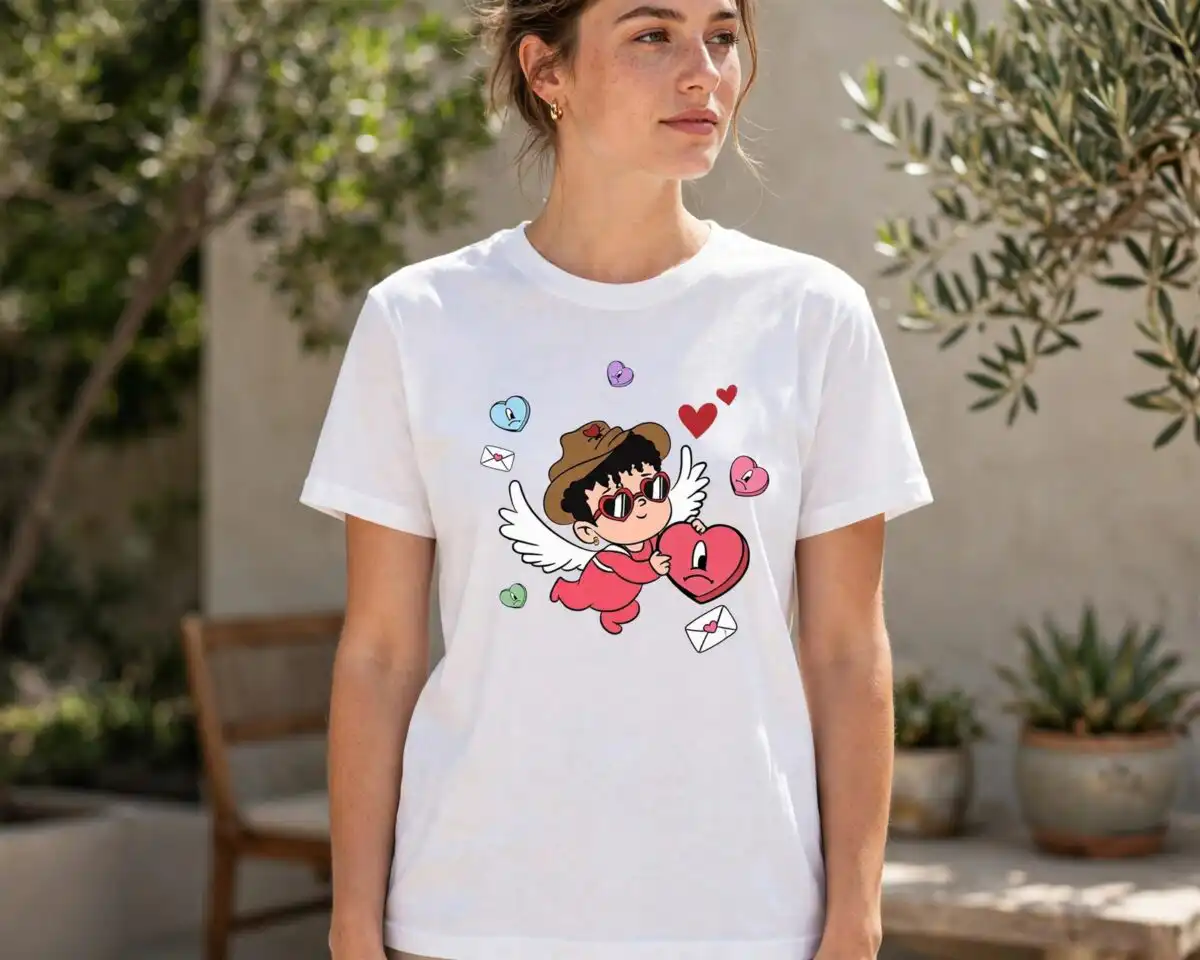
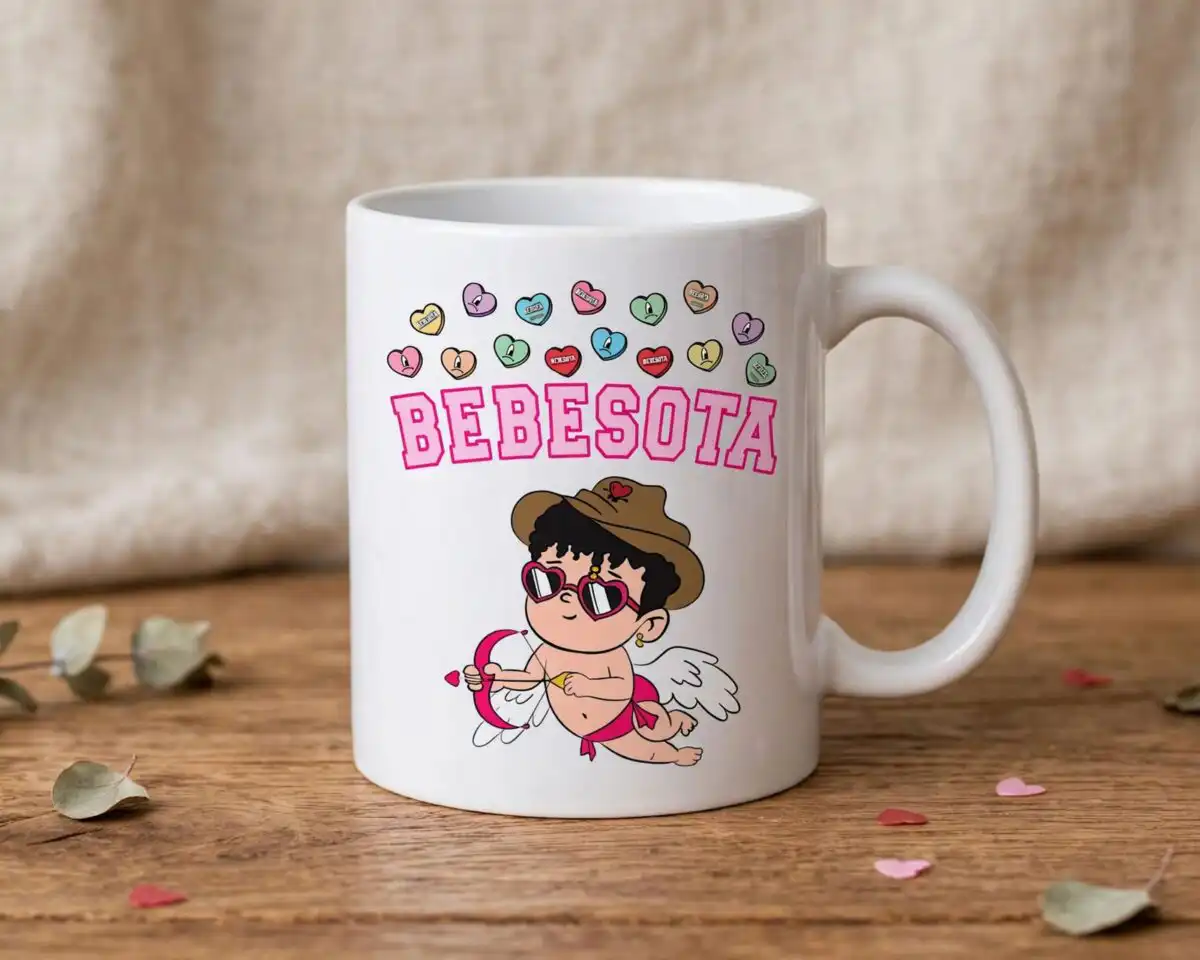
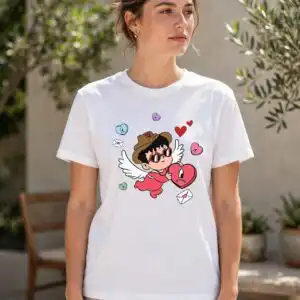
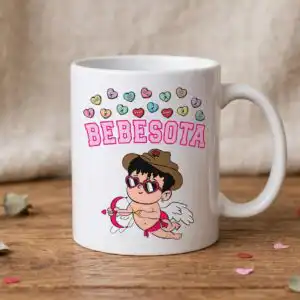
This Bad Bunny Valentines Valentine clip-art bundle is a set of cartoon Bad Bunny caricatures in many poses and outfits, set among hearts, cupids, teddy bears and Hello Kitty-style characters. You get SVG, PNG (300 dpi, transparent), DXF, EPS and PDF files, made for t-shirts, tumblers, stickers, card making and vinyl decals. The artwork uses raspberry pink, valentine red, baby pink, white and dark brown on a white background. Look for the lettering “Un San Valentin Sin Ti”, “XOXO”, “BEBESOTA” and “is my valentine” woven between the figures, with a cartoon man in sunglasses and a bunny-ear hat, a broken heart, roses and candy hearts. The collage sheet lets you pick the poses you want and cut them out as separate pieces. Because the artwork is cartoon vector clip art, the edges stay sharp at any size, from small sticker sheets to large shirt prints.
Design breakdown
This is a collage sheet of many separate Valentine’s Day designs, and the preview shows about 40 of them, including a cartoon man with sunglasses and bunny-ear hat, a cupid with bow and arrow, a teddy bear, a Hello Kitty-style cat, roses, iced drinks, balloons, a palm tree and sunset, and a cowboy hat. Colours are raspberry pink, valentine red, baby pink, white, dark brown and skin tone. Each figure is built from several cut layers, so the sheet is best suited to multi-colour cutting or print-then-cut work. Small details such as the candy hearts and the thin lettering are fine and are best cut at 4 inches or larger.
| Layers | 4 |
|---|---|
| Colours | 6 — raspberry pink (#E8336B), valentine red (#C8102E), baby pink (#F7B8C8), white (#FFFFFF), dark brown (#3B2A20), skin tone (#F2C9A0) |
| Lettering | Un San Valentin Sin Ti / AMOR / BAD BUNNY / is my valentine / XOXO / BEBESOTA / LOVE / Bonito is My Valentine |
| Background | white |
| Cut complexity | high |
| Orientation | landscape |
What’s included
- SVG
- PNG (300 dpi, transparent)
- DXF
- EPS
Works with
- Cricut Design Space
- Silhouette Studio (Designer Edition)
- Brother ScanNCut
- Adobe Illustrator
- Inkscape
- CorelDRAW
How to use
Download the zip file and unzip it to a folder on your computer before you open anything. For Cricut Design Space or Silhouette Studio, use the Upload button and choose the SVG file, then select the individual pieces you want. For printing, open the PNG file in your design software and size it to your project. Use the DXF or EPS files in CorelDRAW, Illustrator or a laser program.
Licence
Personal and small-business commercial use. Sell finished physical items; do not resell or redistribute the files themselves.
FAQ
What files are included in this Valentine’s Day cut file download?
You get SVG, PNG (300 dpi, transparent), DXF, EPS and PDF files. The PNG files have transparent backgrounds, so they sit cleanly on dark or coloured fabric.
Can I put this Bad Bunny Valentine design on a 20oz tumbler?
Yes, the artwork can be used on a 20oz tumbler through sublimation printing or as a vinyl decal. Choose one figure or the lettering so the design fits the wrap or the surface you are decorating.
Which machines and programs does this work with?
It works with Cricut Design Space, Silhouette Studio (Designer Edition), Brother ScanNCut, Adobe Illustrator, Inkscape and CorelDRAW. The PNG files also work with standard home printers and sublimation printing.
Can I resize the designs and use them in my business?
Yes, you can resize the designs in your software without losing sharpness because they are vector artwork. The licence covers personal and small-business commercial use for finished physical items, but you may not resell or redistribute the files themselves.




