Bella Where the Hell Have You Been Loca Quote SVG Design for Shirts, Mugs and Totes
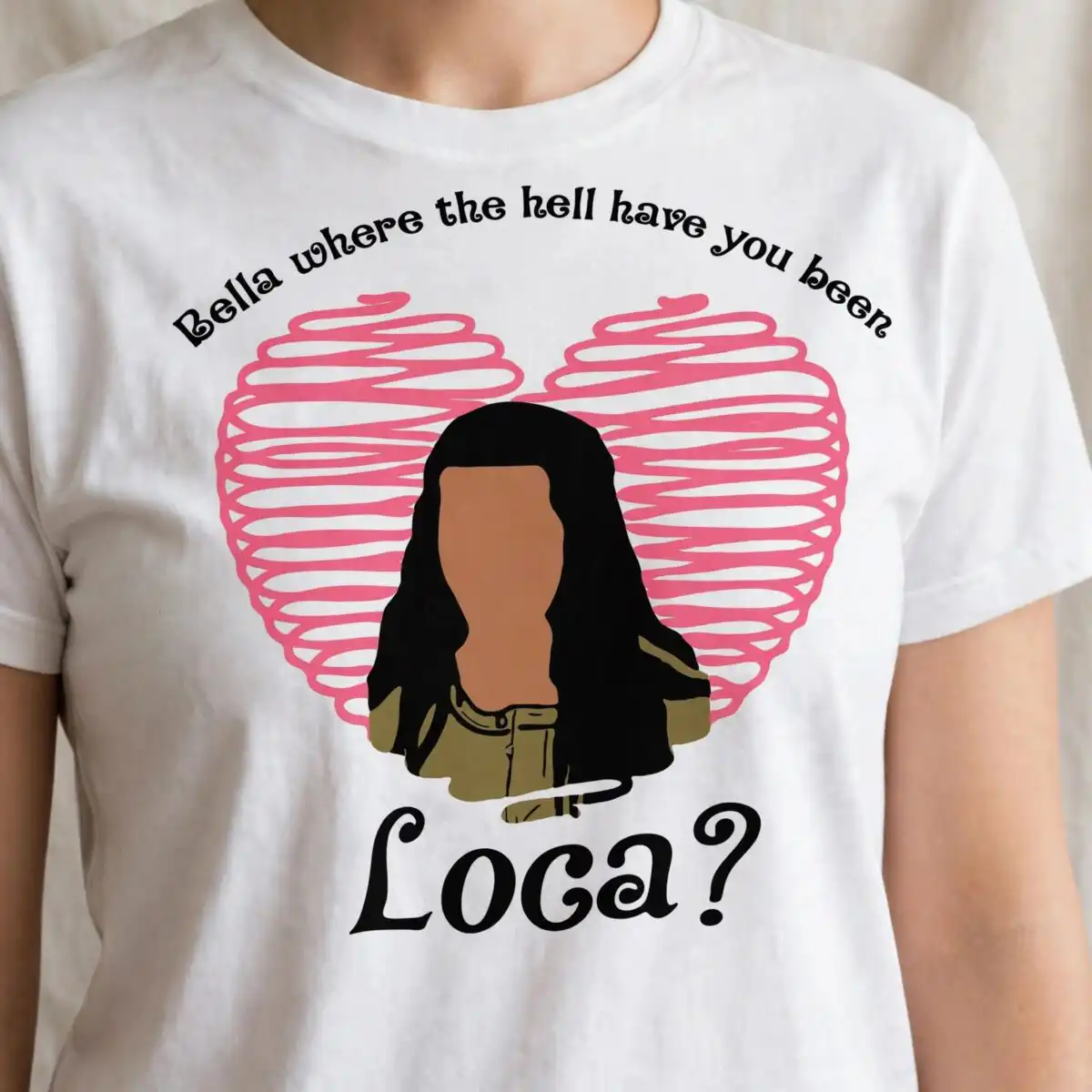
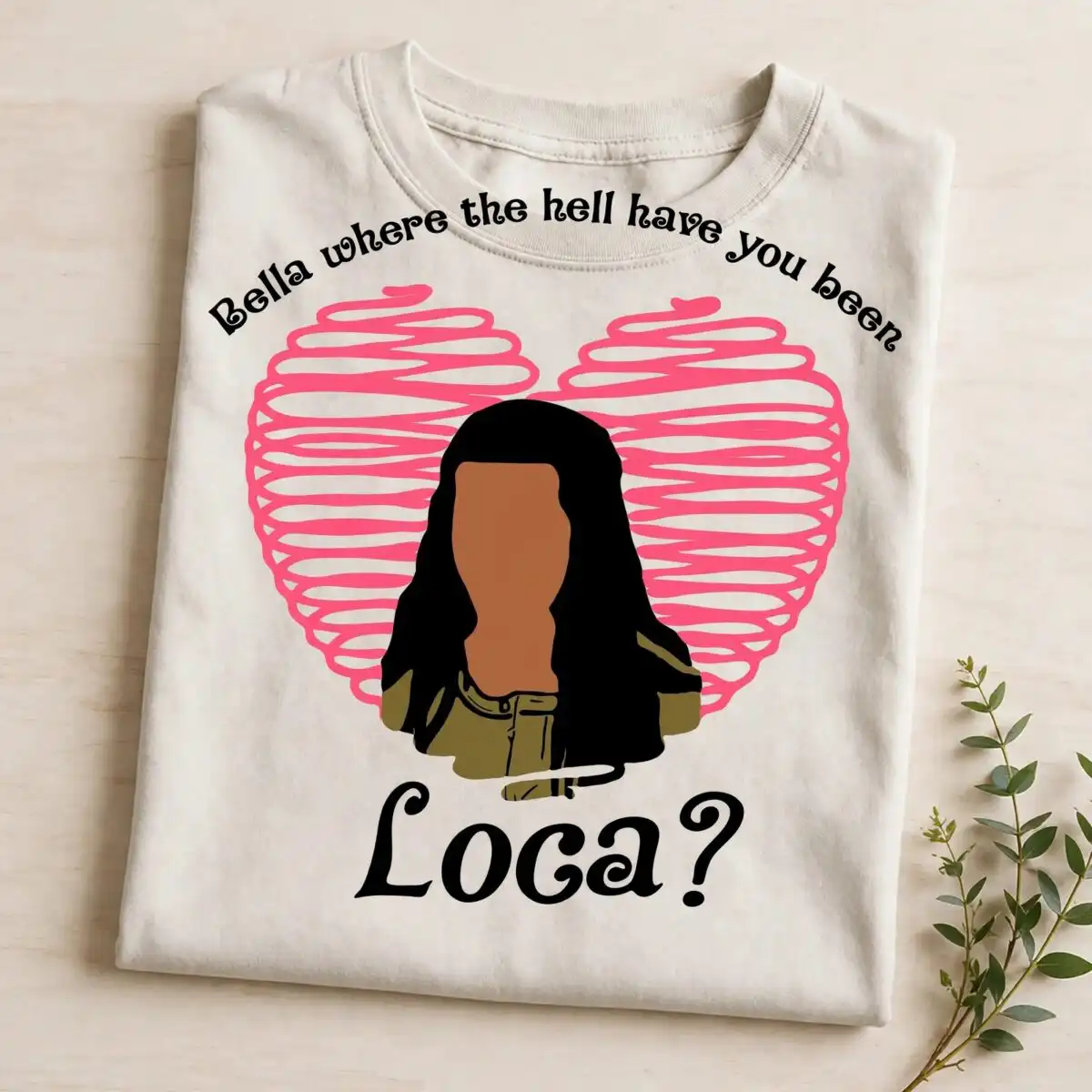
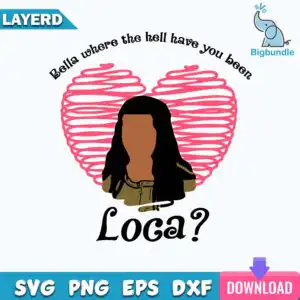
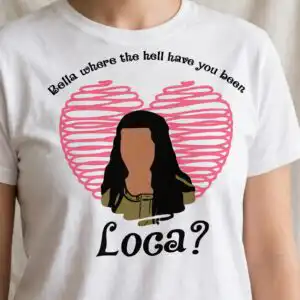
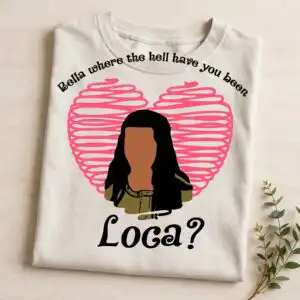
This Bella Where the Hell Have You Been Loca design is a single quote artwork: a faceless woman with long black hair in front of a pink scribbled heart, with the lettering “Bella where the hell have you been Loca?” The files include SVG, PNG, DXF, EPS and PDF, made for cutting vinyl, printing on shirts and mugs, and sublimation. You get the pink heart outline, the black hair, the olive-green top and the brown skin-tone face shape, all set against a white background. The lettering reads clearly at a glance, so it works as a Valentine or everyday piece for fans of TV quotes. The design is square and mostly bold shapes, so it suits a range of cut sizes. Every colour is named in the layer breakdown below, so you can plan your vinyl or print colours before you cut.
Design breakdown
The artwork is a flat vector quote design cut in 5 layers, with five colours: pink, black, black hair, brown skin tone and olive green. The pink heart is an outline built from scribbled loops, the faceless female figure carries long black hair, and the olive-green jacket or top sits under a brown skin-tone face shape. A swirl accent sits beneath the figure, and the quote runs in black lettering across the design. The file is a single preview sheet with one design, on a white background. The cut is medium in complexity, so cut it at 4 inches or larger to keep the scribbled heart loops and the hair lines clean.
| Layers | 5 |
|---|---|
| Colours | 5 — pink (#F06A8A), black (#000000), black hair (#1A1A1A), brown skin tone (#A0664A), olive green (#6B6B3A) |
| Lettering | Bella where the hell have you been / Loca? |
| Background | white |
| Cut complexity | medium |
| Orientation | square |
What’s included
- SVG
- PNG (300 dpi, transparent)
- DXF
- EPS
Works with
- Cricut Design Space
- Silhouette Studio (Designer Edition)
- Brother ScanNCut
- Adobe Illustrator
- Inkscape
- CorelDRAW
How to use
Download the ZIP file from your order and unzip it to a folder on your computer. Open Cricut Design Space, Silhouette Studio, Brother ScanNCut or Inkscape, then use the import or upload option to load the SVG. Check the layers in the layers panel, cut the colours separately if you are vinyl-cutting, and weed the lettering and scribbled heart carefully. For shirts or mugs, use the PNG at 300 dpi with a transparent background.
Licence
Personal and small-business commercial use. Sell finished physical items; do not resell or redistribute the files themselves.
FAQ
What files come with this Bella Where the Hell Have You Been Loca design?
You get SVG, PNG at 300 dpi with a transparent background, DXF, EPS and PDF. The SVG is the one to use with most cutting machines, and the PNG suits printing on shirts and mugs.
Can I put this Loca quote on a 20oz tumbler?
Yes, the design works on a 20oz tumbler when you use the PNG for sublimation or the SVG for vinyl. Keep the lettering at a size where the quote stays readable on the curve of the tumbler.
Which machines and programs does this SVG work with?
It works with Cricut Design Space, Silhouette Studio (Designer Edition), Brother ScanNCut, Adobe Illustrator, Inkscape and CorelDRAW. The PNG works with any standard printing software.
Can I resize this design and use it in my small business?
Yes, you can resize it for your project, and the licence covers personal and small-business commercial use. You may sell finished physical items, but you may not resell or redistribute the files themselves.