
Bowser Singing Birthday Song Design for Shirts, Tumblers and Mugs
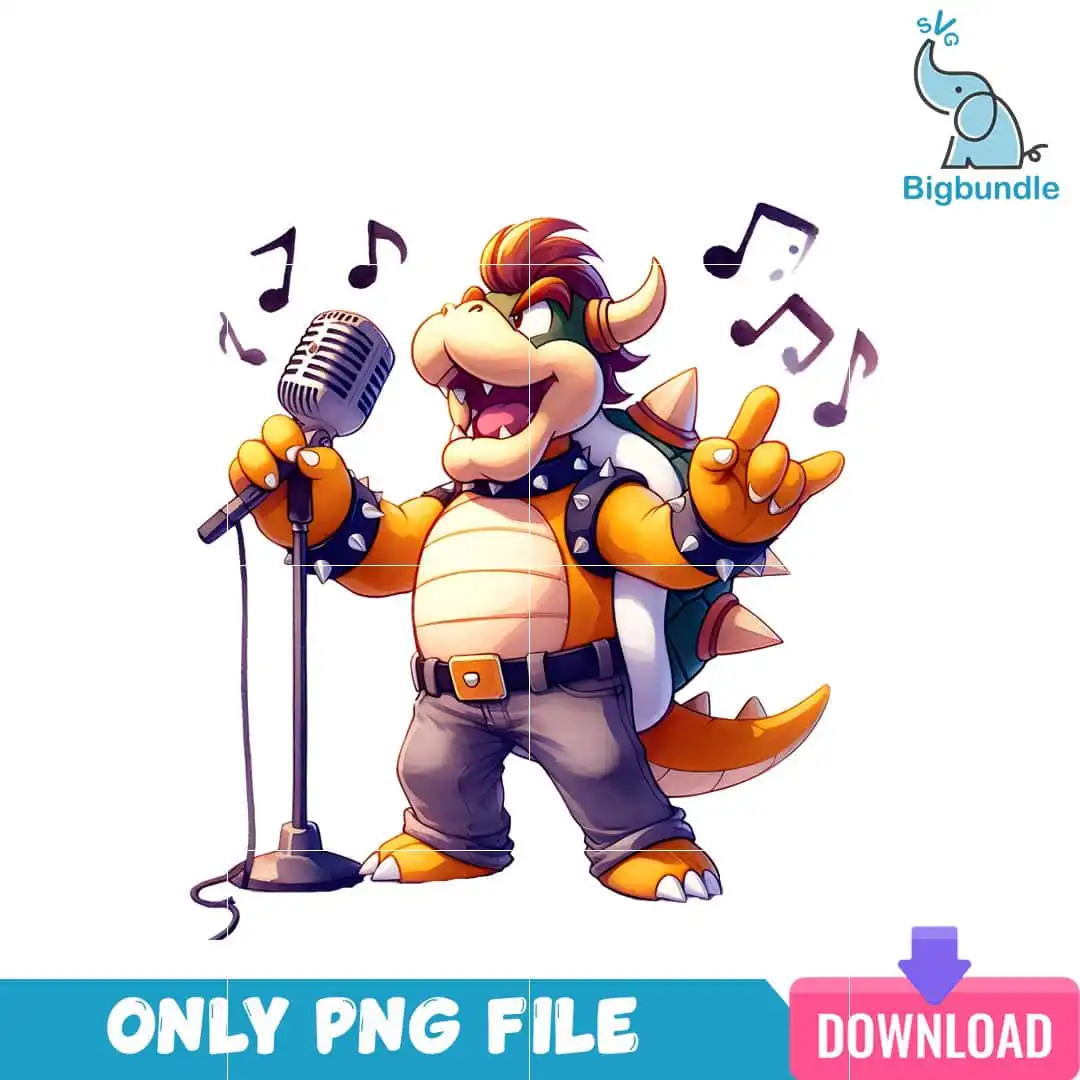
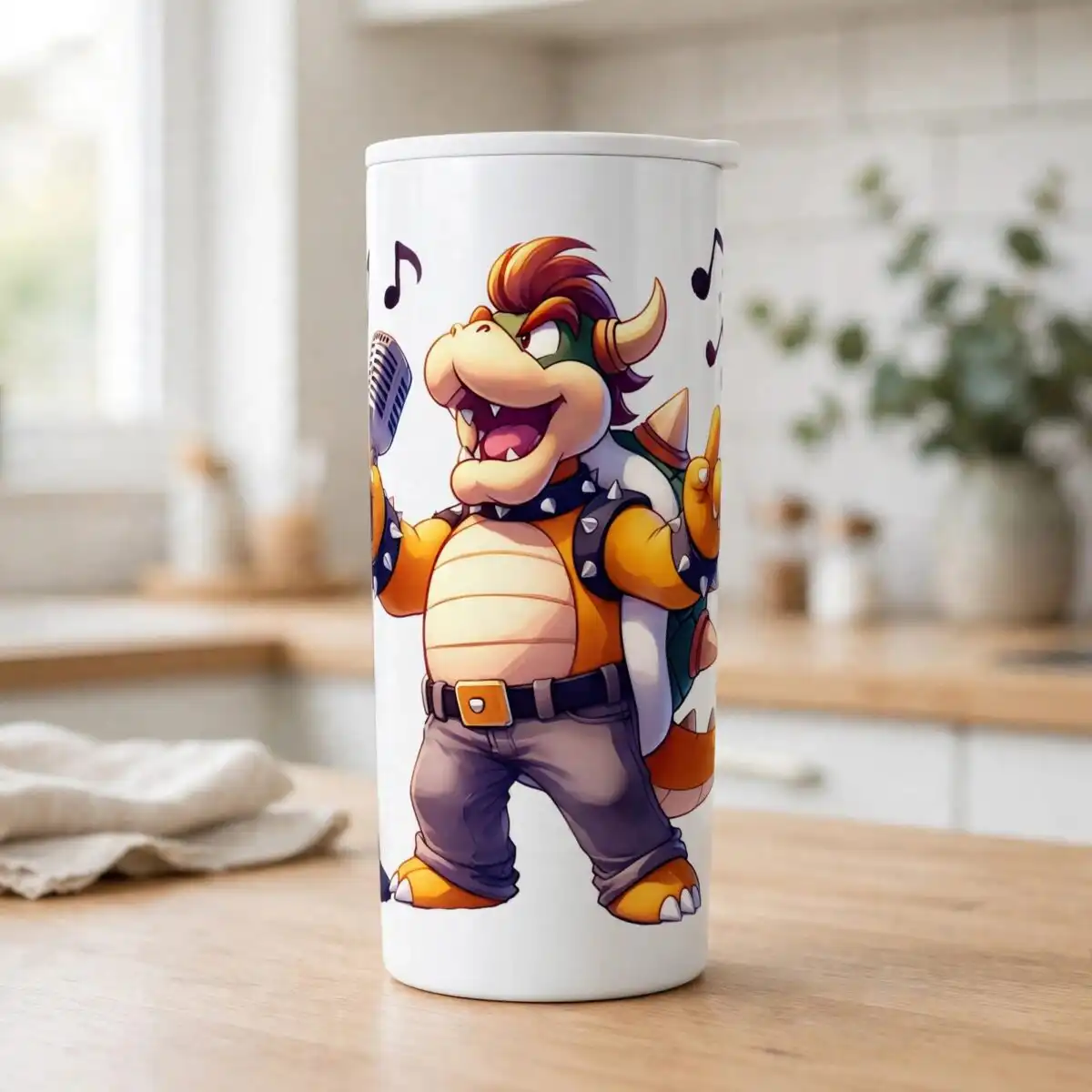
This Bowser Singing Birthday Song PNG is a single illustrated design of the Super Mario character Bowser singing into a vintage microphone, made for sublimation, t-shirt printing, tumblers and mugs. You get one transparent PNG file at 300 dpi. Bowser stands in a rock-star pose with a microphone stand and four music notes around him, drawn in bold orange, cream, white and charcoal grey. His spiked shell, spiked collar and studded vest are picked out in silver grey and black, with dark green and rust red accents on the details. The belt buckle, jeans, horns and tail give the figure a full cartoon outline. The artwork is built for a birthday or gaming party, where a playful Bowser on a shirt or cup makes a fun centrepiece for fans of Super Mario. Because the background is transparent, the figure drops cleanly onto any colour of blank. Use it on a Sawgrass or Epson sublimation printer, or send it through a DTF or print-and-cut workflow.
Design breakdown
The design is delivered as a single PNG with a transparent background and is cut in 6 layers. The palette uses eight named colours: orange, white, cream, charcoal grey, dark green, rust red, black and silver grey. Bowser’s body, shell and horns are mainly orange and cream, with black and silver grey used for the spikes, studded vest, belt buckle and microphone. The four music notes and the microphone stand are separate elements that sit around the figure. Fine details such as the studs, spikes and jeans seams are best cut or printed at 4 inches or larger. The file has no cut lines of its own, so it suits print-and-cut workflows where the outline is traced from the printed artwork.
| Colours | 8 — orange (#F7A21B), white (#FFFFFF), cream (#F5E2B8), charcoal grey (#4A4A4A), dark green (#2E7D5B), rust red (#B5412C) |
|---|---|
| Lettering | ONLY PNG FILE / DOWNLOAD / SVG |
| Background | white |
| Orientation | portrait |
What’s included
- PNG (300 dpi, transparent background)
Works with
- Sublimation printers (Epson, Sawgrass)
- DTF / print-and-cut workflows
- Canva
- Adobe Photoshop
How to use
Download the ZIP from your order page and unzip it to a folder on your computer. Open the PNG in Canva, Adobe Photoshop or your sublimation software, then import it onto a page at the size you need. Resize it with the corners held so the proportions stay true. For a t-shirt, mirror it if your printer requires it, then print on sublimation paper with the transparent background left clear. Check the preview before you print.
Licence
Personal and small-business commercial use. Sell finished physical items; do not resell or redistribute the files themselves.
FAQ
What files are included with this Bowser design?
You get one PNG file at 300 dpi with a transparent background. The download is a single design, and no SVG or other file types are included.
Can I use this Bowser design on a 20oz tumbler?
Yes, the PNG is sized for wraps and can be scaled to fit a 20oz tumbler. Keep the design at least 4 inches tall so the spikes and studs stay sharp when printed.
Which printers and software does this PNG work with?
It works with Epson and Sawgrass sublimation printers, DTF and print-and-cut workflows, Canva and Adobe Photoshop. The transparent background lets it sit cleanly on any coloured blank.
Can I resize the file and sell finished shirts with it?
You can resize the PNG freely. The licence covers personal and small-business commercial use for selling finished physical items, but the files themselves cannot be resold or redistributed.


