

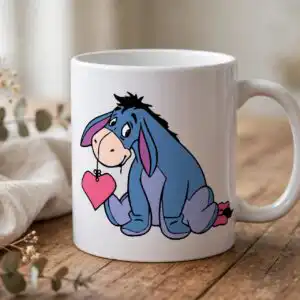
Eeyore Winnie the Pooh PNG – Valentine’s Day Friends Sublimation Design for Shirts, Mugs
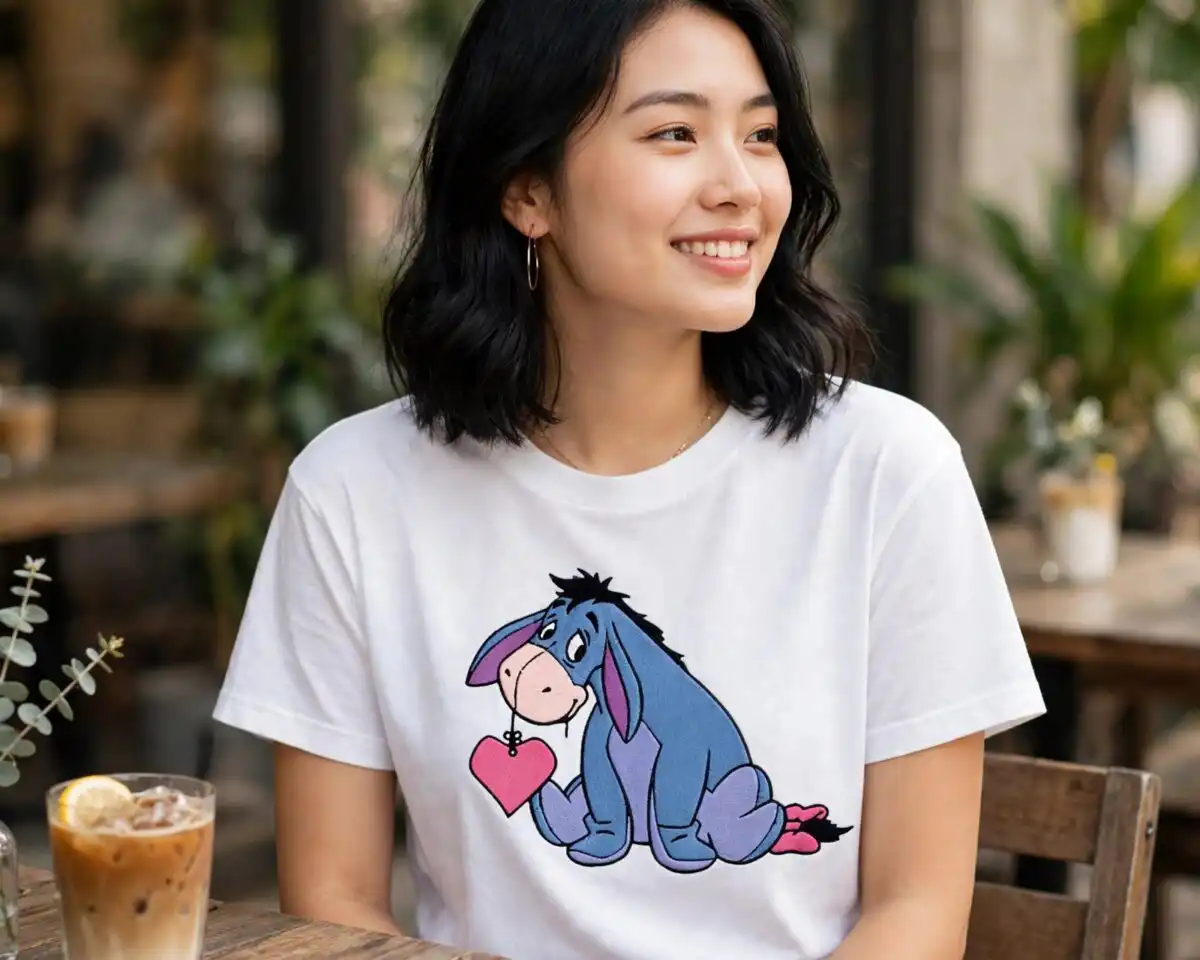
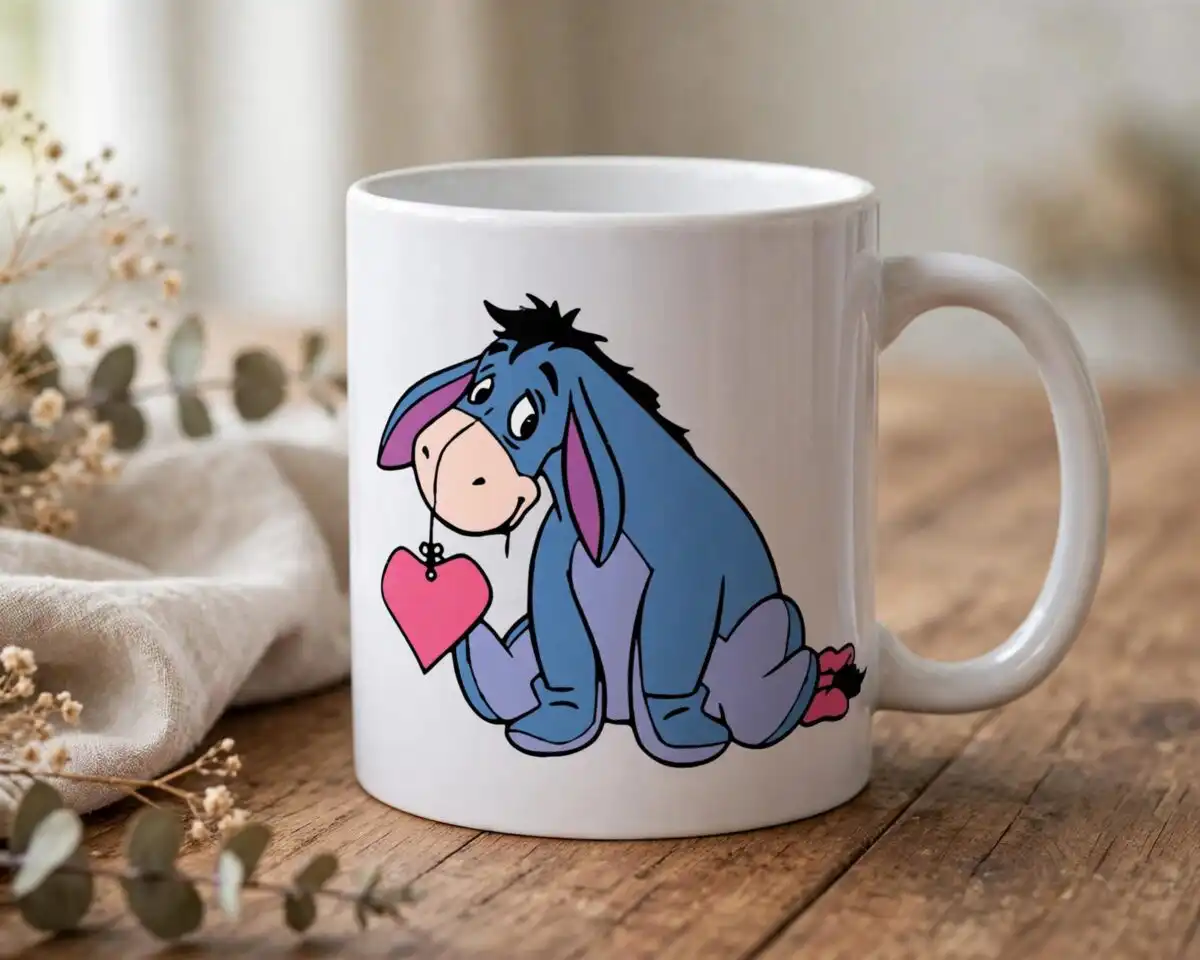
This Eeyore Winnie the Pooh PNG is a single cartoon design of Winnie the Pooh and his friends celebrating Valentine’s Day, delivered as a transparent PNG for sublimation, vinyl cutting and print-and-cut projects. Winnie the Pooh holds a “bee mine” heart sign while Eeyore, Tigger and Piglet each hold a heart, with cupid, a honey pot, a flower bouquet and heart-shaped balloons filling out the scene. The artwork uses golden yellow, red, hot pink and light pink, with Eeyore in blue and Tigger in orange, all outlined in bold black. You receive the file at 300 dpi on a transparent background, so it sits cleanly on dark or light fabric. It suits shirts, tumblers, mugs, cards and scrapbook pages for Valentine’s Day, anniversaries and small gifts for children, friends and partners.
Design breakdown
The artwork is cut in 3 layers and uses 10 colours: golden yellow, red, hot pink, light pink, blue for Eeyore, orange for Tigger, black outlines, white, cream and a pale blue background tone. The composition is flat colour with bold outlines and a solid background, shown on a landscape sheet. Fine details such as the cupid’s bow and arrow, the heart-shaped frames and the letter envelope are small, so cut it at 4 inches or larger for vinyl. The design includes the lettering “bee mine”, “FRIENDS” and “Hugs”, along with the Valentine Cartoon wording. Other objects in the scene include Pooh holding hearts, Eeyore holding a heart, Tigger holding a heart, Piglet holding a heart, a honey pot, a flower bouquet and heart-shaped balloons.
| Colours | 10 — golden yellow (#F5B82E), red (#D92B3A), hot pink (#E8457A), light pink (#F7C9D8), blue (Eeyore) (#5B6FB5), orange (Tigger) (#E8792B) |
|---|---|
| Lettering | 30+ / Valentine Cartoon / bee mine / FRIENDS / Hugs |
| Background | solid |
| Orientation | landscape |
What’s included
- PNG (300 dpi, transparent background)
Works with
- Sublimation printers (Epson, Sawgrass)
- DTF / print-and-cut workflows
- Canva
- Adobe Photoshop
How to use
Download the ZIP file and unzip it to a folder on your computer. Open Canva, Adobe Photoshop or your sublimation software, then import the PNG file. Resize it to fit your blank, keeping the proportions locked so the characters stay sharp. For vinyl, use a PNG cut-out tool or import the file into your cutting software. Print on sublimation paper or prepare a DTF transfer, then press or apply it as your material requires.
Licence
Personal and small-business commercial use. Sell finished physical items; do not resell or redistribute the files themselves.
FAQ
What files are included with this Eeyore Winnie the Pooh PNG?
You receive a single PNG file at 300 dpi with a transparent background. The design shows Winnie the Pooh, Eeyore, Tigger and Piglet in Valentine’s Day themes.
Can I put this Winnie the Pooh design on a mug?
Yes, the design works on mugs and tumblers when printed with sublimation. Size it to the print area of your blank, and keep it at least 4 inches wide so the small hearts and envelope stay readable.
Does this work with Epson or Sawgrass sublimation printers?
Yes, the PNG works with Epson and Sawgrass sublimation printers, as well as DTF and print-and-cut workflows. It also opens in Canva and Adobe Photoshop.
Can I resell shirts made with this design?
Yes, the licence covers personal use and small-business commercial use for selling finished physical items. You may not resell or redistribute the PNG file itself.


