



Follow Us PNG Design: Blue Cartoon Creature Hugging a Teal Plush, Follow What Makes
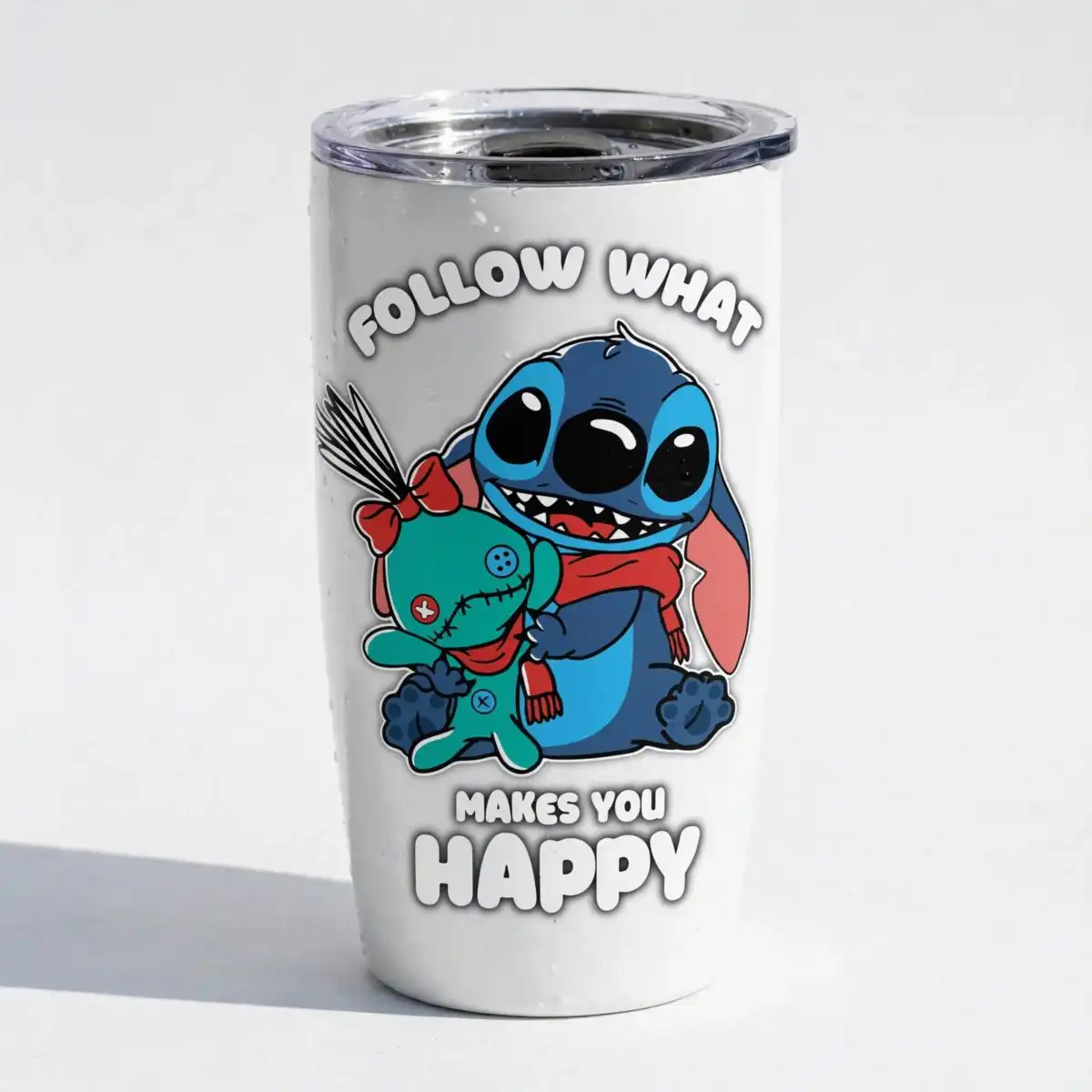
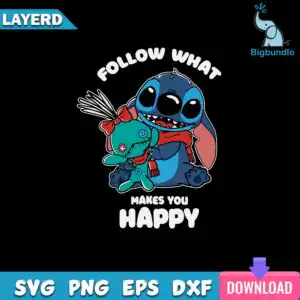
This Follow Us PNG is a single cheerful artwork: a blue cartoon creature with a large head, big eyes and a toothy grin, hugging a teal plush doll with stitched seams. The design sits above the lettering FOLLOW WHAT MAKES YOU HAPPY, and you receive one PNG file with a transparent background, made for sublimation printing on shirts, mugs, tote bags and stickers. The artwork uses medium blue and dark navy blue for the creature, teal for the doll, and red for the bow and scarf, all outlined in white. Because the file is a PNG, you can place it straight into Canva or Adobe Photoshop without removing a background first. The flat colour style and bold sans-serif lettering keep the message easy to read on fabric and ceramic. It suits fans of cartoon characters and anyone who likes a playful, uplifting gift. Everyday use and gifting are both covered by the design.
Design breakdown
The design is a single square artwork cut in 3 layers, with a white outline around the main figures and a dark background banner behind the lettering. Its colours are black, white, medium blue, dark navy blue, teal, red, pink, purple, magenta and light blue. The creature is medium blue with a pink ear and blue buttons, the plush doll is teal with stitched seams, and the bow and scarf are red, with a red patch bearing a white cross. The lettering reads FOLLOW WHAT / MAKES YOU / HAPPY in bold sans-serif capitals. The file includes fine details such as the stitching and button shapes, so cut it at 4 inches or larger if you plan to use a vinyl cutter.
| Colours | 10 — black (#000000), white (#FFFFFF), medium blue (#1E5FBF), dark navy blue (#0B1F4B), teal (#3BA9B8), red (#C8232C) |
|---|---|
| Lettering | FOLLOW WHAT / MAKES YOU / HAPPY / LAYERD / SVG / PNG / EPS / DXF / DOWNLOAD |
| Background | dark |
| Orientation | square |
What’s included
- PNG (300 dpi, transparent background)
Works with
- Sublimation printers (Epson, Sawgrass)
- DTF / print-and-cut workflows
- Canva
- Adobe Photoshop
How to use
Download the ZIP file from your order and unzip it to a folder on your computer. Open the PNG in Canva, Adobe Photoshop or your printing software, then import it into your project. The background is already transparent, so the design sits cleanly on a shirt, mug or tote. Size it to your blank, then print with a Sublimation printer such as an Epson or Sawgrass, or use a DTF or print-and-cut workflow.
Licence
Personal and small-business commercial use. Sell finished physical items; do not resell or redistribute the files themselves.
FAQ
What files are included with this design?
You receive one PNG file at 300 dpi with a transparent background.
Can I put this design on a t-shirt or a mug?
Yes, the design works on t-shirts and mugs when printed with sublimation. Resize it in your software to fit your blank before printing.
Which printers and software work with this PNG?
It works with Sublimation printers such as Epson and Sawgrass, with DTF and print-and-cut workflows, and with Canva and Adobe Photoshop.
Can I resize the file and use it for a small business?
Yes, you can resize it, and the licence covers personal and small-business commercial use. You may sell finished physical items, but not resell or redistribute the files themselves.


